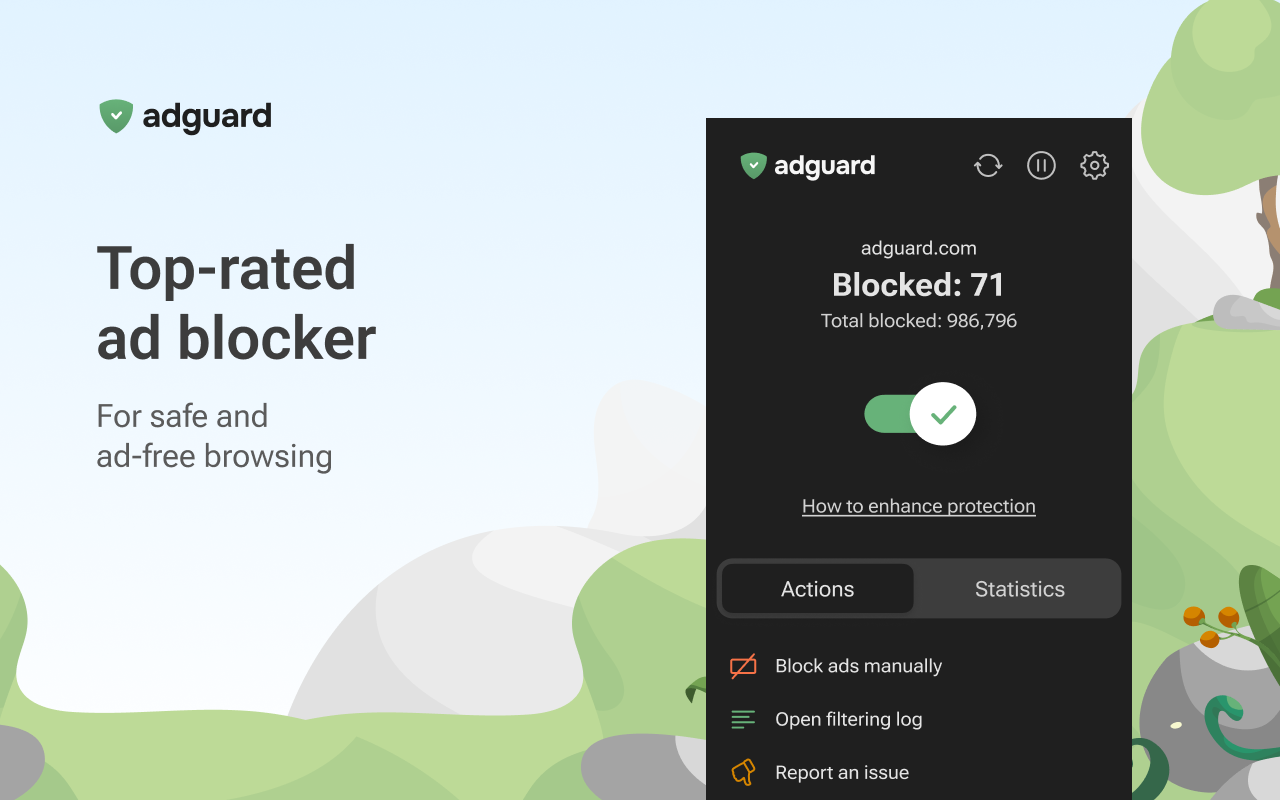
You open a game guide looking for one answer and spend the next minute dodging banners, pop-ups and a video nobody asked to watch. An ad blocker makes sense. Paying for one takes a little more explaining.
AdGuard can be worth buying when you want filtering beyond a single browser and more control across your devices. If a free extension already handles everything you need, the upgrade may offer less value. Before you buy an AdGuard Personal key, here is what you are actually paying for. If you are one of those people who think that “hey, that’s like paying for WinRAR!”, then you are not totallyu incorrect, just maybe 80%. Read below to find out why!
AdGuard Personal: Quick Facts
| Detail | Information |
|---|---|
| Product | AdGuard Ad Blocker Personal |
| Device allowance | Up to 3 devices |
| Supported platforms | Windows, macOS, Android and iOS |
| Main purpose | Ad blocking and tracking protection |
| Key distinction | Features and filtering coverage differ by platform |
The Personal license supports a combination of these operating systems within its device allowance.
Free Ad Blockers Already Do a Lot
AdGuard’s own browser extension is free, and Firefox users also have options such as uBlock Origin. These tools can block browser ads and trackers, with filtering controls that go well beyond simply hiding the occasional banner. You do not automatically need a paid product to get a cleaner browsing experience.
If most of your frustration comes from websites opened in one browser, start there. A capable free blocker may solve the problem without another purchase. For someone who just wants to read reviews, compare graphics cards and browse gaming news comfortably, that could be enough.
There are free options beyond extensions, too. Public AdGuard DNS can block known advertising and tracking domains on configured devices. Broader coverage is therefore not exclusive to paid software, although DNS filtering has limits we will come to shortly.
What Does Paid AdGuard Actually Add?
The main attraction is bringing more of your everyday activity under one filtering application on each device. AdGuard’s Windows and Mac apps can filter traffic across browsers and supported applications, extending coverage beyond an individual browser extension.
That becomes more appealing if you switch between browsers, use several devices or want to adjust how different applications connect. Picture a gaming desktop, a laptop and an Android phone: a Personal license can cover all three, including a mixture of supported operating systems. You install and configure the appropriate app on each device.
The value is in whether that broader coverage solves annoyances you still encounter. Paying purely because “premium must block better” is a weaker reason than identifying an actual gap in your current setup.
Your Device Changes What You Get
Windows and macOS: The standalone apps offer filtering beyond one browser, including supported application traffic. This is a useful starting point if installing an extension in every browser feels repetitive. Coverage still depends on the application and how its traffic can be filtered.
Android: AdGuard can filter ads and trackers in browsers and supported apps. It normally uses a local VPN connection to process traffic on the device. If you already use another VPN app, check compatibility before buying, because Android generally cannot run two VPN connections simultaneously.
iPhone and iPad: AdGuard already offers free Safari ad blocking. Premium adds features including Advanced protection, custom filters and DNS protection that can extend domain-level filtering across apps and browsers. It does not give every iPhone app the same filtering capabilities available inside Safari.
The Limits Worth Knowing Before You Buy
DNS filtering blocks connections to domains. It cannot always separate an advertisement from the content you want when both come from the same place, and it cannot tidy up the empty space left behind on a webpage. This matters particularly on iOS, where protection outside Safari relies on DNS filtering.
YouTube is a useful example: AdGuard DNS cannot reliably remove in-video YouTube ads. Buying a license should not be treated as a promise that every streaming app will become completely ad-free.
Ad blocking also changes as websites change. Filter lists need updates, and you may occasionally need an exception for a page that stops working correctly. Paid software still needs that maintenance.
So, Is AdGuard Worth the Money?
For someone juggling several devices and wanting more control over filtering beyond the browser, AdGuard has a convincing case. Its appeal is strongest when you will use the extra coverage regularly, rather than install it once and wonder what changed.For someone happy with a free browser extension, there may be little urgency to upgrade. Free tools deserve credit for what they already accomplish.
Our advice is to try the official AdGuard for Windows or AdGuard for Mac trial on your normal websites and applications. Check whether it improves the parts of your routine that still annoy you. That is a much better buying test than counting features you might never use.
Deal Spotlight: AdGuard Personal for 3 Devices
If the extra coverage suits your setup, take a look at our AdGuard Ad Blocker Personal 3-device key. The Personal allowance can cover a combination of Windows, Mac, Android and iOS devices, making it a practical option for a desktop, laptop and phone.
Check the current price and license duration before ordering, and choose based on the features available on your devices.
Why Buy From Gamers-Outlet?
At Gamers-Outlet, we offer software keys with free digital delivery and 24/7 customer support. Our 4.6/5 Trustpilot rating from approximately 47,000 reviews gives you plenty of customer feedback to explore before purchasing.
If AdGuard fills a gap in your current setup, compare the offer and get the license that fits your devices.
Before you go, a quick reminder: we’ve received reports of Discord servers impersonating Gamers-Outlet and trying to scam customers. This is our only official Gamers-Outlet Discord server. Join us to talk games, hang out or flag suspicious activity to the team. Be cautious of copycat servers and unsolicited messages claiming to represent us. Stay safe out there, folks!