Quick Facts
| Detail | Information |
|---|---|
| Software | CCleaner Professional |
| License | 1 Year |
| Devices | 1 Windows PC |
| Region | Global |
| Main Purpose | PC Cleaning, Maintenance and Optimization |
| Supported Windows Versions | Windows 11, 10, 8.1 and 8 |
| Key Professional Features | Performance Optimizer, Driver Updater, Software Updater, Health Check, Smart Cleaning |
| Get It at Gamers-Outlet.net | CCleaner Professional 1 Year / 1 Device |
Is CCleaner Professional Still Worth Buying?
If you are searching for phrases such as “buy CCleaner Professional key,” “CCleaner Professional discount,” or “CCleaner Pro 1 year license,” you probably already know what CCleaner does at a basic level. The more useful question is whether paying for CCleaner Professional makes sense when a free version exists.
For some users, probably not. If you occasionally want to remove temporary files manually and already keep every application, driver, browser, and startup program organised yourself, the free tools built into Windows may cover much of what you need.
CCleaner Professional becomes far more interesting for people who do not want PC maintenance to become another regular job. Its value comes from combining several maintenance tasks into one interface and automating many of the things users normally forget about until their computer starts behaving strangely. It will not magically turn a ten-year-old laptop into a new gaming PC, and it does not replace proper antivirus protection. What it can do is make everyday Windows maintenance considerably easier.
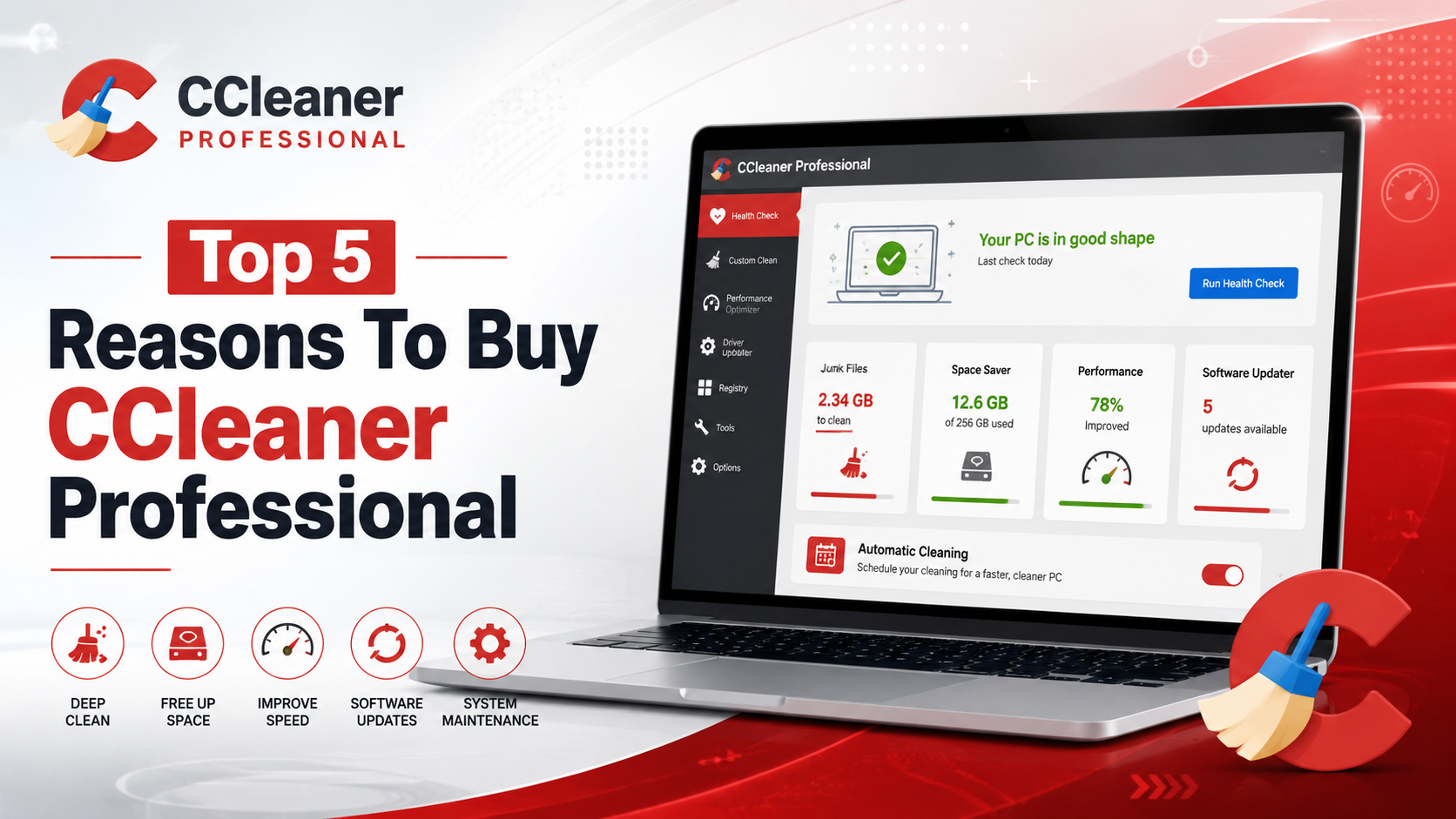
Here are the five main reasons we think CCleaner Professional is worth considering in 2026.
1. Performance Optimizer Helps Control Background Apps
One of the easiest ways for a Windows PC to gradually feel slower is the accumulation of background programs.
Install enough game launchers, messaging apps, hardware utilities, cloud tools, update services, and productivity software, and suddenly a surprising amount of your system resources are being used before you have actually opened anything.
CCleaner Professional’s Performance Optimizer is designed specifically around this problem. It identifies applications running unnecessarily in the background and places supported programs into a sleep-like state when they are not being used. When you need the application again, it can wake normally.
This is particularly useful on older laptops or systems where memory and battery life are more limited. Gamers may also appreciate reducing background activity before launching a resource-heavy title, although the actual performance improvement naturally depends on what was running beforehand.
To be fair, Windows already gives experienced users tools for managing startup applications and background processes. The advantage here is convenience. CCleaner places those controls into an interface designed for people who would rather fix the problem than spend an afternoon figuring out which background service belongs to which application.
2. Software Updater Handles Something People Constantly Forget
Updating Windows is only one part of keeping a computer current. Browsers, media players, communication software, utilities, and other third-party applications also receive security fixes and bug patches. The problem is that every developer handles updating differently. Some applications update automatically, others ask every few weeks, while another program quietly remains three versions behind because nobody remembered it was installed.
CCleaner Professional includes a Software Updater that scans supported applications for outdated versions and can update them through one location.
This is probably one of the more practical Professional features because outdated applications can contain publicly known vulnerabilities. Updating them is not simply about gaining new buttons or interface changes. It is part of basic system maintenance.
The feature is particularly helpful on PCs that have been running the same Windows installation for several years. Those systems tend to accumulate software, and manually checking twenty different applications becomes unrealistic very quickly. CCleaner does not replace Windows Update, but it complements it by looking at software that Windows itself may not maintain for you.
3. Driver Updater Makes Hardware Maintenance Easier
Drivers sit quietly between Windows and your hardware, which is why most people only think about them when something stops working.
A graphics driver can affect games. Network drivers influence Wi-Fi and Ethernet behaviour. Audio drivers can create strange sound problems, while outdated chipset or device drivers may introduce stability issues after a Windows update.
CCleaner Professional’s Driver Updater scans for outdated hardware drivers and provides a centralized way to install newer compatible versions. That does not mean every driver should automatically be replaced simply because a newer one exists. If your computer is completely stable, updating obscure hardware purely for the sake of having a larger version number is rarely necessary.
The usefulness comes when you are already experiencing problems or maintaining a system where several drivers have fallen significantly behind. Instead of searching different manufacturer websites and trying to identify the correct package manually, Driver Updater can simplify the process.
For people comfortable managing NVIDIA, AMD, Intel, motherboard, and peripheral drivers independently, this feature may be less valuable. For everyone else, having one place to identify outdated drivers is considerably more approachable.
4. Health Check Turns Several Maintenance Tasks Into One Process
This may be the feature that best explains why somebody would pay for CCleaner Professional rather than simply use separate Windows utilities.
Health Check examines several areas of the computer and presents recommended actions through a simplified interface. It can look for unnecessary files, privacy-related browser data, applications affecting performance, and software that needs updating.
Instead of thinking: “Do I need to clean temporary files? Which programs are outdated? What’s launching with Windows? Should I check my browser data?” You can perform a broader health scan and then review the suggested changes.
That simplicity is useful for less technical users, but it can also save time for experienced PC owners who maintain several systems. You still retain control over what is removed or changed, which is important. Cleanup software should never become an excuse to delete everything it finds without reviewing it first.
Health Check is therefore less about discovering a secret Windows optimization trick and more about bringing routine tasks together. And sometimes convenience is exactly what makes maintenance happen regularly instead of once every two years when the PC starts begging for mercy.
5. Smart Cleaning and Scheduling Make Maintenance Automatic
This is where Professional separates itself most clearly from occasional manual cleaning.
Smart Cleaning can monitor accumulated junk and prompt or perform cleanup once specified conditions are met. Browser cleaning can also be configured around supported browsing activity, while scheduled cleaning allows regular maintenance to run according to a timetable.
The obvious advantage is consistency. Most people do not put “clean temporary browser data” on their calendar. That would honestly be weird. They remember maintenance after storage begins disappearing or something starts slowing down.
CCleaner Professional allows many of those repetitive jobs to happen automatically. Pure automation bliss, as I like to call it!
For someone with a single home PC who simply wants the machine kept relatively tidy without repeatedly opening utilities and checking individual settings, this may be the strongest argument for buying the Professional version.
CCleaner Professional vs Free: What Are You Actually Paying For?
The free version remains useful, particularly for basic cleaning. Professional makes more sense when you want the maintenance ecosystem around that cleaning. The paid version currently adds functionality such as Performance Optimizer, Driver Updater, the more complete Health Check features, automatic Software Updater functionality, Smart Cleaning, scheduled maintenance, and priority support.
That distinction matters because somebody who manually maintains everything may gain relatively little from upgrading. Someone who wants those tasks monitored and centralized receives considerably more value.
One other detail is worth checking before purchase: CCleaner Professional is intended for home use. Despite the word “Professional,” CCleaner’s current licensing information distinguishes its consumer Professional products from its dedicated business range. Businesses managing multiple workplace computers should therefore look at the appropriate commercial licensing instead.
Who Is CCleaner Professional Best For?
The 1-year, 1-device license makes the most sense for somebody maintaining one primary Windows computer. That could be a gaming PC, family desktop, study laptop, or personal work machine where several years of installations have started creating background clutter.
Power users who already manage drivers directly from manufacturers, monitor startup programs manually, clear browser data themselves, and maintain software through package managers may not need it.
For everybody else, the selling point is not that CCleaner can perform impossible Windows tricks.
It is that it puts a lot of annoying little maintenance jobs in one place. That can be worth considerably more than another complicated optimization utility claiming to reinvent your computer.
Deal Spotlight: Buy CCleaner Professional 1 Year / 1 Device
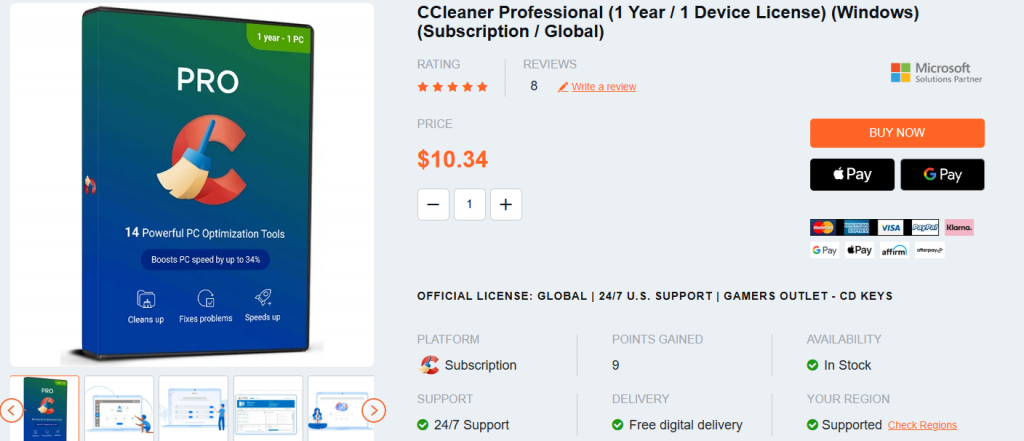
If CCleaner Professional fits the way you maintain your PC, you can buy CCleaner Professional 1 Year / 1 Device License directly through Gamers-Outlet.net.
The listing is for a one-year subscription covering one Windows device, so make sure that license duration and device count match what you need before purchasing.
Gamers-Outlet currently holds a 4.6 out of 5 Trustpilot rating from almost 44,000 customer reviews. Buyers can check those recent customer experiences independently before ordering, particularly when comparing digital software sellers.