Instant Activation: Microsoft Office 365 Business Standard (1 Year License) (Subscription / Europe) CD Key
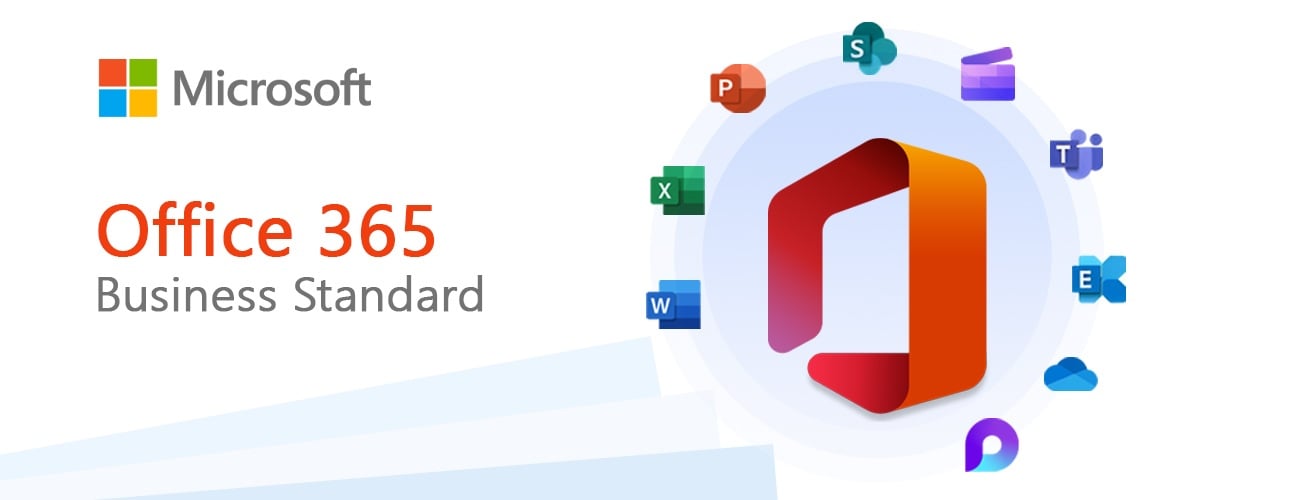
Introducing Microsoft 365 Business Standard - your ultimate collaboration toolset designed to elevate your team's productivity. Unite, communicate, and create like never before with a suite of enhanced applications, including the all-new Word, Excel, and PowerPoint. Experience faster, more efficient workflows as you draft reports, design engaging presentations, and organize financial data. Microsoft 365 Business Standard empowers you to unlock your team's full potential, making work not just better, but more enjoyable.
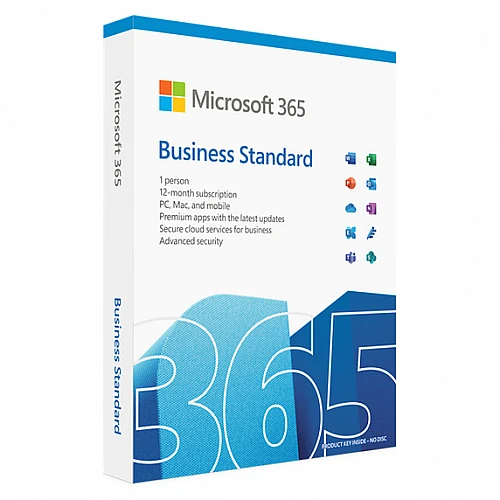
This Microsoft 365 Business Standard package includes a 1-year subscription
Equip your team with the tools they need to thrive in today's fast-paced business landscape. Collaborate, innovate, and grow together with Microsoft 365 Business Standard.
You can install Microsoft 365 apps on up to five PCs or Macs, five tablets, and five mobile devices.
In total, this means you can have up to 15 devices by including both mobile devices and tablets.
The license is meant for one user.
For Windows | Mac | Android | iOS
ACTIVATION INSTRUCTIONS:
A Microsoft account is required to activate the license. It can be created for free via the link below. (It is necessary to create an account through the given link, the license cannot be activated on a personal Microsoft account created on the website https://microsoft.com)
1. On your PC or Mac, go to https://microsoft365.com/setupbusiness
2. Enter the 25-digit code that you will find in the email you received when you purchased the electronic license, or on the back of the product card if you purchased the boxed version.
3. Create a new account or log in using a company account (e.g. mailto:[email protected]). Write down your account information so you can use Microsoft 365 on all your devices and manage your account at any time.
4. Follow the on-screen instructions to start using Microsoft 365.
See https://aka.ms/smbsetup for help with these steps
Take advantage of more benefits:
1. Go to https://admin.microsoft.com and:
Install the software on another device.
Manage your subscription.
Add, edit or remove user accounts.
Reset passwords.
2. For more help and information, visit https://aka.ms/exploresmb
Compatible with Windows 10, Windows 11
Office 365 for Mac is only supported on the three most recent versions of macOS: Big Sur, Monterey, and Ventura.
- Will I get an invoice?
Invoice will automatically generate upon placing an order.
- Where can I find my invoice?
Once the order is completed, the invoice will be available under 'My Account' (top right corner of the top bar) -> 'Order History.'
- Can I edit my invoice?
Currently, you cannot do this yourself. Please contact our support via email at [email protected], and we will be glad to assist you with the matter. For a faster process, please include the order number and any relevant information you want to be shown (such as your name, ID/tax number, etc.).
- Can I install this on macOS?
Yes, this product does support macOS, Windows, iOS, and Android.
- Can I redeem this product anywhere?
No, this product can only be activated from Europe.
If you live outside of Europe, a VPN can be used to activate the product. (For instructions, please contact [email protected].)
- Can I transfer this product to new hardware?
Yes, this key can be bind to your Microsoft account.
- Is there a specific way I need to install this product?
Please read the 'Activation' tab.
- What if I need a COA sticker for that product?
The COA label print can be scanned and sent to you upon request, for an additional charge.
A Microsoft account is required to activate the license. It can be
created for free via the link below. (It is necessary to create an account
through the given link, the license cannot be activated on a personal Microsoft
account created on the website https://microsoft.com)
1. On your PC or Mac, go to Here
2. Enter the 25-digit code that you will find in the email you
received when you purchased the electronic license, or on the back of the
product card if you purchased the boxed version.
3. Create a new account or log in using a company account (e.g.
mailto:[email protected]). Write down your account information so you can
use Microsoft 365 on all your devices and manage your account at any time.
4. Follow the on-screen instructions to start using Microsoft 365.
See https://aka.ms/smbsetup for help with these steps
Take advantage of more benefits:
1. Go to https://admin.microsoft.com and:
Install the software on another device.
Manage your subscription.
Add, edit or remove user accounts.
Reset passwords.
2. For more help and information, visit https://aka.ms/exploresmb














































 Subscription


