


























If you'd like to buy a big amount of copies, please contact [email protected]
Microsoft Windows 10 IoT Enterprise 2021 LTSC (Lifetime License / Global)
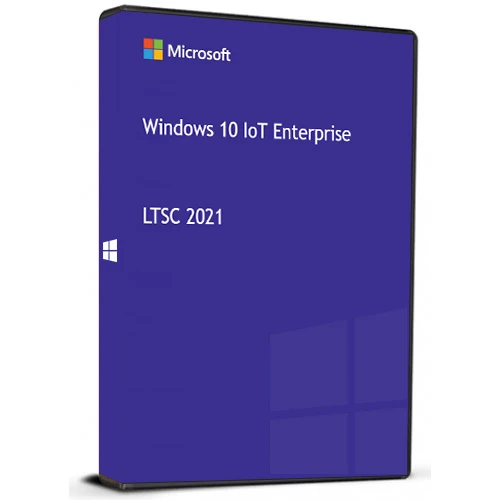
Microsoft Windows 10 IoT Enterprise 2021 LTSC (Lifetime License / Global)

Rating

Reviews
Price
  • $23.59
cards klarna GPay Apple Pay affirm afterpay

Official License: Global | 24/7 U.S. Support | Gamers Outlet - CD Keys

Platform
Microsoft Lifetime License
Points Gained
20
Availability
In Stock
Support
24/7 Support
Delivery
Free digital delivery
Your Region
Supported

$23.59

Instant Activation: Microsoft Windows 10 IoT Enterprise 2021 LTSC (Lifetime License / Global) CD Key
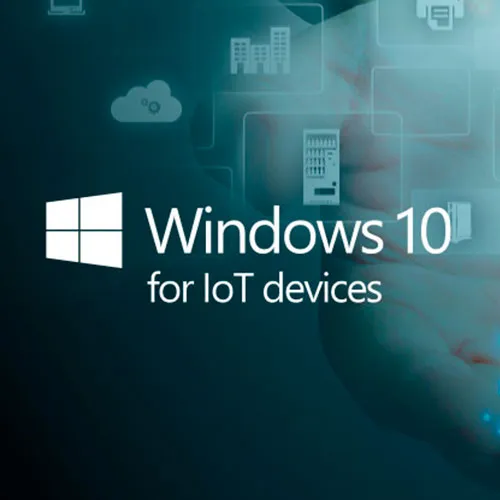
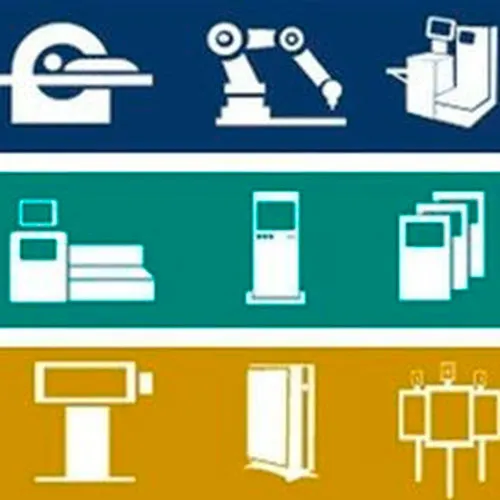
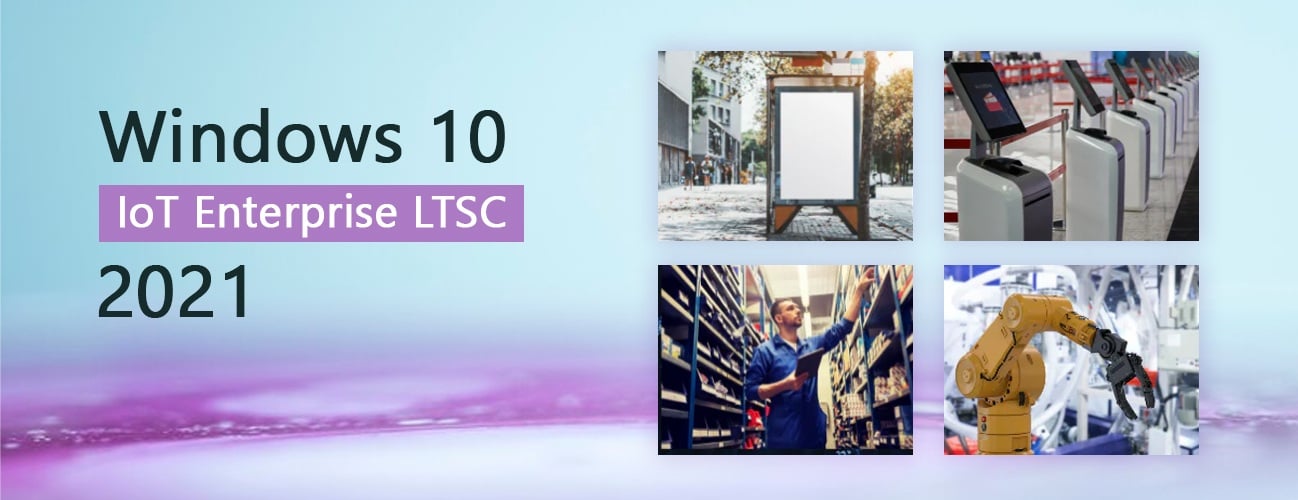
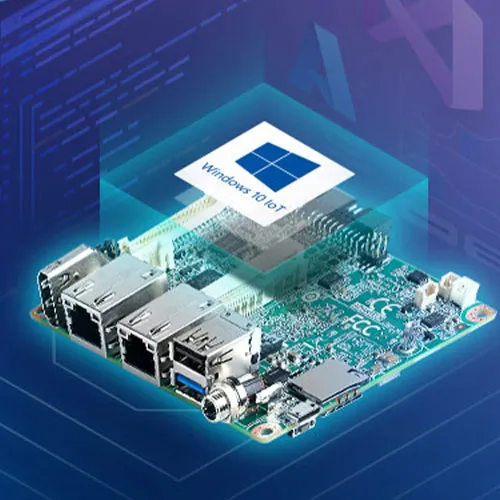
Windows 10 IoT Enterprise has all the features of Windows 10 Enterprise, plus advanced lockdown features and long-term support, making the IoT version a great fit for embedded systems such as ATM machines, digital signs, industrial automation systems, kiosks, medical devices, and point of sale.

With Windows 10 IoT Enterprise OS on your device, you get:

- Faster time to market

- Advanced security and lockdown features

- Advanced configuration features

- Long-term support


  • Will I get an invoice?
    Invoice will automatically generate upon placing an order.

  • Where can I find my invoice?
    Once the order is completed, the invoice will be available under 'My Account' (top right corner of the top bar) -> 'Order History.'

  • Can I edit my invoice?
    Currently, you cannot do this yourself. Please contact our support via email at [email protected], and we will be glad to assist you with the matter. For a faster process, please include the order number and any relevant information you want to be shown (such as your name, ID/tax number, etc.).

  • Can I install this on macOS?
    No, this product does not support MacOS.

  • Can I redeem this product anywhere?
    Yes, this Product is a Global version.

  • Can I transfer this product to new hardware?
    No, The code is valid for 1 pc or 1 installation - if you uninstall or reinstall you might need to buy a new code.

  • Is there a specific way I need to install this product?
    Please read the 'Activation' tab.

  • What if I need a COA sticker for that product?
    The COA label print can be scanned and sent to you upon request, for an additional charge.

Download the Windows 10 IoT Enterprise 2021 LTSC ISO: en-us_windows_10_iot_enterprise_ltsc_2021_x64_dvd_257ad90f.iso

*Alternative download link Link

Alonso Palma 12/07/2026

Excelente todo muy rápido la activación, lo recomiendo 100%....

Chungus 27/06/2026

Worked with the first product key provided. Hopefully it's not a temporary key so I can enjoy windows 10 into 2032.

james king 31/05/2026

license key works with original installer from Microsoft and updates work fine.

Emz Ve 19/02/2026

Bought a Windows Ent Key and it was available withing seconds... Very impressed. I may buy another set of keys again!

Jose Muñoz 04/02/2026

Muy buena compra, un windows 10 sin aplicaciones maliciosas y con soporte hasta 2032, como nota apartes al instalarlo no tendrá ningún driver, así que tendrán que instalarlos manualmente o conectar un celular para compartir internet, después hay que habilitar windows update ejecutando "services.msc" buscan windows update lo detienen e inicia, luego le dan en reiniciar servicio, ya con windows update deben esperar a que se actualize todo, y ya queda listo para usar.

Write a review

Note: HTML is not translated!
Captcha
Review Score: 5 / 5
Alonso Palma 12/07/2026

Excelente todo muy rápido la activación, lo recomiendo 100%....

Chungus 27/06/2026

Worked with the first product key provided. Hopefully it's not a temporary key so I can enjoy windows 10 into 2032.

james king 31/05/2026

license key works with original installer from Microsoft and updates work fine.

Emz Ve 19/02/2026

Bought a Windows Ent Key and it was available withing seconds... Very impressed. I may buy another set of keys again!

Jose Muñoz 04/02/2026

Muy buena compra, un windows 10 sin aplicaciones maliciosas y con soporte hasta 2032, como nota apartes al instalarlo no tendrá ningún driver, así que tendrán que instalarlos manualmente o conectar un celular para compartir internet, después hay que habilitar windows update ejecutando "services.msc" buscan windows update lo detienen e inicia, luego le dan en reiniciar servicio, ya con windows update deben esperar a que se actualize todo, y ya queda listo para usar.

Support