Tom Clancy's Rainbow Six Vegas 2 (PC Ubisoft Connect Key / Global)

Tom Clancy's Rainbow Six Vegas 2 (PC Ubisoft Connect Key / Global)
Rating

Reviews
Price
  • $3.32
cards klarna GPay Apple Pay affirm afterpay

Official License: Global | 24/7 U.S. Support | Gamers Outlet - CD Keys

Platform
Uplay PC Ubisoft Connect Key
Points Gained
3
Availability
Out Of Stock
Support
24/7 Support
Delivery
Free digital delivery
Your Region
Supported

$3.32

Instant Delivery: Tom Clancy's Rainbow Six Vegas 2 (PC Ubisoft Connect Key / Global) Game Key
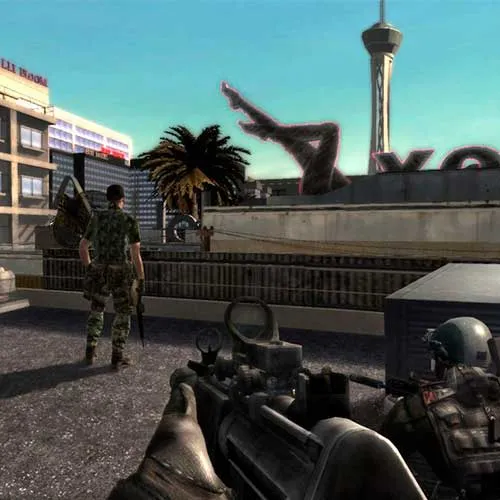
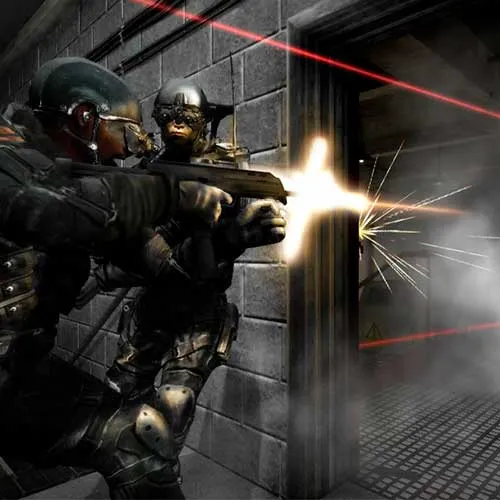
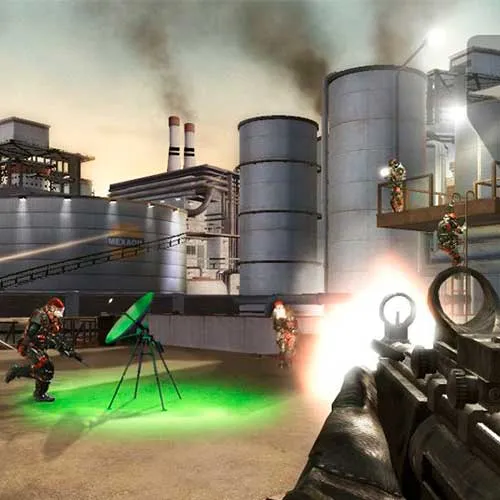
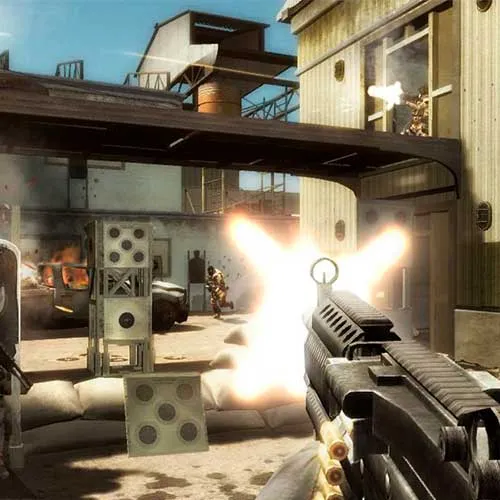
Tom Clancy's Rainbow Six Vegas 2 is a tactical shooter game released by Ubisoft Montreal in 2008. The game is a sequel to the popular Rainbow Six Vegas, and features a similar gameplay style, with players taking on the role of an elite counter-terrorism unit tasked with neutralizing threats in various locations around the world. Set in Las Vegas, the game features a variety of urban environments, including casinos, hotels, and other iconic landmarks.

One of the unique features of Rainbow Six Vegas 2 is its "Persistent Elite Creation" system, which allows players to create and customize their own unique character for use in both the single-player campaign and multiplayer modes. This system allows players to create a character that reflects their own playstyle and preferences, and encourages players to experiment with different loadouts and strategies.

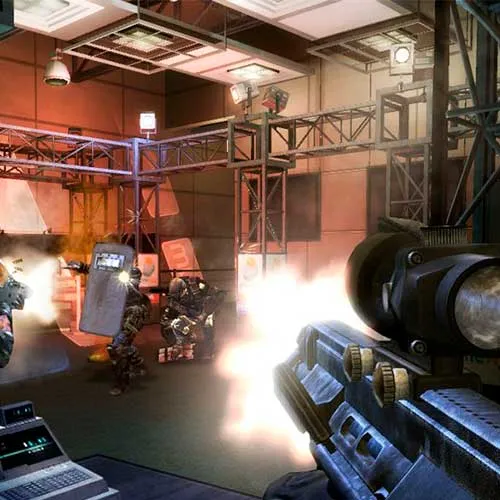
Rainbow Six Vegas 2 also features a strong emphasis on co-operative gameplay, with a dedicated co-op campaign that allows players to team up and tackle missions together. The game also features a variety of multiplayer modes, including classic team deathmatch and objective-based modes like "Attack and Defend" and "Capture the Flag". With its engaging gameplay, unique character creation system, and robust multiplayer modes, Rainbow Six Vegas 2 remains a favorite among fans of the tactical shooter genre.


  • Will I get an invoice?
    Invoice will automatically generate upon placing an order.

  • Where can I find my invoice?
    Once the order is completed, the invoice will be available under 'My Account' (top right corner of the top bar) -> 'Order History.'

  • Can I edit my invoice?
    Currently, you cannot do this yourself. Please contact our support via email at [email protected], and we will be glad to assist you with the matter. For a faster process, please include the order number and any relevant information you want to be shown (such as your name, ID/tax number, etc.).

  • Is this product for every platform?
    No, this product is specific to the Uplay platform.

  • Can I redeem this product anywhere?
    Yes, this Product is a Global version.

  • Is this product a game, credit, subscription or DLC?
    This product is the base game.

  • Can I transfer this game to new hardware or a new console?
    Yes, This key is bind to your Uplay account.

  • Is there a specific way I need to install this product?
    Please read the 'Activation' tab.

To activate your product key on the Ubisoft Connect client, please follow these simple steps: 

  1. Download and open Ubisoft Connect: https://ubisoftconnect.com/#experience-pc-section
  2. If you don't have an account, create one or log in: https://www.ubisoft.com/help/article/000078663
  3. Click the 3 lines icon in the top left corner of the application: https://imgur.com/a/aMlMQLg
  4. Choose "Activate a key" from the dropdown menu.
  5. Enter your product key into the "Activation Code" field.
  6. Click "Activate" to confirm.

The game/downloadable content will now appear in your library.

Dražen Runtas 03/09/2020

The attention to detail and commitment to customer satisfaction on this website are impressive. I've always had a great experience shopping here and will continue to do so.

Write a review

Note: HTML is not translated!
Captcha
Review Score: 5 / 5
Dražen Runtas 03/09/2020

The attention to detail and commitment to customer satisfaction on this website are impressive. I've always had a great experience shopping here and will continue to do so.

Support