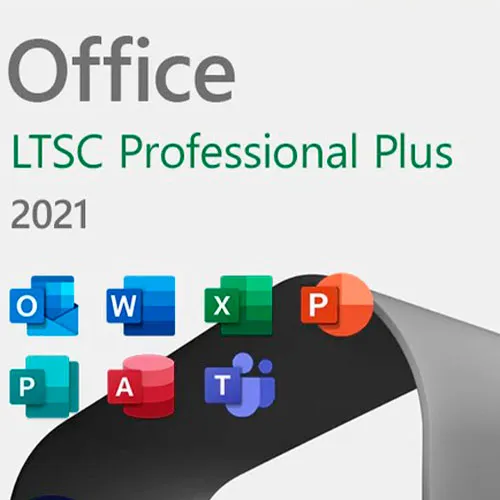



























Office 2021 Professional Plus LTSC Consumer customers can purchase Microsoft Office 2021 for Windows and commercial customers can now purchase Microsoft Office LTSC for Windows. Office 2021 and Office LTSC 2021 are the next perpetual releases of Office. They include improvements over Microsoft Office 2019 and earlier versions of on-premises Office.
Office LTSC is the latest perpetual version of Microsoft 365 for commercial and government customers. It is a device-based license available as a one-time, “perpetual” purchase on both platforms (Windows). Like the previous version, Office 2019, Office LTSC will include Word, Excel, PowerPoint, Outlook, OneNote, Access (Windows only), and Publisher (Windows only).
Office 2021 for Windows and Office LTSC for Windows include only a subset of the features available in Microsoft 365 Apps. This subset includes up-to-date accessibility features, capabilities like Dynamic Arrays and XLOOKUP in Excel, visual improvements, and performance improvements across Word, Excel, and PowerPoint. While Microsoft 365 Apps will continue to receive the latest improvements in modern collaboration, advanced security, and intelligent capabilities as soon as they are available, Office 2021 for Windows and Office LTSC for Windows will remain locked in time.
What changed in Office LTSC 2021?
The following are changes in Office LTSC 2021 compared to the volume licensed version of Office 2019.
Privacy-related policy settings
The following policy settings are available when using Group Policy:
Configure the level of client software diagnostic data sent by Office to Microsoft
Allow the use of connected experiences in Office that analyze content
Allow the use of connected experiences in Office that download online content
Allow the use of connected experiences in Office
These policy settings are located under User Configuration\Policies\Administrative Templates\Microsoft Office 2016\Privacy\Trust Center in the Group Policy Management tool.
Microsoft Teams
Users with the Teams client app from their existing Office LTSC 2021 installation are prompted to sign in upon launching. Users with a Microsoft Entra account linked to Teams, Microsoft 365, or Office 365 can sign in using their licensed account.
Users without an existing license for Teams are able to use the free or the Exploratory service for Microsoft Teams.
The Exploratory experience is for users in an organization who have existing Microsoft Entra accounts but aren't licensed for Teams.
Language support
Office LTSC 2021 adds support for the following three languages:
1. English (United Kingdom), en-gb
2. French (Canada), fr-ca
3. Spanish (Mexico), es-mx
OpenDocument format 1.3
Word, Excel, and PowerPoint in Office LTSC 2021 include support for OpenDocument format (ODF) 1.3.
Office Add-ins
Several more Office Add-ins JavaScript APIs are available with Office LTSC 2021.
All that and much more!