Quick Facts
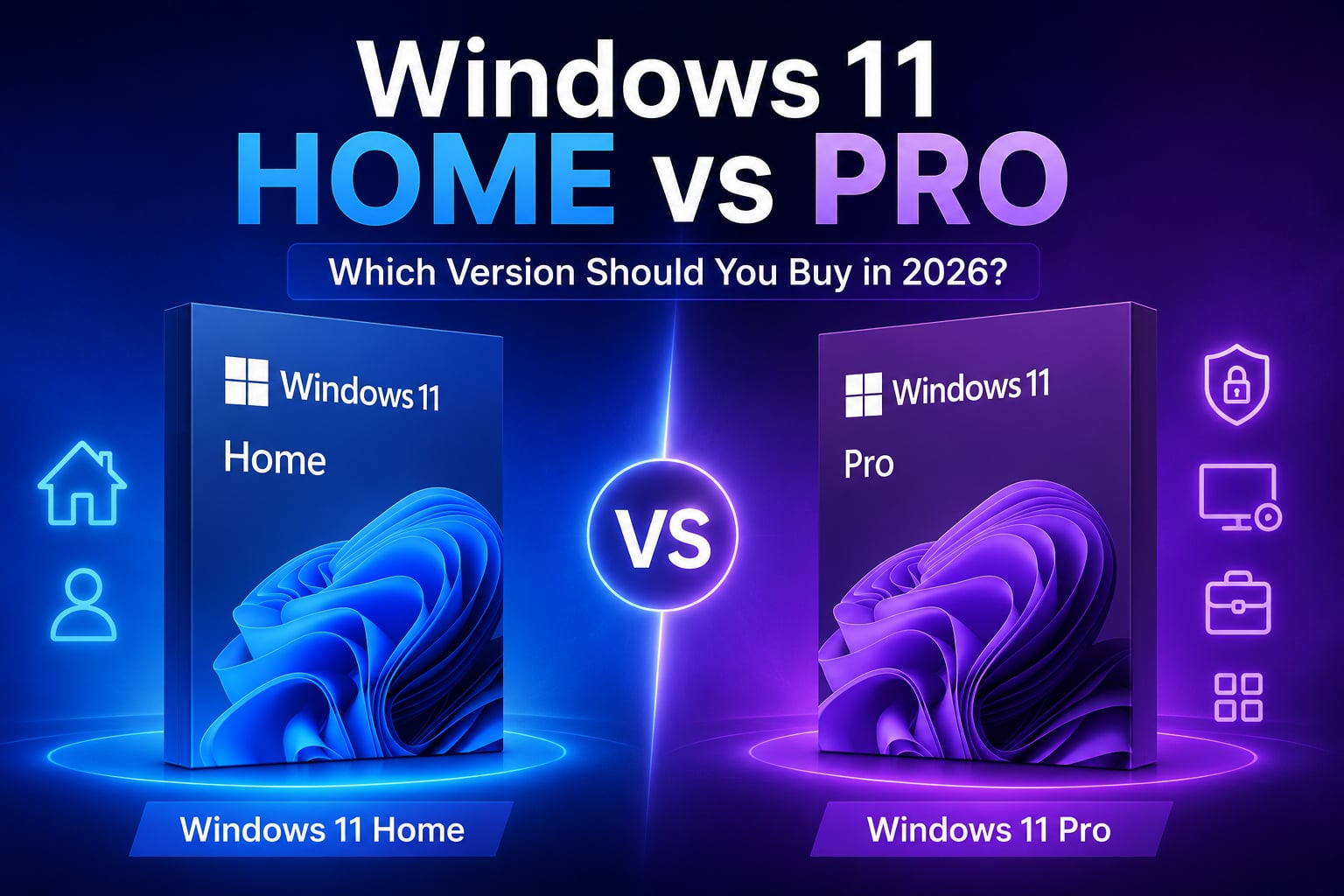
| Detail | Windows 11 Home | Windows 11 Pro |
|---|---|---|
| Target User | Everyday Users, Students, Gamers | Professionals, Freelancers, Businesses |
| BitLocker Encryption | No | Yes |
| Remote Desktop Host | No | Yes |
| Group Policy Editor | No | Yes |
| Hyper-V Virtualization | No | Yes |
| Maximum RAM Supported | 128 GB | 2 TB |
| Get It at Gamers-Outlet.net | Windows 11 Home Key | Windows 11 Pro Key |
Why This Question Matters More Than Ever In 2026
If you are searching for phrases like “Windows 11 Home vs Pro,” or “which Windows 11 version should I buy,” you are already at the point where most people get stuck.
The confusing part is that both versions look almost identical. They share the same interface, the same updates, the same Microsoft Store, the same gaming features, and the same overall Windows experience. In fact, most users could sit in front of either version and never notice a difference during normal use.
That raises an obvious question. If they look the same, why does Windows 11 Pro cost more? And perhaps more importantly: Do you actually need it?
The answer depends entirely on how you use your computer.
Why Is This So Confusing?!
Most Windows comparison articles simply list every feature side by side. Technically, that is correct. Practically, it is useless.
Most users do not care whether Group Policy Editor exists if they have no idea what Group Policy Editor does. Similarly, knowing that Hyper-V is available in Pro tells you very little if you have never created a virtual machine before. IMO, technical term usage is great, but if it is aimed at the wrong demographic, it makes no sense. Which is why we will break it down for you. But before we dive deeper, ask yourself this –
What kind of user are you? Once you answer that, choosing the right version becomes surprisingly easy.
Also, if you are a Windows 10 user, check out this article we wrote first!
For Most People, Windows 11 Home Is Enough
This may sound surprising considering Microsoft constantly promotes Pro, but for the average person, Windows 11 Home already provides everything they need. If you primarily use your PC for:
- Gaming
- Streaming
- Web browsing
- Office work
- University studies,
Then Windows 11 Home will likely feel identical to Pro. The gaming experience is exactly the same.
Features like DirectStorage, Auto HDR, Game Mode, and support for modern graphics cards are available on both editions. Whether you are playing the most recent Call of Duty, or Cyberpunk 2077, or the latest AAA release, your frame rate will not magically improve because you purchased Windows 11 Pro.
This is one of the biggest misconceptions online. A gaming PC running Windows 11 Home performs virtually the same as a gaming PC running Windows 11 Pro when the hardware is identical. For many buyers, this immediately answers the question.
When Windows 11 Pro Starts Making Sense
Windows 11 Pro becomes valuable when your computer stops being just a personal machine and starts becoming a work tool. This is particularly relevant for:
- Freelancers
- Consultants
- Small business owners
- Developers
- IT professionals
The biggest advantage is not performance. It is control. Pro includes features that help manage devices, secure sensitive information, and access systems remotely.
BitLocker is one such good example; it provides full-device encryption, helping protect files if a laptop is lost or stolen. For a student gaming at home, this may not be a major concern. For a freelancer carrying client data on a laptop, it suddenly becomes very important. I personally use the PRO version, as (big surprise) I am a freelancer myself.
The same applies to Remote Desktop. Windows 11 Home can connect to remote machines, but Windows 11 Pro can actually host remote connections. If you regularly access your work computer from another location, this feature alone may justify the upgrade.Once again – very very helpful if you actually need it.
The Freelancer Test
Since many Gamers-Outlet.net readers work remotely, this is probably the easiest way to decide. Ask yourself three questions:
1. Do you work with sensitive client information?
2. Do you access your PC remotely?
3. Do you frequently manage multiple devices?
If the answer is “no” to all three, Windows 11 Home is likely sufficient.
If the answer is “yes” to even one or two of them, Windows 11 Pro starts becoming a much stronger option. I would personally argue that BitLocker alone makes Pro worth considering once your PC becomes part of your professional workflow.
What About Small Businesses?
This is where Windows 11 Pro clearly pulls ahead.
Businesses often need:
- Device management
- Security controls
- User permissions
- Network administration
Windows 11 Pro was designed with those scenarios in mind.
Features like Group Policy, Azure AD integration, Windows Sandbox and Hyper-V become genuinely useful once multiple employees or devices enter the picture. More on these soon, let us know in the comments if you want us to explore each of these in detail! 🙂
Anyway, most home users will never touch these features, whereas most IT departments use them constantly. That distinction is important.
Windows 11 Home vs Pro For Gaming
This deserves its own section because it is one of the most common search queries online.
The tl;dr? For gaming, Windows 11 Home is usually the smarter purchase. Both versions support:
- DirectStorage
- Auto HDR
- Xbox Game Pass
- Modern GPU technologies
- Gaming optimizations
There is no “Pro Gamer Edition” advantage hiding behind the higher price tag. Some users still buy Pro because they use the same machine for work and gaming. That makes sense. But if your goal is purely gaming, Windows 11 Home generally provides better value. I used Home for the longest time, too.
Future-Proofing: Does Pro Last Longer?
Not really. Microsoft provides the same core operating system updates to both versions.
Security patches, feature updates, and compatibility improvements arrive on both Home and Pro.
By now, you must have realized that the difference is not longevity, but rather functionality. Buying Pro does not necessarily future-proof your system more than Home. It simply gives you access to additional professional tools if you need them.
One Mistake Buyers Make Constantly
A surprising number of users purchase Windows 11 Pro simply because they assume “Pro” automatically means better. That is not always true.
A student who only browses the web, plays games, and uses Office applications may never use a single Pro-exclusive feature. In that scenario, paying extra for Pro delivers very little practical value.
On the other hand, some freelancers purchase Home because it is cheaper, only to discover later they need BitLocker, Remote Desktop, or virtualization tools. Then they end up upgrading anyway.
Therefore, good research goes a long way in helping you decide what your actual goal is, and then helping you choose the “correct” version for yourself. We also talk a lot about the confusion many users encounter when they purchase a version, but don’t know what Retail vs OEM is and end up buying the wrong key, for the SAME version!
To avoid these confusing and frustrating errors, we wrote this for you: OEM vs Retail Windows Keys: What’s The Difference And Which One Should You Buy? Do check it out if you are not aware of this!
Trust Matters
Trust naturally supports your buying decision and makes you feel comfortable with your choice post-purchase. If you are planning to upgrade or build a new PC, purchasing a verified Windows license from a trusted seller is not just the safest approach, but also really just putting you at ease, mentally.
We provide a straightforward and reliable solution without relying on questionable marketplaces.
With more than 41,000 Trustpilot reviews and a strong 4.6/5 rating, Gamers-Outlet has built a reputation based on reliability rather than gimmicks.
So Which Version Should You Buy?
For most users, Windows 11 Home remains the best value. It provides the full Windows experience, excellent gaming support, modern security features, and everything needed for day-to-day computing.
Windows 11 Pro becomes worthwhile once your PC starts generating income, storing sensitive business information, or supporting professional workflows. To put it simply:
Buy Home = if your PC is primarily personal.
Buy Pro = if your PC is also a business tool (and you actually understand what those features do).
Ready to make a decision now? 😉
Why Us?
At Gamers-Outlet, the focus is on helping users choose software that genuinely fits their needs rather than simply recommending the most expensive option.
Whether you are comparing Windows 11 Home vs Pro, upgrading from Windows 10, or purchasing a Windows license for a brand-new build, Gamers-Outlet provides competitive pricing, instant delivery, and verified keys backed by thousands of customer reviews.