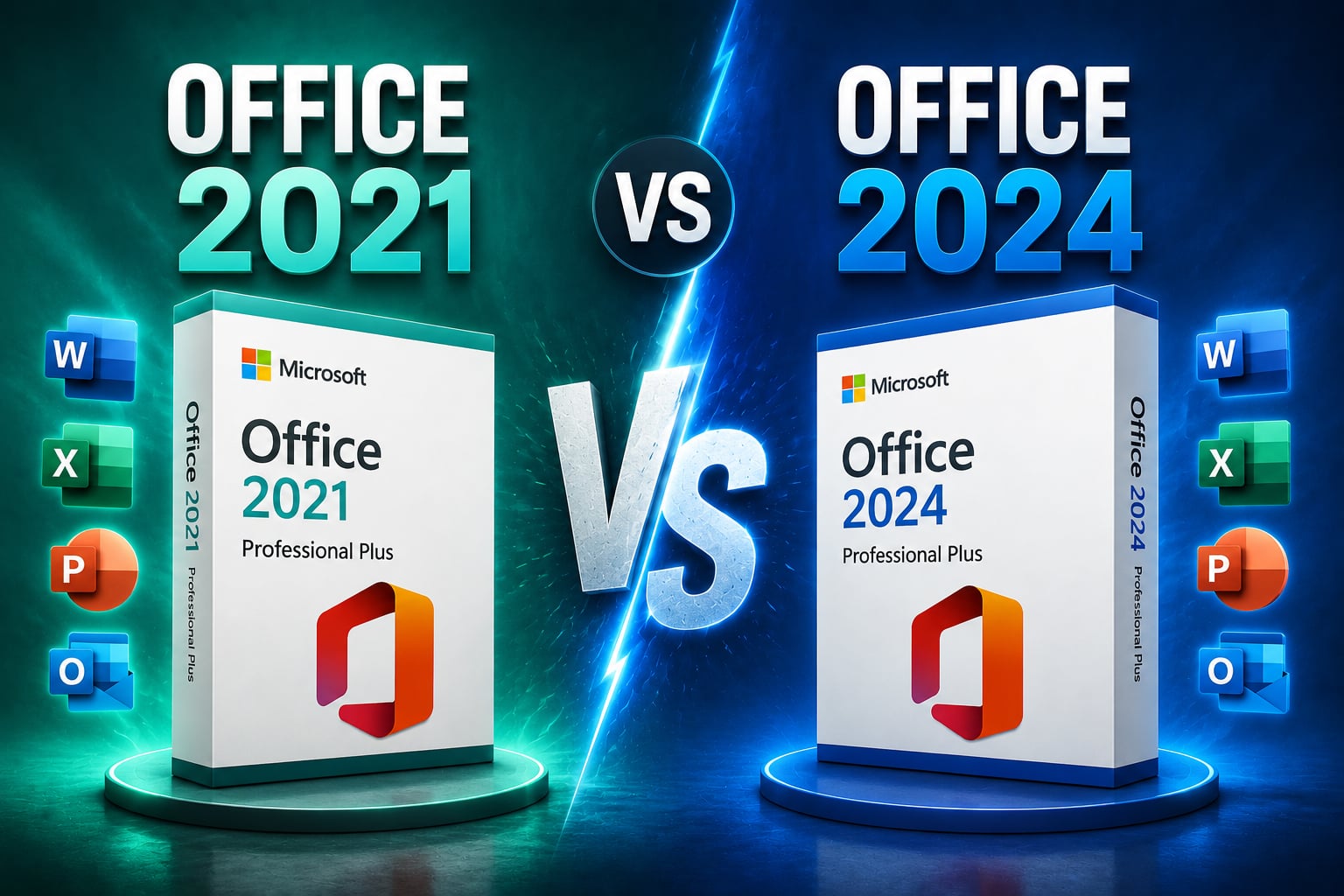
Quick Facts
| Detail | Office 2021 | Office 2024 |
|---|---|---|
| Release Date | October 2021 | October 2024 |
| License Type | One-Time Purchase | One-Time Purchase |
| Platforms | Windows / Mac | Windows / Mac |
| Cloud Features | Limited | Improved Integration |
| AI Features | No | Limited New AI Integrations |
| Get It at Gamers-Outlet.net! | Office 2021 Key | Office 2024 Key |
Office 2024 Has Been Here for 2 Years. But Do You Actually Need It?
Microsoft has released a newer version of Office (been some time), your current version still works perfectly fine, and now you’re wondering whether upgrading is actually worth the money.
To be fair, this is not quite the same situation as upgrading Windows. New Windows versions often bring security requirements, compatibility changes, and operating system improvements that eventually become difficult to ignore. Microsoft Office works differently. Many people happily use the same version for five or even ten years without encountering any major issues.
That makes the decision more complicated because Office 2021 remains a very capable productivity suite even in 2026. Word, Excel, PowerPoint, Outlook, and the rest of the applications continue to perform exactly the tasks most users need every day. The question is not whether Office 2021 still works. The question is whether Office 2024 offers enough meaningful improvements to justify replacing it. The answer depends entirely on how you use Office.
What Actually Changed Between Office 2021 And Office 2024?
One reason many users struggle to compare these versions is that Microsoft did not completely reinvent Office 2024.
If you launch Word or Excel today, the overall experience feels very familiar. The interface remains largely unchanged, documents open the same way, and most everyday tasks behave exactly as they did in Office 2021. The improvements are more subtle. I honestly prefer that, because I get really used to a way of doing things, especially if it is to do with the UI or overall framework.
Microsoft focused primarily on performance improvements, accessibility enhancements, collaboration tools, and modernization rather than introducing dramatic new functionality. Excel received several new functions and better handling of large datasets. Outlook gained various usability improvements. PowerPoint benefited from smoother presentation features and media handling. Accessibility tools across the suite also received updates designed to improve usability for a wider range of users. Microsoft additionally improved support for modern file formats and cloud-connected workflows.
This means many users expecting a revolutionary leap may initially feel underwhelmed. And as I said from personal experience, that is not necessarily a bad thing. Productivity software is usually at its best when it becomes more efficient rather than radically different.
If You Already Own Office 2021, The Decision Is Not Obvious
This is where most comparison articles fall short. They often present every new feature as equally important. In reality, many users will never touch half of them.
If your daily workflow consists primarily of writing documents, building occasional spreadsheets, creating presentations, and checking email, Office 2021 already handles those tasks exceptionally well. The core applications remain stable, mature, and fully capable for most personal and professional use cases.
A university student writing essays today will likely notice very little difference between Office 2021 and Office 2024. The same applies to many home users and even a large number of small businesses.
That does not mean Office 2024 lacks value. It simply means the value depends on your specific workload. Someone working extensively with larger Excel datasets, collaborative environments, modern accessibility requirements, or newer productivity features may benefit much more from upgrading than someone who primarily uses Word a few times per week.
The Freelancer And Small Business Perspective
For freelancers, consultants, and small business owners, the conversation becomes more interesting. Over the past few years, Microsoft has increasingly focused on making Office work better alongside cloud services, modern collaboration tools, and hybrid work environments. Even users who do not subscribe to Microsoft 365 often benefit from some of these improvements indirectly through better compatibility and smoother workflows.
If your work involves exchanging files constantly with clients, collaborating with teams, or maintaining large Excel workbooks, Office 2024 begins to make a stronger case for itself.
The improvements may not appear dramatic individually, but they add up over time. Faster performance, improved reliability, better compatibility, and workflow refinements can save small amounts of time every day. Over months and years, those small improvements become much more noticeable.
As a freelancer, I generally look at software upgrades through one simple lens: Will this save me enough time to justify the cost? For many business users, Office 2024 may actually pass that test.
Office 2024 vs Microsoft 365: The Question Nobody Mentions
Interestingly, the biggest competitor to Office 2024 is not Office 2021.
It is Microsoft 365. Many users considering an Office 2024 upgrade are actually deciding between a perpetual license and a subscription. Microsoft continues adding many of its newest AI-powered tools and cloud-centric features to Microsoft 365 first, while perpetual versions like Office 2024 receive a more selective feature set.
This creates an important distinction. If your goal is obtaining the newest Microsoft features as soon as they arrive, Microsoft 365 remains the strongest option. If your goal is owning Office outright through a one-time purchase, Office 2024 becomes the natural successor to Office 2021.
And if you are STILL confused, check our older review: “Office 2021 vs Microsoft 365: Which One Should You Buy in 2026?“
Who Should Stay On Office 2021?
Not everyone needs to upgrade.
In fact, many users can comfortably remain on Office 2021 for years.
You probably fall into this category if:
- Your current Office installation works perfectly
- You primarily use Word, Excel, and PowerPoint for basic tasks
- You do not require the newest productivity features
- You prefer avoiding unnecessary software purchases
Office 2021 remains a modern, supported, and capable productivity suite. Microsoft has not suddenly made it obsolete simply because a newer version exists. That is an important distinction many software comparisons fail to make.
Who Should Consider Office 2024?
Office 2024 makes the most sense for users purchasing Office today or replacing much older versions such as Office 2016 or Office 2019.
It also becomes easier to recommend if you:
- Work extensively with Excel
- Frequently collaborate with other users
- Want the latest perpetual version available
- Plan to keep the software for several years
In those situations, purchasing the newest available version often provides the best long-term value. Rather than upgrading again in a year or two, you start from the newest foundation and maximize the lifespan of your investment.
Where To Buy & Is It Worth It To Upgrade to Office 2024??
Whether you ultimately choose Office 2021 or Office 2024, purchasing a verified license from a trusted seller remains important. When you google these search terms, you will be met with a 100 different websites selling CD keys online and you probably won’t know which one to trust (except if you directly buy via Microsoft, but let’s be honest – no one ever does that).
Gamers-Outlet.net provides a reliable solution without relying on questionable marketplaces or unverified activation keys. And trust matters when purchasing software.
With more than 41,000 Trustpilot reviews and a heavy 4.6/5 rating, Gamers-Outlet has built a reputation around reliability and customer confidence.
Coming to the question – if it is worth it for you to go for MS Office 2024… For most Office 2021 users, the answer is surprisingly balanced. Office 2024 is undoubtedly the better product. It offers refinements, performance improvements, newer features, and better long-term value for new buyers.
However, that does not automatically mean every Office 2021 user should rush to upgrade. If your current setup already meets your needs, there is no urgent reason to replace it.
If you are buying Office today, upgrading from a much older version, or planning to keep your software for another five years, Office 2024 becomes significantly easier to recommend. The key is understanding that newer does not always mean necessary. Sometimes it simply means having a little more room to grow.
Why Us?
At Gamers-Outlet, the focus is on helping users choose software that fits their actual requirements rather than pushing unnecessary upgrades.
Whether you are comparing Office 2021 vs Office 2024, evaluating Microsoft 365, or purchasing Office for a new PC, Gamers-Outlet provides competitive pricing, instant delivery, and verified licenses backed by thousands of customer reviews. Check out our wholesale (and legit) prices below!