

























Wallpaper Engine (PC Steam Schlüssel / Global)
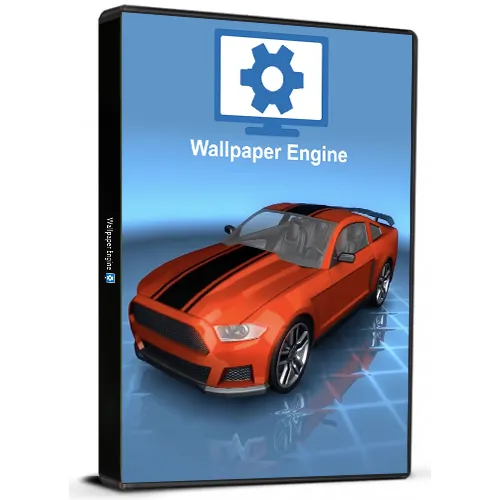
Wallpaper Engine (PC Steam Schlüssel / Global)

Bewertung

Bewertungen
Preis
  • $4.68
cards klarna GPay Apple Pay affirm afterpay

Offizielle Lizenz: Global | Support in den USA rund um die Uhr | Gamers Outlet – CD-Keys

Plattform
Steam PC Steam Key
Bonuspunkte
4
Erzielte Punkte
Auf Lager
Support
24/7 Support
Lieferung
Kostenlose digitale Lieferung
Ihre Region
Unterstützt


$4.68

Sofortige Lieferung: Wallpaper Engine (PC Steam Key / Global) Spiel-Key

Beleben Sie Ihren Desktop mit Echtzeit-Grafiken, Videos, Anwendungen oder Websites.
Erstellen Sie neue Live-Hintergrundbilder aus einfachen Bildern oder importieren Sie HTML- oder Videodateien als Hintergrundbild.
Unterstützte Videoformate: mp4, WebM, avi, m4v, mov, wmv (für lokale Dateien erlaubt Workshop nur mp4).


  • Werde ich eine Rechnung erhalten?
    Die Rechnung wird automatisch nach der Bestellung erstellt.

  • Wo finde ich meine Rechnung?
    Sobald die Bestellung abgeschlossen ist, ist die Rechnung unter „Mein Konto“ (oben rechts in der oberen Leiste) → „Bestellhistorie“ verfügbar.

  • Kann ich meine Rechnung bearbeiten?
    Aktuell können Sie dies nicht selbst erledigen. Bitte kontaktieren Sie unseren Support per E-Mail unter [email protected]. Wir helfen Ihnen gerne weiter. Für eine schnellere Bearbeitung geben Sie bitte Ihre Bestellnummer und alle relevanten Informationen an, die angezeigt werden sollen (z. B. Name, Ausweis-/Steuernummer usw.).

  • Kann ich das unter macOS installieren?
    Nein, dieses Produkt unterstützt MacOS nicht.

  • Kann ich dieses Produkt irgendwo einlösen?
    Ja, dieses Produkt ist eine globale Version.

  • Kann ich dieses Produkt auf neue Hardware übertragen?
    Ja, dieser Schlüssel ist an Ihren Steam-Account gebunden.

  • Gibt es eine bestimmte Vorgehensweise, die ich bei der Installation dieses Produkts beachten muss?
    Bitte lesen Sie den Reiter „Aktivierung“.

Please follow the steps below to redeem your Steam key:

1) Download and install the Steam client on your PC: https://store.steampowered.com/about/
2) Open the Steam client, log in or create an account if you don't have one, and locate the Games tab on the top menu. Click this and then select "Activate a Product on Steam…"


3) Enter your code into the product activation field


Your game is now viewable in the "Library" tab and is available to download/install when you're ready.
Happy Gaming!

Abdullah Bipon 17.07.2019

This website is a reliable and trustworthy online shopping destination. The product variety is vast, and the customer service team is always there to assist if needed.

+ Bewertung

Hinweis: HTML ist nicht verfügbar!
Captcha
Review Score: 5 / 5
Abdullah Bipon 17.07.2019

This website is a reliable and trustworthy online shopping destination. The product variety is vast, and the customer service team is always there to assist if needed.

Support




