Okamžité Dodání: Dino Crisis 2 (PC Steam Key / Europe) Game Key
PŘÍBĚHOVÁ SEKCE
Od operace, jejímž cílem bylo vyzvednout Dr. Kirka, uplynul rok.
Třetí energie, která je zároveň zdrojem „dokonalé čisté energie“ a potenciální „ultimátní zbraní“, se ukázala jako nebezpečně nepředvídatelná.
Vláda, která převzala kontrolu nad projektem od Dr. Kirka, pokračovala v jeho rozvoji.
Pak se ta „nehoda“ stala znovu.
Výzkumné město Edward City bylo kompletně zničeno při výbuchu reaktoru Third Energy – události mnohem katastrofálnější než předchozí nehoda.
V reakci na to vláda zahájila záchrannou misi s cílem získat výzkumná data a veškerý zbývající personál.
Aby se vláda dostala do Edward City, o kterém se věří, že bylo posunuto v čase explozí reaktoru, nasadila experimentální, dosud netestované zařízení „časové brány“, které mělo vyslat záchranný tým zpět v čase.
Nikdo nemohl předvídat důsledky této mise – kromě jedné osoby: Reginy…
Zde jsou některé z úprav, které jsme provedli:
Plná kompatibilita s Windows 10 a Windows 11.
Všechny 2 lokalizace hry jsou zahrnuty (angličtina, japonština).
Snadná obtížnost, včetně Dino Colosseum a Dino Duel.
Vylepšený herní renderer pro DirectX.
Nové možnosti vykreslování (režim v okně, řízení vertikální synchronizace, gama korekce, celočíselné škálování, vyhlazování hran a další).
Vylepšené přehrávání hudby a úprava hlasitosti.
Vylepšené vykreslování a zamlžování předmětů.
Vylepšené zarovnání nábojnic.
Bezproblémové přehrávání videa, přepínání úloh a ukončení hry.
Podpora moderních ovladačů (Sony DualSense, Sony DualShock4, Microsoft Xbox Series, Microsoft Xbox One, Microsoft Xbox 360, Nintendo Switch, Logitech F series a mnoho dalších) s optimálním vázáním tlačítek bez ohledu na hardware a bezdrátový režim.
Přehled nastavení grafických možností
„Režim zobrazení“ – Umožňuje ovládat rozlišení monitoru a obnovovací frekvenci.
„Prezentace“ – Umožňuje ovládat režim prezentace (celá obrazovka / v okně).
„Korekce poměru stran“ – Umožňuje ovládat korekci poměru stran obrazu.
„Metoda škálování“ – Poskytuje kontrolu nad režimem škálování obrazu (jak se obraz na monitoru měří).
„Vertikální synchronizace“ – Poskytuje kontrolu nad vertikální synchronizací (synchronizací snímků).
„Gama korekce“ – Umožňuje ovládat gama korekci (jas obrazu).
„Anizotropní filtrování“ – Poskytuje kontrolu nad technikou anizotropního filtrování textur (kvalita texturování).
"Vyhlazování" - Poskytuje kontrolu nad technikou vyhlazování (vyhlazování hran 3D geometrie).
※VAROVÁNÍ※ Rozdíl mezi jednotlivými nastaveními může být v závislosti na prostředí obtížně rozlišitelný.
Jak už je tradicí, pojďme se vydat na cestu vzpomínkami a připomenout si, jak byl Dino Crisis 2 popsán v roce 2000:
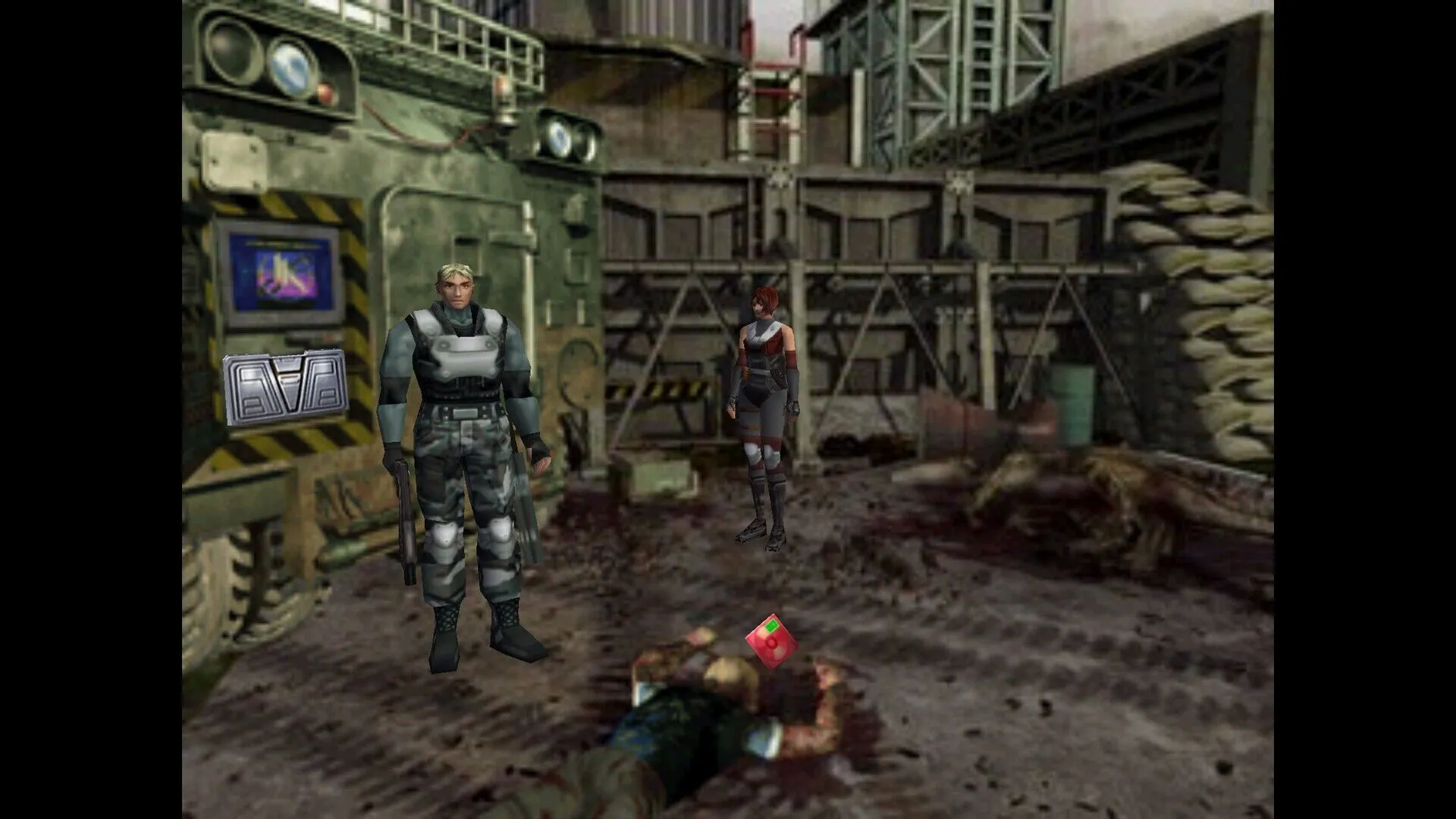
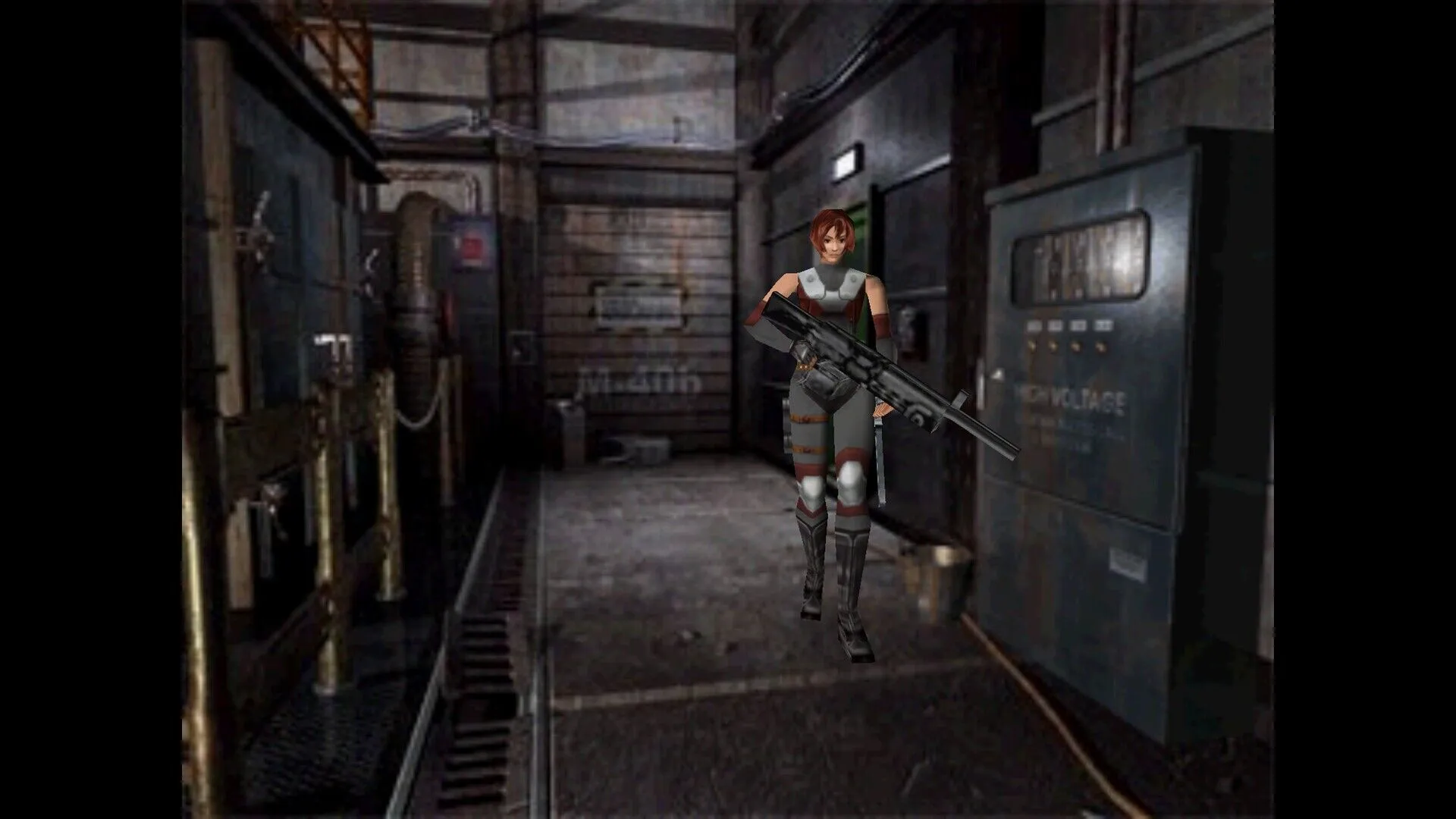
Kromě „Reginy“, hlavní postavy navazující na předchozí díl, se objevuje i „Dylan“.
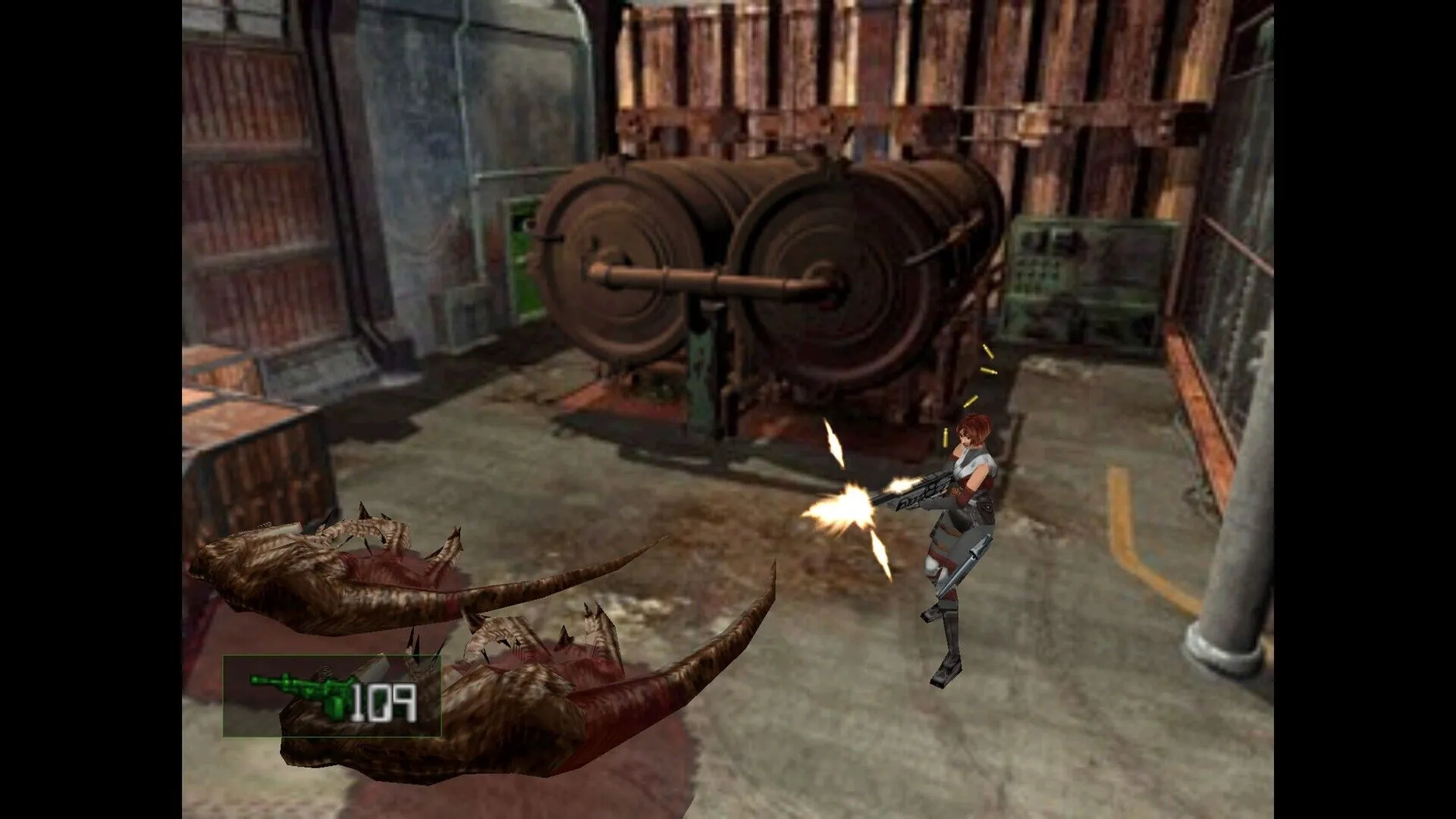
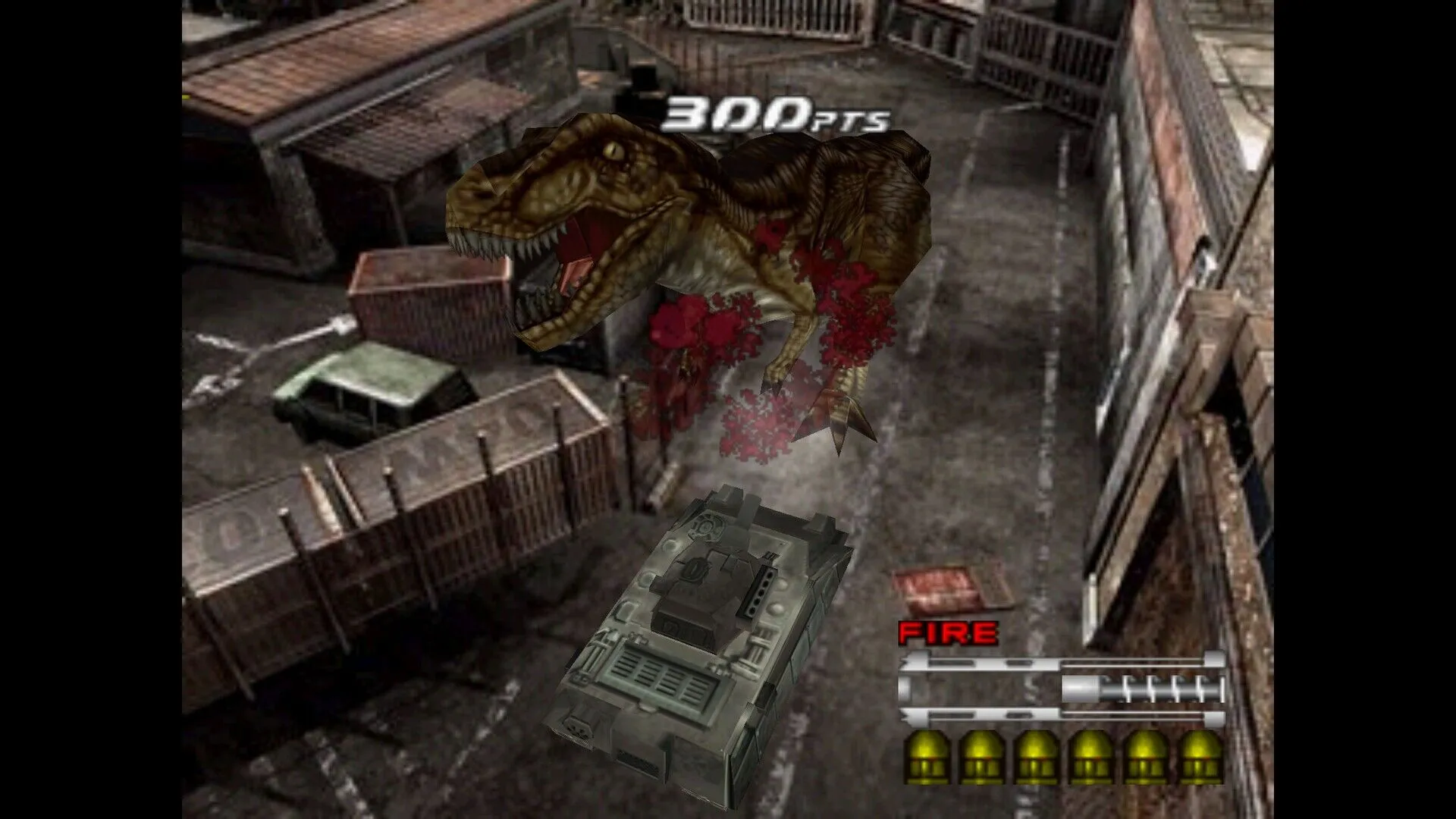
Počet zbraní, které zvládnete, se zvýšil, takže využijte vlastnosti každé z nich k překonání obtížných výzev!
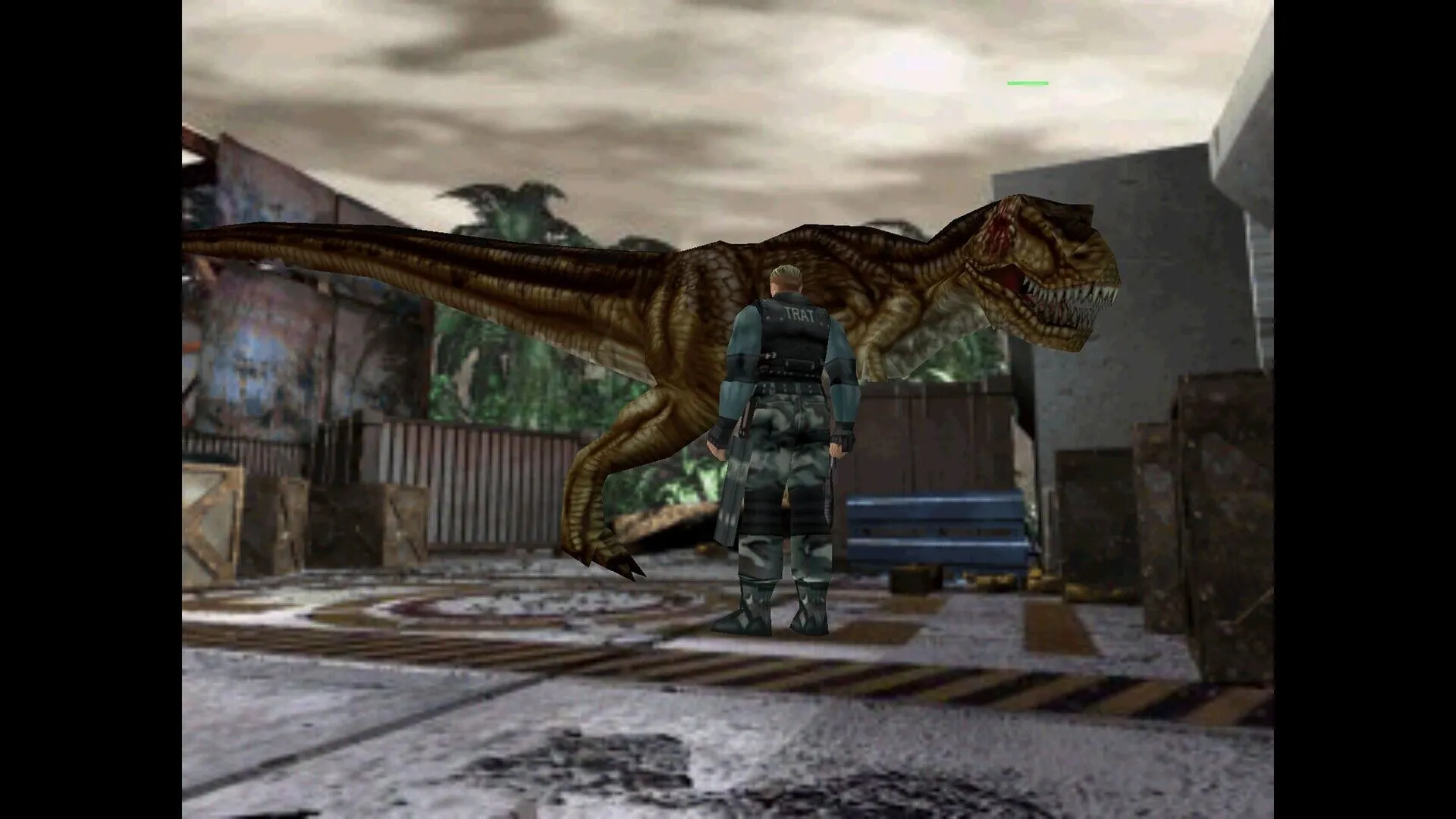
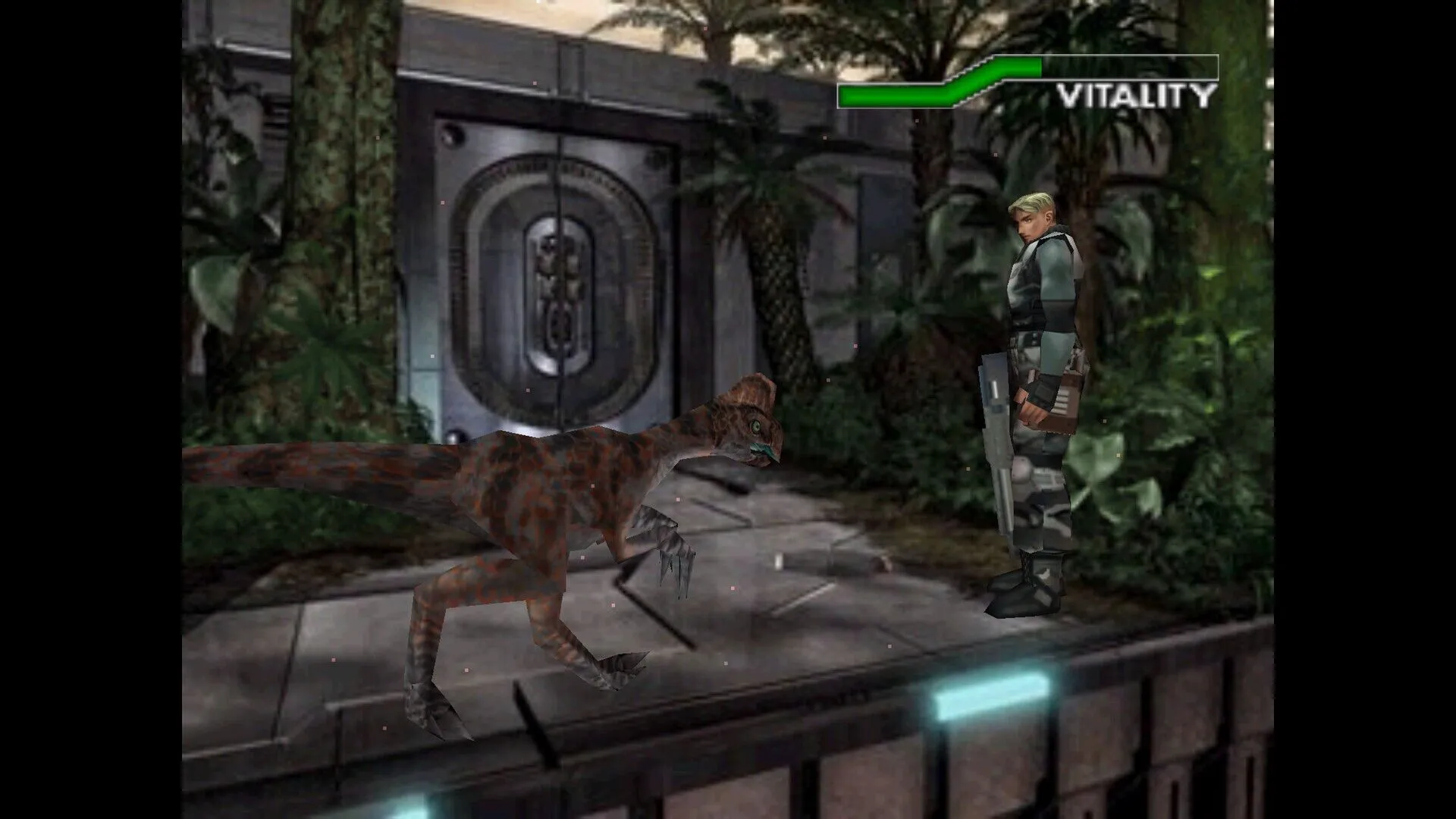
Více než 10 druhů dinosaurů. Počet dinosaurů útočících najednou se zdvojnásobil!
Hra se odehrává ve světě křídového období...
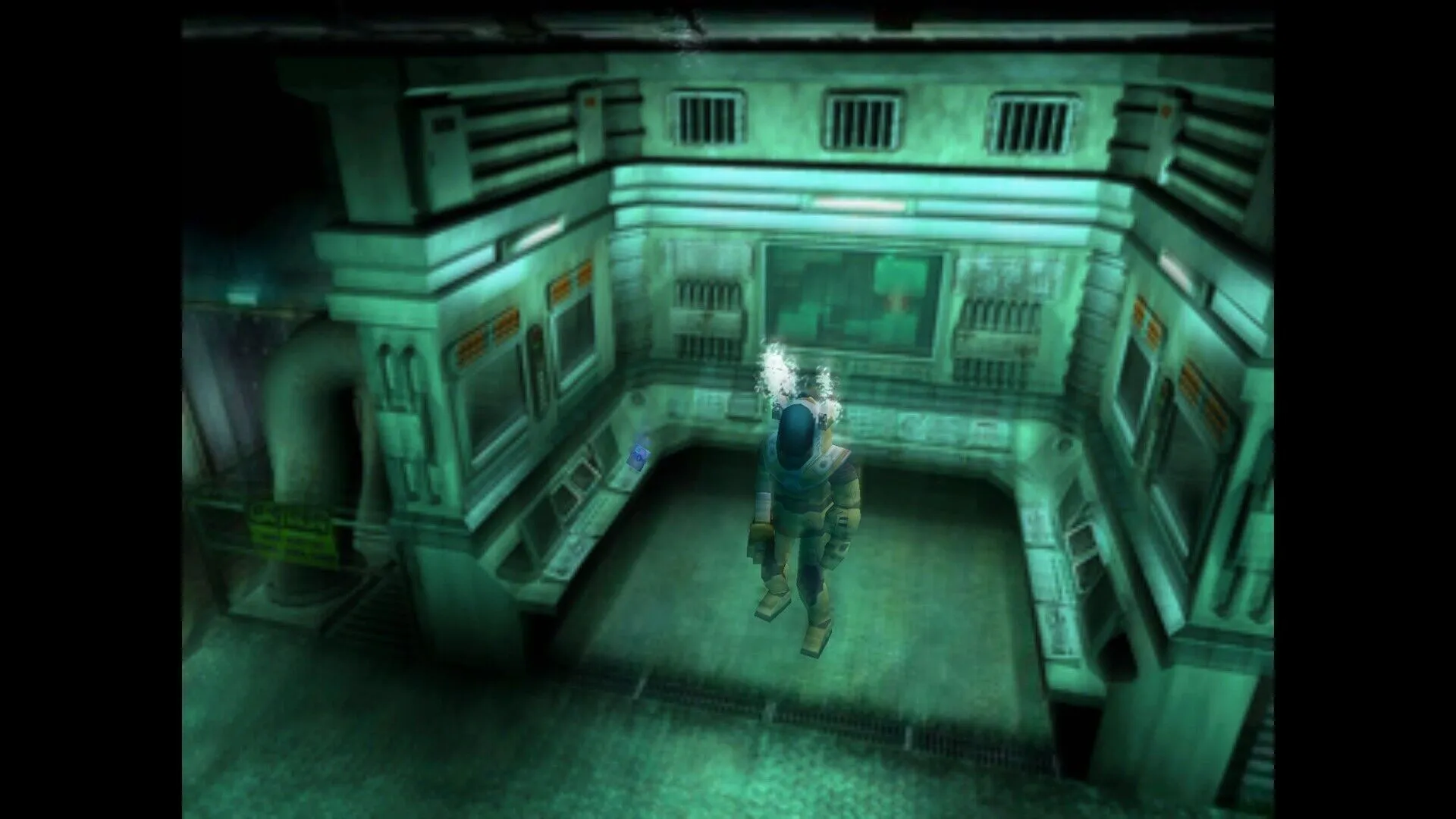
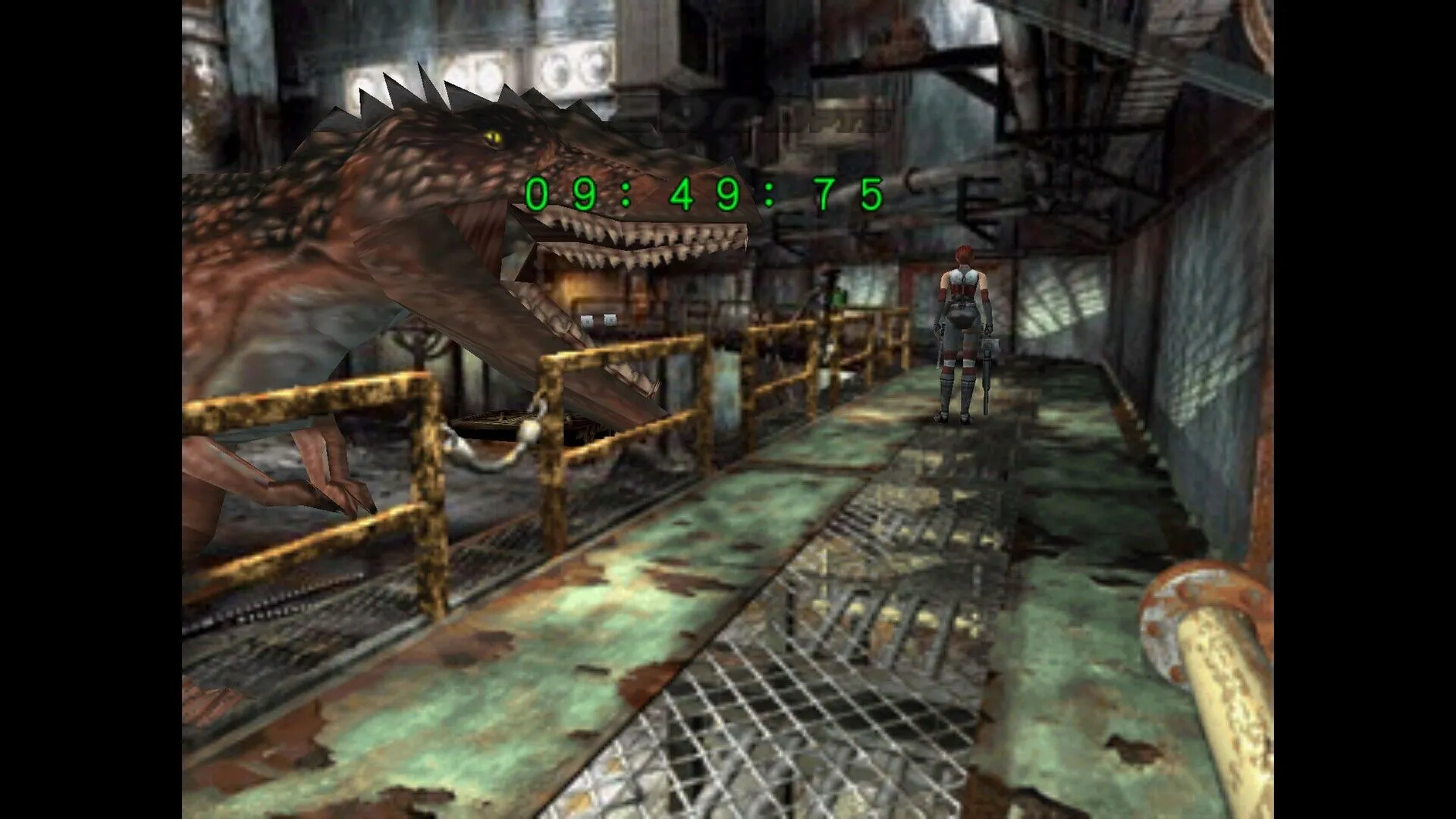
Úroveň se přesunula z prostředí předchozí hry zaměřeného na zařízení do světa křídového období. Dinosauři útočí na hráče v různých scénách, včetně džunglí, jeskyní, jezer a některých budov erodovaných rostlinami!
Tato znovu vydaná verze hry byla vyvinuta ve spolupráci se společností GOG.
- Dostanu fakturu?
Faktura se automaticky vygeneruje po odeslání objednávky.
- Kde najdu svou fakturu?
Po dokončení objednávky bude faktura k dispozici v sekci „Můj účet“ (pravý horní roh horní lišty) -> „Historie objednávek“.
- Mohu si upravit fakturu?
V současné době to sami nemůžete udělat. Kontaktujte prosím naši podporu e-mailem na adrese [email protected] a my vám s touto záležitostí rádi pomůžeme. Pro rychlejší proces prosím uveďte číslo objednávky a veškeré relevantní informace, které si přejete zobrazit (například vaše jméno, identifikační číslo/daňové číslo atd.).
- Je tento produkt pro každou platformu?
Ne, tento produkt je určen výhradně pro platformu Steam.
- Mohu si tento produkt uplatnit kdekoli?
Ne, klikněte prosím na tlačítko „Zkontrolovat váš region“ a zobrazte si všechny podporované země.
- Je tento produkt hra, kredit, předplatné nebo DLC?
Tento produkt je základní hrou.
- Můžu tuto hru přenést na nový hardware nebo novou konzoli?
Ano, tento klíč je vázán na váš účet Steam.
- Existuje nějaký specifický způsob, jak musím tento produkt nainstalovat?
Přečtěte si prosím záložku „Aktivace“.
Please follow the steps below to redeem your Steam key:
1) Download and install the Steam client on your PC: https://store.steampowered.com/about/
2) Open the Steam client, log in or create an account if you don't have one, and locate the Games tab on the top menu. Click this and then select "Activate a Product on Steam…"

3) Enter your code into the product activation field

Your game is now viewable in the "Library" tab and is available to download/install when you're ready.
Happy Gaming!








































 PC Steam Key



