Emergency Call 112! (PC Steam Key - Global)
Emergency Call 112! (PC Steam Key - Global)
Rating

Reviews
Price
  • $13.09 $17.64 -25%
cards klarna GPay Apple Pay affirm afterpay

Official License: Global | 24/7 U.S. Support | Gamers Outlet - CD Keys

Platform
Steam PC Steam Key
Points Gained
11
Availability
In Stock
Support
24/7 Support
Delivery
Free digital delivery
Your Region
Supported
$17.64 $13.09

Instant Delivery: Emergency Call 112! (PC Steam Key / Global) Game Key

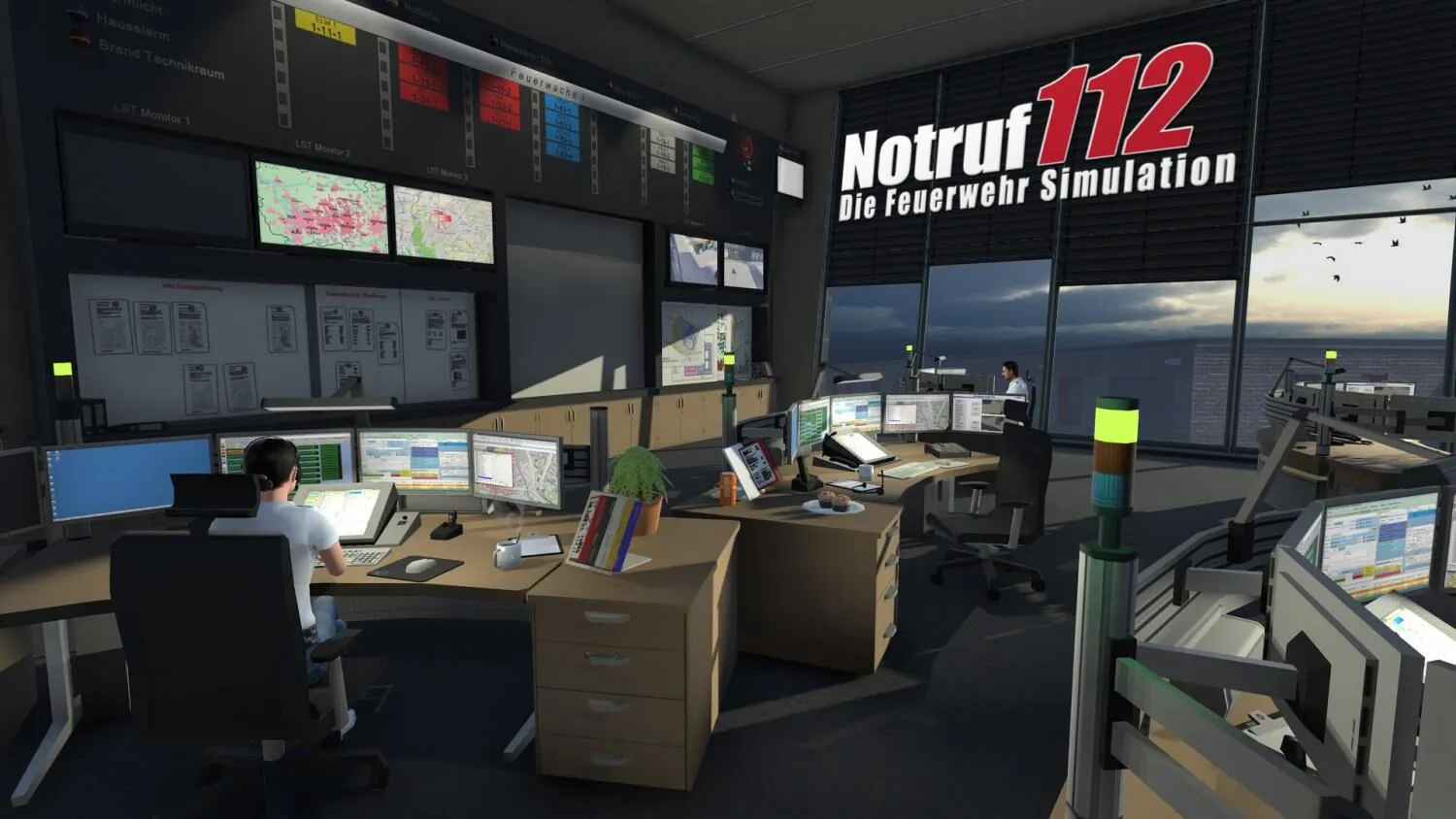
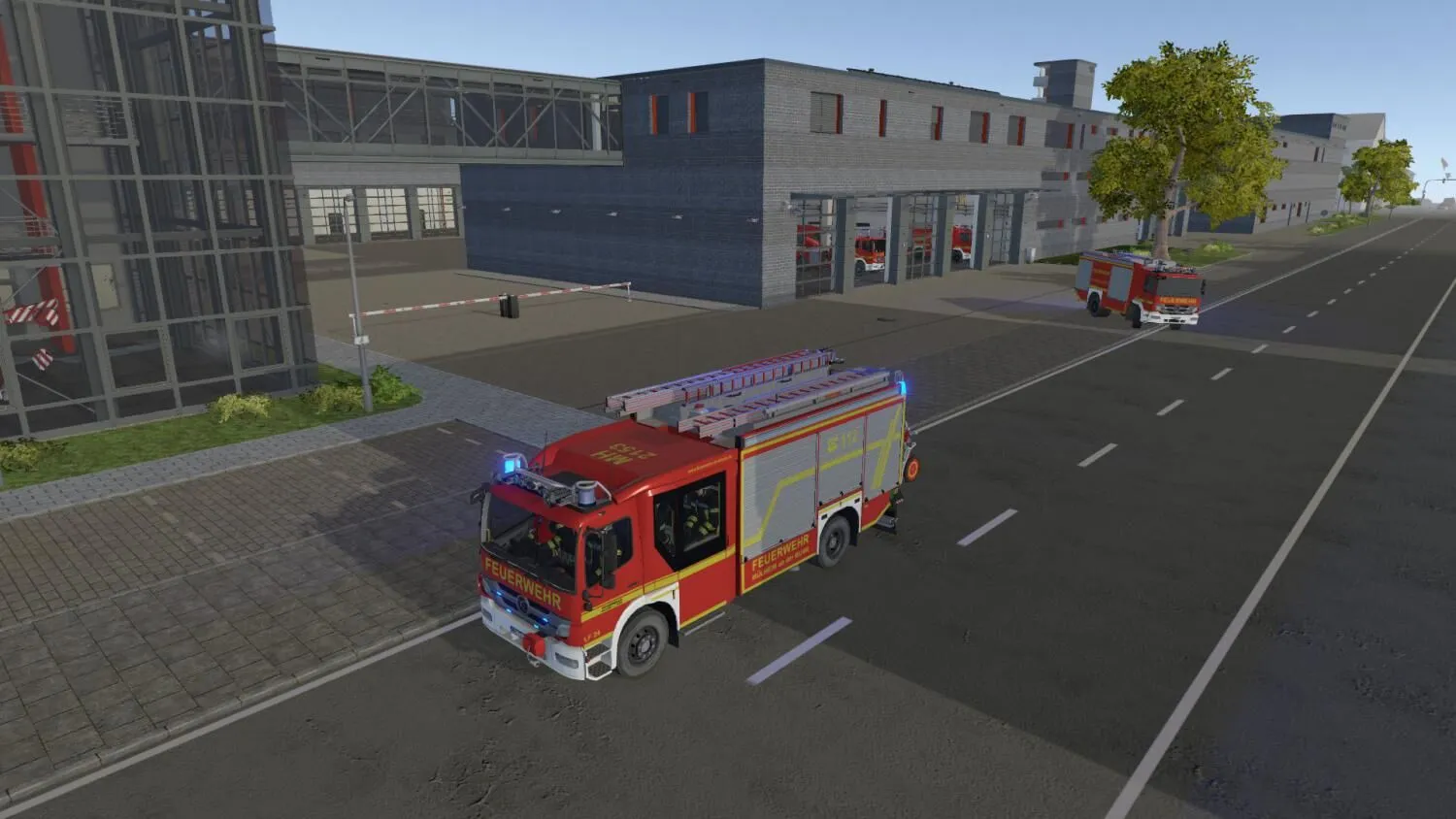
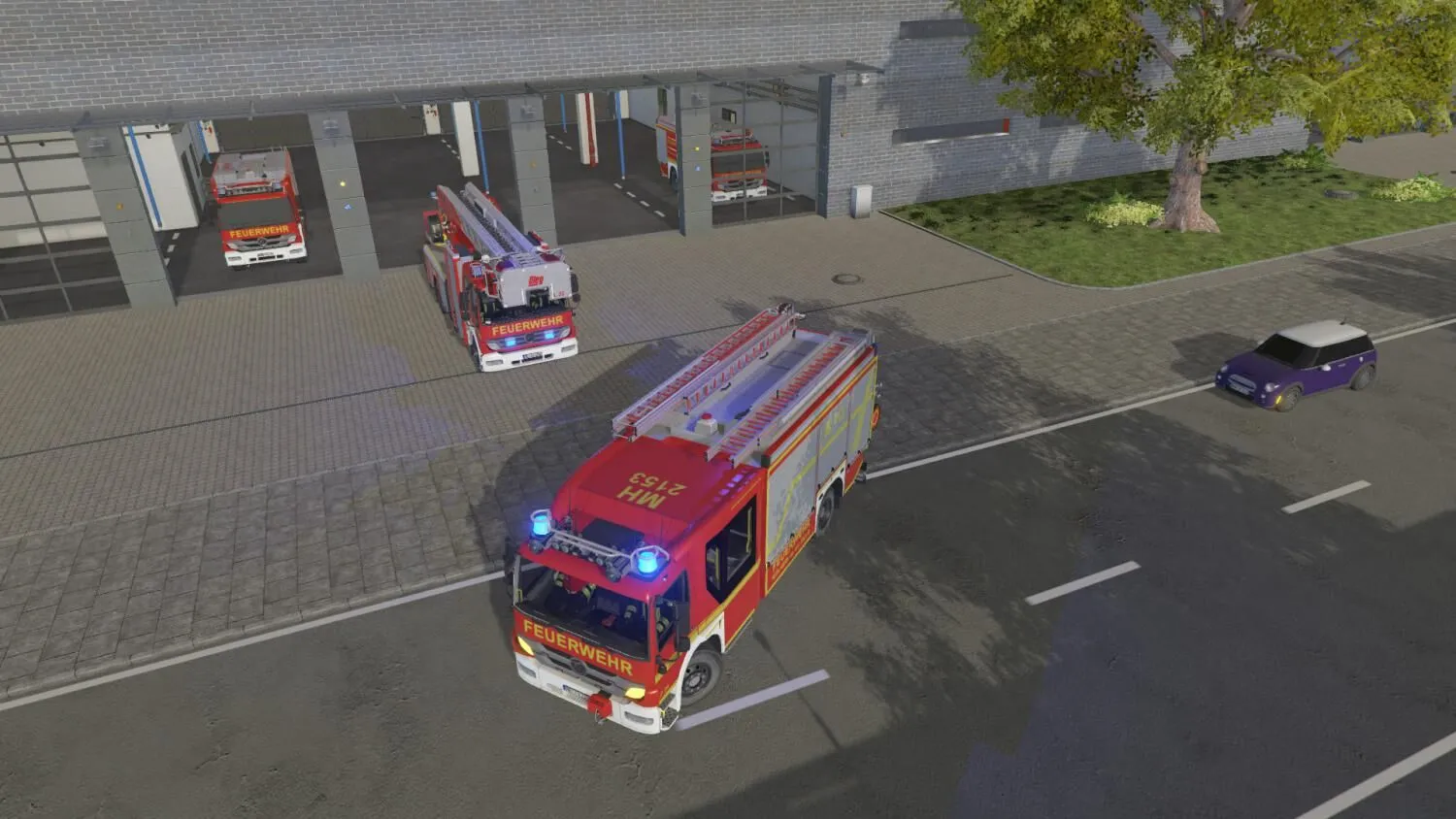
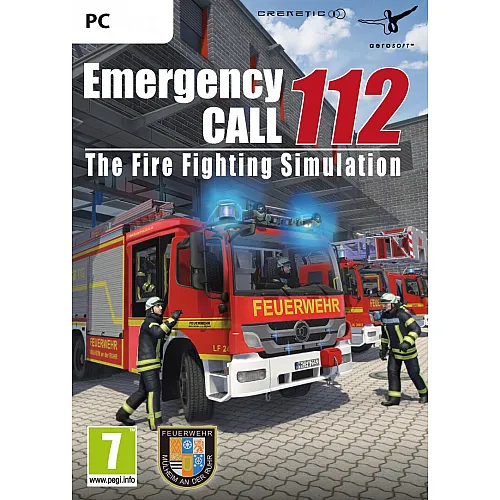
Emergency Call 112 – The Fire Fighting Simulation is an exciting, fully detailed simulation of the eventful life of a big city fire department. It was developed in cooperation with and modelled on the fire brigade of Mülheim, Germany. Mülheim has one of the largest and most modern fire stations in Europe. Particular attention was paid to realism and accuracy in creating the various missions.

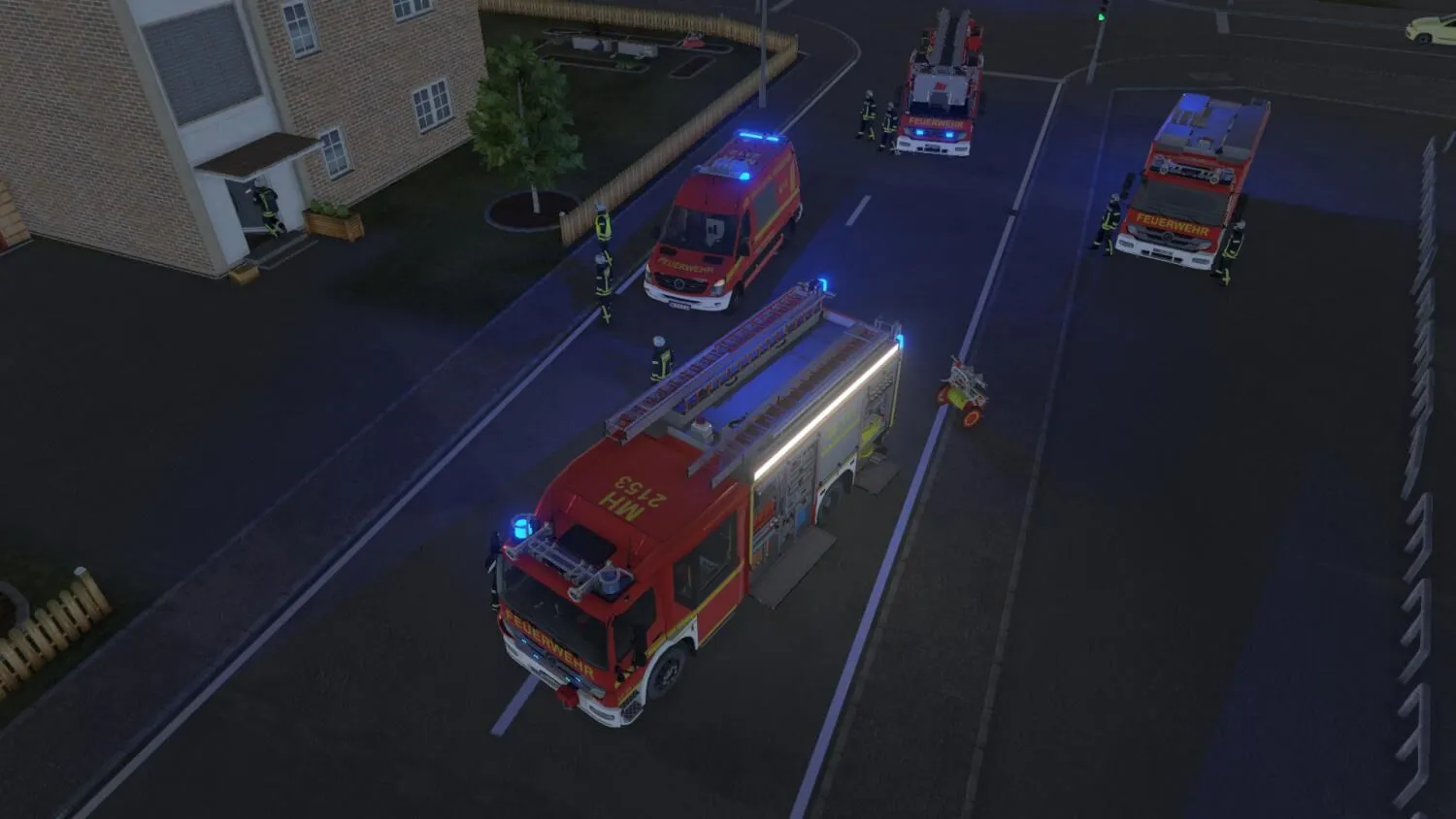
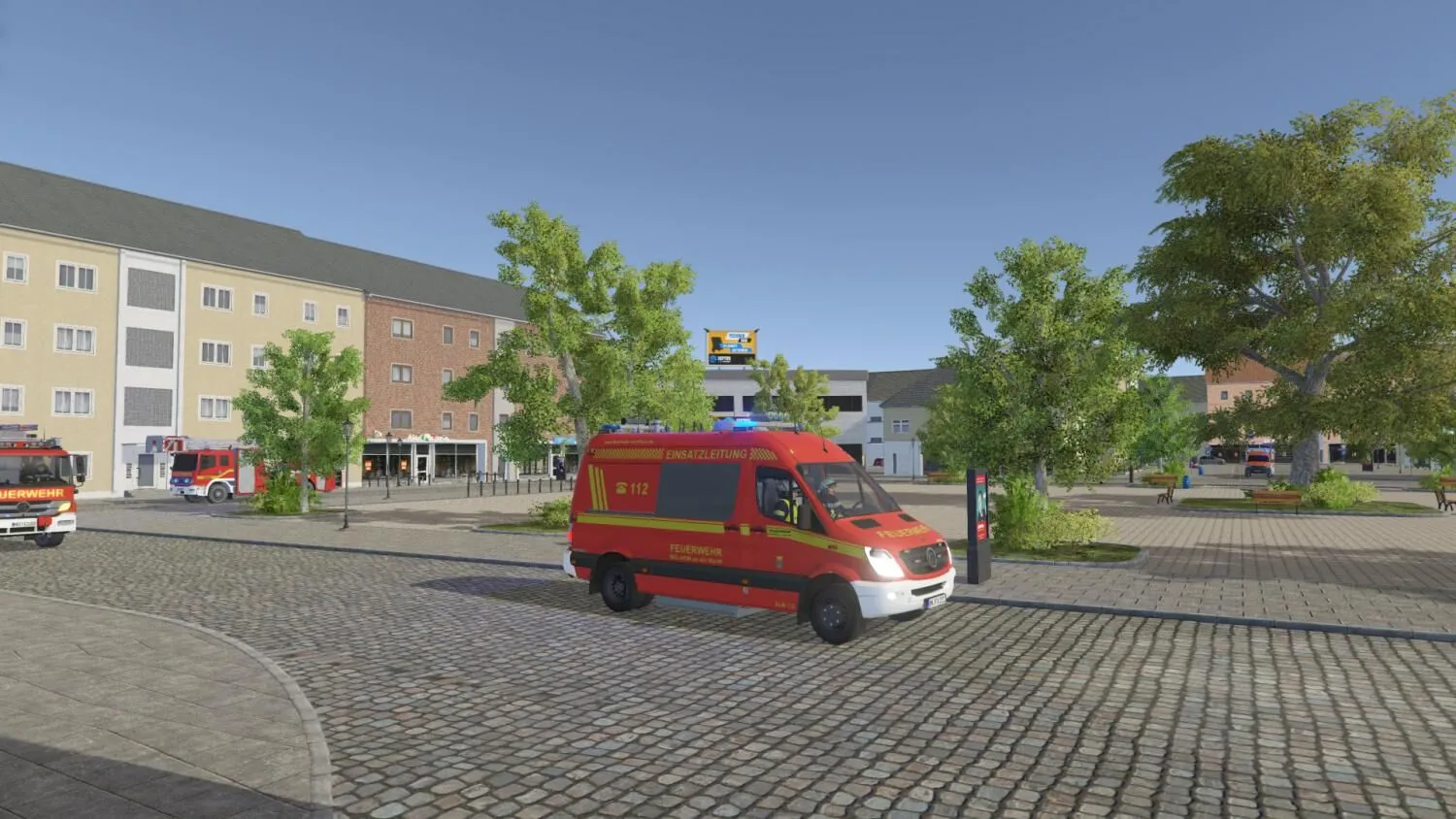
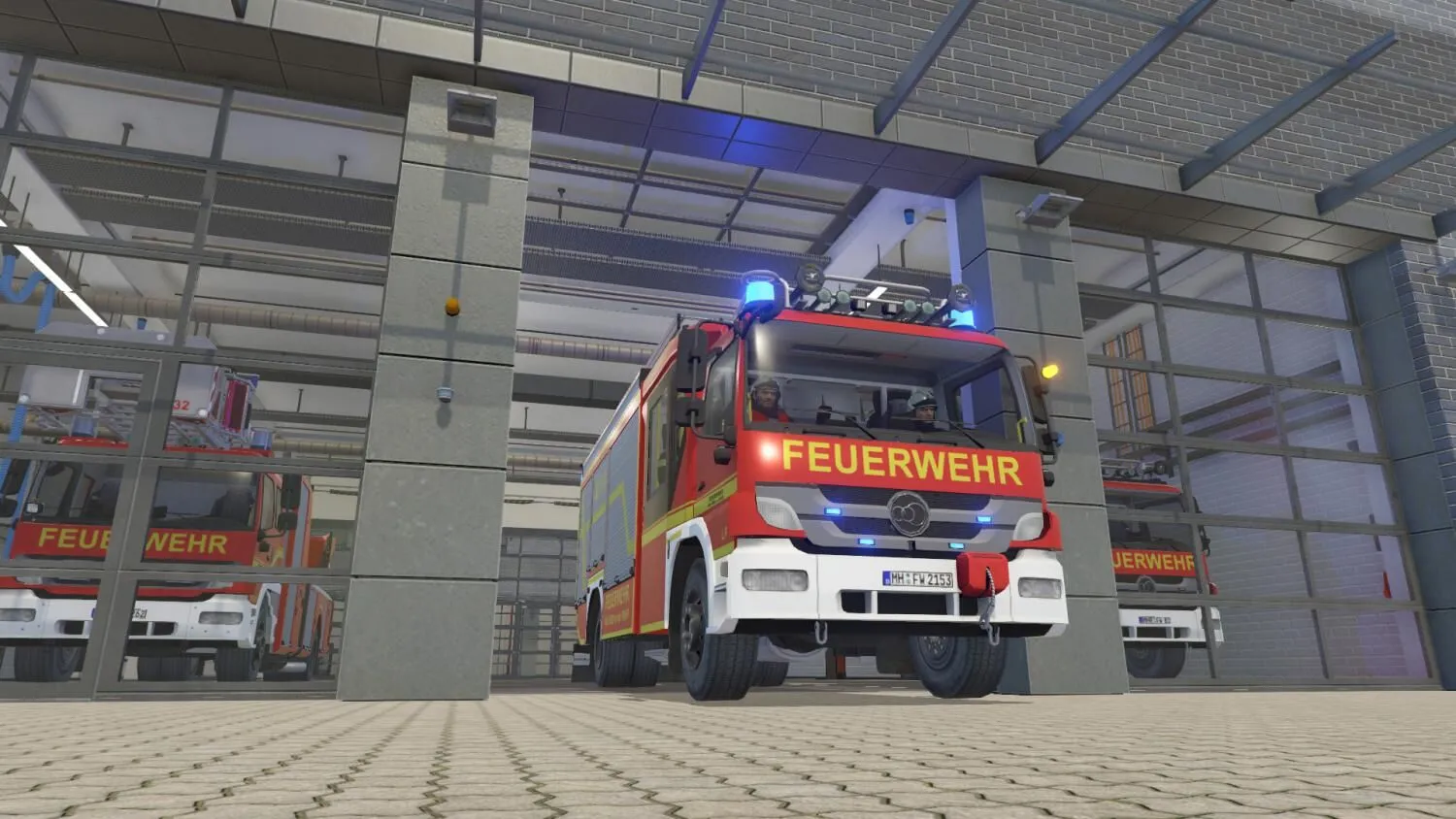
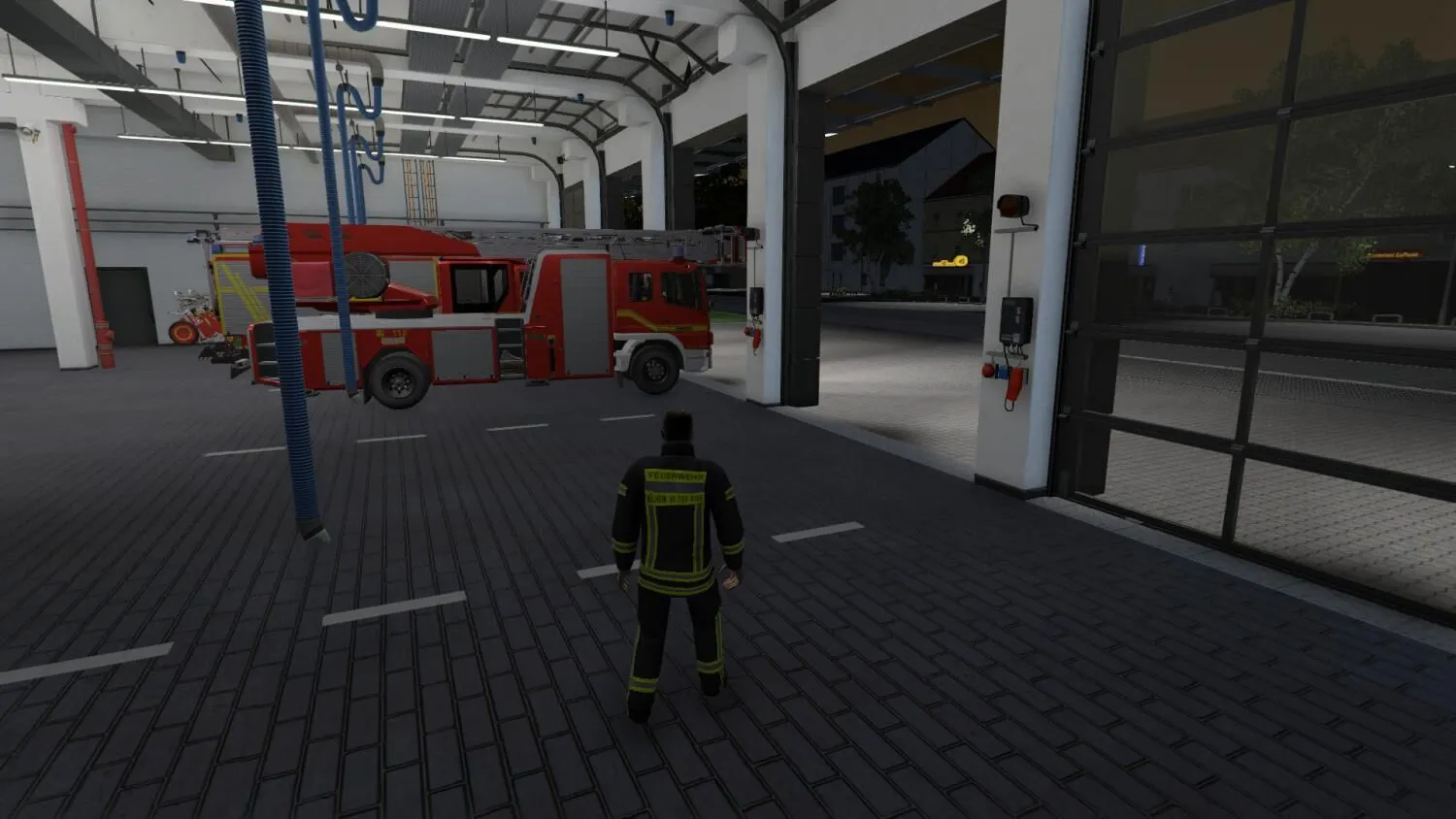
Never before has a simulation offered such great level of detail for the fire department vehicles, including and especially the LF24, the fire truck. All of the equipment and functionality have been incorporated. The water tender, turntable ladder and swap body vehicle are also fully functional and available for the virtual fireman. An command vehicle is also included. And of course, equipment can be removed and kept available for later use.

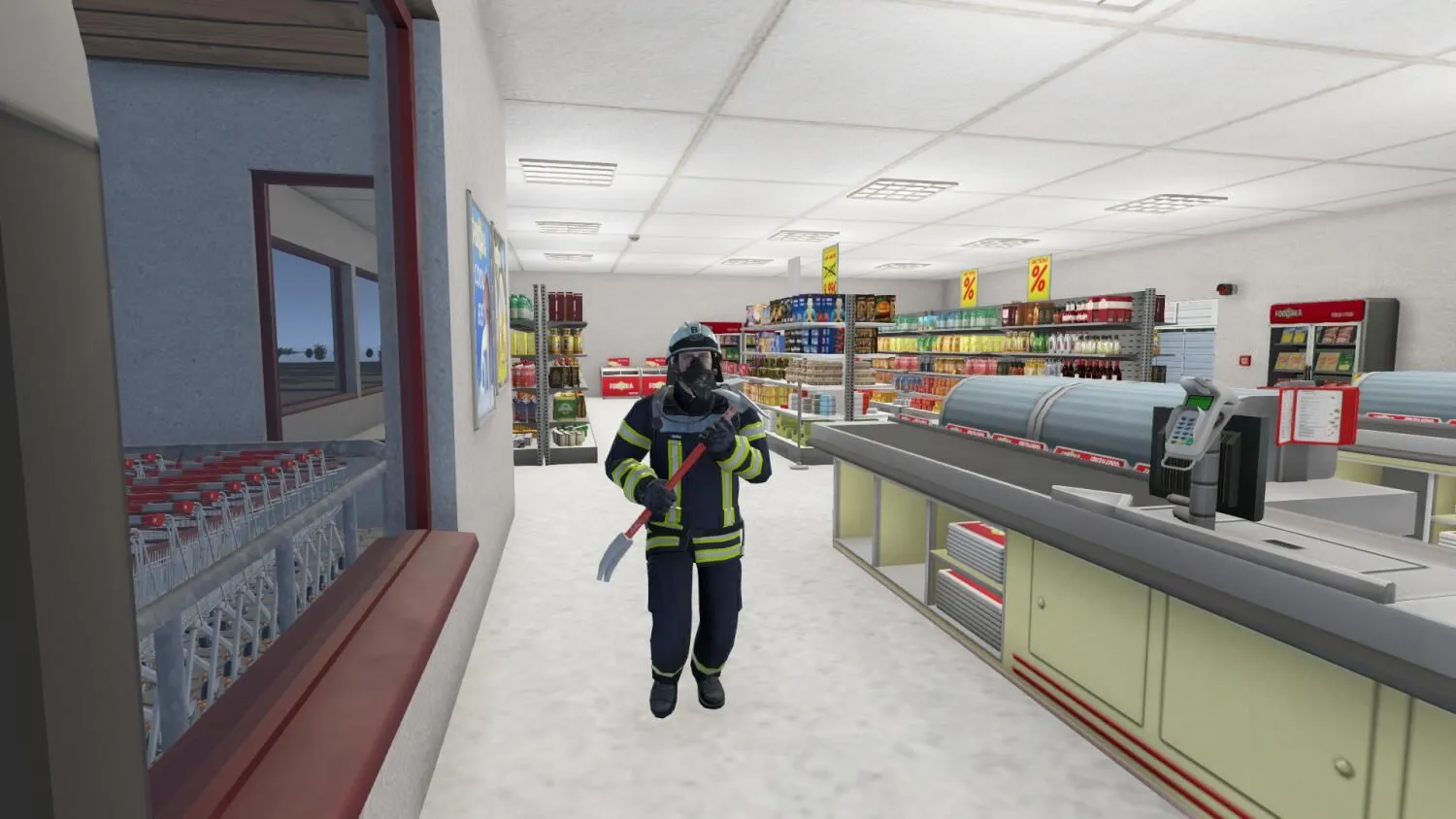
Accidents involving cars and trucks, oil slicks, external and internal fires requiring breathing equipment, these exciting scenarios are randomly generated and promise hours of excitement. The authentic spread of the fires and lifelike, movable fire hoses with realistic handling needed to fight the fire make for an authentic playing experience.

Turn on the emergency lights and sirens and experience one of the world’s most exciting professions – the fire brigade. No previous fire simulation has gone to such lengths to provide such depth and realism.

Game Features:

  • Fire brigade modeled on Mülheim’s real state-of-the-art fire department, set in a fictitious town
  • Highly-detailed vehicles, such as the LF24 fire truck, a tender truck, turnable ladder vehicle and command vehicle
  • Removable equipment
  • Realistic, flexible, moveable hoses
  • Interior and exterior fires
  • Technical assistance for accidents
  • Realistic fire spread using a fluid, dynamic simulation

Many different scenarios including:

  • Traffic accidents
  • Oil slicks
  • Burning rooms
  • Small fires in industrial areas
  • Blocked roads
  • Fire alarm
  • Night operations
  • Navigation systems in the fire trucks
  • Functional light pole on the LF24
  • Sophisticated AI to control the interaction between the fire fighters
  • Realistic traffic at the site of the fire or accident
  • An open game world where all of the buildings can be a scene of the action
  • Will I get an invoice?
    Invoice will automatically generate upon placing an order.

  • Where can I find my invoice?
    Once the order is completed, the invoice will be available under 'My Account' (top right corner of the top bar) -> 'Order History.'

  • Can I edit my invoice?
    Currently, you cannot do this yourself. Please contact our support via email at [email protected], and we will be glad to assist you with the matter. For a faster process, please include the order number and any relevant information you want to be shown (such as your name, ID/tax number, etc.).

  • Is this product for every platform?
    No, this product is specific to the Steam platform.

  • Can I redeem this product anywhere?
    No, Please click the 'Check Your Region' button to see all the supported countries.

  • Is this product a game, credit, subscription or DLC?
    This product is the base game.

  • Can I transfer this game to new hardware or a new console?
    Yes, This key is bind to your Steam account.

  • Is there a specific way I need to install this product?
    Please read the 'Activation' tab.

Please follow the steps below to redeem your Steam key:

1) Download and install the Steam client on your PC: https://store.steampowered.com/about/
2) Open the Steam client, log in or create an account if you don't have one, and locate the Games tab on the top menu. Click this and then select "Activate a Product on Steam…"


3) Enter your code into the product activation field


Your game is now viewable in the "Library" tab and is available to download/install when you're ready.
Happy Gaming!

There are no reviews for this product.

Write a review

Note: HTML is not translated!
Captcha
Support