

Age of Wonders Planetfall Day One Edition Cd Key

Age of Wonders Planetfall Day One Edition Cd Key

Rating

Reviews
Price
  • $2.13
cards klarna GPay Apple Pay affirm afterpay
Platform
Steam Steam
Points Gained
2
Availability
Out Of Stock
Support
24/7 Support
Delivery
Free digital delivery
Your Region
Supported
$2.13

Available Languages: MULTILANGUAGE

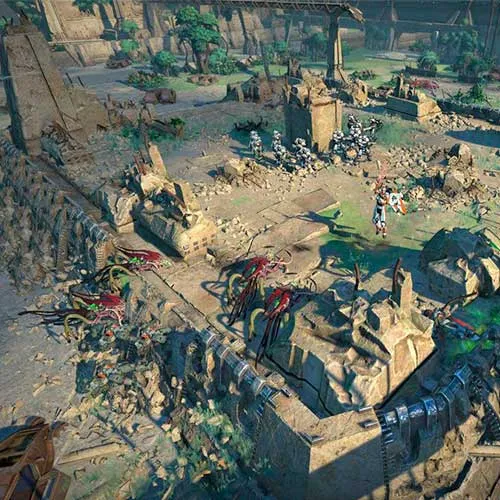
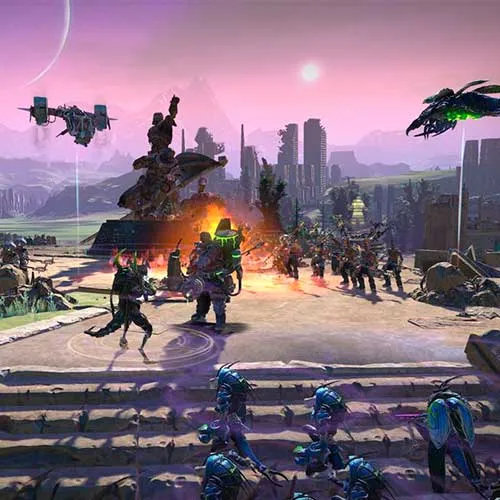
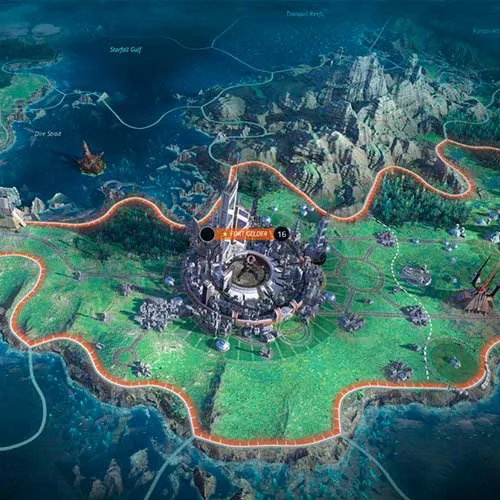
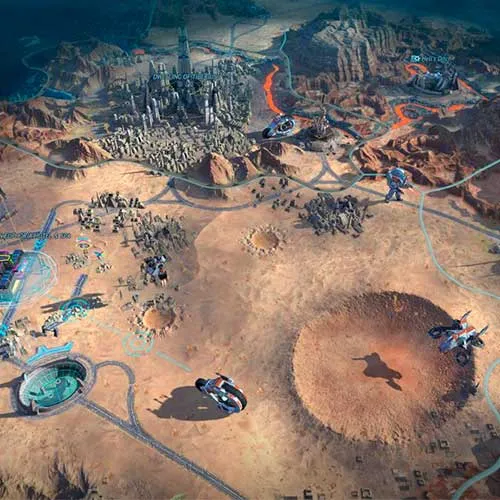
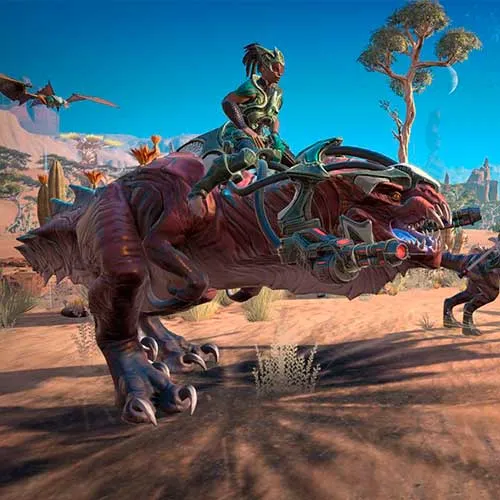
Build your empire with one of six unique factions in this exciting tactical turn-based strategy game, in a sci-fi and space setting. Progress through missions using military combat, diplomacy and strategy as you advance your way to utopia. Age of Wonders: Planetfall is the new strategy game from Triumph Studios, creators of the critically acclaimed Age of Wonders series.

Age of Wonders: Planetfall Day One Edition includes:

- Age of Wonders: Planetfall PC

- Paragon Noble Pack DLC


  • Will I get an invoice?
    Invoice will automatically generate upon placing an order.

  • Where can I find my invoice?
    Once the order is completed, the invoice will be available under 'My Account' (top right corner of the top bar) -> 'Order History.'

  • Can I edit my invoice?
    Currently, you cannot do this yourself. Please contact our support via email at [email protected], and we will be glad to assist you with the matter. For a faster process, please include the order number and any relevant information you want to be shown (such as your name, ID/tax number, etc.).

  • Is this product for every platform?
    No, this product is specific to the Steam platform.

  • Can I redeem this product anywhere?
    Yes, this Product is a Global version.

  • Is this product a game, credit, subscription or DLC?
    This product is the Day One Edition of the base game.

  • Can I transfer this game to new hardware or a new console?
    Yes, This key is bind to your Steam account.

  • Is there a specific way I need to install this product?
    Please read the 'Activation' tab.

Please follow the steps below to redeem your Steam key:

1) Download and install the Steam client on your PC: https://store.steampowered.com/about/
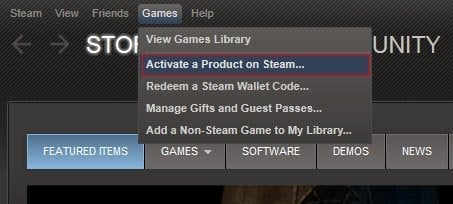
2) Open the Steam client, log in or create an account if you don't have one, and locate the Games tab on the top menu. Click this and then select "Activate a Product on Steam…"


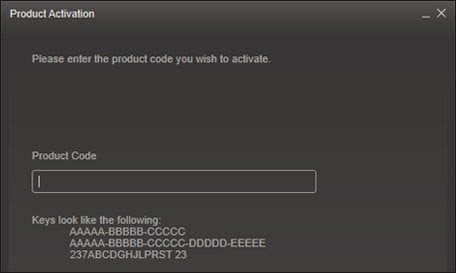
3) Enter your code into the product activation field


Your game is now viewable in the "Library" tab and is available to download/install when you're ready.
Happy Gaming!

Metin Tekin 29/03/2023

This website has earned my trust with its exceptional product selection, competitive pricing, and top-notch customer service. I will continue to shop here and recommend it to others.

Write a review

Note: HTML is not translated!
Captcha
Review Score: 5 / 5
Metin Tekin 29/03/2023

This website has earned my trust with its exceptional product selection, competitive pricing, and top-notch customer service. I will continue to shop here and recommend it to others.