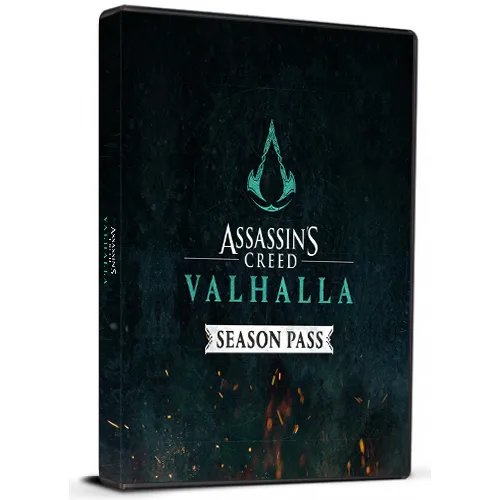

Assassin's Creed Valhalla Season Pass Cd Key

Assassin's Creed Valhalla Season Pass Cd Key

Rating

Reviews
Price
  • $11.36
cards klarna GPay Apple Pay affirm afterpay
Platform
Uplay UPlay
Points Gained
10
Availability
In Stock
Support
24/7 Support
Delivery
Free digital delivery
Your Region
Not Supported

$11.36

Available Languages : MULTILANGUAGE

Command a crew of raiders and launch lightning-fast surprise attacks from your longship to claim your enemies’ riches for your clan.

Unleash the ruthless fighting style of a Viking warrior and dual-wield axes, swords, or even shields against fierce, relentless foes.

Influence the world around you while acquiring new skills and gear to suit your playstyle.


  • Will I get an invoice?
    Invoice will automatically generate upon placing an order.

  • Where can I find my invoice?
    Once the order is completed, the invoice will be available under 'My Account' (top right corner of the top bar) -> 'Order History.'

  • Can I edit my invoice?
    Currently, you cannot do this yourself. Please contact our support via email at [email protected], and we will be glad to assist you with the matter. For a faster process, please include the order number and any relevant information you want to be shown (such as your name, ID/tax number, etc.).

  • Is this product for every platform?
    No, this product is specific to the Uplay platform.

  • Can I redeem this product anywhere?
    No, this product can only be activated from Europe.
    Please click the 'Check Your Region' button to see all the supported countries.


  • Is this product a game, credit, subscription or DLC?
    This product is the DLC of the game - Games Pass and will not include the base game.

  • Can I transfer this game to new hardware or a new console?
    Yes, This key is bind to your Uplay account.

  • Is there a specific way I need to install this product?
    Please read the 'Activation' tab.

To activate your product key on the Ubisoft Connect client, please follow these simple steps: 

  1. Download and open Ubisoft Connect: https://ubisoftconnect.com/#experience-pc-section
  2. If you don't have an account, create one or log in: https://www.ubisoft.com/help/article/000078663
  3. Click the 3 lines icon in the top left corner of the application: https://imgur.com/a/aMlMQLg
  4. Choose "Activate a key" from the dropdown menu.
  5. Enter your product key into the "Activation Code" field.
  6. Click "Activate" to confirm.

The game/downloadable content will now appear in your library.

Russell Headley 14/05/2023

Great site. No issue with any products. Thanks a bunch ;-)

Aron Baugh 06/03/2023

The ease of navigation and the fantastic product range on this website keep me coming back. Their customer service is always attentive and willing to assist with any issues.

Write a review

Note: HTML is not translated!
Captcha
Review Score: 5 / 5
Russell Headley 14/05/2023

Great site. No issue with any products. Thanks a bunch ;-)

Aron Baugh 06/03/2023

The ease of navigation and the fantastic product range on this website keep me coming back. Their customer service is always attentive and willing to assist with any issues.