Bad North: Jotunn Edition (PC Steam Key / Global)
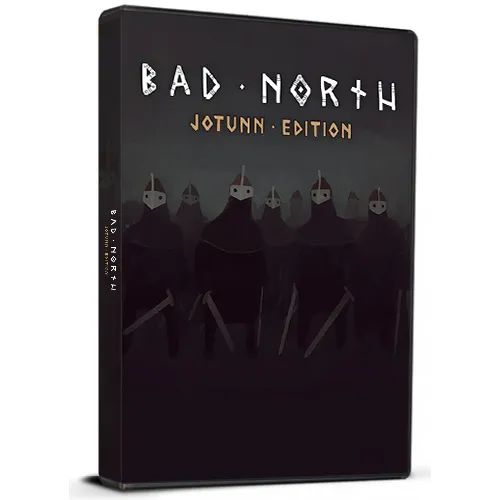
Bad North: Jotunn Edition (PC Steam Key / Global)

Rating

Reviews
Price
  • $3.12
cards klarna GPay Apple Pay affirm afterpay

Official License: Global | 24/7 U.S. Support | Gamers Outlet - CD Keys

Platform
Steam PC Steam Key
Points Gained
3
Availability
Out Of Stock
Support
24/7 Support
Delivery
Free digital delivery
Your Region
Supported

$3.12

Instant Delivery: Bad North: Jotunn Edition (PC Steam Key / Global) Game Key

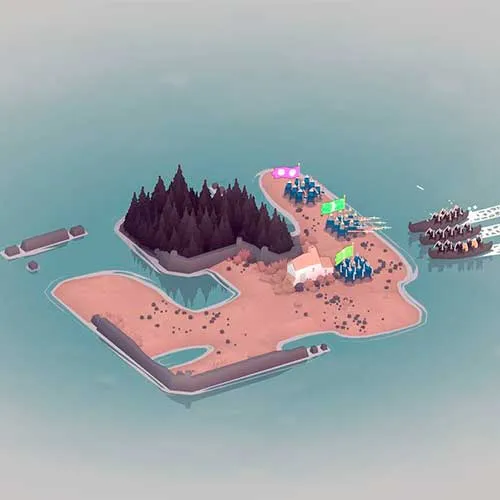
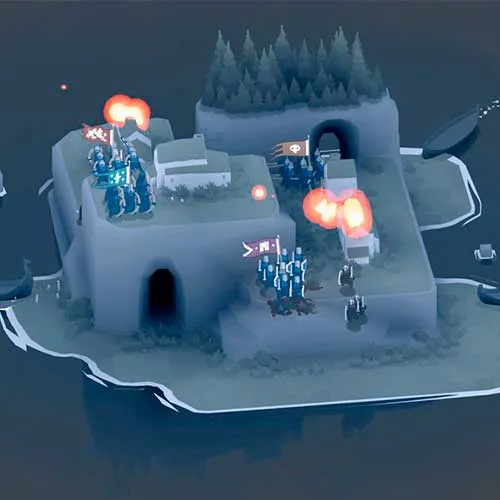
Position and relocate your troops to fend off the Vikings, who each have their own counters to the threats you pose.

Pick your battles and plan your evacuations carefully!
Lose a commander and they’re gone forever; lose everything, and it’s game over!


  • Will I get an invoice?
    Invoice will automatically generate upon placing an order.

  • Where can I find my invoice?
    Once the order is completed, the invoice will be available under 'My Account' (top right corner of the top bar) -> 'Order History.'

  • Can I edit my invoice?
    Currently, you cannot do this yourself. Please contact our support via email at [email protected], and we will be glad to assist you with the matter. For a faster process, please include the order number and any relevant information you want to be shown (such as your name, ID/tax number, etc.).

  • Is this product for every platform?
    No, this product is specific to the Steam platform.

  • Can I redeem this product anywhere?
    Yes, this Product is a Global version.

  • Is this product a game, credit, subscription or DLC?
    This product is the Jotunn Edition of the base game.

  • Can I transfer this game to new hardware or a new console?
    Yes, This key is bind to your Steam account.

  • Is there a specific way I need to install this product?
    Please read the 'Activation' tab.

Please follow the steps below to redeem your Steam key:

1) Download and install the Steam client on your PC: https://store.steampowered.com/about/
2) Open the Steam client, log in or create an account if you don't have one, and locate the Games tab on the top menu. Click this and then select "Activate a Product on Steam…"


3) Enter your code into the product activation field


Your game is now viewable in the "Library" tab and is available to download/install when you're ready.
Happy Gaming!

Mireia Cuella 22/02/2023

This website has quickly become my go-to for online shopping. The customer service is top-notch, and the shipping is always fast. I highly recommend it to anyone looking for a reliable and trustworthy site.

Write a review

Note: HTML is not translated!
Captcha
Review Score: 5 / 5
Mireia Cuella 22/02/2023

This website has quickly become my go-to for online shopping. The customer service is top-notch, and the shipping is always fast. I highly recommend it to anyone looking for a reliable and trustworthy site.

Support