Chronos Before the Ashes (PC Steam Key / Global)
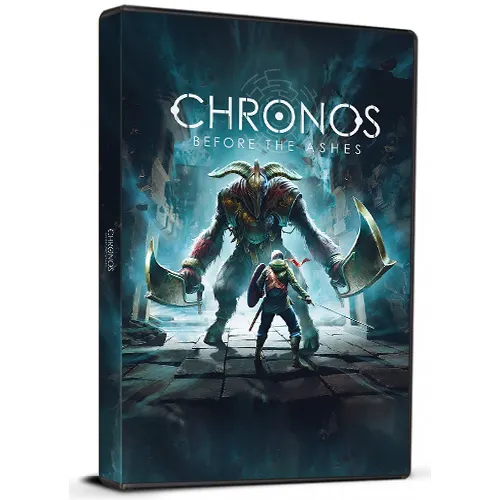
Chronos Before the Ashes (PC Steam Key / Global)

Rating

Reviews
Price
  • $5.65
cards klarna GPay Apple Pay affirm afterpay

Official License: Global | 24/7 U.S. Support | Gamers Outlet - CD Keys

Platform
Steam PC Steam Key
Points Gained
4
Availability
In Stock
Support
24/7 Support
Delivery
Free digital delivery
Your Region
Not Supported

$5.65

Instant Delivery: Chronos Before the Ashes (PC Steam Key / Global) Game Key

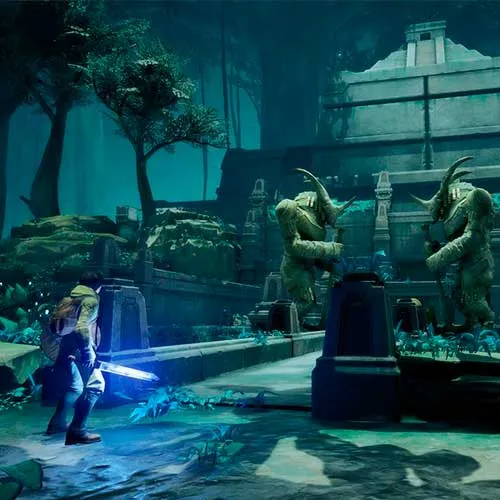
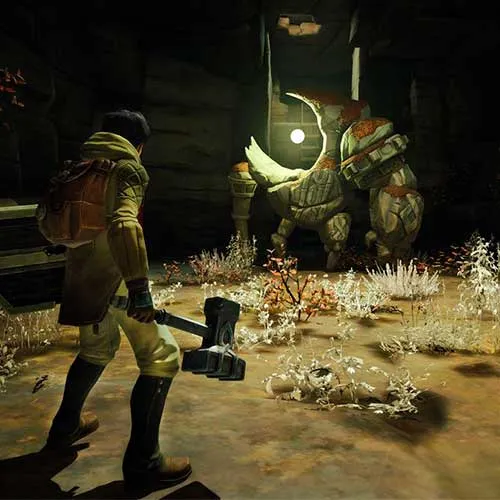
Refreshing combination of Adventure Game elements and RPG mechanics.

A variety of weapons, abilities and powers are available to the player in the pursuit of their quest.
Every time the player dies they age one year.


  • Will I get an invoice?
    Invoice will automatically generate upon placing an order.

  • Where can I find my invoice?
    Once the order is completed, the invoice will be available under 'My Account' (top right corner of the top bar) -> 'Order History.'

  • Can I edit my invoice?
    Currently, you cannot do this yourself. Please contact our support via email at [email protected], and we will be glad to assist you with the matter. For a faster process, please include the order number and any relevant information you want to be shown (such as your name, ID/tax number, etc.).

  • Is this product for every platform?
    No, this product is specific to the Steam platform.

  • Can I redeem this product anywhere?
    Yes, this Product is a Global version.

  • Is this product a game, credit, subscription or DLC?
    This product is the base game.

  • Can I transfer this game to new hardware or a new console?
    Yes, This key is bind to your Steam account.

  • Is there a specific way I need to install this product?
    Please read the 'Activation' tab.

Please follow the steps below to redeem your Steam key:

1) Download and install the Steam client on your PC: https://store.steampowered.com/about/
2) Open the Steam client, log in or create an account if you don't have one, and locate the Games tab on the top menu. Click this and then select "Activate a Product on Steam…"


3) Enter your code into the product activation field


Your game is now viewable in the "Library" tab and is available to download/install when you're ready.
Happy Gaming!

JA  04/01/2023

This website has become my go-to for online shopping due to its vast product selection, competitive pricing, and outstanding customer service. I'm always happy with my purchases.

Write a review

Note: HTML is not translated!
Captcha
Review Score: 5 / 5
JA  04/01/2023

This website has become my go-to for online shopping due to its vast product selection, competitive pricing, and outstanding customer service. I'm always happy with my purchases.

Support