Instant Delivery: Gas Station Simulator - Tidal Wave DLC (PC Steam Key / Global) Game Key
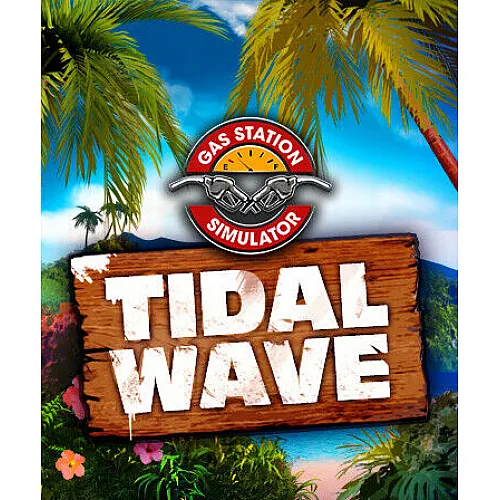
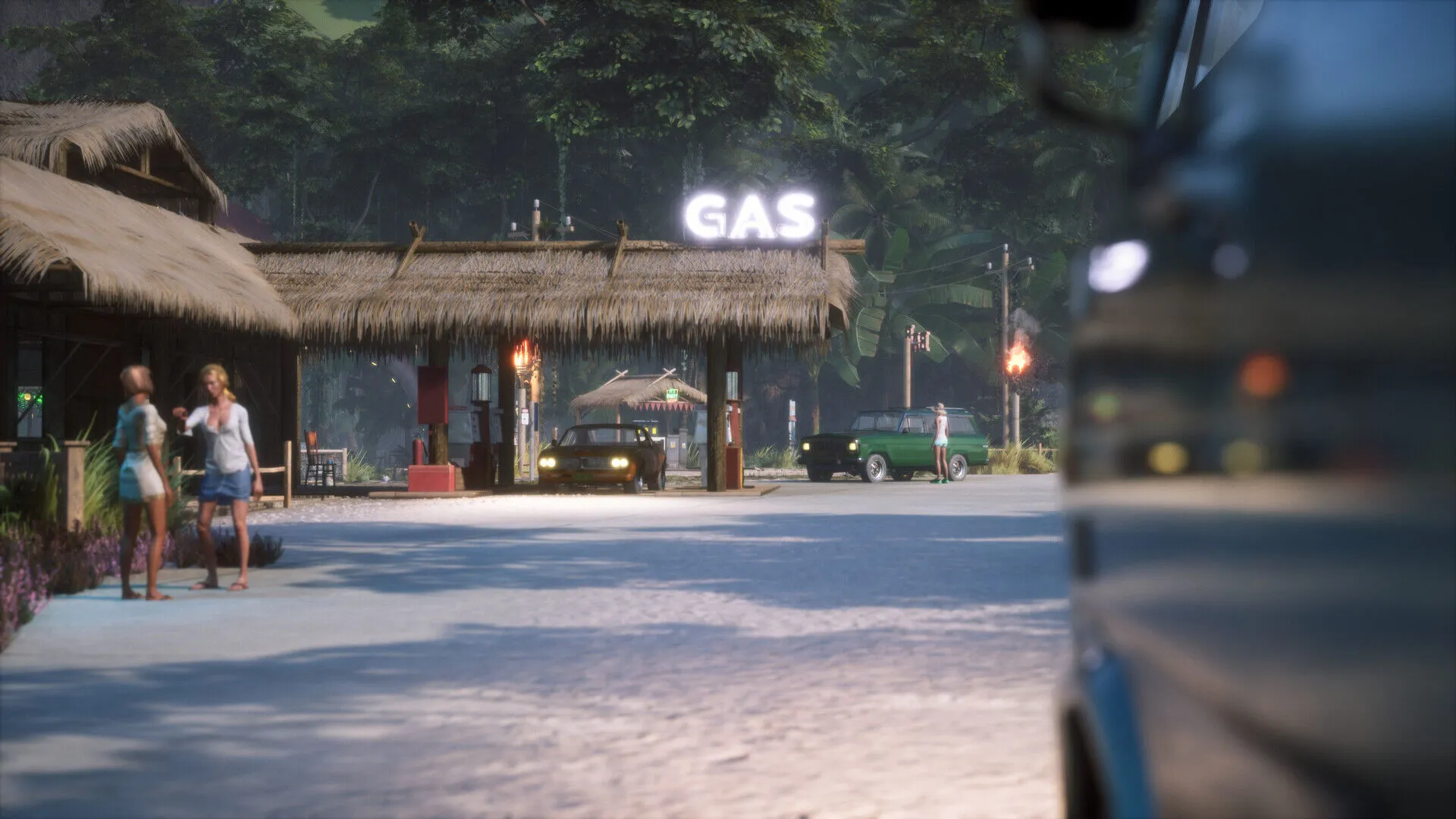
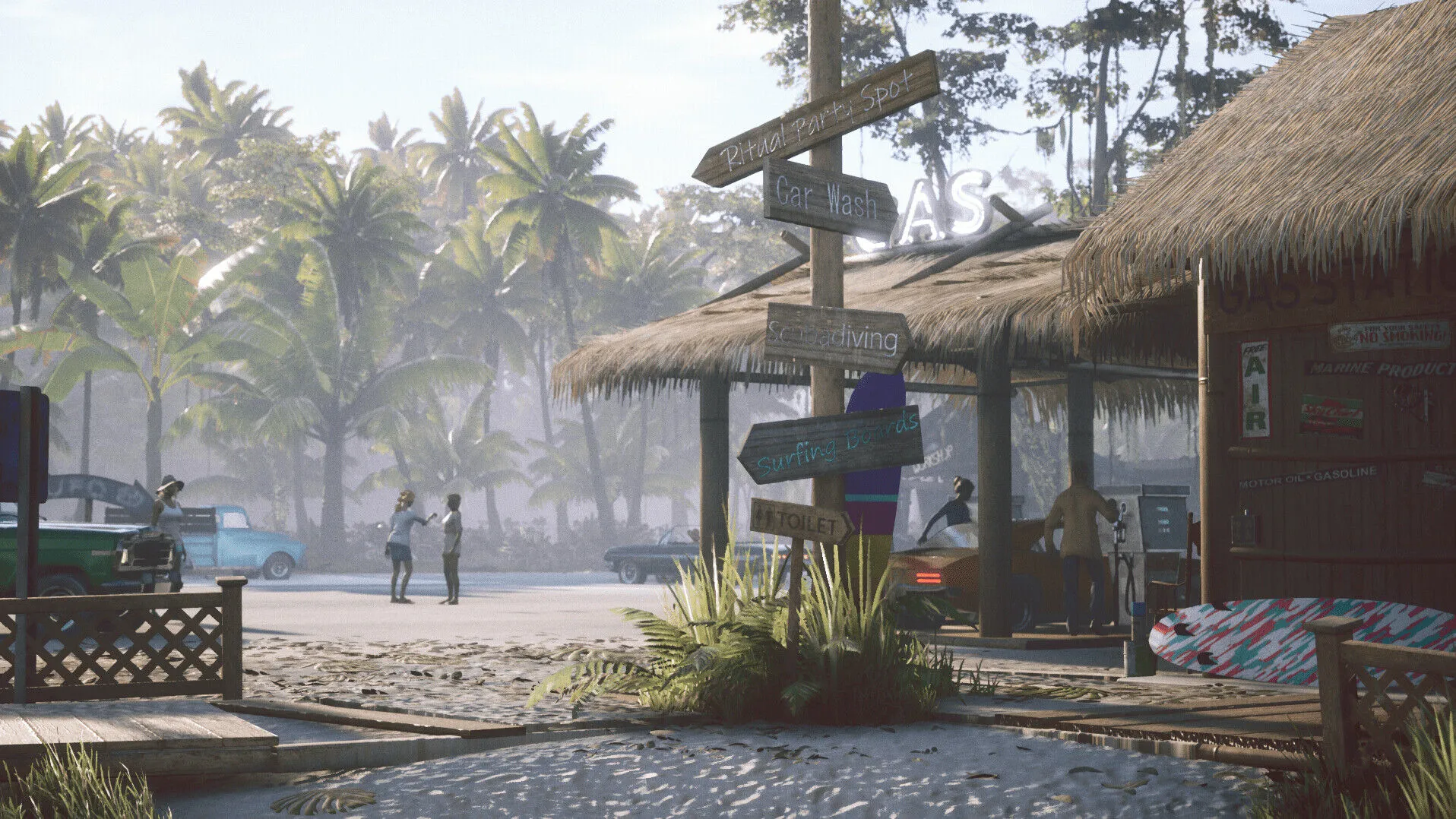
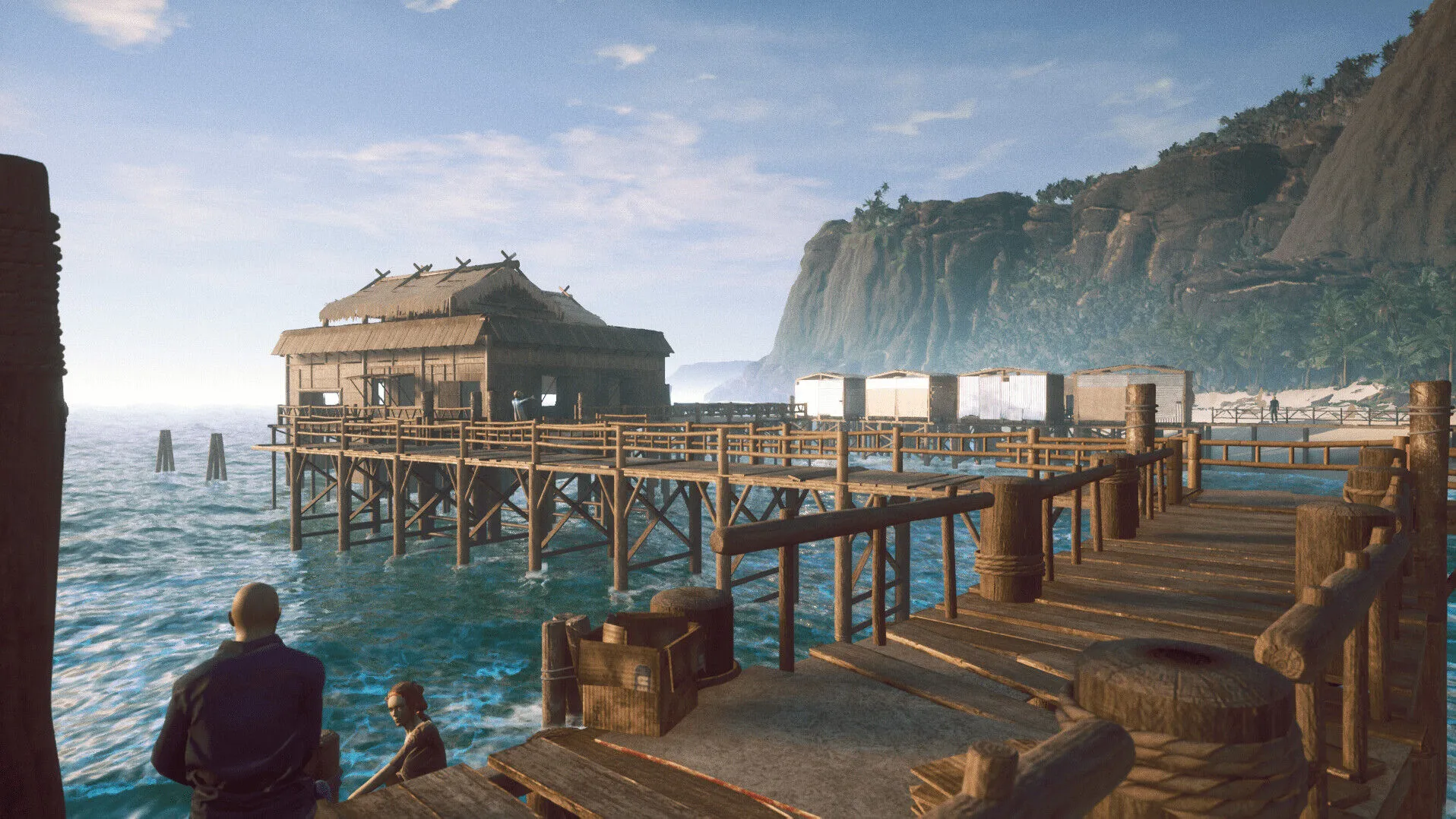
Welcome to a tropical paradise! You didn’t expect that, did you? Take a break from Route 66 and offer your services to a new populace on a remote tropical island. They need to fuel their cars, too. And their boats, and their jet skis…
With the Tidal Wave DLC you can set up a new gas station on a remote paradise island that is governed by its own unique rules, offers new game mechanics, stunning surroundings and god appeasement.
Tidal Wave
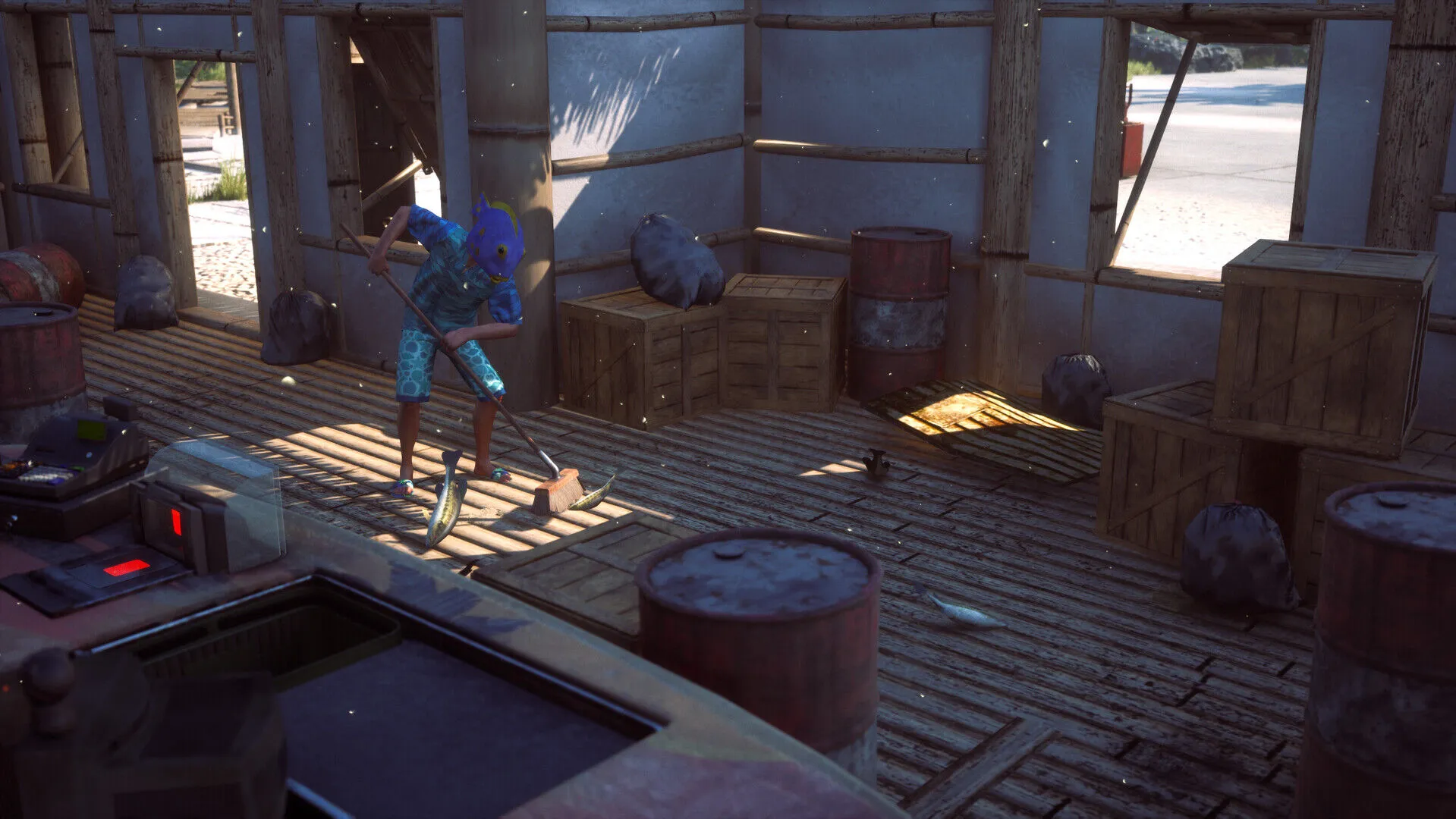
A new surrounding needs new dangers and events. Tides, waves and thunderstorms are among those that might disrupt your day. While you won’t need Ruddy to clean up sand after a dust storm, the new weather phenomena come with their own mechanics and there will still be some clean up to be done. That’s the price you pay for being in on a lush, tropical island…
Chunchumanchu
The happiness or anger of the god, Chunchumanchu, is indicated by a Volcano meter. His anger builds over time and can be hastened by customer dissatisfaction. Keep Chunchumanchu happy by throwing coconuts or other items into a cauldron at a sacred altar. Different actions have varying impacts on reducing the god's anger.
Failure to keep the god happy results in an ominous eruption that temporarily transforms the paradise into a hellish landscape, disrupting business and scaring customers away.
Tourists
With a whole new surrounding come new expectations. Sure, there are still customers who want their cars to be fuelled and repaired, but there is also a whole new slew of customers with expectations that are in-line with the new environment. Their jet skis and boats need fuel and the tourists expect to be entertained. How about offering them scuba diving equipment or surfing rentals?
Accidents
You have to take care of everything better than ever. The right equipment and maintenance becomes crucial, it’s not just about satisfaction anymore. Poor equipment can lead to accidents and accidents increase Chunchumanchu's anger. Keep your focus on the new Volcano meter and make sure your customers are safe.
And it wouldn’t be Gas Station Simulator if we didn’t come up with some twists, right? So how about a shark that might want to attack divers or surfers? Imagine Dennis, but actually dangerous. That’s why we give you mines…
- Will I get an invoice?
Invoice will automatically generate upon placing an order.
- Where can I find my invoice?
Once the order is completed, the invoice will be available under 'My Account' (top right corner of the top bar) -> 'Order History.'
- Can I edit my invoice?
Currently, you cannot do this yourself. Please contact our support via email at [email protected], and we will be glad to assist you with the matter. For a faster process, please include the order number and any relevant information you want to be shown (such as your name, ID/tax number, etc.).
- Is this product for every platform?
No, this product is specific to the Steam platform.
- Can I redeem this product anywhere?
Yes, this Product is a Global version.
- Is this product a game, credit, subscription or DLC?
This product is the DLC of the game and will not include the base game.
- Can I transfer this game to new hardware or a new console?
Yes, This key is bind to your Steam account.
- Is there a specific way I need to install this product?
Please read the 'Activation' tab.
Please follow the steps below to redeem your Steam key:
1) Download and install the Steam client on your PC: https://store.steampowered.com/about/
2) Open the Steam client, log in or create an account if you don't have one, and locate the Games tab on the top menu. Click this and then select "Activate a Product on Steam…"

3) Enter your code into the product activation field

Your game is now viewable in the "Library" tab and is available to download/install when you're ready.
Happy Gaming!


















































 PC Steam Key



