






invoice will automatically generate upon placing an
order
Available Languages: MULTILANGUAGE
Kaspersky Internet Security 2022 – Your Ultimate 1 Device, 2-Year Digital Guardian!
ACTIVATION INSTRUCTIONS:
1. Download the software:
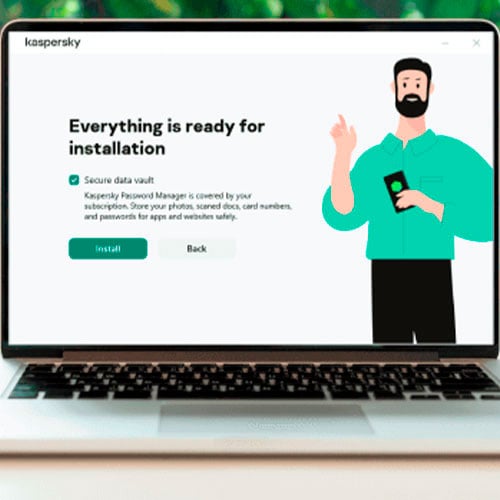
here2. Install the Kaspersky software
3. Launch Kaspersky
4. Press "Enter Activation Code" in the right-bottom corner
5. Choose "Activate application" option
6. Enter the code and save with "Activate"
7. Software may require from you to create or login with Kaspersky account
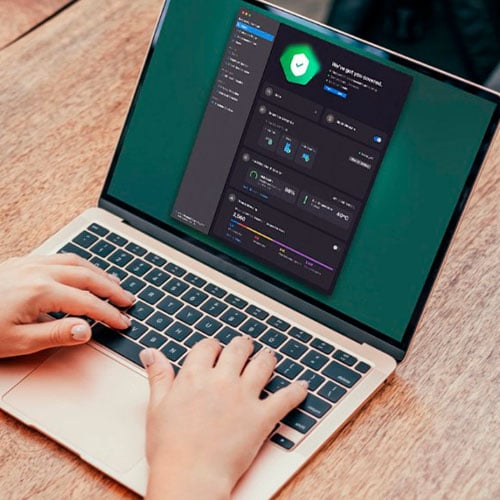
Experience unparalleled peace of mind as you navigate the digital world with Kaspersky Internet Security 2022. Specifically designed to safeguard your online activities, this powerful solution provides comprehensive protection for a single device over a 2-year period.
- Free VPN: Enjoy secure browsing with up to 300 MB of daily encrypted traffic, allowing you to access your favorite content without compromising privacy.
- Safe Money: Shop and bank confidently, knowing your financial transactions and account details are protected with our advanced security technology.
- Webcam Protection: Prevent unauthorized access to your webcam, ensuring your privacy is never invaded.
With Kaspersky Internet Security 2022, you can confidently socialize, surf, shop, and stream without fear of digital threats. Invest in the best protection for your digital life today!
We Also Offer Windows 11 cd keys HERE
Windows 10 cd keys HERE
Office 2021 cd keys HERE

- Will I get an invoice?
Invoice will automatically generate upon placing an order.
- Where can I find my invoice?
Once the order is completed, the invoice will be available under 'My Account' (top right corner of the top bar) -> 'Order History.'
- Can I edit my invoice?
Currently, you cannot do this yourself. Please contact our support via email at [email protected], and we will be glad to assist you with the matter. For a faster process, please include the order number and any relevant information you want to be shown (such as your name, ID/tax number, etc.).
- Can I install this on macOS?
No, this product does not support MacOS.
- Can I redeem this product anywhere?
Yes, this Product is a Global version.
- Can I transfer this product to new hardware?
No, The code is valid for 1 pc or 1 installation - if you uninstall or reinstall you might need to buy a new code.
- Is there a specific way I need to install this product?
Please read the 'Activation' tab.
- Can I split my license for multiple PCs?
No, this product is a 2-year license for 1 PC.
ACTIVATION INSTRUCTIONS:
1. Download the
software: here
2. Install the Kaspersky software
3. Launch Kaspersky
4. Press "Enter Activation Code" in
the right-bottom corner
5. Choose "Activate application"
option
6. Enter the code and save with
"Activate"
7. Software may require from you to create or
login with Kaspersky account