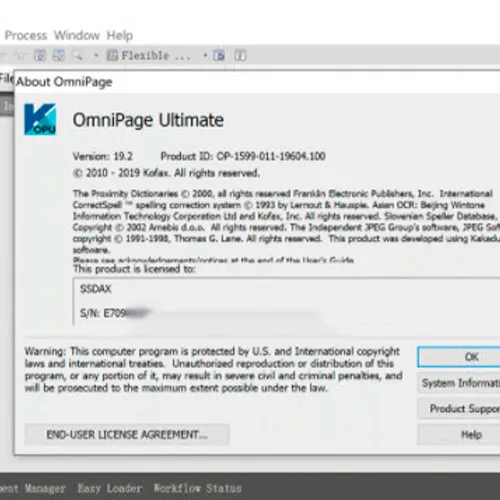


Kofax OmniPage 19.2 Ultimate For Windows
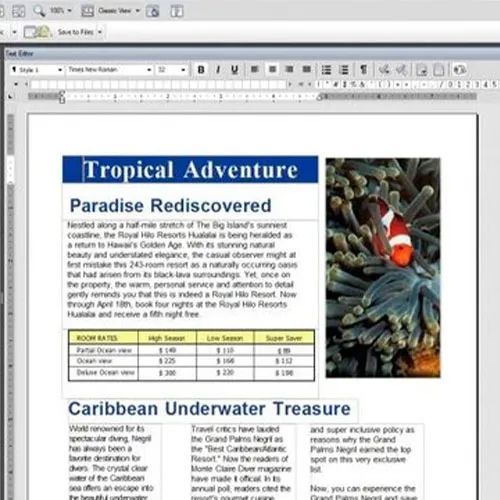
Get started with the most powerful and accurate document conversion tool, and turn paper, PDFs and images into valuable digital files.
With OmniPage Ultimate, you can:
Transform PDF files and forms into documents you can edit, share and archive
Convert business-critical documents into ready-to-use data and editable formats
Send converted files automatically to a pre-programmed workflow
Utilize OCR to scan documents to any format, and route anywhere on the network

- Will I get an invoice?
Invoice will automatically generate upon placing an order.
- Where can I find my invoice?
Once the order is completed, the invoice will be available under 'My Account' (top right corner of the top bar) -> 'Order History.'
- Can I edit my invoice?
Currently, you cannot do this yourself. Please contact our support via email at [email protected], and we will be glad to assist you with the matter. For a faster process, please include the order number and any relevant information you want to be shown (such as your name, ID/tax number, etc.).
- Can I install this on macOS?
No, This product does not support MacOS.
- Can I redeem this product from anywhere?
Yes, this product is a global version.
- Can I transfer this product to new hardware?
No, The code is valid for 1 pc or 1 installation - if you uninstall or reinstall more than that you might need to buy a new code.
- Is there a specific way I need to install this product?
Please read the 'Activation' tab.
Activation Instructions for Kofax OmniPage 19.2 Ultimate For Windows:
1. Download installer: Here
2. During the installation or before the first run, you'll be required to insert the CD key you received from us.
3. insert the cdkey, ( finish installation if needed) and enjoy.