



Metro Exodus Expansion Pass Cd Key Steam Global

Metro Exodus Expansion Pass Cd Key Steam Global

Rating

Reviews
Price
  • $2.48
cards klarna GPay Apple Pay affirm afterpay
Platform
Steam Steam
Points Gained
3
Availability
In Stock
Support
24/7 Support
Delivery
Free digital delivery
Your Region
Supported
$2.48

Available Languages : MULTILANGUAGE

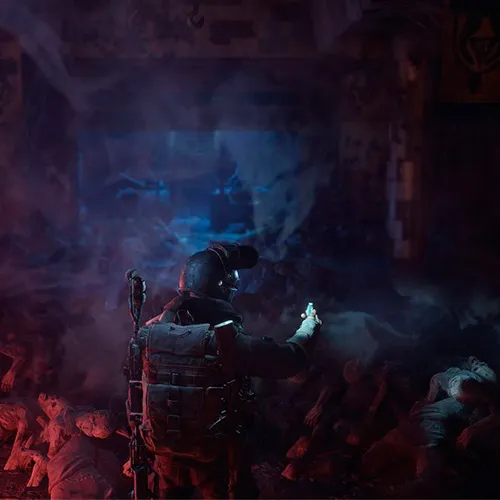
Metro Exodus is a first-person shooter game that takes place in post-apocalyptic Russia. The game was released in 2019 and has since become popular among gamers due to its immersive storyline, realistic graphics, and challenging gameplay. Recently, the game developers announced the release of the Metro Exodus Expansion Pass, which promises to take the gaming experience to a whole new level.

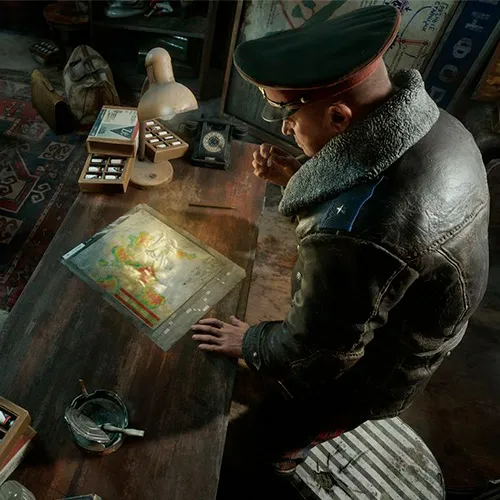
The Metro Exodus Expansion Pass is set to include two new story-driven DLCs that will add to the existing game content. The first DLC, titled 'The Two Colonels,' is set to release in the summer of 2019 and will take players back to the underground city of Novosibirsk. Players will take on the role of Colonel Khlebnikov and will experience his journey through the city as it succumbs to the deadly slime that plagues the tunnels. The second DLC, titled 'Sam's Story,' is set to release in early 2020 and will take players to Vladivostok, where they will play as former US marine Sam, who is on a quest to find a way back home.

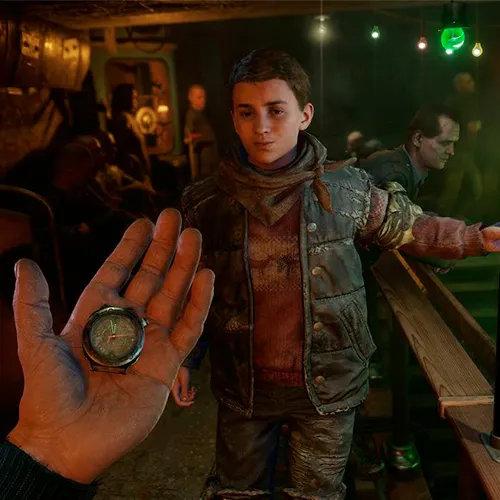
The Metro Exodus Expansion Pass promises to offer hours of new gameplay and a deeper insight into the world of Metro Exodus. The game developers have promised that the new DLCs will be just as immersive and challenging as the main game, with new weapons, characters, and environments to explore. The Expansion Pass is a great way for fans of the game to continue their journey through the post-apocalyptic world of Russia and experience new adventures with familiar characters.

Please follow the steps below to redeem your Steam key:

1) Download and install the Steam client on your PC: https://store.steampowered.com/about/
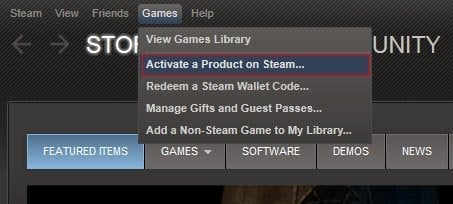
2) Open the Steam client, log in or create an account if you don't have one, and locate the Games tab on the top menu. Click this and then select "Activate a Product on Steam…"


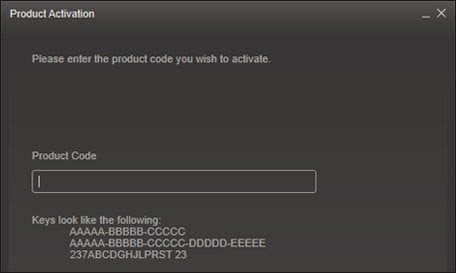
3) Enter your code into the product activation field


Your game is now viewable in the "Library" tab and is available to download/install when you're ready.
Happy Gaming!

ghost crypto 10/03/2022

This website consistently delivers a top-notch online shopping experience. The product variety is impressive, and the customer service team is always responsive and helpful.

Write a review

Note: HTML is not translated!
Captcha
Review Score: 5 / 5
ghost crypto 10/03/2022

This website consistently delivers a top-notch online shopping experience. The product variety is impressive, and the customer service team is always responsive and helpful.