




Metro Exodus - The Two Colonels DLC (PC Steam Key / Global)

Metro Exodus - The Two Colonels DLC (PC Steam Key / Global)
Rating

Reviews
Price
  • $1.45
cards klarna GPay Apple Pay affirm afterpay

Official License: Global | 24/7 U.S. Support | Gamers Outlet - CD Keys

Platform
Steam PC Steam Key
Points Gained
2
Availability
In Stock
Support
24/7 Support
Delivery
Free digital delivery
Your Region
Supported


$1.45

Metro Exodus - The Two Colonels DLC Cd Key Steam Global

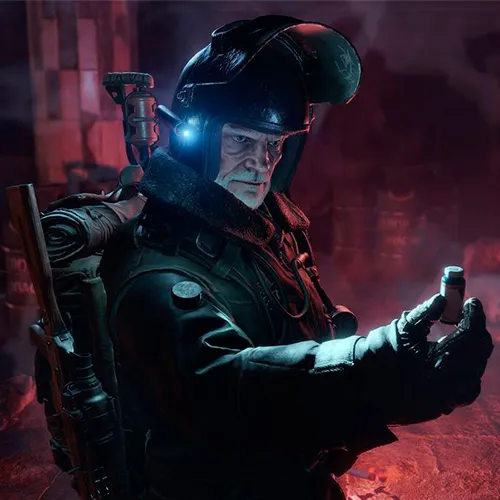
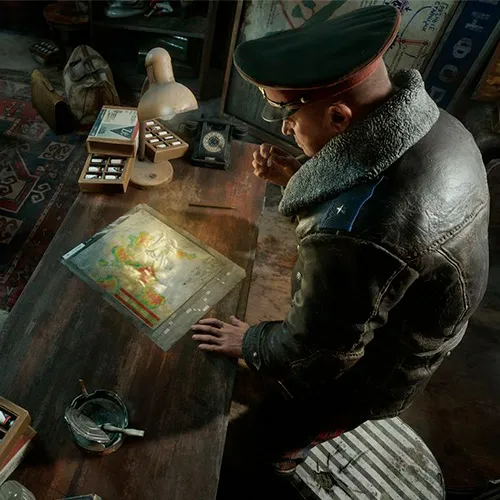
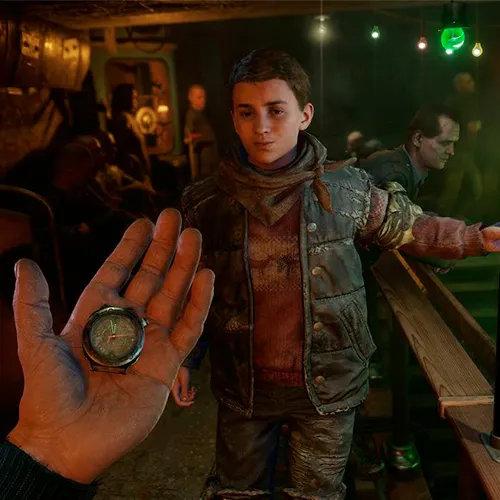
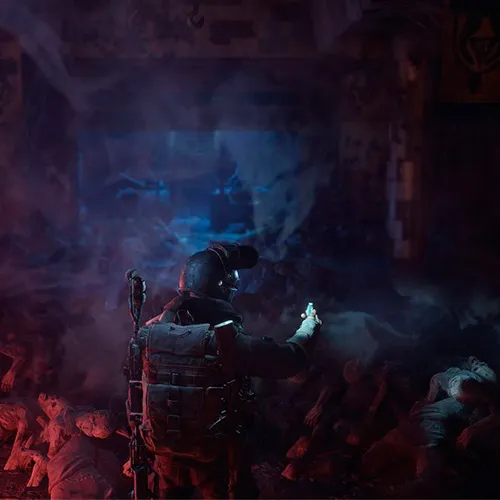
Metro Exodus is a popular first-person shooter game that takes players through a post-apocalyptic world where they must survive against mutated creatures and other survivors. The Two Colonels DLC is a new addition to the game, offering players a new storyline and environment to explore. The DLC takes place in the underground city of Novosibirsk, where players take on the role of Colonel Khlebnikov as he tries to save his son and the rest of the city from impending doom.

The DLC offers players a unique playing experience, with new weapons, enemies, and environments to explore. The gameplay is similar to that of the original game, with players having to scavenge for resources, craft weapons, and fight off enemies. However, the DLC adds new features such as a flamethrower and a new enemy type, the Watchman. The story is also engaging, with players having to make tough decisions that affect the outcome of the game.

One of the most impressive things about The Two Colonels DLC is the atmosphere it creates. The underground city of Novosibirsk is beautifully designed, with detailed environments that make players feel like they are really there. The sound design is also top-notch, with eerie sound effects that add to the overall sense of dread and tension. The DLC is a must-play for fans of the original game, offering a new and engaging experience that is sure to keep players on the edge of their seats.


Please follow the steps below to redeem your Steam key:

1) Download and install the Steam client on your PC: https://store.steampowered.com/about/
2) Open the Steam client, log in or create an account if you don't have one, and locate the Games tab on the top menu. Click this and then select "Activate a Product on Steam…"


3) Enter your code into the product activation field


Your game is now viewable in the "Library" tab and is available to download/install when you're ready.
Happy Gaming!

Mr Smith 11/03/2022

I love this website for its user-friendly interface, wide range of products, and excellent customer service. It's my go-to for online shopping, and I've never been disappointed.

Write a review

Note: HTML is not translated!
Captcha
Review Score: 5 / 5
Mr Smith 11/03/2022

I love this website for its user-friendly interface, wide range of products, and excellent customer service. It's my go-to for online shopping, and I've never been disappointed.

Support