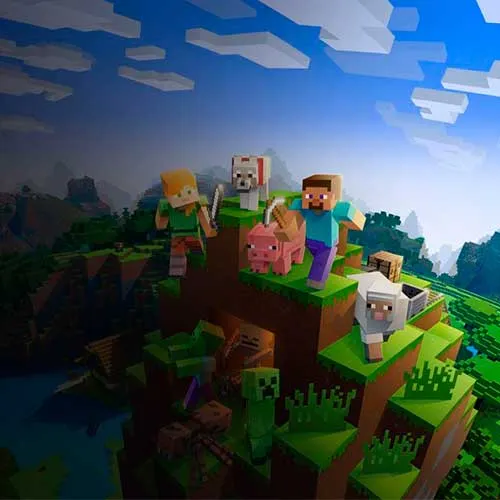
Instant Delivery: Minecraft: Jave & Bedrock Edition Microsoft Store Turkey (Xbox Key / Turkey) Game Key
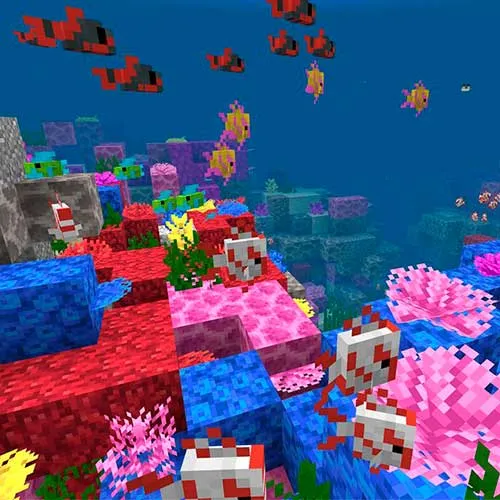
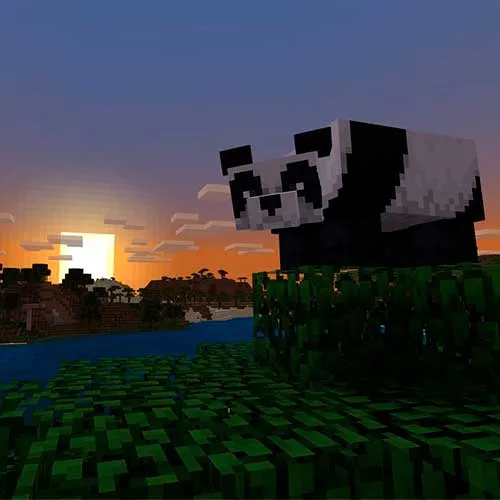
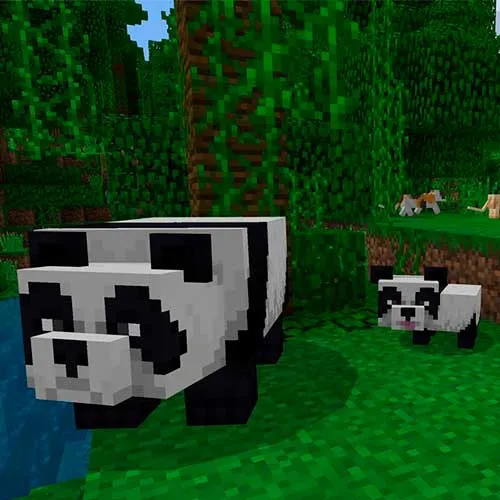
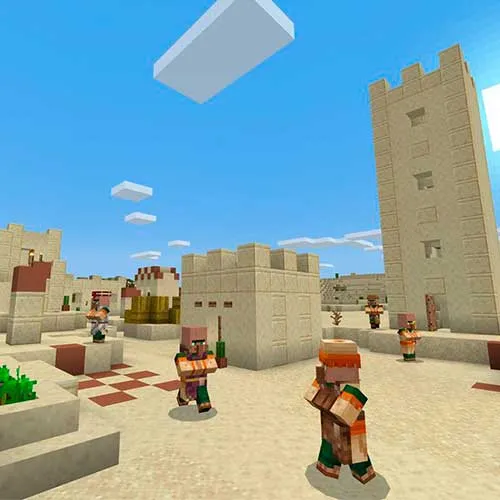
Minecraft is a popular sandbox game that has gained worldwide recognition for its unique gameplay and endless possibilities. There are two main versions of Minecraft: Java Edition and Bedrock Edition, both available on the Microsoft Store in Turkey. The Java Edition is the original version of the game and is primarily designed for PC users. It offers more advanced features, such as custom mods and skins, and is the preferred version for hardcore gamers and modders. On the other hand, the Bedrock Edition is a cross-platform version of the game that can be played on various devices, including Xbox, PlayStation, mobile devices, and Windows 10.
One of the most significant advantages of Minecraft on the Microsoft Store in Turkey is the seamless integration between the two versions of the game. Players can easily switch between the two versions without losing their progress or content. This means that players who own both versions of the game can enjoy the best of both worlds and experience Minecraft in their preferred way. Additionally, the Microsoft Store offers a wide range of Minecraft add-ons, maps, and skins that players can purchase to enhance their gaming experience.
Another exciting feature of Minecraft on the Microsoft Store in Turkey is the multiplayer mode, which allows players to connect and play with others from around the world. Both Java and Bedrock Editions support multiplayer mode, and hosting a server has never been easier. Players can join existing servers or create their own and invite friends to join. This feature promotes a sense of community and socialization among players and is a great way to enjoy Minecraft with others.
In conclusion, Minecraft is a fantastic game that offers endless possibilities and hours of entertainment. The Java and Bedrock Editions, available on the Microsoft Store in Turkey, provide players with a seamless gaming experience and a wide range of features and add-ons. Whether you prefer playing on a PC or a mobile device, Minecraft has something for everyone, and the multiplayer mode allows you to connect with others and share your gaming experience.
- Will I get an invoice?
Invoice will automatically generate upon placing an order.
- Where can I find my invoice?
Once the order is completed, the invoice will be available under 'My Account' (top right corner of the top bar) -> 'Order History.'
- Can I edit my invoice?
Currently, you cannot do this yourself. Please contact our support via email at [email protected], and we will be glad to assist you with the matter. For a faster process, please include the order number and any relevant information you want to be shown (such as your name, ID/tax number, etc.).
- Is this product for every platform?
No, this product is specific to the Microsoft platform.
- Can I redeem this product anywhere?
No, this product can only be activated from Turkey.
- Is this product a game, credit, subscription or DLC?
This product is the Jave and Bedrock Edition of the base game.
- Can I transfer this game to new hardware or a new console?
Yes, This key is bind to your Microsoft account.
- Is there a specific way I need to install this product?
Please read the 'Activation' tab.
Please follow the instructions below:
1. Connect to a Turkish server using a VPN service.
2. Once you're connected to the VPN, go to the Microsoft redeem page at https://redeem.microsoft.com/
3. Log in to your Microsoft account. If you don't have one, create a new account.
4. Enter the code you want to redeem in the "Enter your code" field and click the "Next" button.
Try using a different browser, such as Firefox or Edge, if you are using Chrome and still encountering the same geo-block error.
*If you don't have a VPN, you can download this 24-hour free trial for CyberGhost VPN: https://www.cyberghostvpn.com/vpn-free-trial
Simply create an account with them, connect to a Turkish server, activate your game, and then you can uninstall the VPN if you want









































 Xbox Key