
Nero 8 Ultra For Windows
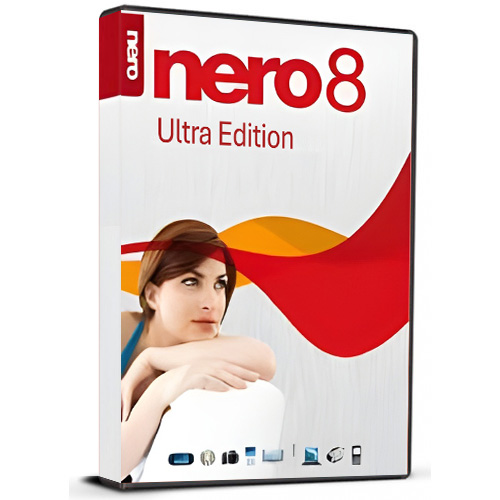
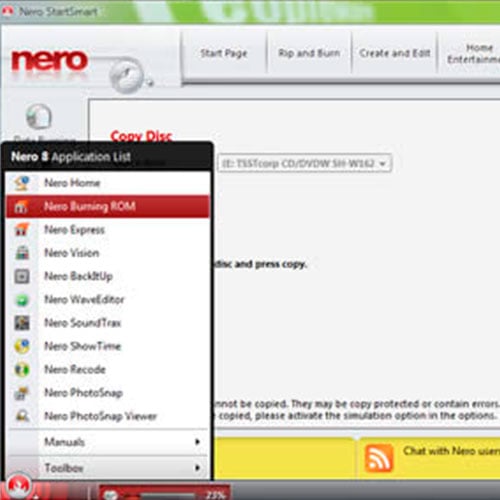
Nero 8 Ultra Edition CD/DVD Burning Software for Windows from Nero is a powerful software suite for Windows that allows you to get the most out of your DVD, HD DVD, or Blu-ray burner. The software allows you to burn DVD movies and audio CDs, edit your home movies, turn photographs into a DVD slide show, and even backup your hard drive. This is a great option for Windows users who would like to get the most out of their burner.
Audio Support
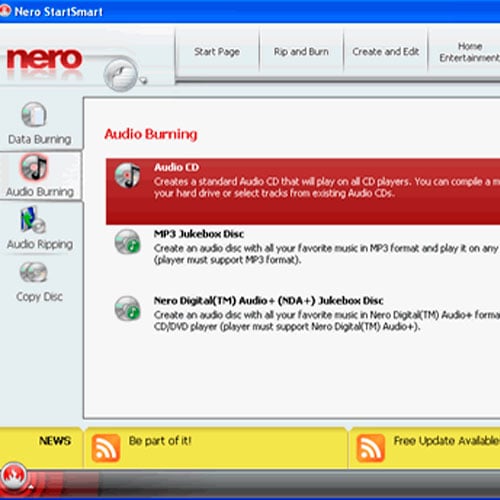
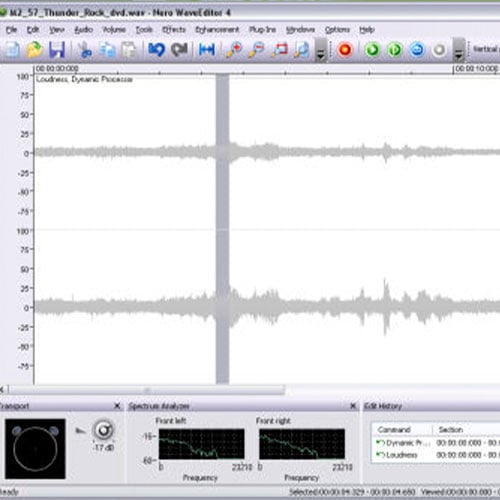
Nero features a full suite of tools for working with and burning audio files. You'll be able to rip CDs to create MP3 or AAC mix discs, convert LPs and tapes without pops and cracks, create custom playlists, and mix music like a DJ. The software supports 7.1 channel audio recording, editing, and mixing. You'll be able to convert audio to almost any format, including Audible, in order to burn it to CD or load to your MP3 player.
Photos and Video
The software features tools to capture and edit video from digital camcorders or analog capture devices. You'll be able to work with DV and HDV video and burn it to VCD, SVCD, or DVD. You can even use Nero to stream media to UPnP home theater devices and export video for iPod or PSP.
TV and Home Theater
Nero includes tools that can work with a TV tuner card to turn your PC into a PVR. You'll also be able to play store-bought DVDs on your computer, making it an excellent software choice for a Home Theater PC.
Data Features
The software will also burn computer data onto CD, DVD, HD DVD, and Blu-ray discs. It includes a backup wizard with virus protection to archive important documents. The backup package is even compatible with the Windows Vista search folder.

- Will I get an invoice?
Invoice will automatically generate upon placing an order.
- Where can I find my invoice?
Once the order is completed, the invoice will be available under 'My Account' (top right corner of the top bar) -> 'Order History.'
- Can I edit my invoice?
Currently, you cannot do this yourself. Please contact our support via email at [email protected], and we will be glad to assist you with the matter. For a faster process, please include the order number and any relevant information you want to be shown (such as your name, ID/tax number, etc.).
- Can I install this on macOS?
No, this product does not support MacOS.
- Can I redeem this product anywhere?
Yes, this Product is a Global version.
- Is there a specific way I need to install this product?
Please read the 'Activation' tab.
- Can I transfer this software to a new hardware?
No, The code is valid for 1 pc / 1 installation - if you uninstall/reinstall you might need to buy a new code.
Activation Instructions for Nero 8 Ultra Edition For Windows:
1. Download installer: Here
2. During the installation or before the first run, you'll be required to insert the CD key you received from us.
3. insert the cdkey (, finish installation if needed) and enjoy.