invoice will automatically generate upon placing an
order
Available Languages: MULTILANGUAGE
Due to recent updates to Microsoft Office for MacOS, we advise reviewing the activation tab before proceeding
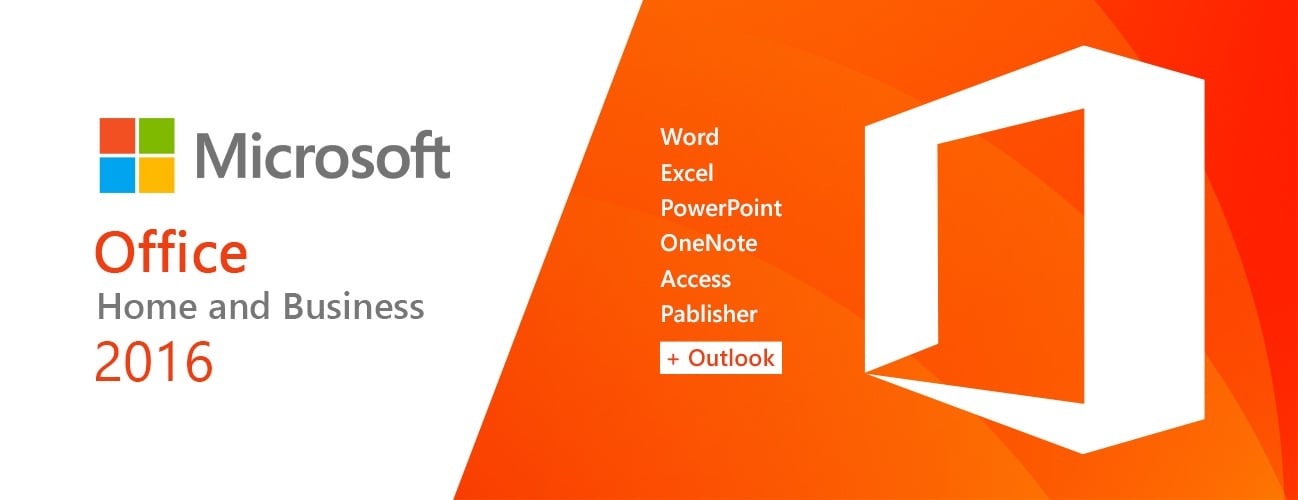
2016 version of Word, Excel, Powerpoint, OneNote, and Outlook.
Compatible with: Mac OS X, you must be running Mac OS X 10.15 (Catalina) or later
ACTIVATION INSTRUCTIONS:
Unlike other websites, our code works in the OFFICIAL activation website: https://setup.office.com/
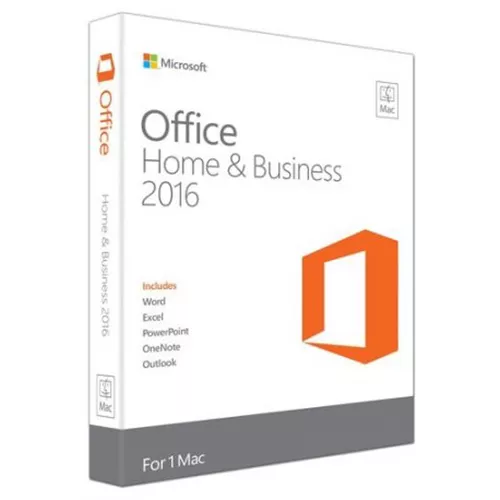
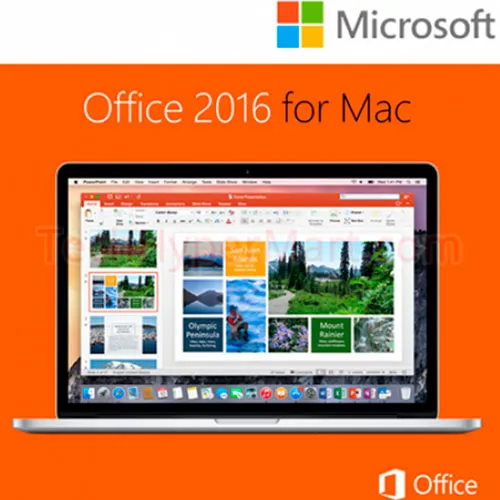
MS Office Home & Business 2016 for Mac is designed for users and
small businesses that want Office with the power of Outlook for email,
calendars, and contacts. It’s the Office you know and trust, updated to
take advantage of the last Mac features, including Retina display and full-screen view.
We Also Offer Windows 11 cd keys HERE
Windows 10 cd keys HERE
Office 2021 cd keys HERE

- Will I get an invoice?
Invoice will automatically generate upon placing an order.
- Where can I find my invoice?
Once the order is completed, the invoice will be available under 'My Account' (top right corner of the top bar) -> 'Order History.'
- Can I edit my invoice?
Currently, you cannot do this yourself. Please contact our support via email at [email protected], and we will be glad to assist you with the matter. For a faster process, please include the order number and any relevant information you want to be shown (such as your name, ID/tax number, etc.).
- Can I install this on macOS?
Yes, this product does support MacOS (Requires 10.15 Catalina or later).
- Can I redeem this product anywhere?
Yes, this Product is a Global version.
- Can I transfer this product to new hardware?
Yes, this key can be bind to your Microsoft account.
- Is there a specific way I need to install this product?
Please read the 'Activation' tab.
- What if I need a COA sticker for that product?
The COA label print can be scanned and sent to you upon request, for an additional charge.
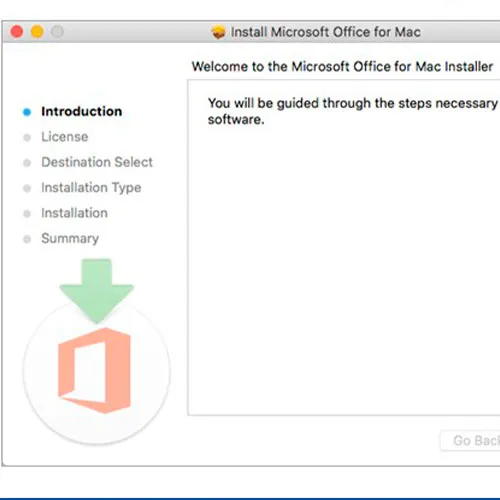
Please redeem your code here: setup.office.com
It will let you download the installer for your Mac.
Notice:
At the end of the installation a window may appear stating that an Office upgrade is required.
Please note that selecting this option will upgrade your installation to Office 365/2024, which will prevent you from fully activating Office 2016/2019.
If you attempt to log in after this upgrade, Office will not be able to locate a valid license for your current installation.
This is due to recent updates, which require an Office 2021/2024 license or an active Office 365 subscription (version 16.90 and later).
To avoid this, skip any Office updates offered during the installation process.
Also, uncheck the option to "Automatically keep Microsoft apps up to date.
" After that, simply click the red "X" at the top left of the window, log in with your Microsoft account, and complete the activation process.