Stronghold: Warlords - The Mongol Empire Campaign DLC Ste (PC Steam Key / Global)
- $3.18
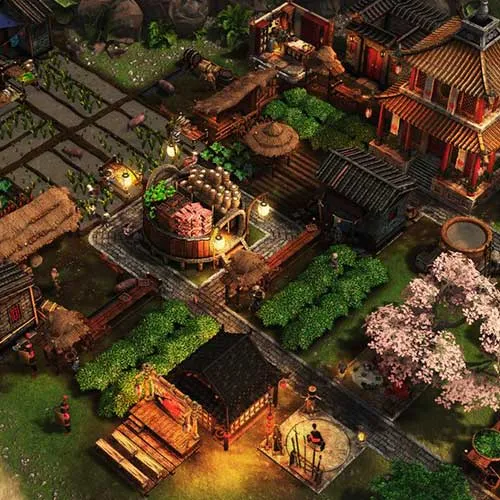
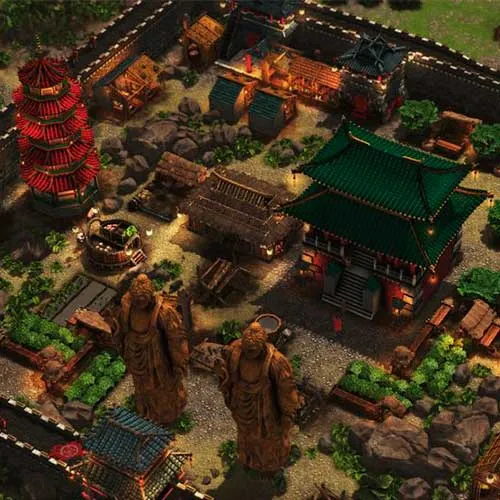
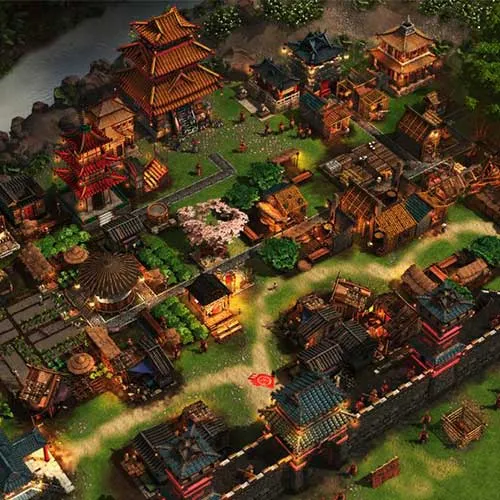
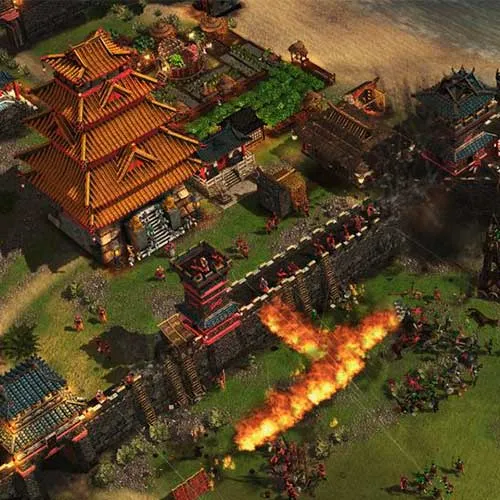
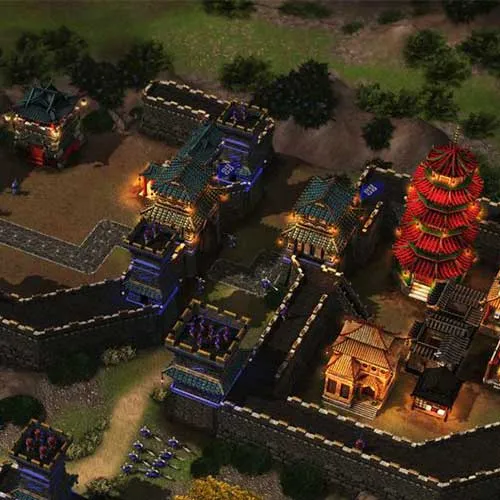
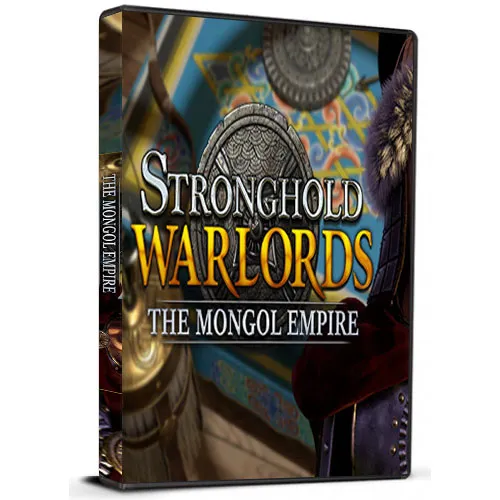
Stronghold: Warlords - The Mongol Empire Campaign DLC Game is an exciting new addition to the Stronghold series. The game takes place during the Mongol invasion of China and puts players in charge of defending the country from the fierce Mongol warriors. Players must manage resources, build fortifications, and command armies in order to repel the invaders and save China from destruction. With its realistic graphics, immersive gameplay, and challenging difficulty, Stronghold: Warlords - The Mongol Empire Campaign DLC Game is sure to provide players with hours of thrilling entertainment.
The game's historical accuracy is one of its standout features. Players will be able to experience the actual events of the Mongol invasion of China and will have the opportunity to make decisions that can affect the outcome of the war. The game also includes accurate depictions of the various factions involved in the conflict, such as the Song dynasty, the Yuan dynasty, and of course, the Mongols. With attention to detail in every aspect of the game, Stronghold: Warlords - The Mongol Empire Campaign DLC Game is a great choice for history buffs and strategy game enthusiasts alike.
In addition to the historical accuracy, the game also boasts impressive gameplay mechanics. The player is responsible for managing resources, constructing buildings, and commanding troops in real-time battles. The game's strategic depth is further enhanced by the ability to form alliances with other factions, negotiate with enemy leaders, and engage in espionage. With so many different factors to consider, players must carefully plan their moves in order to achieve victory. Overall, Stronghold: Warlords - The Mongol Empire Campaign DLC Game is a must-play for anyone who enjoys strategy games, historical accuracy, and challenging gameplay.
Please follow the steps below to redeem your Steam key:
1) Download and install the Steam client on your PC: https://store.steampowered.com/about/
2) Open the Steam client, log in or create an account if you don't have one, and locate the Games tab on the top menu. Click this and then select "Activate a Product on Steam…"
3) Enter your code into the product activation field
Your game is now viewable in the "Library" tab and is available to download/install when you're ready.
Happy Gaming!
| MC Homelyn | 14/01/2021 |
I've had nothing but positive experiences shopping on this website. The product selection is extensive, and the customer service is always prompt and courteous. Highly recommended! |
|