If you'd like to buy a big amount of copies, please contact [email protected]
TechSmith Camtasia Studio 6 (Windows) (Lifetime License / Global)
TechSmith Camtasia Studio 6 (Windows) (Lifetime License / Global)
Rating

Reviews
Price
  • $9.19
cards klarna GPay Apple Pay affirm afterpay

Official License: Global | 24/7 U.S. Support | Gamers Outlet - CD Keys

Platform
TechSmith Lifetime License
Points Gained
8
Availability
In Stock
Support
24/7 Support
Delivery
Free digital delivery
Your Region
Supported

$9.19

Instant Activation: TechSmith Camtasia Studio 6 (Windows) (Lifetime License / Global) CD Key
Camtasia’s powerful features are matched only by their ease of use, putting you in total creative control.

Recording

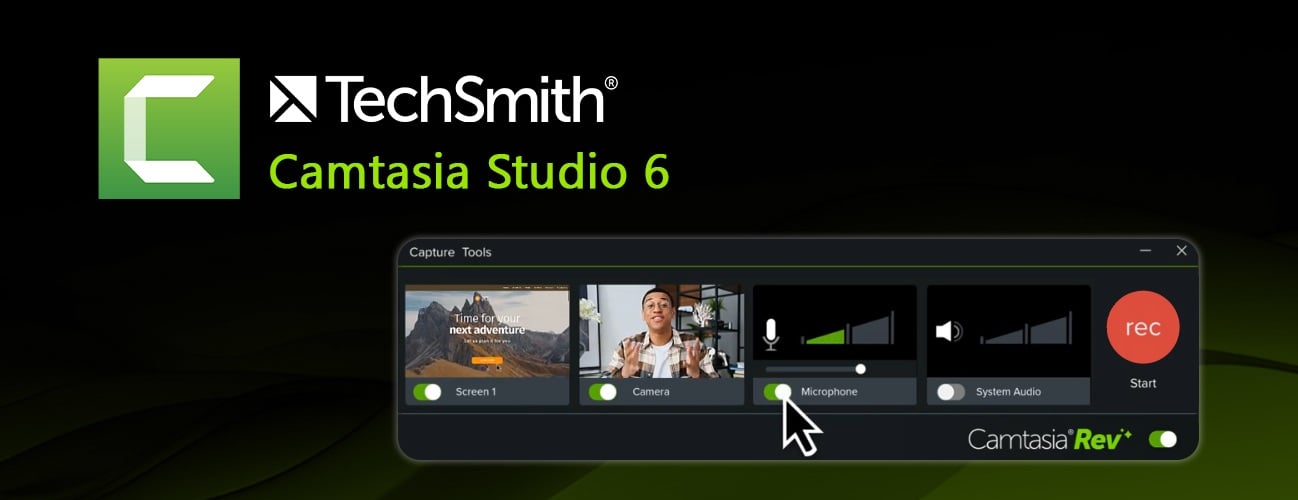
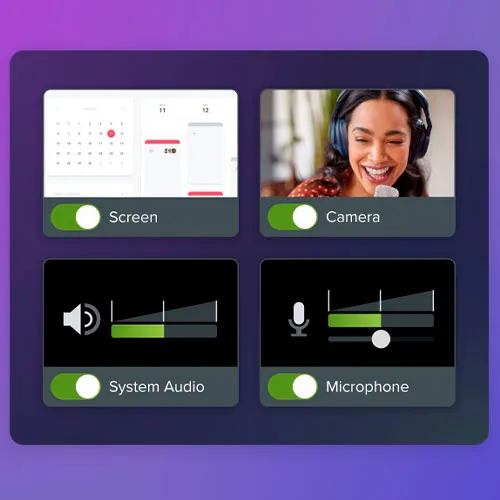
Go beyond basic screen recording. Camtasia’s new recording engine captures your screen, camera, microphone, system audio, and mouse data with industry-leading clarity.

Screen recording

Record part or all of your computer screen, up to 4K at 60 frames per second.

Camera recording

Record your built-in or external camera. Place and enhance that footage anywhere in your video.

Audio recording

Record your built-in or external microphone.

System audio recording

Record the audio coming through your computer speakers.

Mouse paths, clicks, and keystrokes

Record mouse movement, cursor clicks, and keystrokes for easy editing.

Video editing

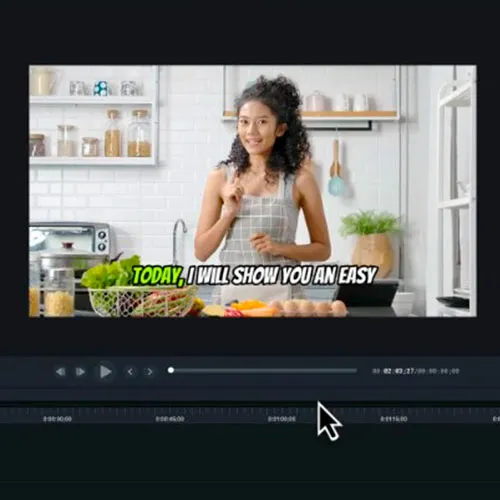
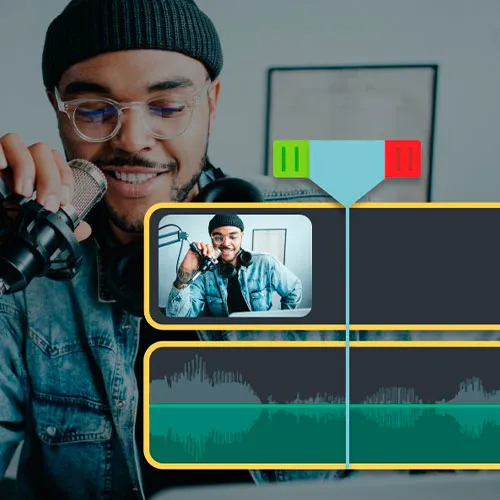
The Camtasia editor empowers anyone to produce professional-quality videos in less time with drag-and-drop ease.

Import media

Import images, videos, camera footage, PowerPoint slides, and other media.

Customizable workflows

Speed up your video editing with shortcuts, presets, favorites, and more.

Text-based editing

Convert the audio in your videos into editable text that can be easily modified and synced.

Quick layouts with Rev

Use the Rev workflow for quick sizing, layout, background, effect, and filter choices to accelerate your video creation.

Filters

Give tone and feeling to any of your video clips or still images with more than 30 drag-and-drop filters.

Transitions

Creatively move your video from scene to scene with more than 150 transitions exclusive to Camtasia.

On-screen annotations

Place callouts, arrows, shapes, and sketch motion on any part of your video.

Animations

Choose from our library of animations or create your own.

Dynamic backgrounds

Add movement and interest to your videos with thousands of pro-quality customizable motion backgrounds.

Sound effects

Emphasize important content in your video with royalty-free sound effects.

Music

Unlimited high-quality royalty-free music. Explore instrumental and vocal audio tracks in various moods, styles, and genres.

Video footage

Enhance your video projects with unlimited use of millions of high-quality, royalty-free video clips that bring your stories to life.

Motion backgrounds

Make your videos pop with animated, looping video backgrounds.

Motion path animations

Animate any image or Lottie file to move, fly, or dash across the screen in any pattern of your choosing. Easily add points along your path and customize to get the exact effect you desire.

Photos and icons

Unlimited access to stunning royalty-free photos, illustrations, and icons powered by Shutterstock.

Customizable titles, templates, and themes

Browse professionally-designed titles, templates and themes and easily add your logo, text, and colors to make it your own.

And much more!

  • Will I get an invoice?
    Invoice will automatically generate upon placing an order.

  • Where can I find my invoice?
    Once the order is completed, the invoice will be available under 'My Account' (top right corner of the top bar) -> 'Order History.'

  • Can I edit my invoice?
    Currently, you cannot do this yourself. Please contact our support via email at [email protected], and we will be glad to assist you with the matter. For a faster process, please include the order number and any relevant information you want to be shown (such as your name, ID/tax number, etc.).

  • Can I install this on macOS?
    No, This product does not support MacOS.

  • Can I redeem this product from anywhere?
    Yes, this product is a global version.

  • Can I transfer this product to new hardware?
    No, The code is valid for 1 pc or 1 installation - if you uninstall or reinstall more than that you might need to buy a new code.

  • Is there a specific way I need to install this product?
    Please read the 'Activation' tab.

Activation Instructions for Techsmith Camtasia Studio 6 For Windows:
1. Download installer: Here
2. During the installation or before the first run, you'll be required to insert the CD key you received from us.
3. insert the cdkey (, finish installation if needed) and enjoy.

There are no reviews for this product.

Write a review

Note: HTML is not translated!
Captcha
Support