Tennis World Tour 2 Annual Pass (PC Steam Key / Global)
Tennis World Tour 2 Annual Pass (PC Steam Key / Global)

Rating

Reviews
Price
  • $6.95
cards klarna GPay Apple Pay affirm afterpay

Official License: Global | 24/7 U.S. Support | Gamers Outlet - CD Keys

Platform
Steam PC Steam Key
Points Gained
6
Availability
Out Of Stock
Support
24/7 Support
Delivery
Free digital delivery
Your Region
Supported

$6.95

Instant Delivery: Tennis World Tour 2 Annual Pass (PC Steam Key / Global) Game Key
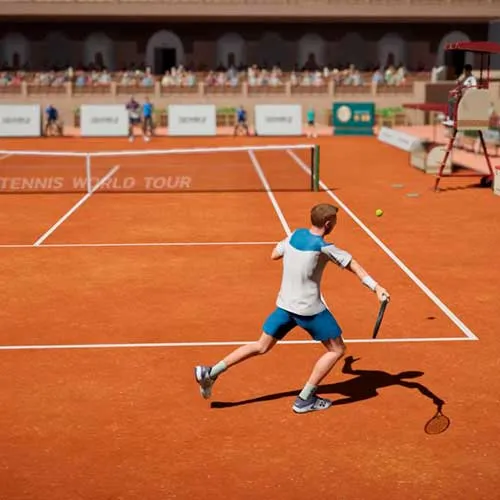
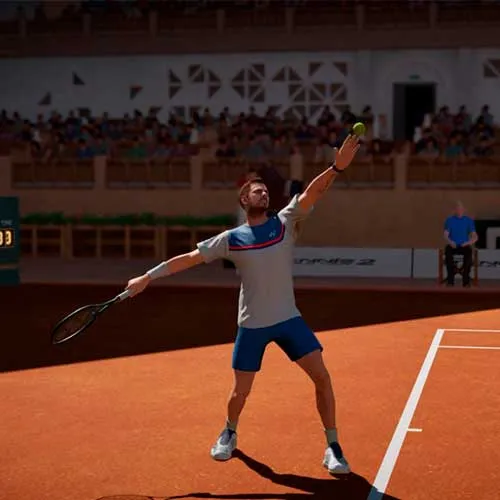
Tennis World Tour 2 is a popular tennis simulation video game developed by Nacon and Big Ant Studios. The game is known for its realistic gameplay, various game modes, and a wide range of customization options. The Tennis World Tour 2 Annual Pass is a season pass that gives players access to a range of exclusive content and features throughout the year. The pass includes four major updates that add new game modes, new tournaments, and new players to the game. Additionally, players who purchase the annual pass also receive early access to some content and exclusive in-game items.

One of the most exciting features of the Tennis World Tour 2 Annual Pass is the addition of new players to the game. Each update will include a selection of new players, including some of the biggest names in tennis. This means that players can compete as their favorite tennis stars, such as Rafael Nadal, Novak Djokovic, and Serena Williams. The addition of new players also adds to the game's realism, making it feel like a true tennis simulation.

Another highlight of the Tennis World Tour 2 Annual Pass is the addition of new game modes. Each update includes a new game mode that adds a fresh challenge to the game. For example, one update might add a new tournament mode, while another might add a new doubles mode. These new game modes help to keep the game fresh and exciting, giving players new ways to test their skills on the court.


  • Will I get an invoice?
    Invoice will automatically generate upon placing an order.

  • Where can I find my invoice?
    Once the order is completed, the invoice will be available under 'My Account' (top right corner of the top bar) -> 'Order History.'

  • Can I edit my invoice?
    Currently, you cannot do this yourself. Please contact our support via email at [email protected], and we will be glad to assist you with the matter. For a faster process, please include the order number and any relevant information you want to be shown (such as your name, ID/tax number, etc.).

  • Is this product for every platform?
    No, this product is specific to the Steam platform.

  • Can I redeem this product anywhere?
    Yes, this Product is a Global version.

  • Is this product a game, credit, subscription or DLC?
    This product is the DLC of the game - battle pass and will not include the base game.

  • Can I transfer this game to new hardware or a new console?
    Yes, This key is bind to your Steam account.

  • Is there a specific way I need to install this product?
    Please read the 'Activation' tab.

Please follow the steps below to redeem your Steam key:

1) Download and install the Steam client on your PC: https://store.steampowered.com/about/
2) Open the Steam client, log in or create an account if you don't have one, and locate the Games tab on the top menu. Click this and then select "Activate a Product on Steam…"


3) Enter your code into the product activation field


Your game is now viewable in the "Library" tab and is available to download/install when you're ready.
Happy Gaming!

fran hernandez 05/12/2020

I appreciate the user-friendly interface of this website, which makes shopping easy and enjoyable. The customer support team is always available to help with any questions or concerns.

Write a review

Note: HTML is not translated!
Captcha
Review Score: 5 / 5
fran hernandez 05/12/2020

I appreciate the user-friendly interface of this website, which makes shopping easy and enjoyable. The customer support team is always available to help with any questions or concerns.

Support