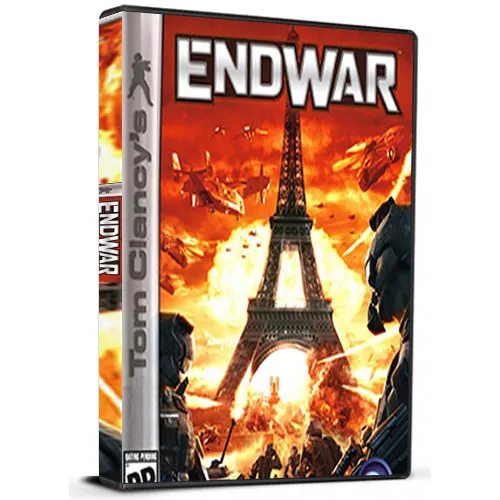
Tom Clancy's EndWar Cd Key Uplay Global

Tom Clancy's EndWar Cd Key Uplay Global

Rating

Reviews
Price
  • $3.91
cards klarna GPay Apple Pay affirm afterpay
Platform
Uplay UPlay
Points Gained
3
Availability
In Stock
Support
24/7 Support
Delivery
Free digital delivery
Your Region
Supported


$3.91

Available Languages : MULTILANGUAGE

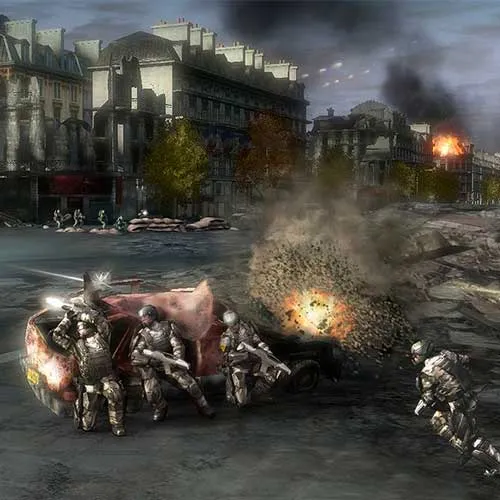
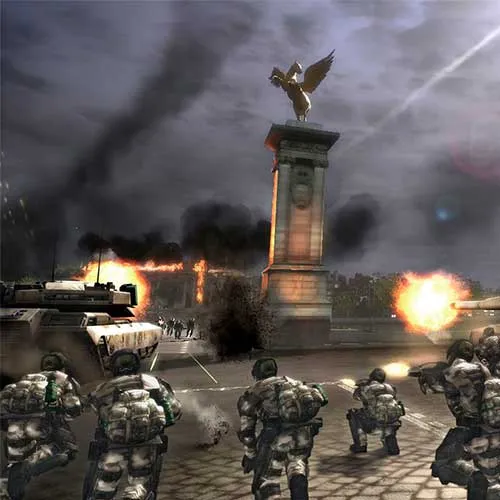
Tom Clancy's EndWar is a real-time tactics game developed by Ubisoft Shanghai and released in 2008. It is set in the near future, where World War III has broken out and the player assumes the role of a commander of one of three factions: the United States, the European Federation, or Russia. The game features a single-player campaign mode, as well as online multiplayer modes.

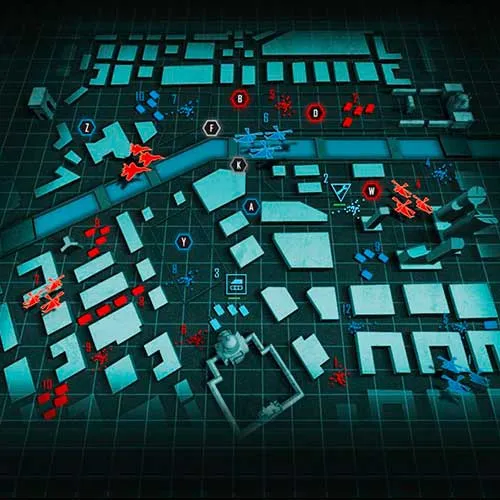
One of the unique features of EndWar is its use of voice commands as a primary means of controlling units. Players can use voice commands to issue orders to units, such as moving them to a specific location or attacking a particular target. The game also features a strategic mode, where players can view the entire battlefield and issue orders to multiple units at once.

EndWar received generally positive reviews for its innovative use of voice commands and strategic gameplay. The game's graphics and sound design were also praised, with the game's futuristic setting and high-tech units bringing a sense of immersion to the game. The game's online multiplayer modes were also well-received, with players able to compete against each other in intense battles for control of the battlefield.

Overall, Tom Clancy's EndWar is a unique and engaging real-time tactics game that offers a fresh take on the genre. With its innovative use of voice commands and strategic gameplay, it remains a standout title in the Tom Clancy franchise and a must-play for fans of the genre.


  • Will I get an invoice?
    Invoice will automatically generate upon placing an order.

  • Where can I find my invoice?
    Once the order is completed, the invoice will be available under 'My Account' (top right corner of the top bar) -> 'Order History.'

  • Can I edit my invoice?
    Currently, you cannot do this yourself. Please contact our support via email at [email protected], and we will be glad to assist you with the matter. For a faster process, please include the order number and any relevant information you want to be shown (such as your name, ID/tax number, etc.).

  • Is this product for every platform?
    No, this product is specific to the Uplay platform.

  • Can I redeem this product anywhere?
    Yes, this Product is a Global version.

  • Is this product a game, credit, subscription or DLC?
    This product is the base game.

  • Can I transfer this game to new hardware or a new console?
    Yes, This key is bind to your Uplay account.

  • Is there a specific way I need to install this product?
    Please read the 'Activation' tab.

To activate your product key on the Ubisoft Connect client, please follow these simple steps: 

  1. Download and open Ubisoft Connect: https://ubisoftconnect.com/#experience-pc-section
  2. If you don't have an account, create one or log in: https://www.ubisoft.com/help/article/000078663
  3. Click the 3 lines icon in the top left corner of the application: https://imgur.com/a/aMlMQLg
  4. Choose "Activate a key" from the dropdown menu.
  5. Enter your product key into the "Activation Code" field.
  6. Click "Activate" to confirm.

The game/downloadable content will now appear in your library.

Parin 16/09/2020

I've shopped on this website multiple times and have always been pleased with my experience. The products are high-quality, and the shipping is always prompt. Highly recommended!

Write a review

Note: HTML is not translated!
Captcha
Review Score: 5 / 5
Parin 16/09/2020

I've shopped on this website multiple times and have always been pleased with my experience. The products are high-quality, and the shipping is always prompt. Highly recommended!