Transformers Fall of Cybertron Dinobot Destructor Pack DLC (PC Steam Key / Global)
Transformers Fall of Cybertron Dinobot Destructor Pack DLC (PC Steam Key / Global)
Rating

Reviews
Price
  • $5.19
cards klarna GPay Apple Pay affirm afterpay

Official License: Global | 24/7 U.S. Support | Gamers Outlet - CD Keys

Platform
Steam PC Steam Key
Points Gained
4
Availability
Out Of Stock
Support
24/7 Support
Delivery
Free digital delivery
Your Region
Supported

$5.19

Instant Delivery: Transformers Fall of Cybertron Dinobot Destructor Pack DLC (PC Steam Key / Global) Game Key
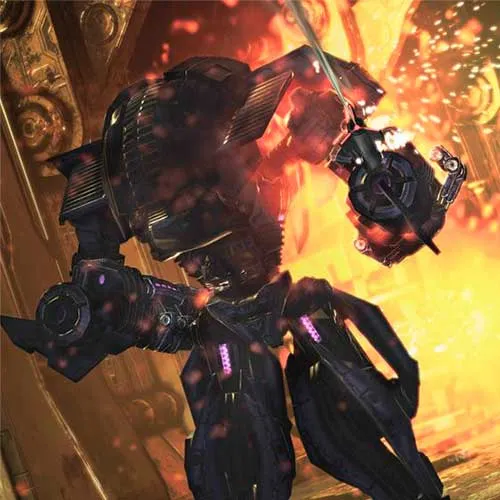
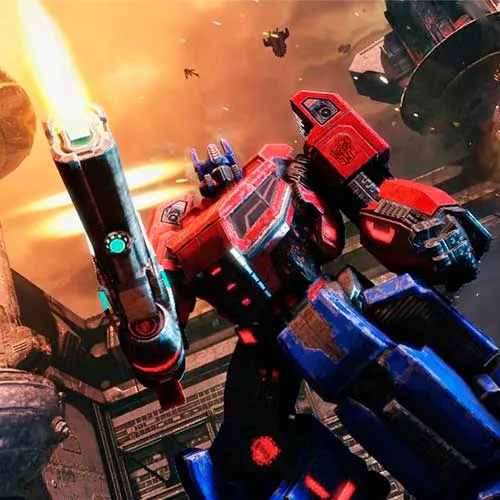
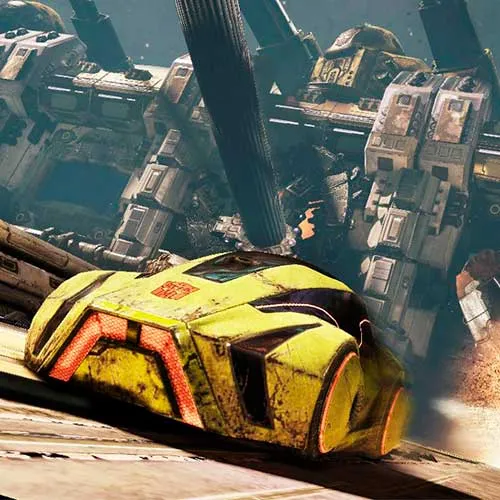
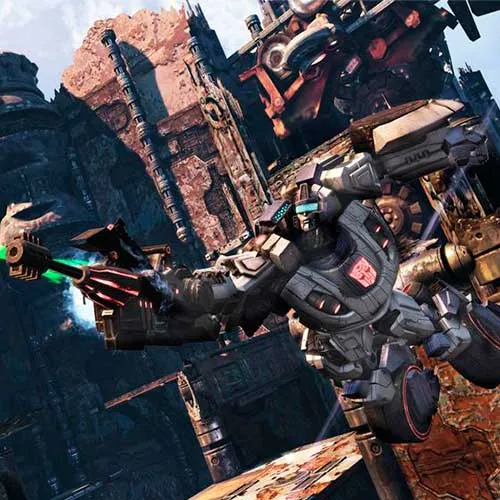
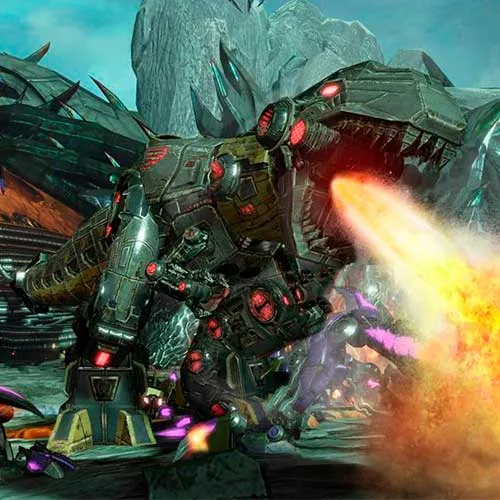
 The Transformers: Fall of Cybertron Dinobot Destructor Pack DLC is an exciting expansion to the critically acclaimed third-person shooter video game, Transformers: Fall of Cybertron. Developed by High Moon Studios and published by Activision, the base game was released in August 2012, captivating fans of the franchise with its intense action, gripping storyline, and faithful adaptation of the classic Transformers universe. The Dinobot Destructor Pack DLC takes the gaming experience a step further by introducing the fan-favorite Dinobots, which are a group of powerful, dinosaur-themed Autobots, as playable characters. This highly anticipated content pack serves to expand the game's character roster, allowing players to take control of the ferocious Dinobot warriors as they battle against the Decepticons in their quest to save Cybertron.

The Dinobot Destructor Pack DLC features four iconic Dinobots: Grimlock, Slug, Snarl, and Swoop. Each character boasts unique abilities and playstyles, providing players with a diverse range of gameplay options. Grimlock, the leader of the Dinobots, wields a powerful sword and shield, while Slug is a heavily armored triceratops-like Autobot with immense firepower. Snarl, on the other hand, is a stegosaurus-themed character that excels in close-quarters combat, and Swoop, a pteranodon-inspired Autobot, specializes in aerial assaults. The inclusion of these dynamic characters not only increases the game's replayability but also provides a welcome dose of nostalgia for long-time Transformers fans.

 In addition to the expanded character roster, the Dinobot Destructor Pack DLC also brings a variety of new customization options for both the single-player campaign and the multiplayer mode. Players can customize the appearance, weapons, and abilities of their favorite Dinobots, allowing them to create unique and personalized loadouts. Furthermore, the DLC incorporates new maps and game modes, enhancing the multiplayer experience with fresh challenges and objectives. The Transformers: Fall of Cybertron Dinobot Destructor Pack DLC has been well-received by both critics and players alike, garnering praise for its high-quality content, engaging gameplay, and the seamless integration of the beloved Dinobots into the already rich Transformers universe.


  • Will I get an invoice?
    Invoice will automatically generate upon placing an order.

  • Where can I find my invoice?
    Once the order is completed, the invoice will be available under 'My Account' (top right corner of the top bar) -> 'Order History.'

  • Can I edit my invoice?
    Currently, you cannot do this yourself. Please contact our support via email at [email protected], and we will be glad to assist you with the matter. For a faster process, please include the order number and any relevant information you want to be shown (such as your name, ID/tax number, etc.).

  • Is this product for every platform?
    No, this product is specific to the Steam platform.

  • Can I redeem this product anywhere?
    Yes, this Product is a Global version.

  • Is this product a game, credit, subscription or DLC?
    This product is the DLC of the game and will not include the base game.

  • Can I transfer this game to new hardware or a new console?
    Yes, This key is bind to your Steam account.

  • Is there a specific way I need to install this product?
    Please read the 'Activation' tab.

Please follow the steps below to redeem your Steam key:

1) Download and install the Steam client on your PC: https://store.steampowered.com/about/
2) Open the Steam client, log in or create an account if you don't have one, and locate the Games tab on the top menu. Click this and then select "Activate a Product on Steam…"


3) Enter your code into the product activation field


Your game is now viewable in the "Library" tab and is available to download/install when you're ready.
Happy Gaming!

Mitch 74 02/03/2020

Shopping on this website is always a pleasure. The products are high-quality, the prices are competitive, and the customer service is excellent. I highly recommend it!

Write a review

Note: HTML is not translated!
Captcha
Review Score: 5 / 5
Mitch 74 02/03/2020

Shopping on this website is always a pleasure. The products are high-quality, the prices are competitive, and the customer service is excellent. I highly recommend it!

Support