Instant Delivery: OMSI 2 Add-on City Bus O305 DLC (PC Steam Key / Global) Game Key
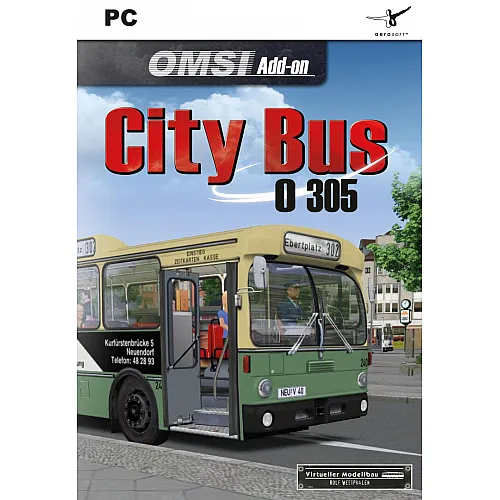
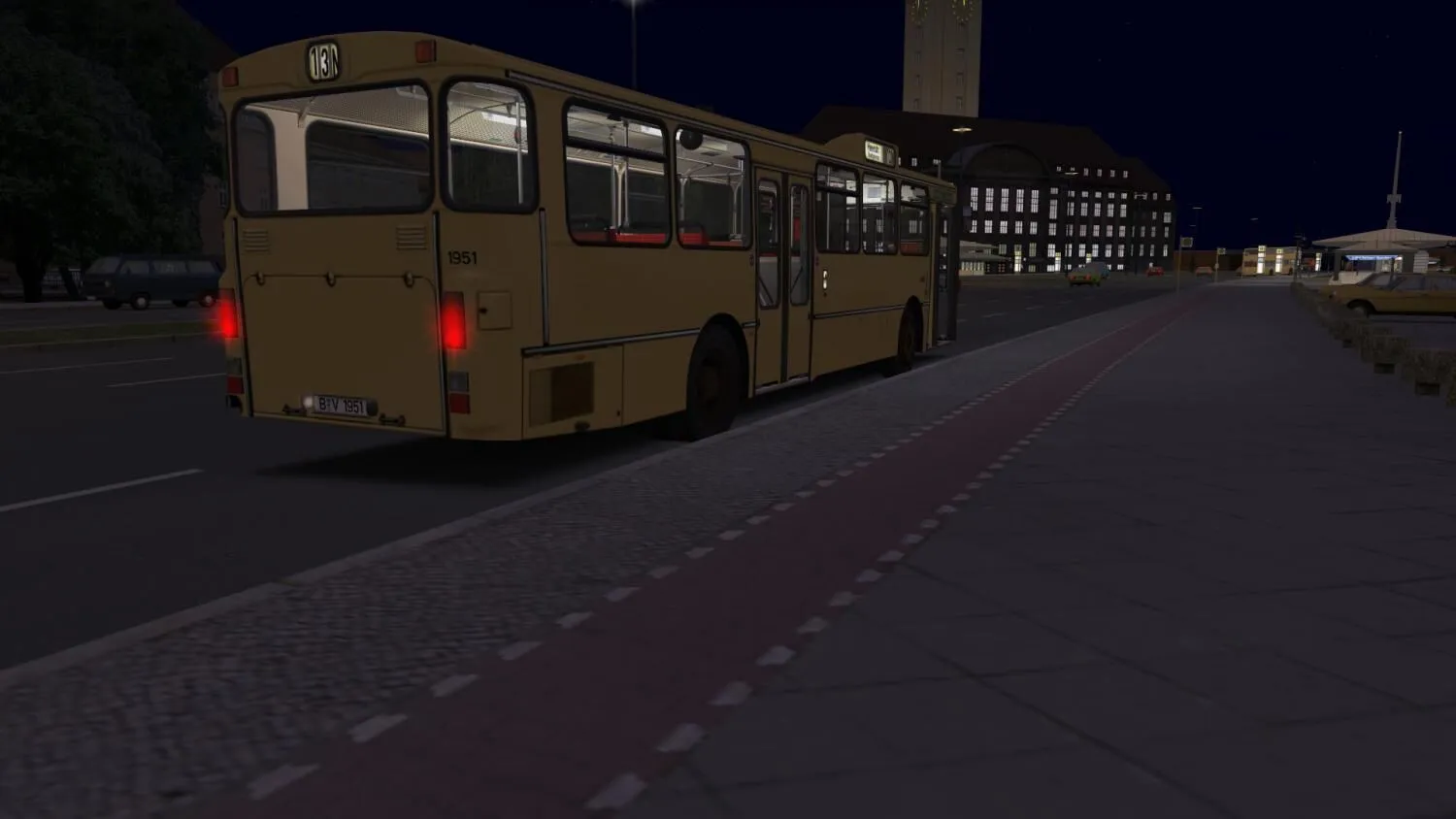
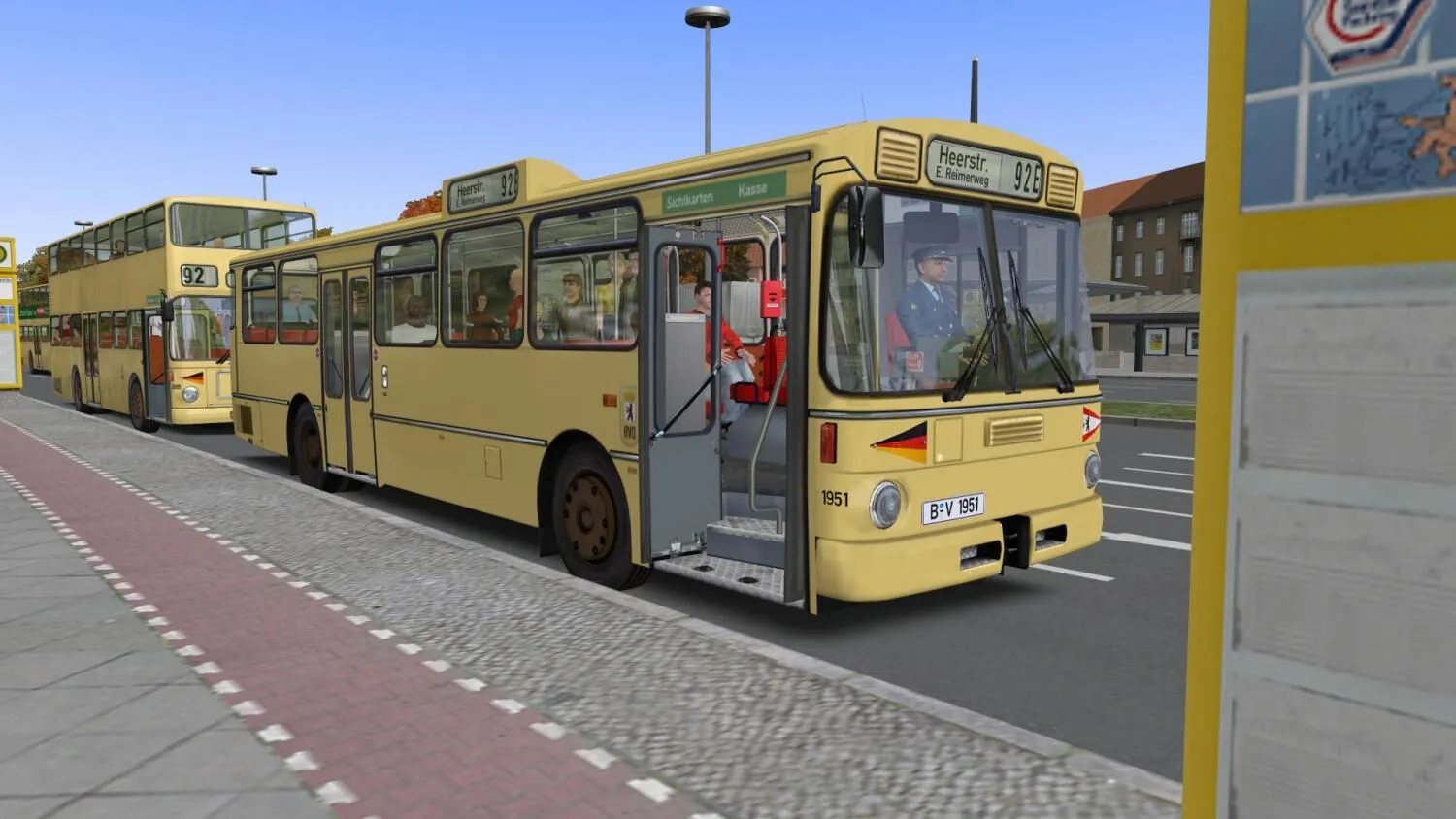
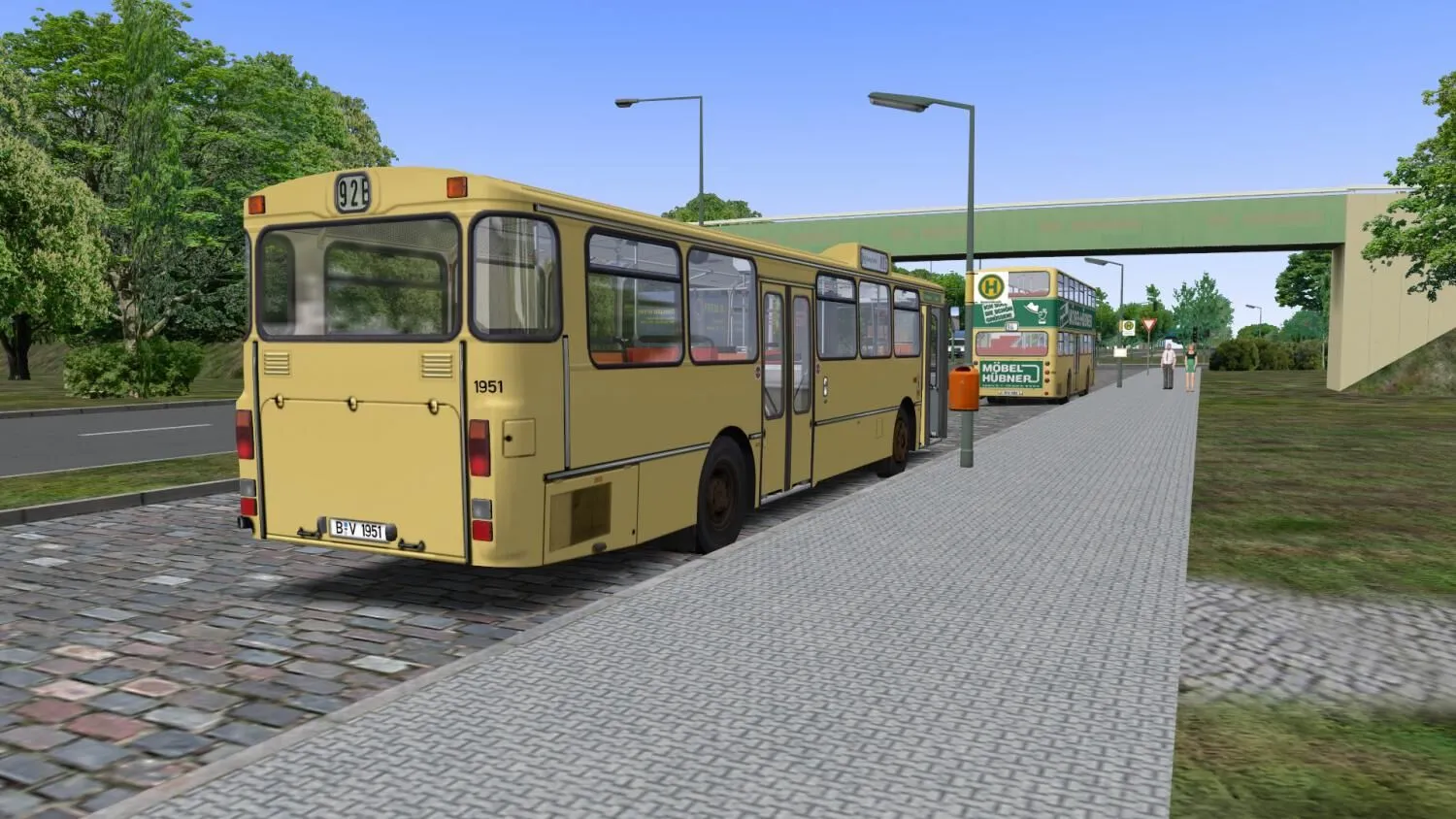
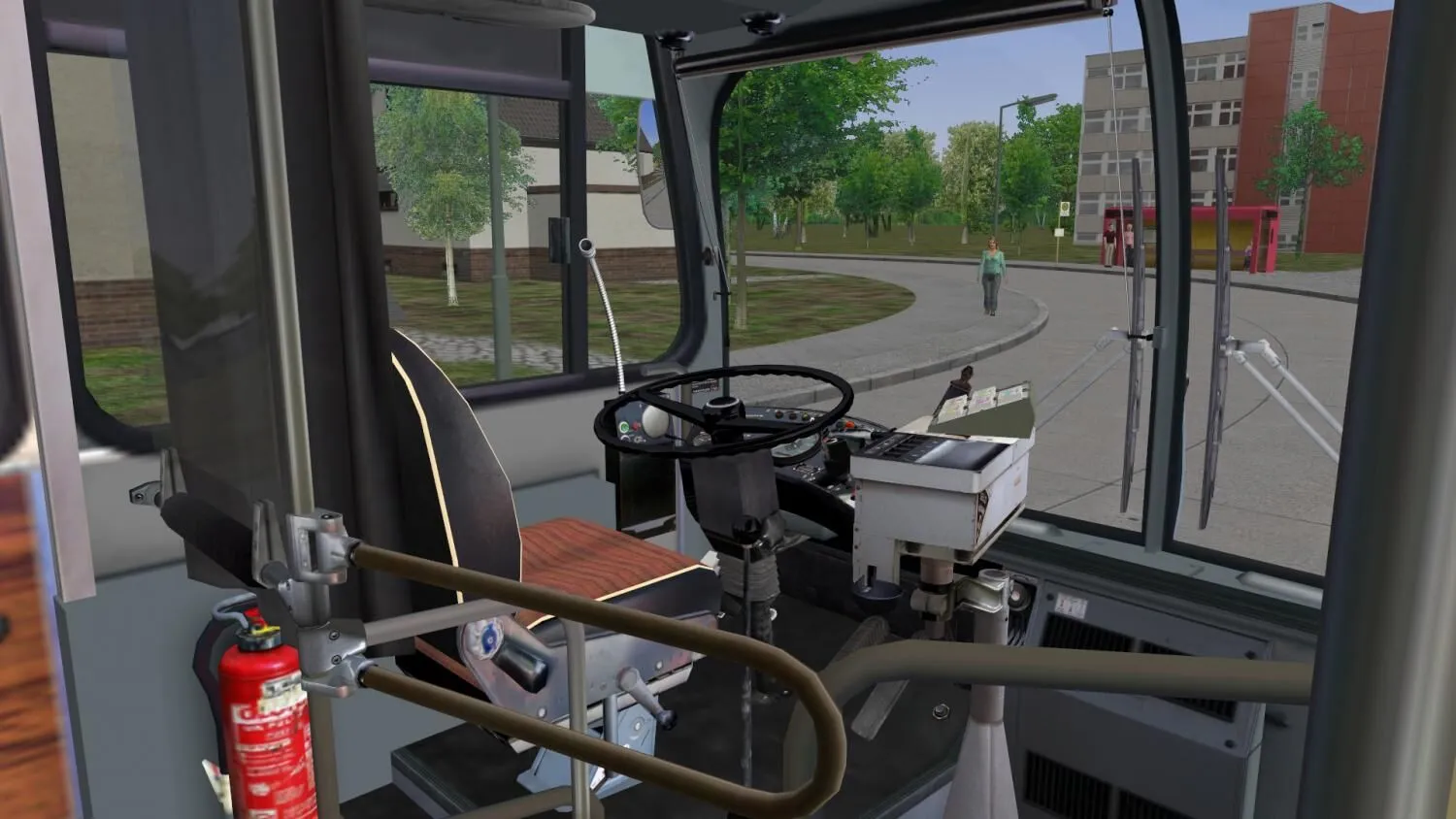
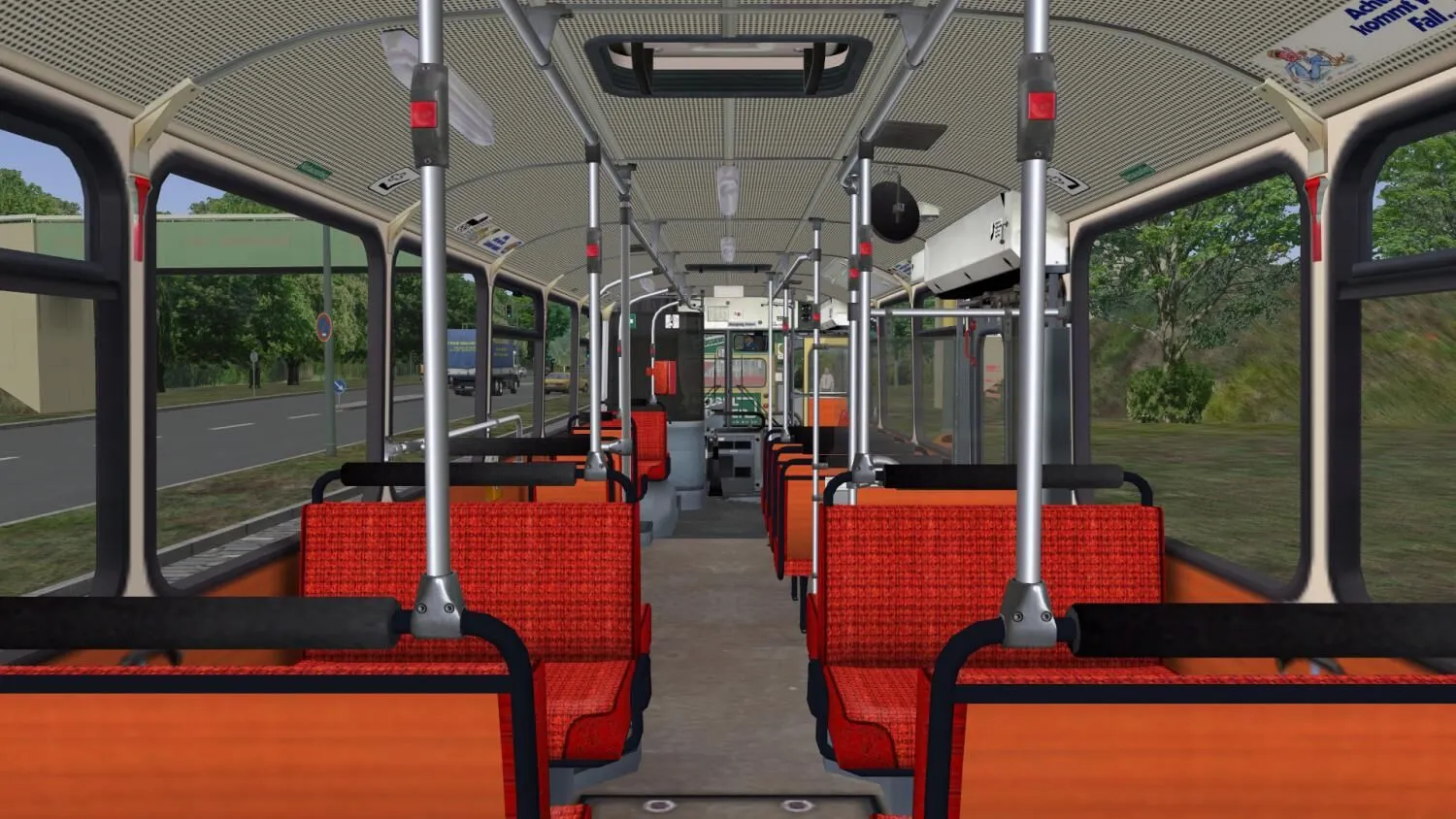
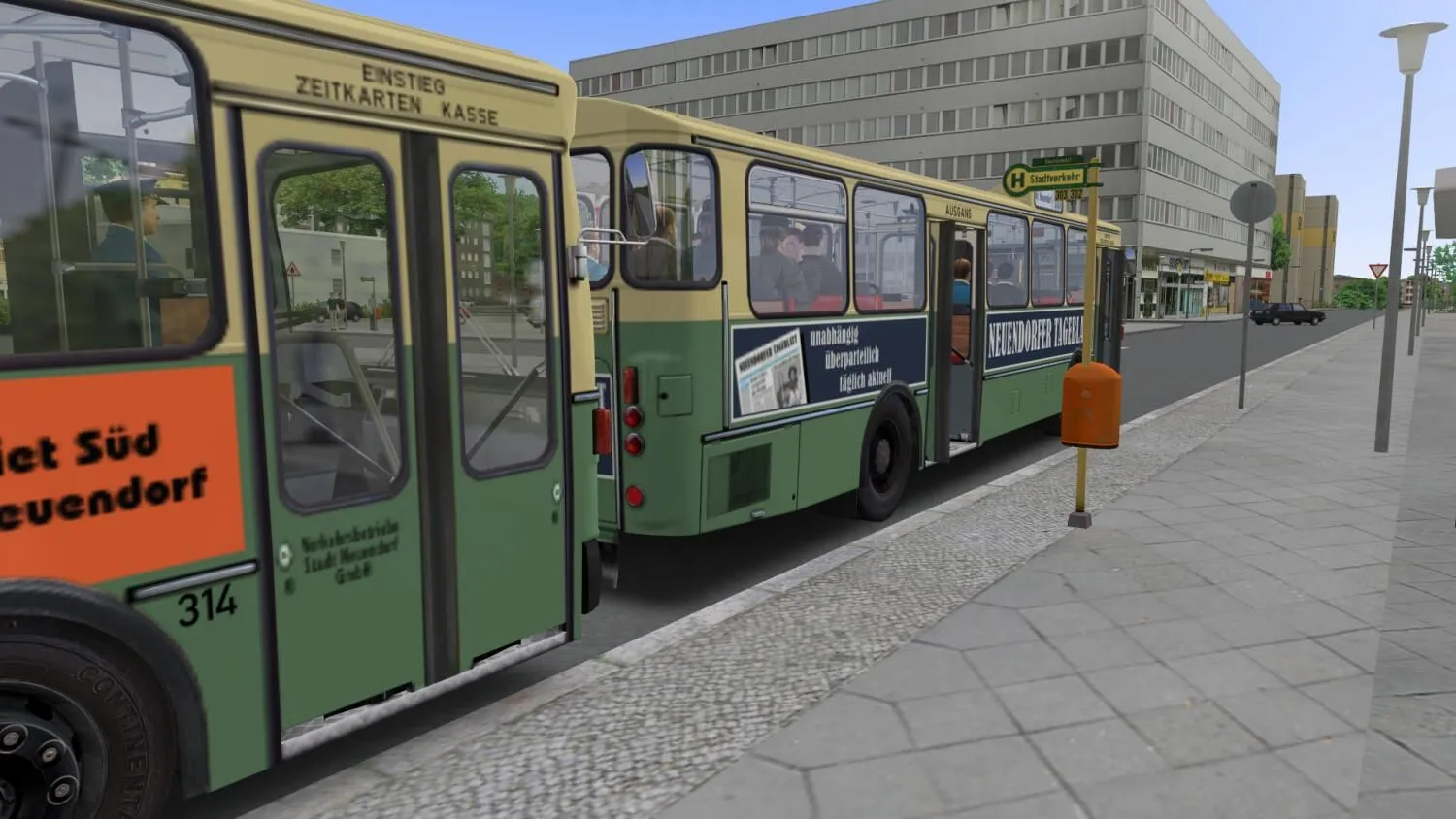
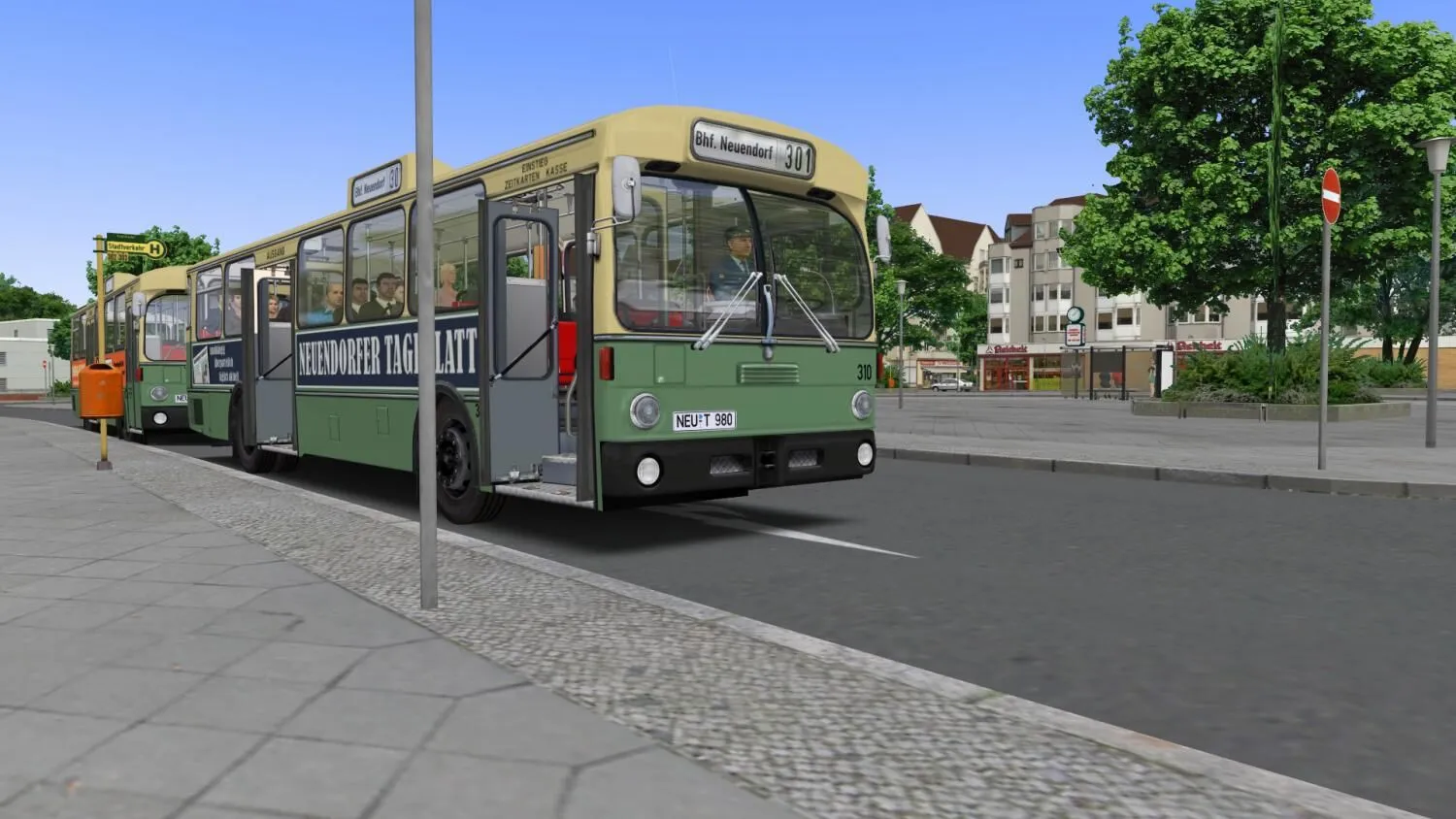
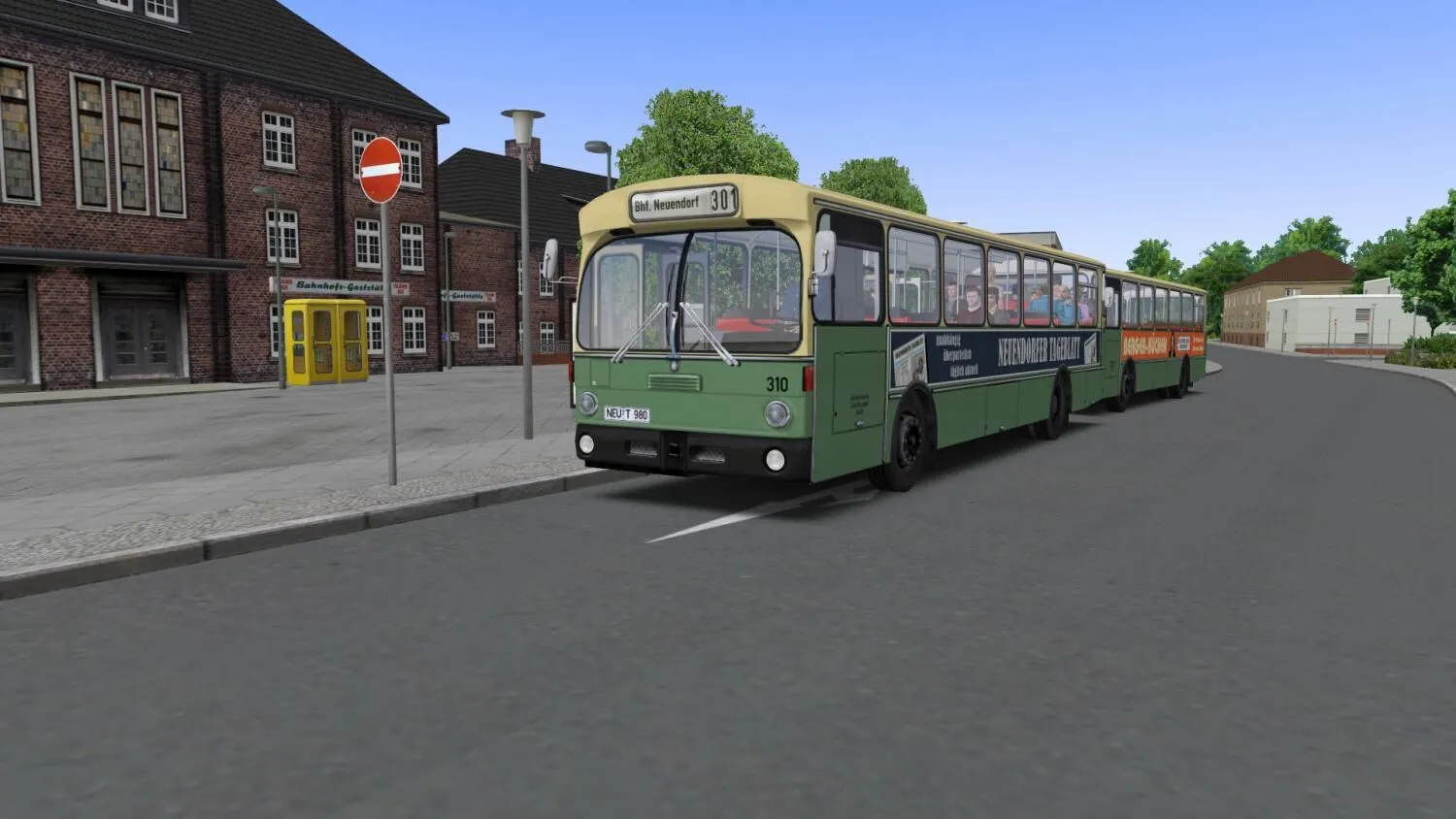
Relive the history of the German omnibuses on your computer at home and explore the technology of the Citybus O305. Do not only drive a bus with automatic transmission, but be the first in an OMSI add-on to control a bus with manual transmission in the busy city traffic. Use the citybus on line 92 in Spandau or explore the fictional Neuendorf route including its five bus lines. This is where you can prove that you are not limited to suburban traffic but you are also capable of handling city traffic.
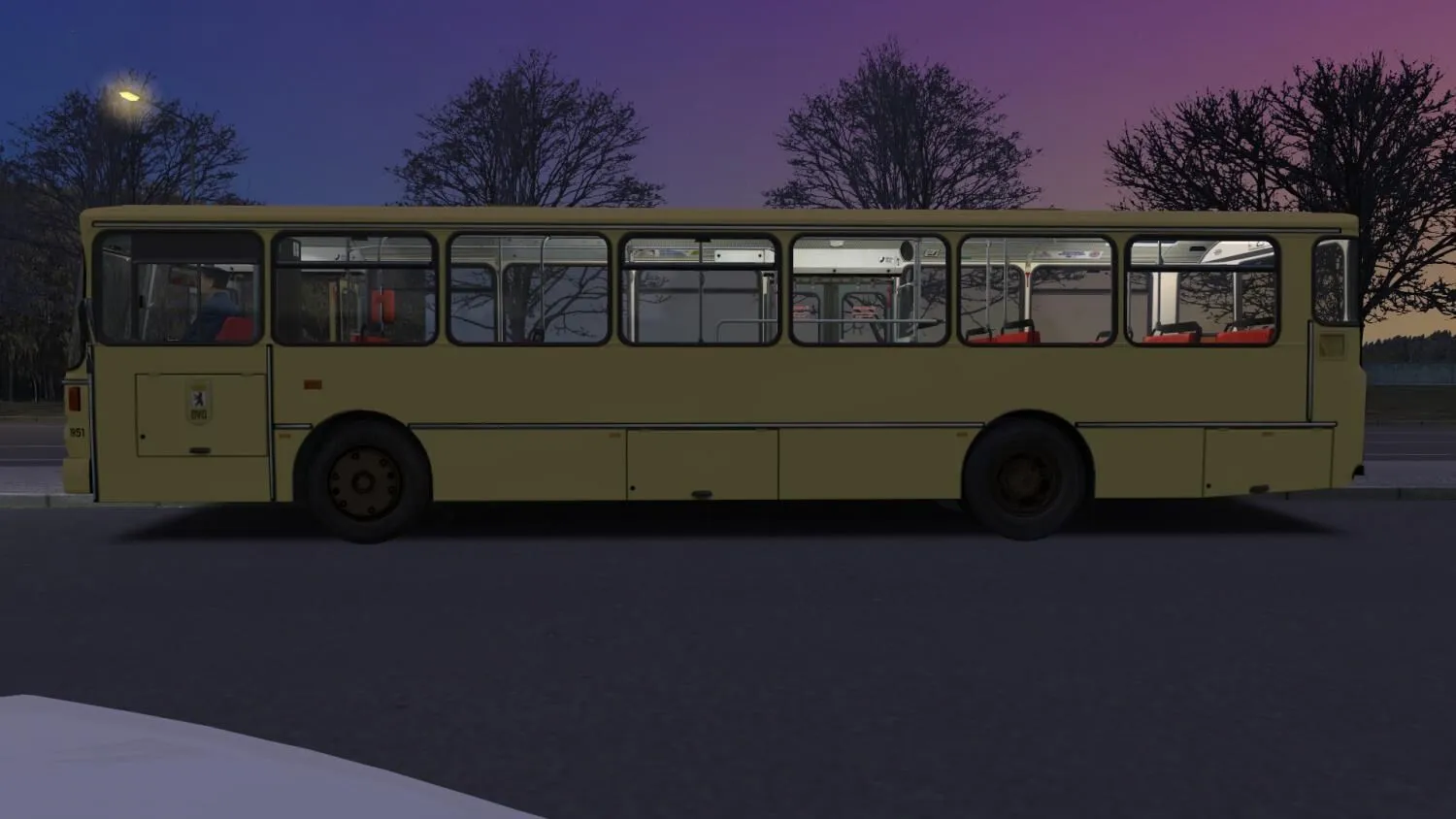
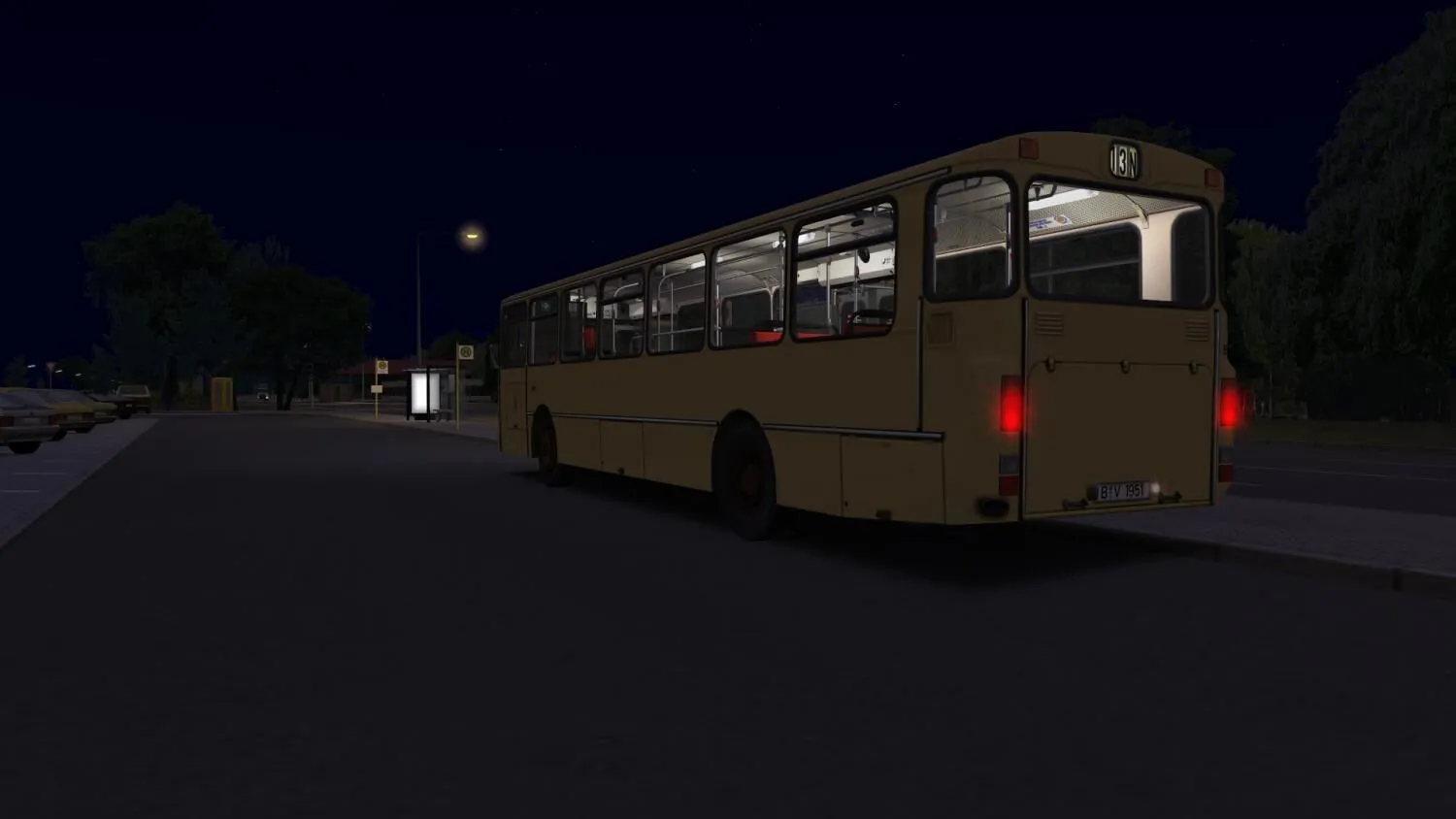
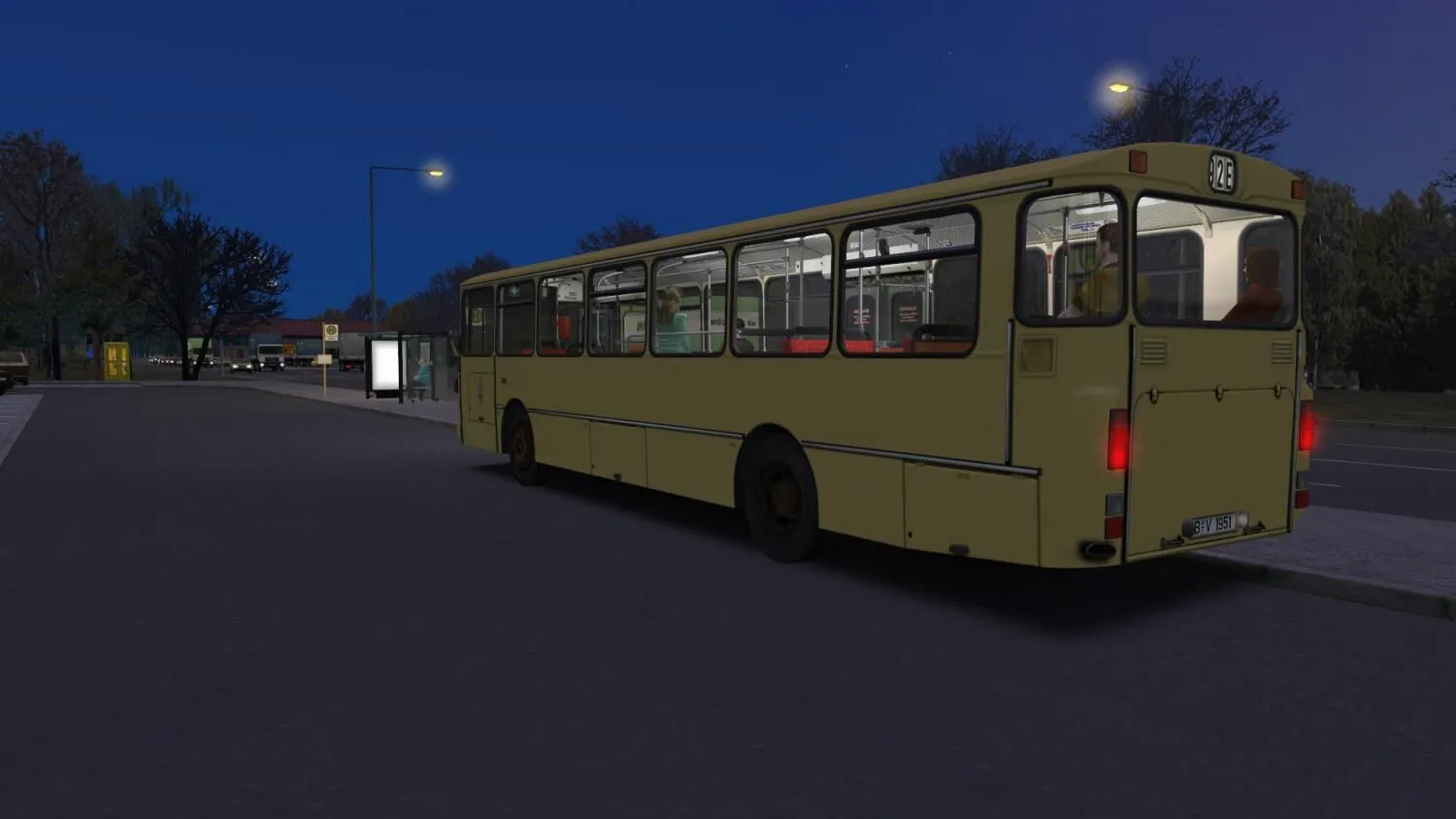
MB E2H84 – This is the Berlin version of the O305 from 1984. The model for this vehicle was purchased in 1984 in a series of 40 buses for the Berliner Verkehrsbetriebe.
MB E2H85 – This series was introduced in 1985 which was the last year of acquisition for the first generation of standard buses. The series featuring eight vehicles was part of a fleet trial with new forms of propulsion. The buses are for example driven by methanol. Following the end of the trial in 1989, the vehicles were re-equipped with diesel engines. The models of these vehicles were retired until 2003.
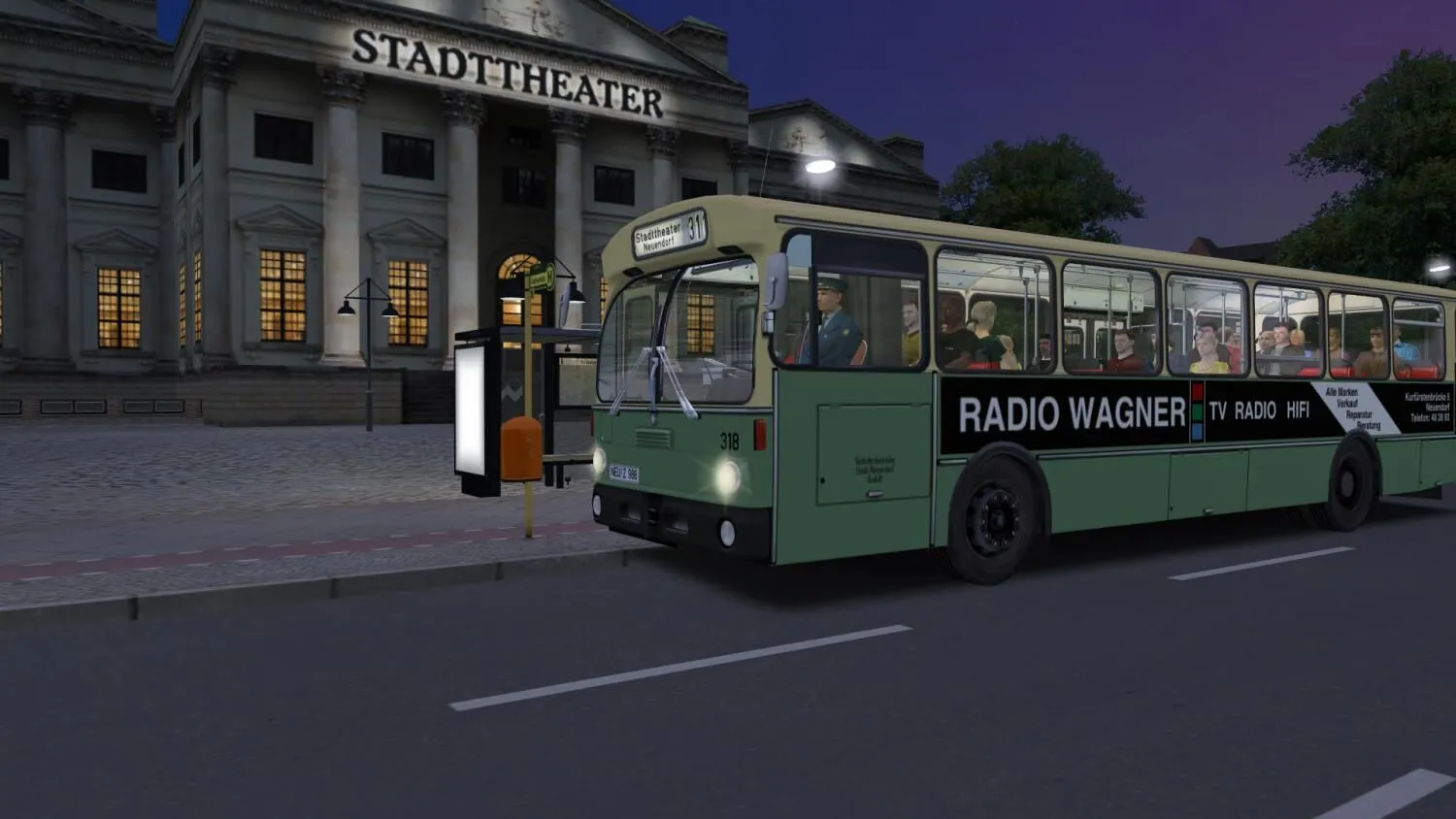
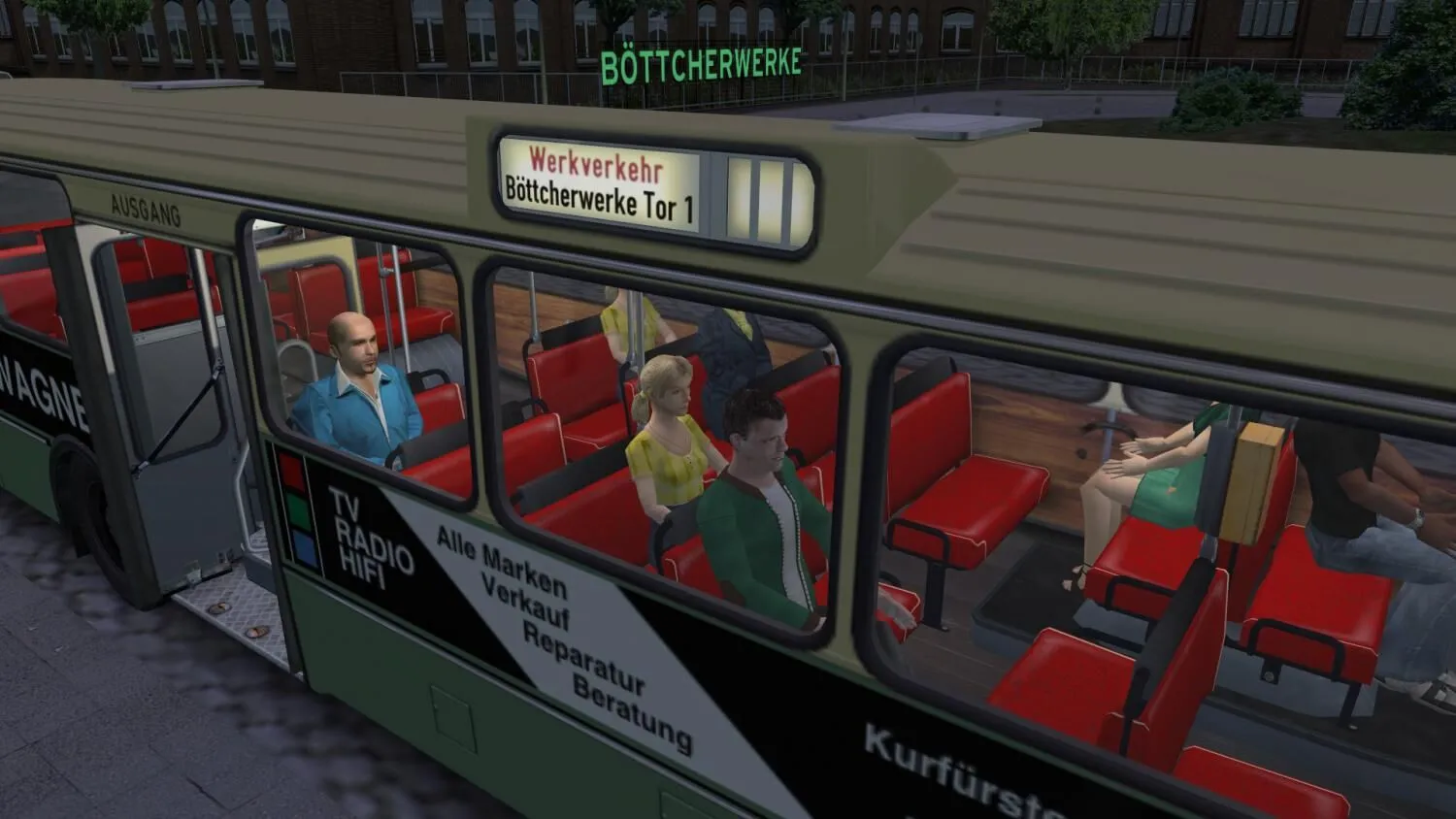
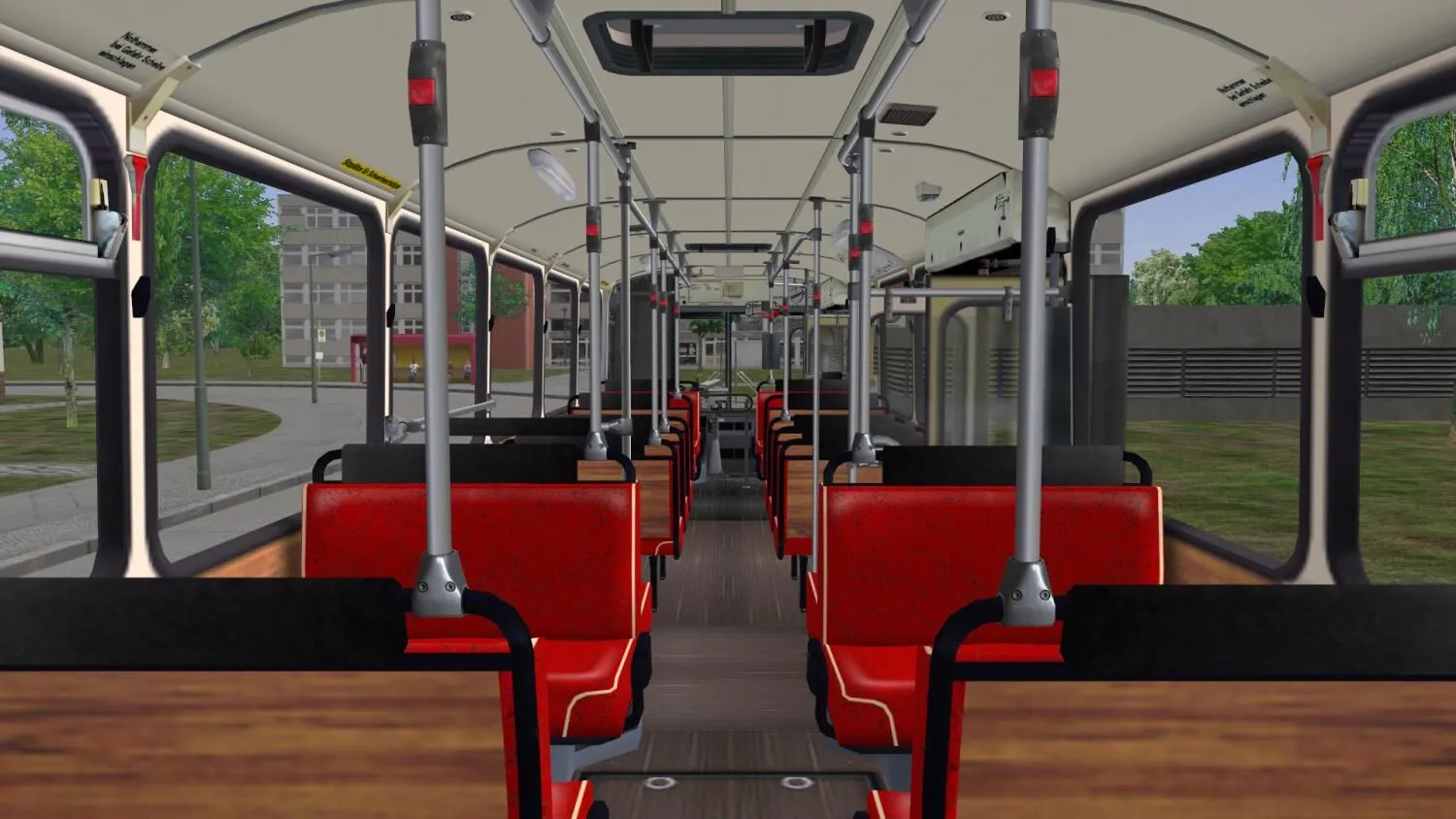
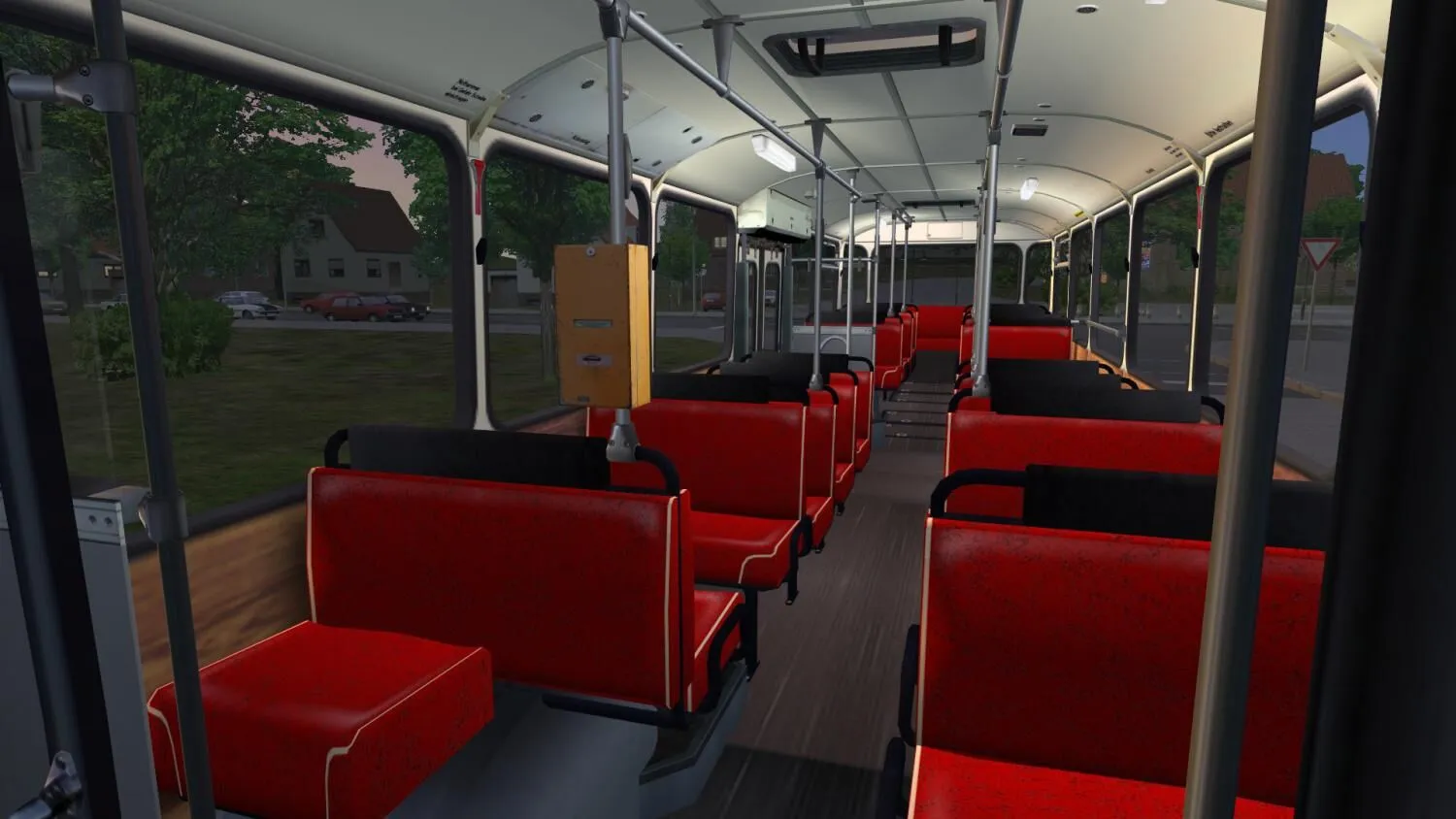
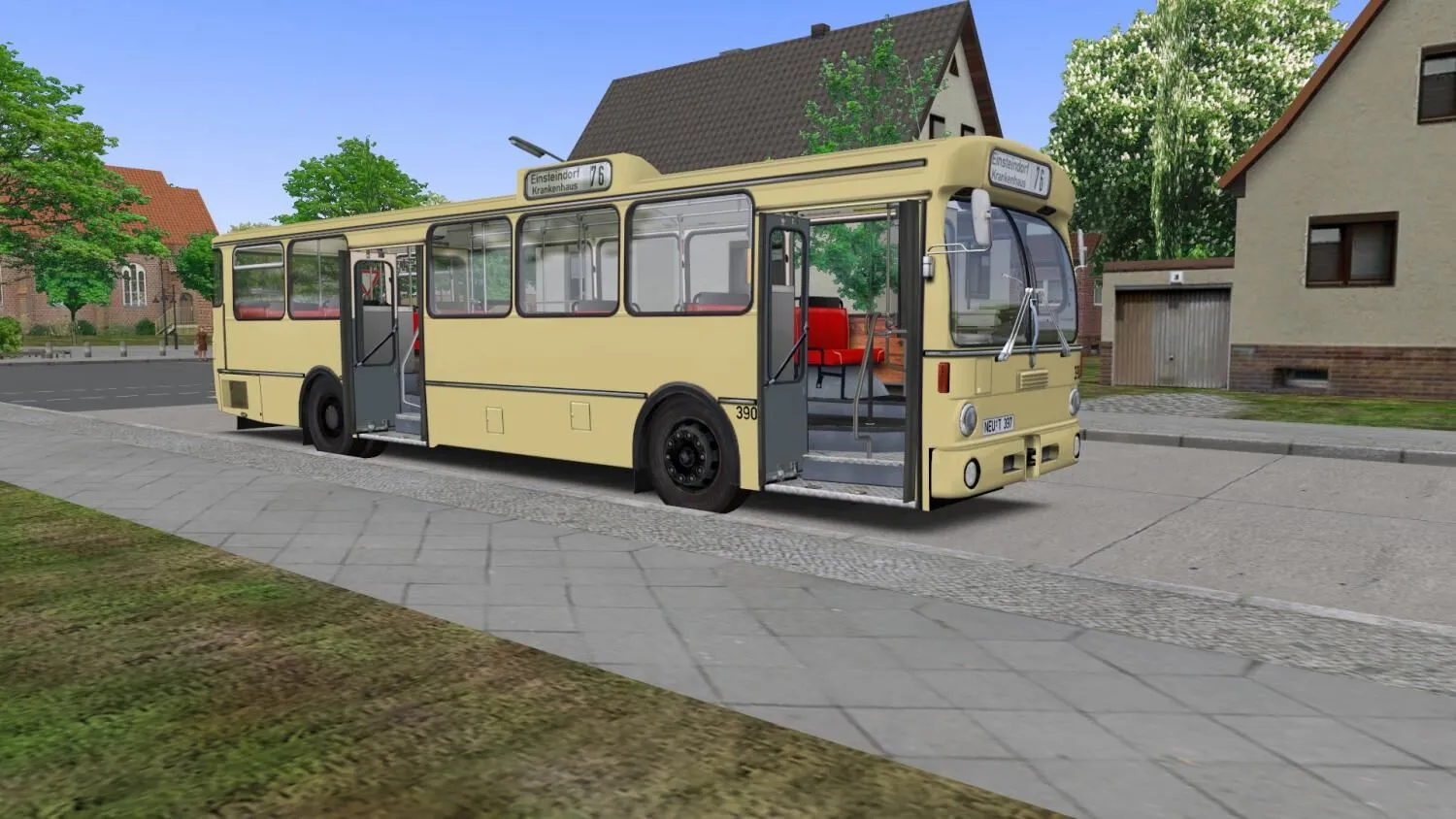
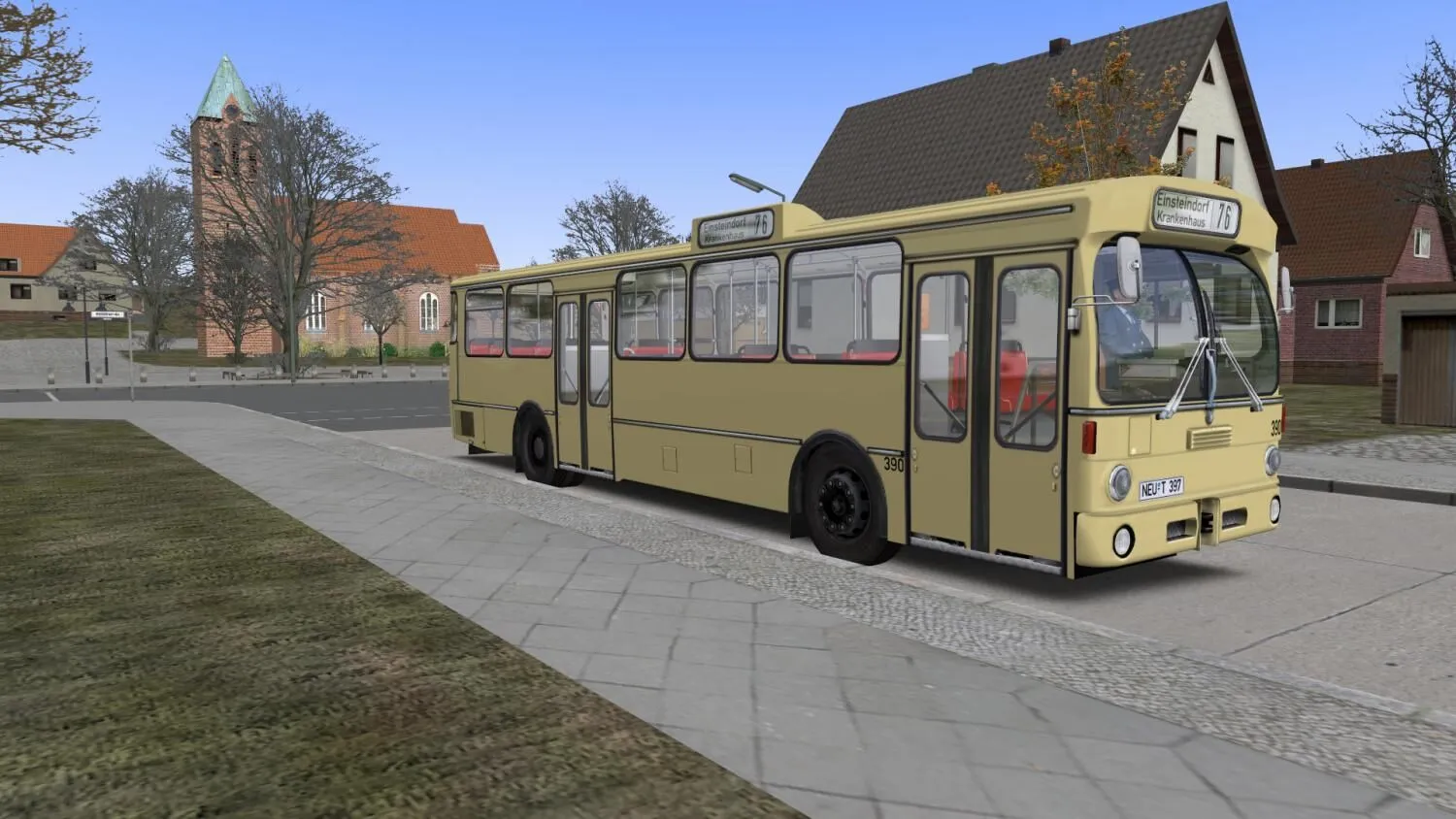
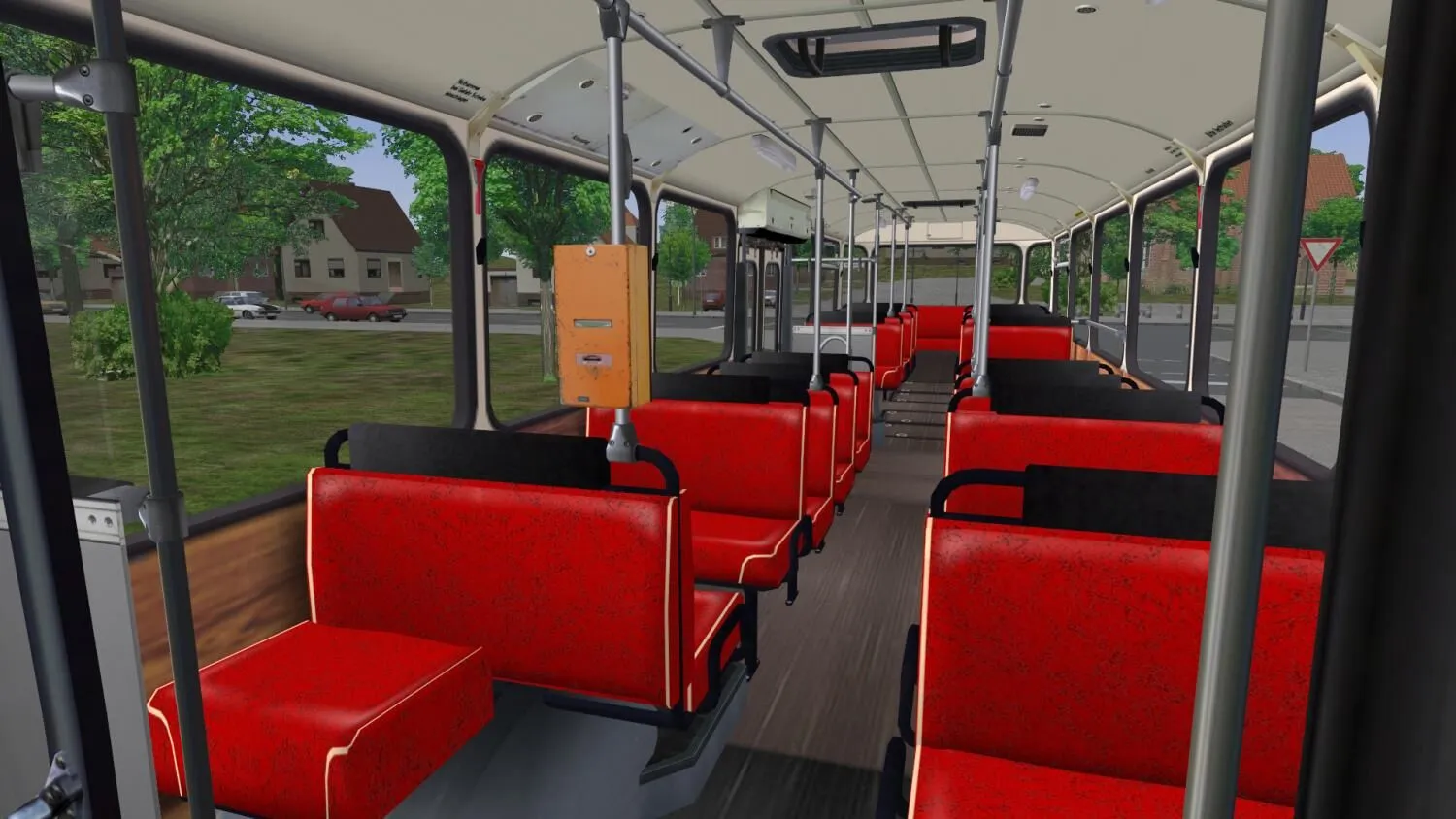
Standardbus 1977 – This is a citybus that does not have a real-world counterpart but features ivory livery and red leatherette seats and thus represents the 1970s and 1980s. A bus like this could be seen in the traffic of lots of smaller and larger towns.
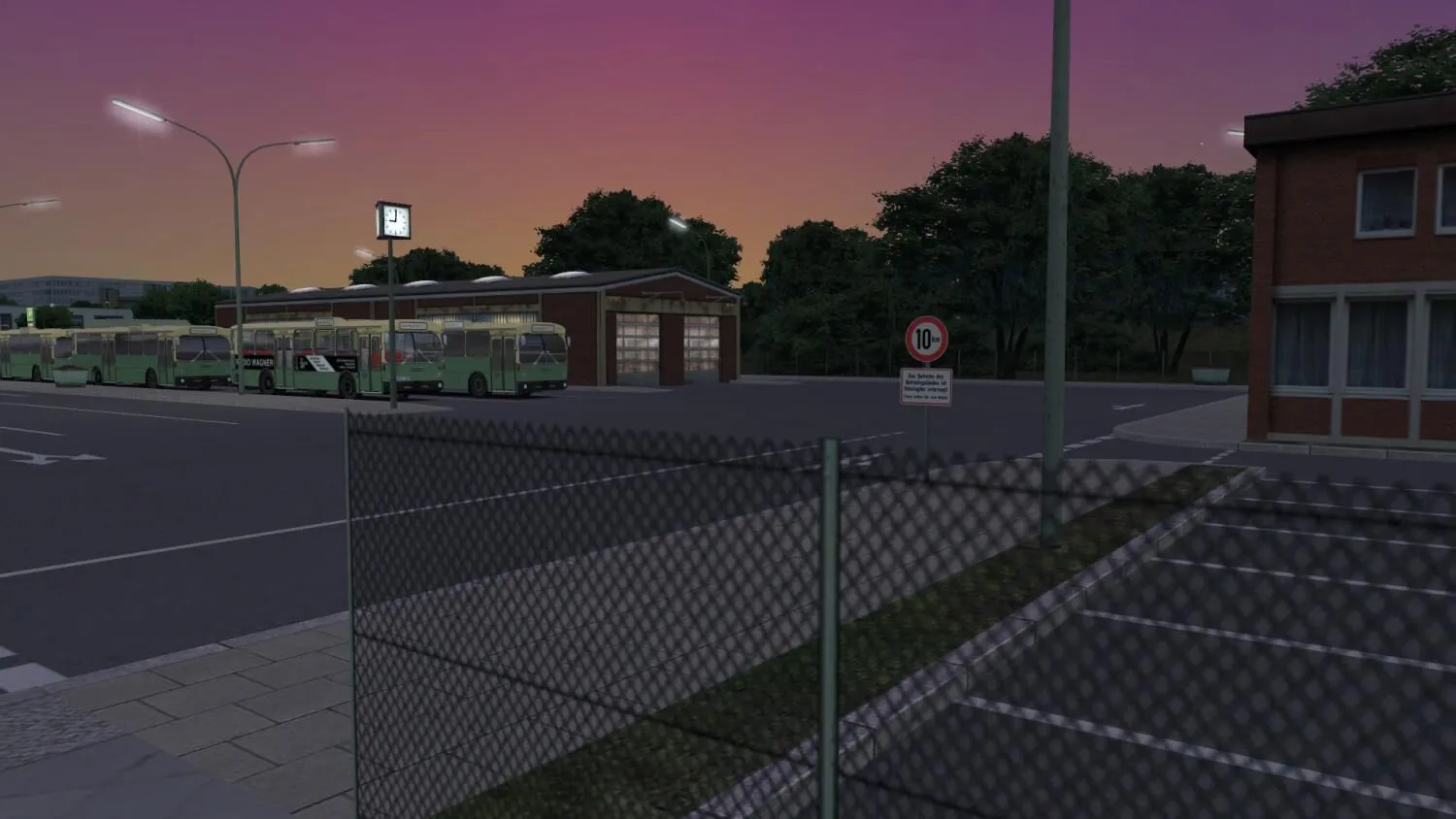
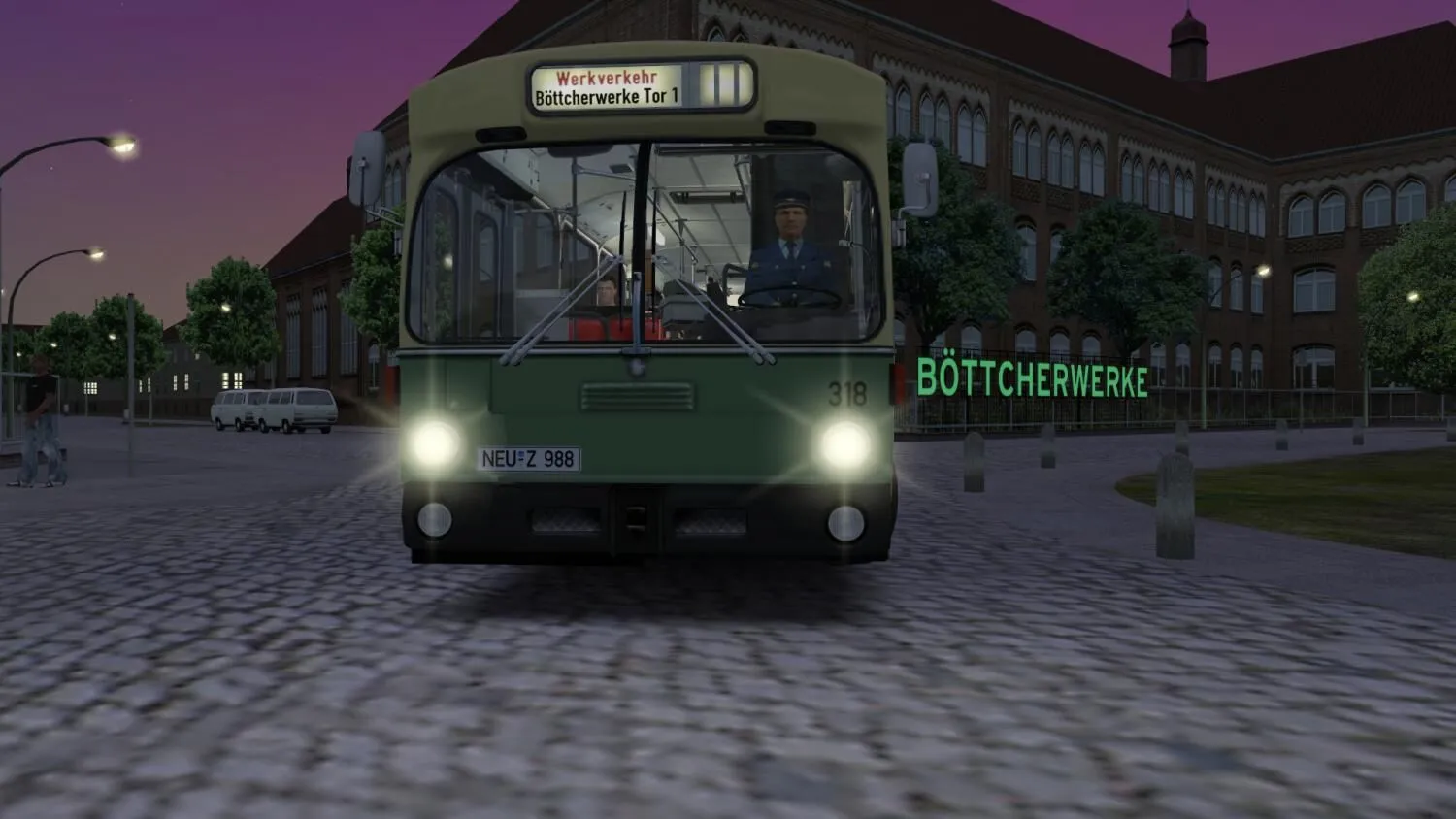
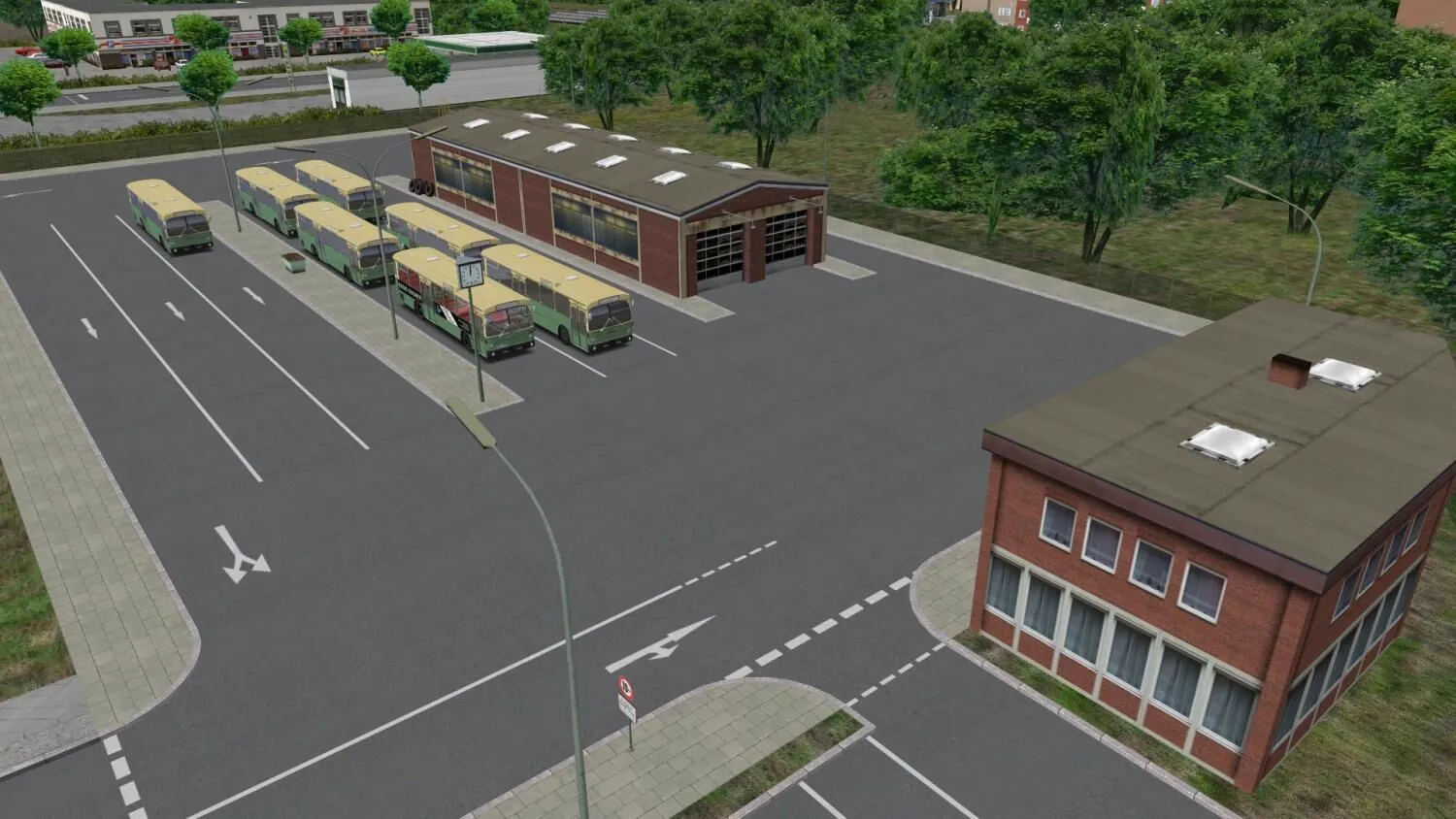
Neuendorf – Neuendorf is a medium sized fictional town in the middle of Germany where you can test the new “Citybus 305” for the first time. In Neuendorf you can either drive around the city centre or rather choose the more peaceful suburban traffic. Take the working people to their job at the Böttcherwerk early in the morning using the short line for own-account transport or take the colleagues home after the shift.
Game Features:
- Three different versions of the citybus
- Fictional citybus network “Neuendorf”
- Choose between automatic and manual transmission
- Realistic sounds
- Buses get dirty realistically
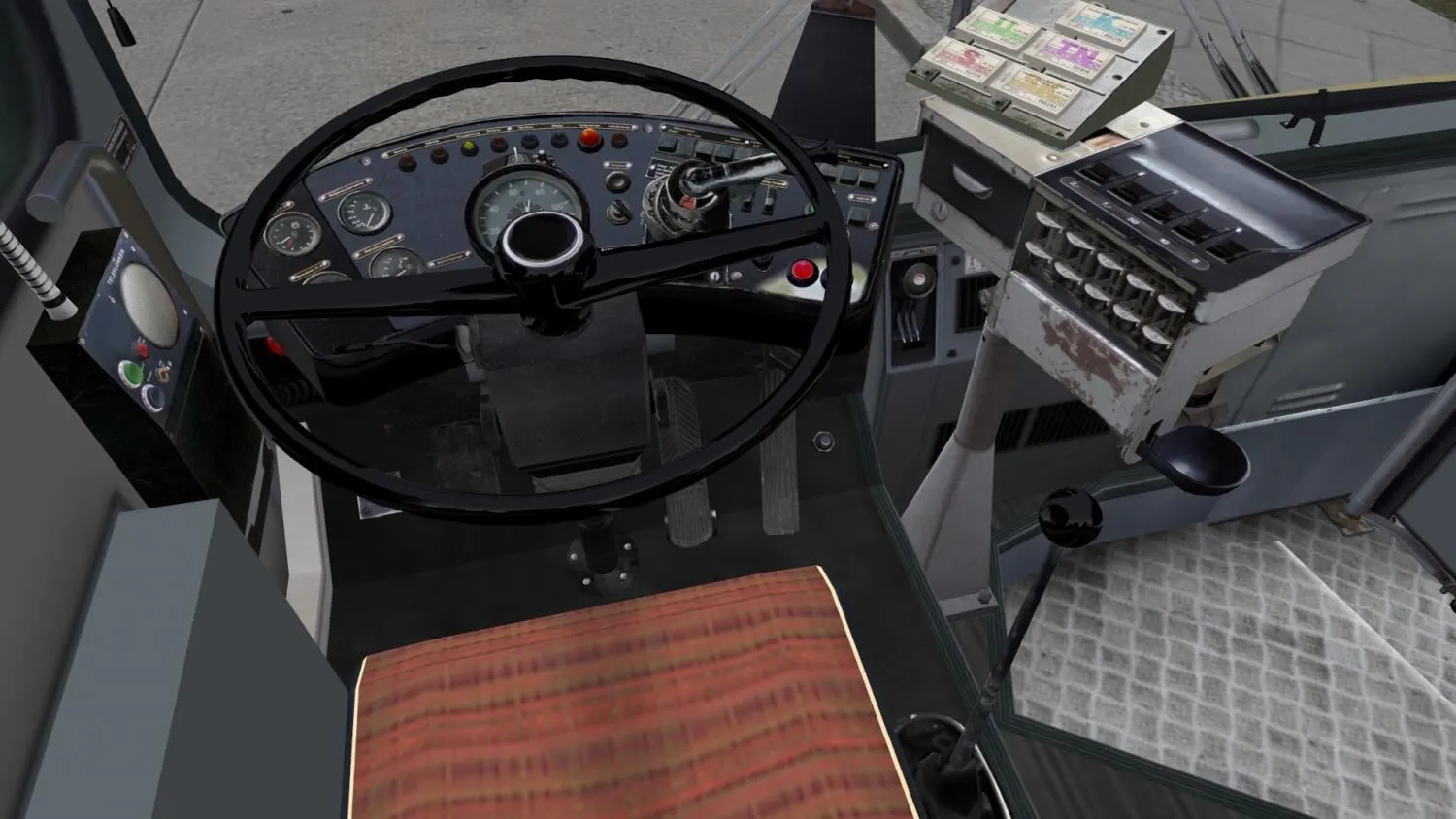
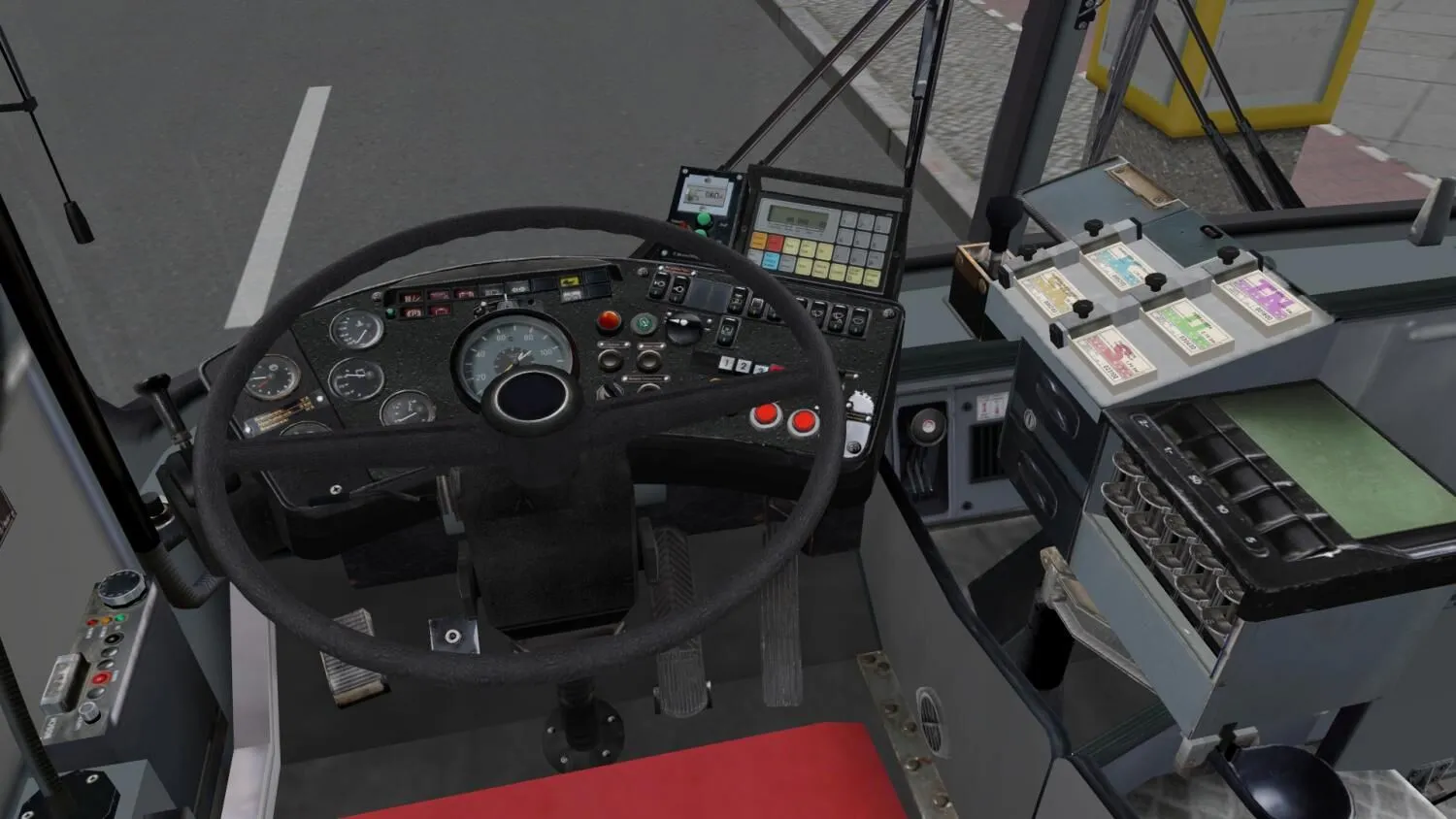
- Cash table, driving light, indoor light, instrument light, heating, ventilation windows, skylights etc
- Stop request button with the “bing” (bus stops)
- Different door controls
- Start behaviour depends on weather and battery
- Rollsign for Spandau line 92, Grundorf 76 & the fictional citybus network “Neuendorf”
- Will I get an invoice?
Invoice will automatically generate upon placing an order.
- Where can I find my invoice?
Once the order is completed, the invoice will be available under 'My Account' (top right corner of the top bar) -> 'Order History.'
- Can I edit my invoice?
Currently, you cannot do this yourself. Please contact our support via email at [email protected], and we will be glad to assist you with the matter. For a faster process, please include the order number and any relevant information you want to be shown (such as your name, ID/tax number, etc.).
- Is this product for every platform?
No, this product is specific to the Steam platform.
- Can I redeem this product anywhere?
No, Please click the 'Check Your Region' button to see all the supported countries.
- Is this product a game, credit, subscription or DLC?
This product is the DLC of the game and will not include the base game.
- Can I transfer this game to new hardware or a new console?
Yes, This key is bind to your Steam account.
- Is there a specific way I need to install this product?
Please read the 'Activation' tab.
Please follow the steps below to redeem your Steam key:
1) Download and install the Steam client on your PC: https://store.steampowered.com/about/
2) Open the Steam client, log in or create an account if you don't have one, and locate the Games tab on the top menu. Click this and then select "Activate a Product on Steam…"

3) Enter your code into the product activation field

Your game is now viewable in the "Library" tab and is available to download/install when you're ready.
Happy Gaming!



































 PC Steam Key



