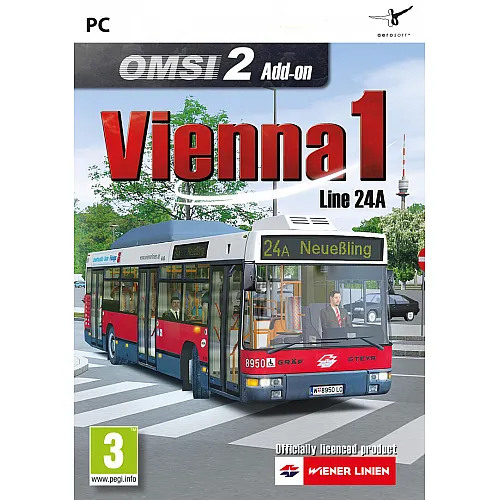
Instant Delivery: OMSI 2 Add-on Vienna 1 - Line 24A DLC (PC Steam Key / Global) Game Key
Be a bus driver!
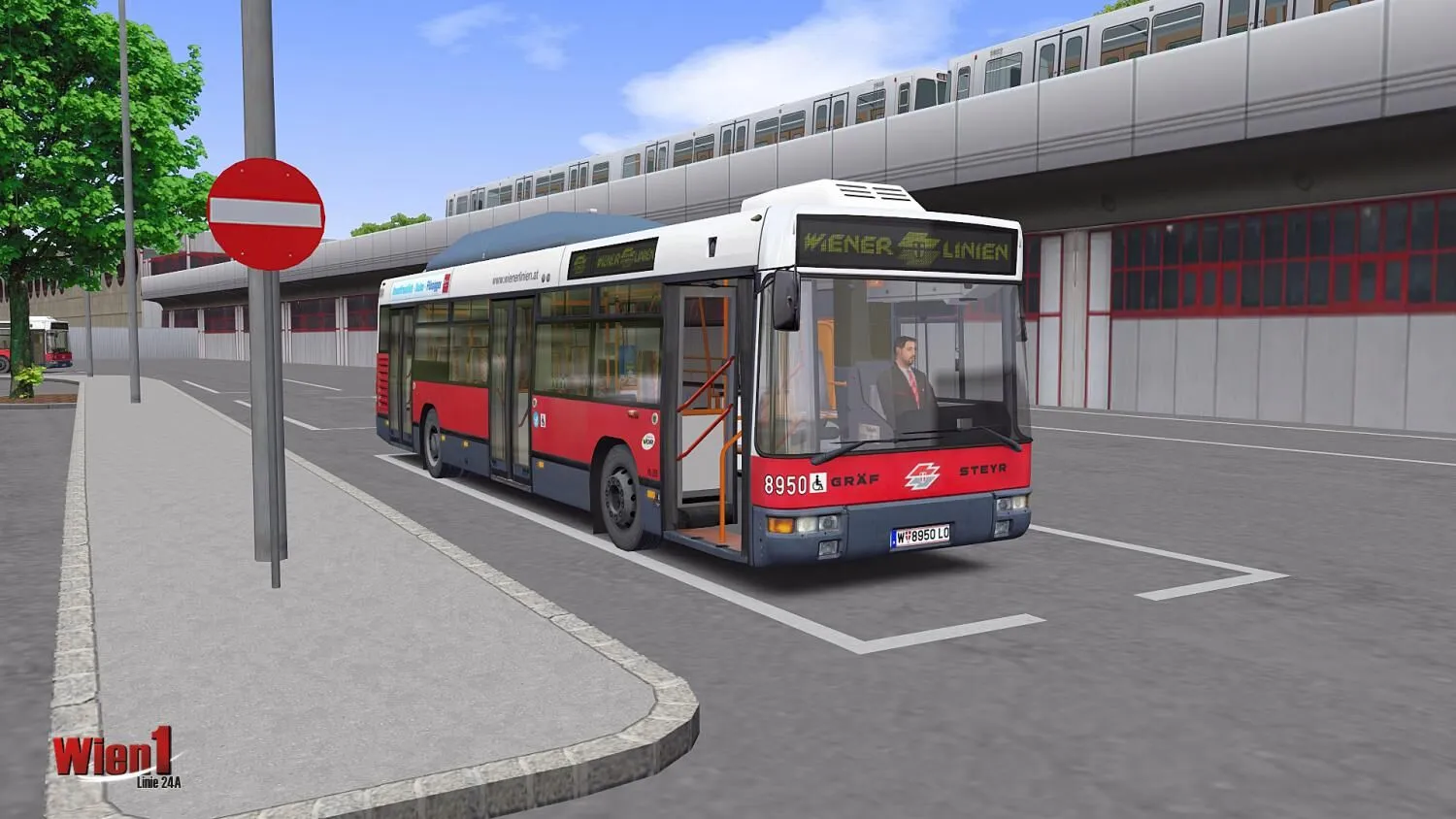
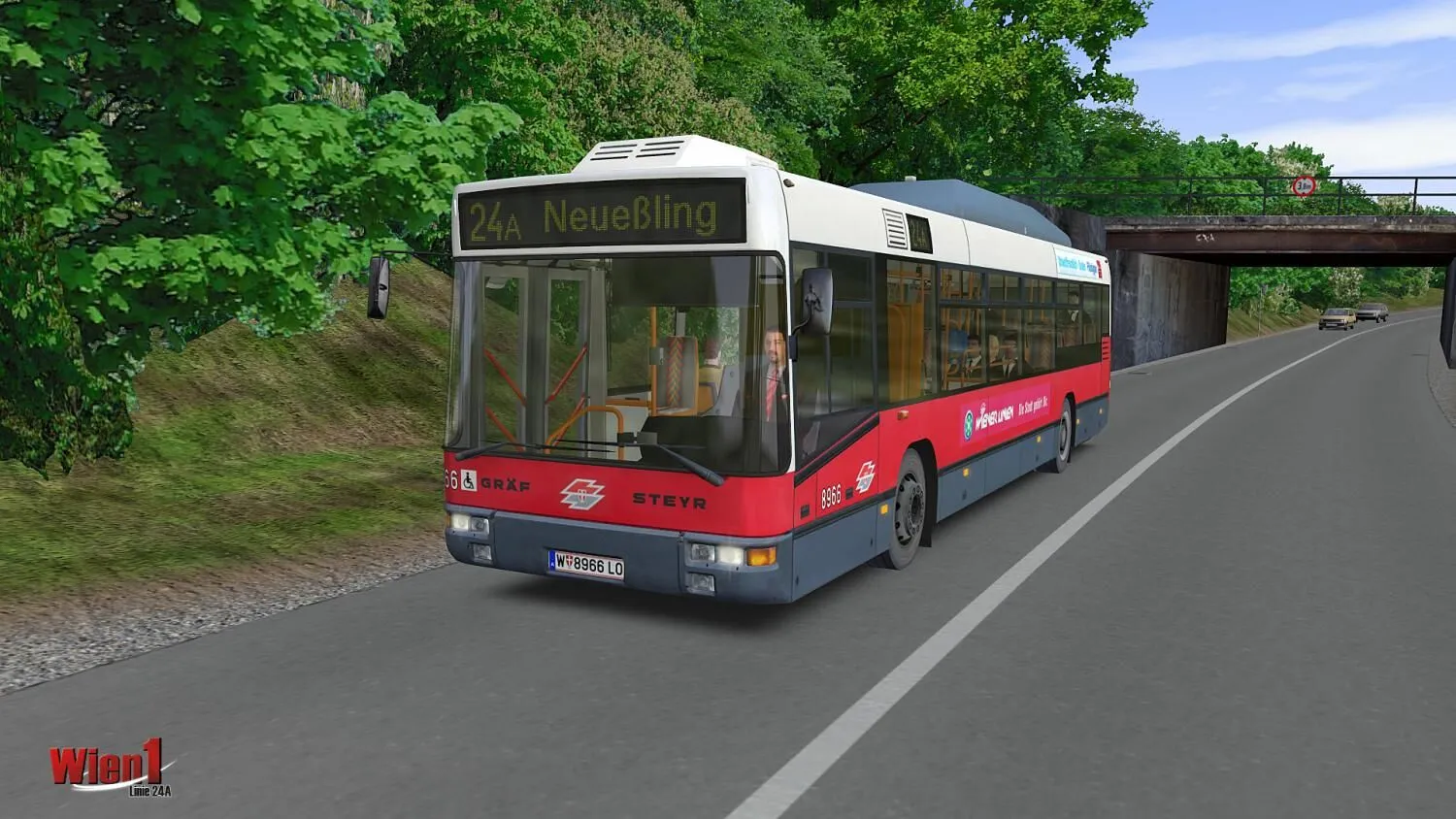
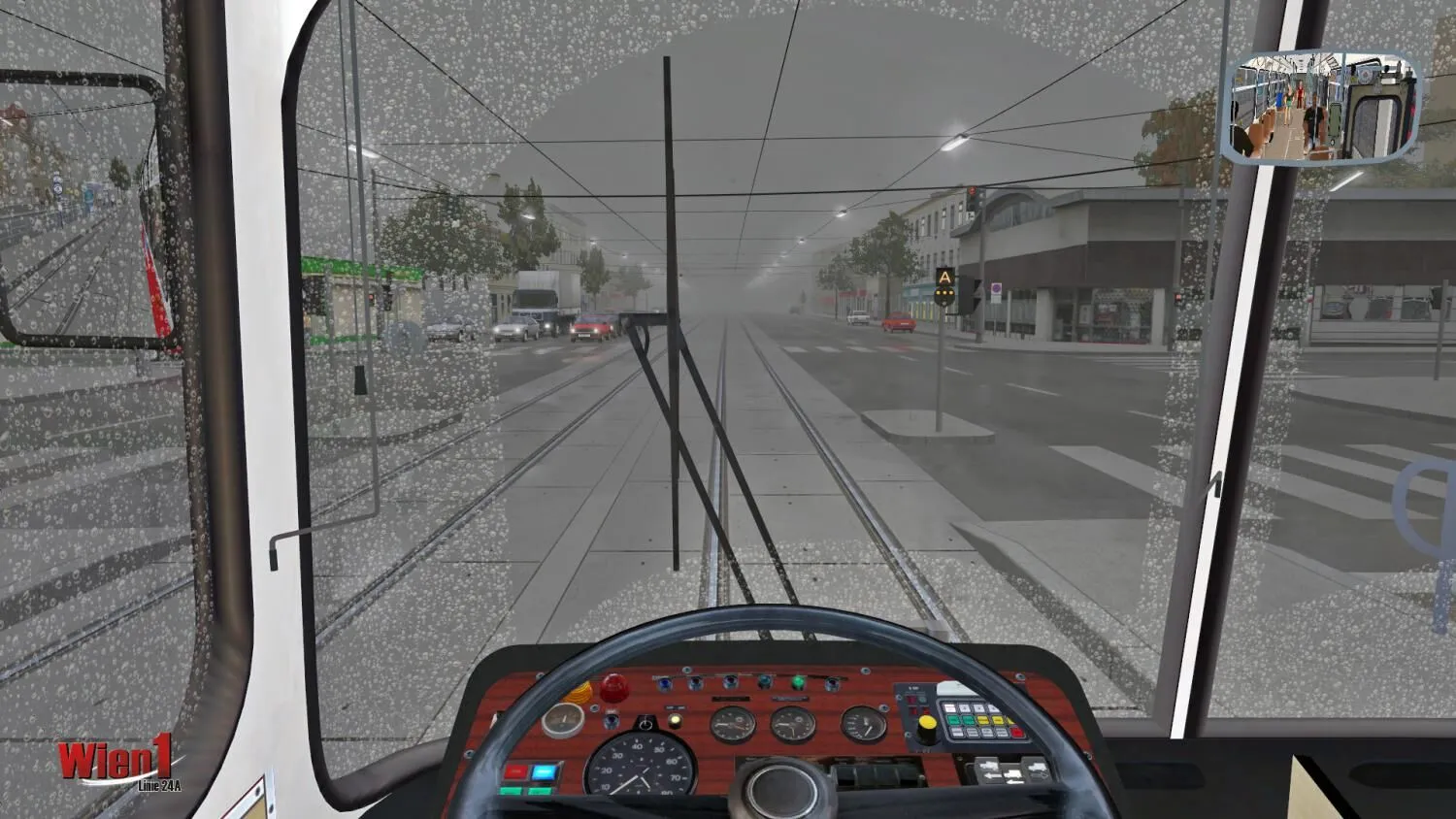
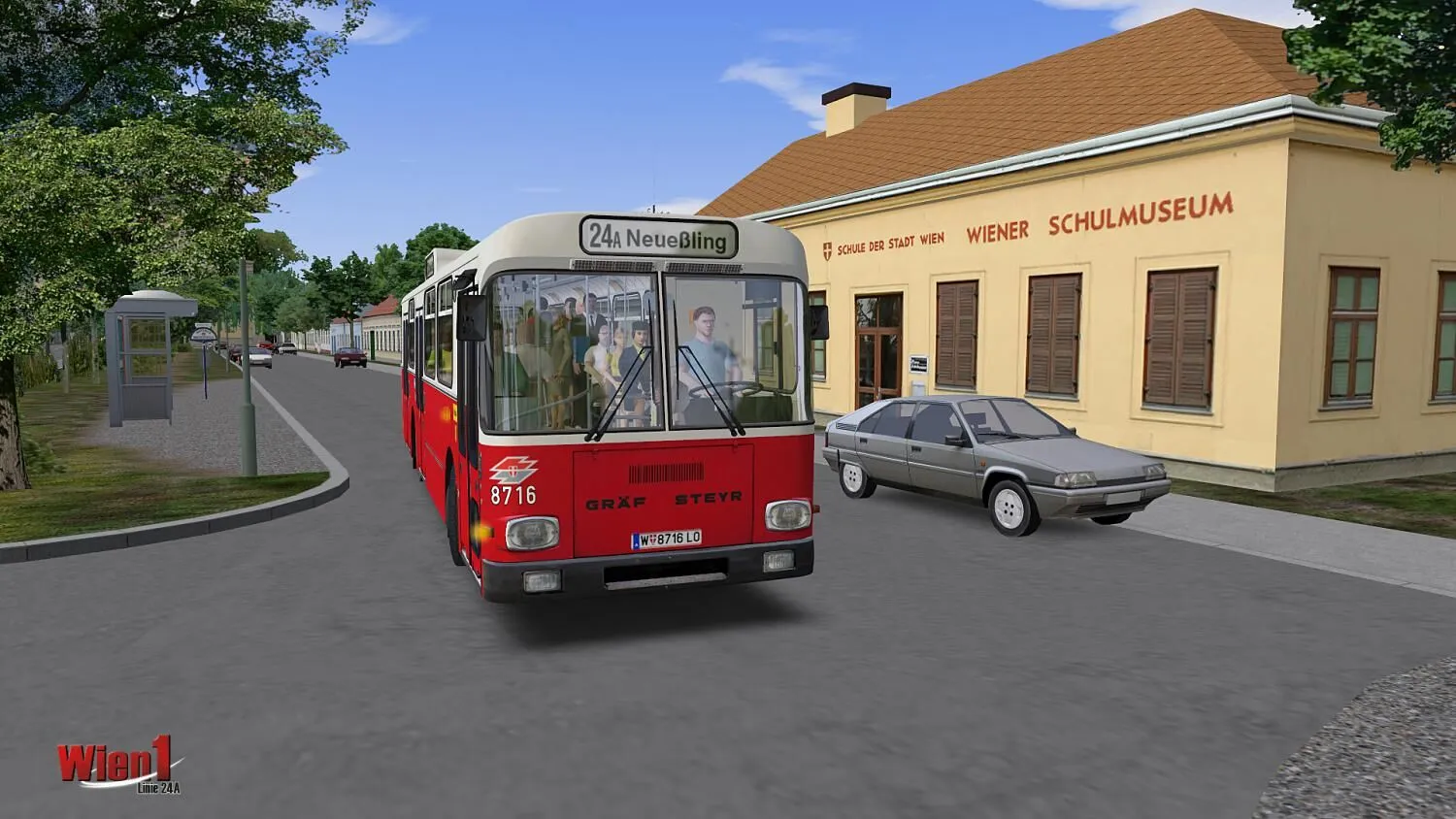
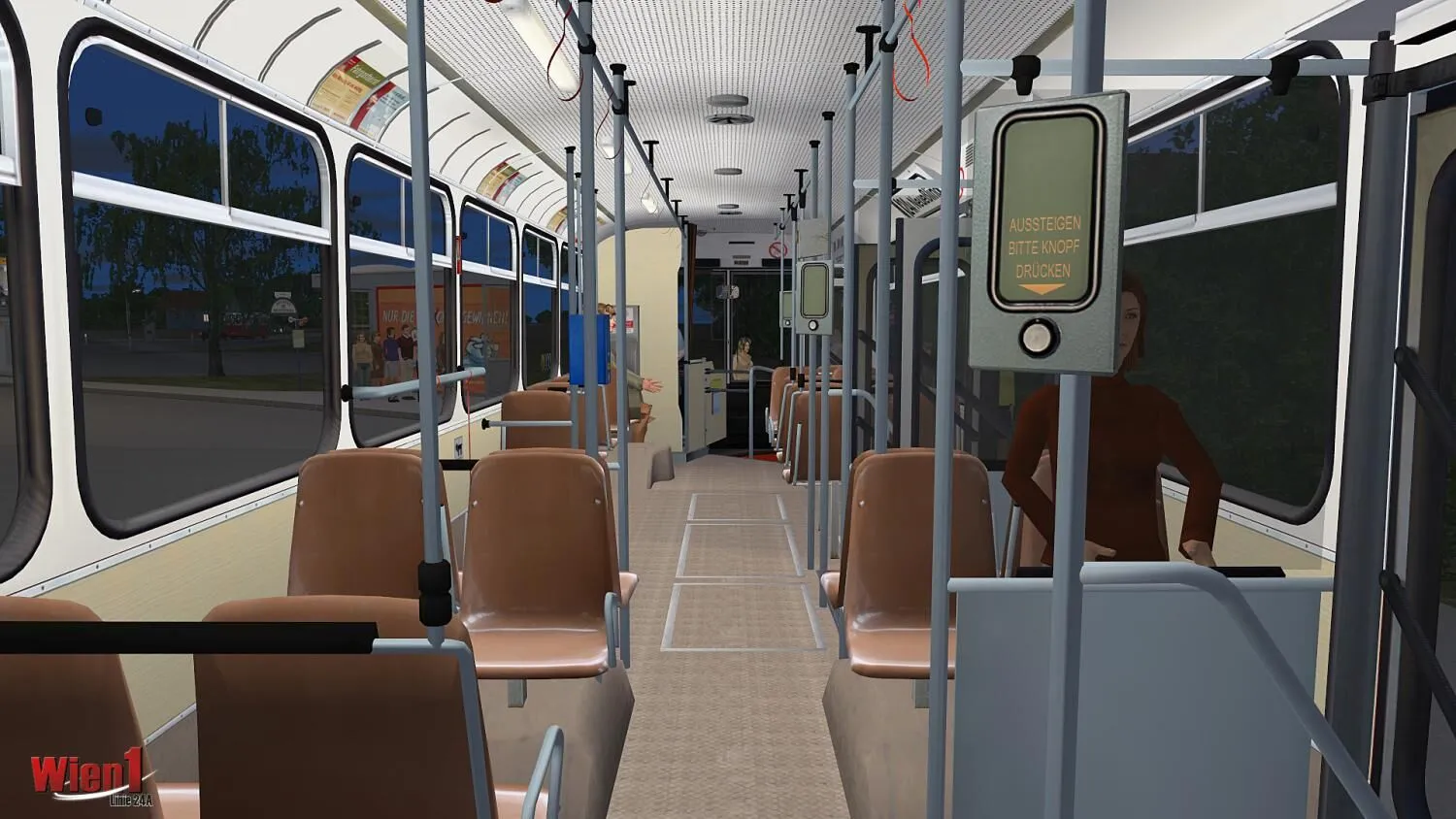
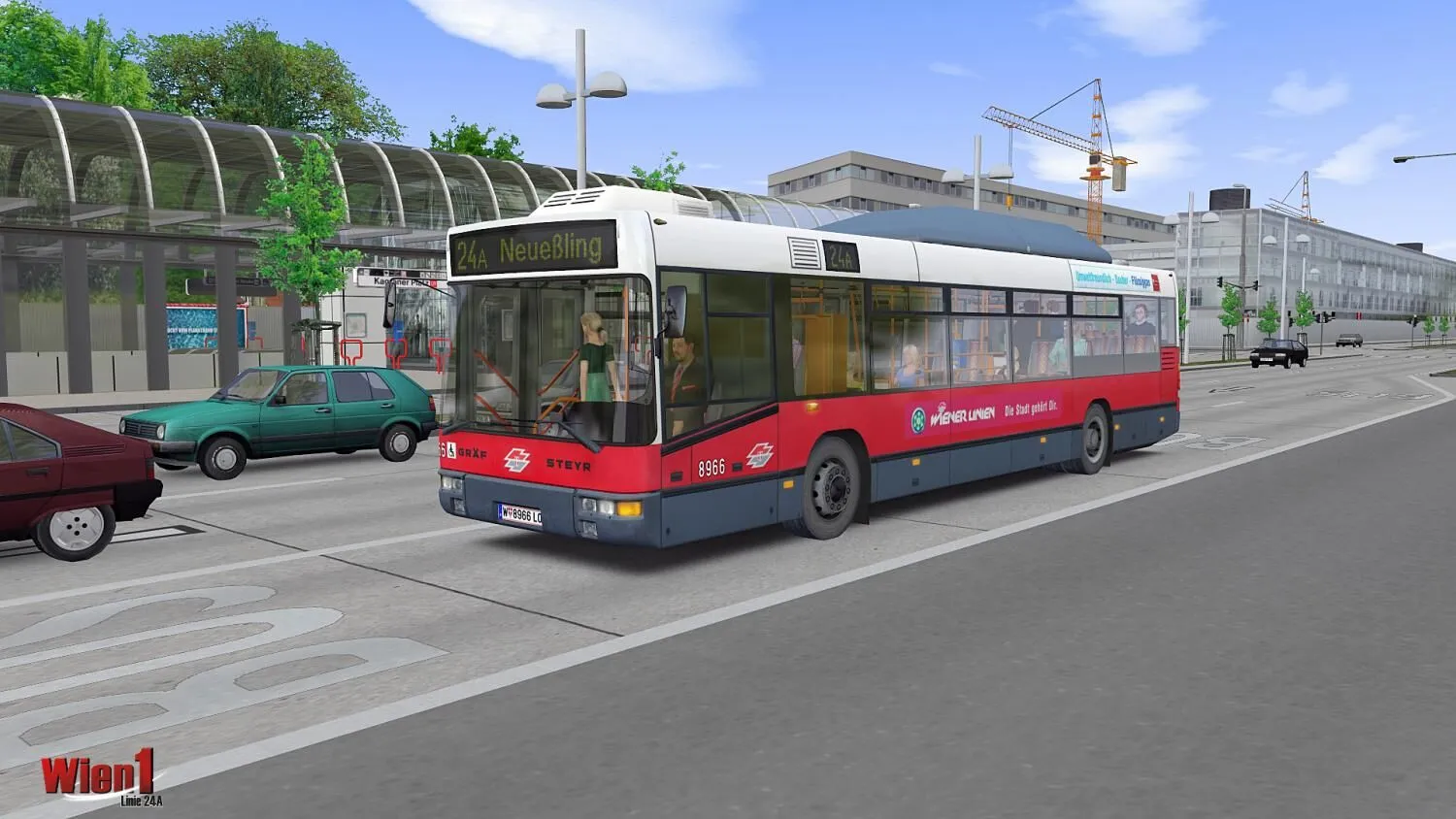
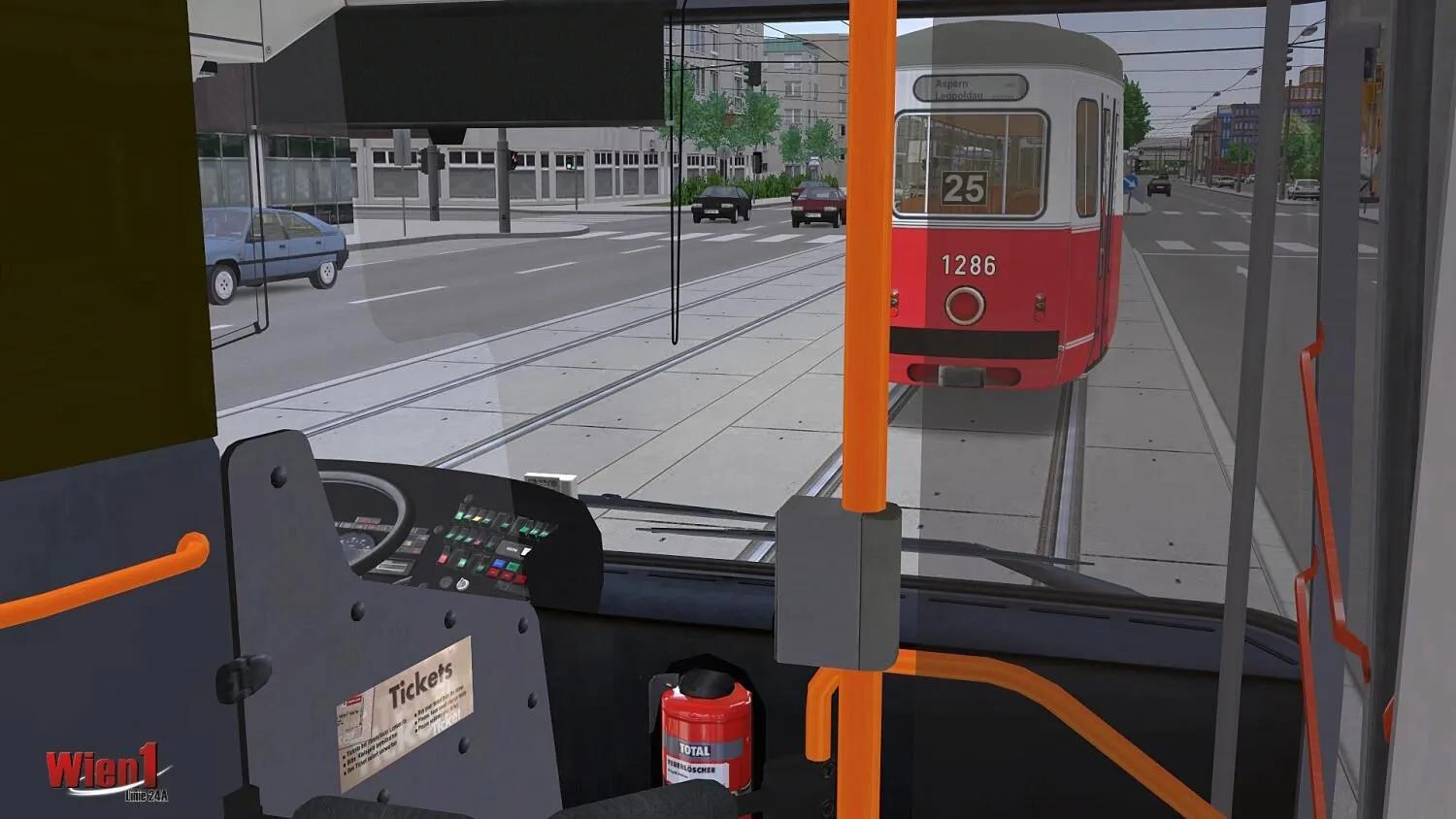
Have you ever dreamt of being a bus driver? Well, now you can take your seat behind the steering wheel of faithfully recreated service buses of the “Wiener Linien”! Fully functional cockpits with lots of animations and realistic sounds ensure high authenticity and create a simulation with the true flair of Vienna!
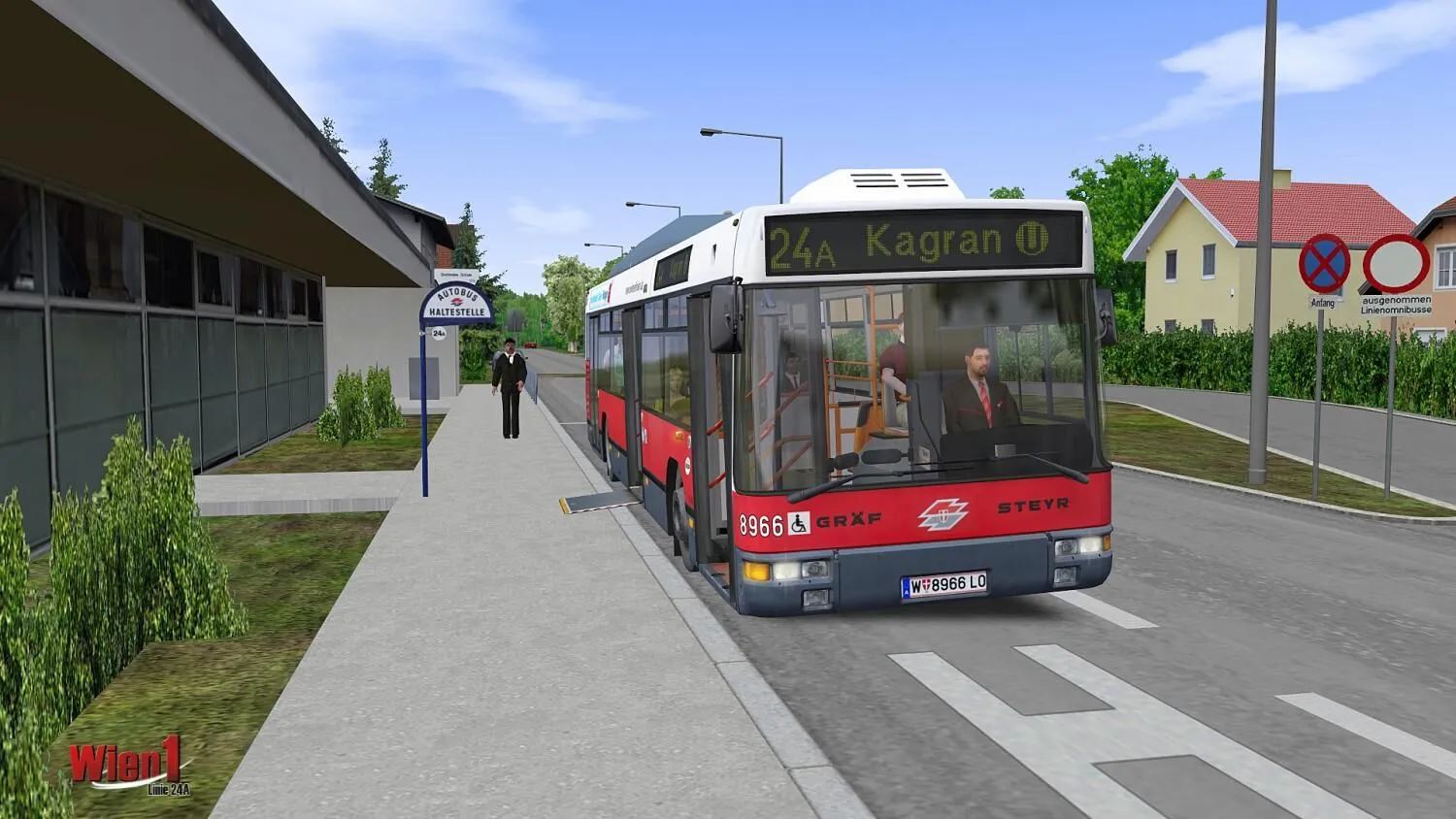
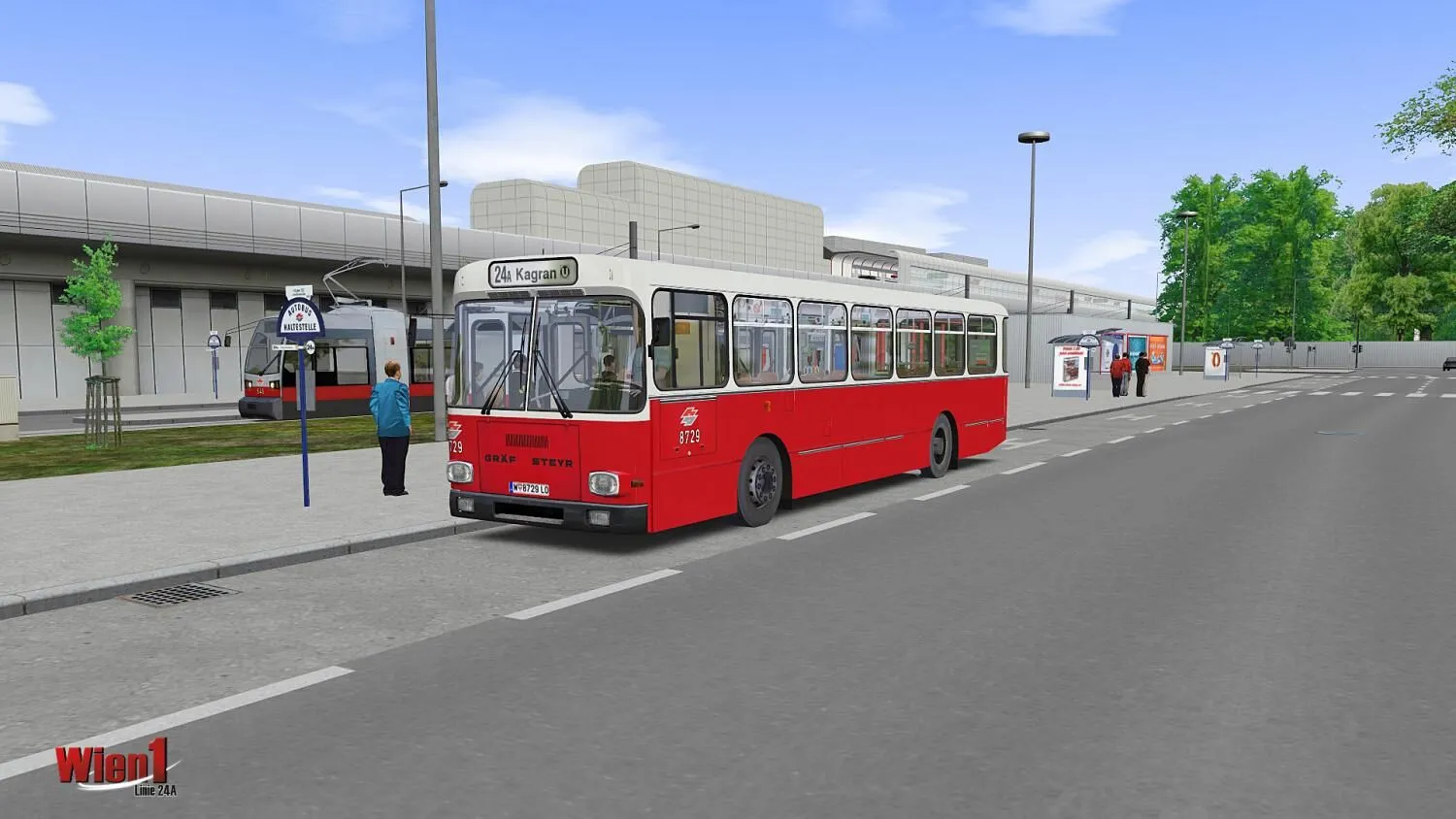
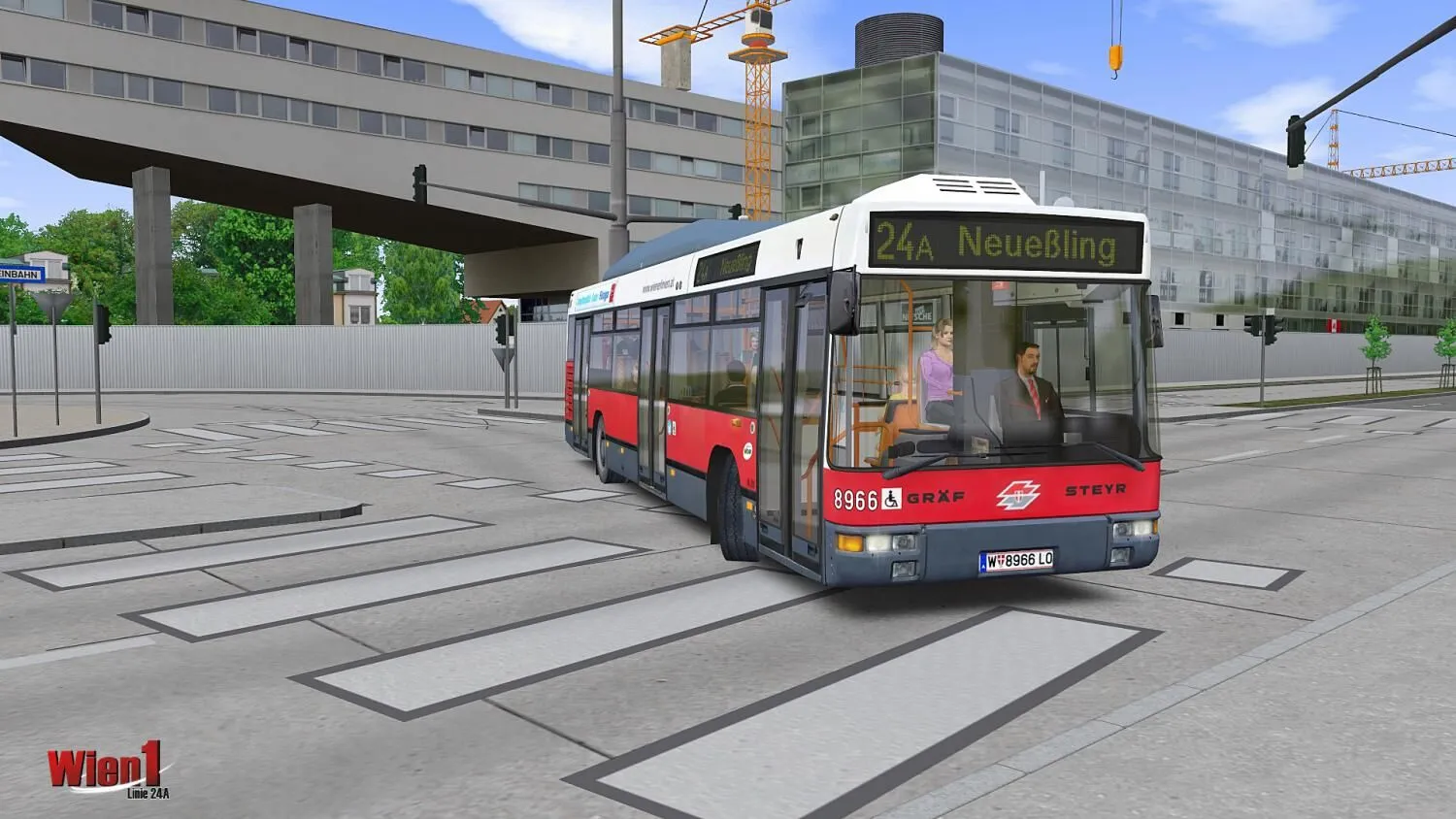
“Wien 1 – Line 24A” is the first of two add-ons for OMSI 2 placed in Vienna. It includes the route of Line 24A in different variants and traffic routings as well as the appropriate articulated busses of high-floor and low-floor generations.
The interesting and challenging routing has been modeled in a true-to-original way with many objects and details and offers prolonged driving pleasure for beginners and advanced drivers alike.
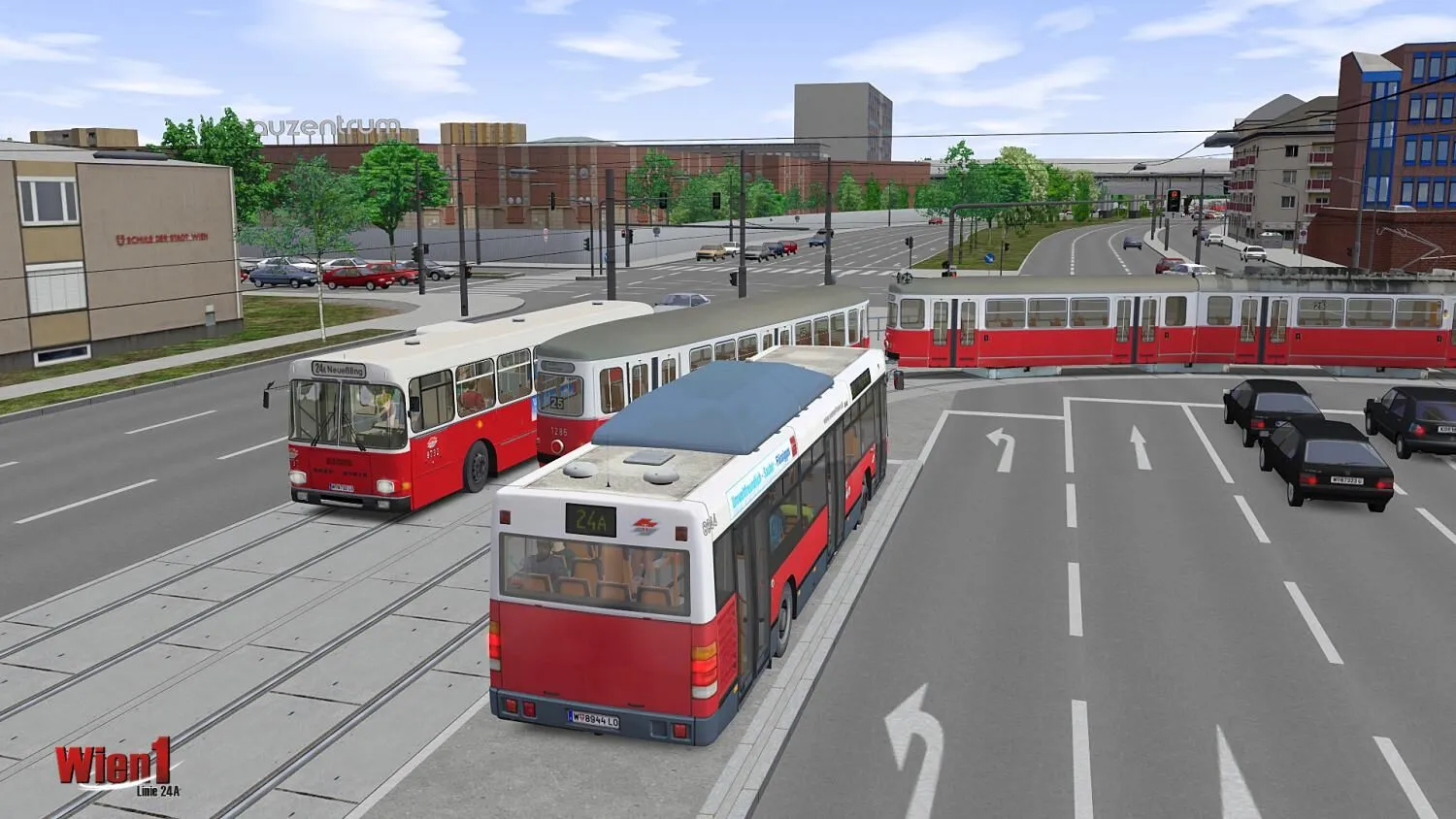
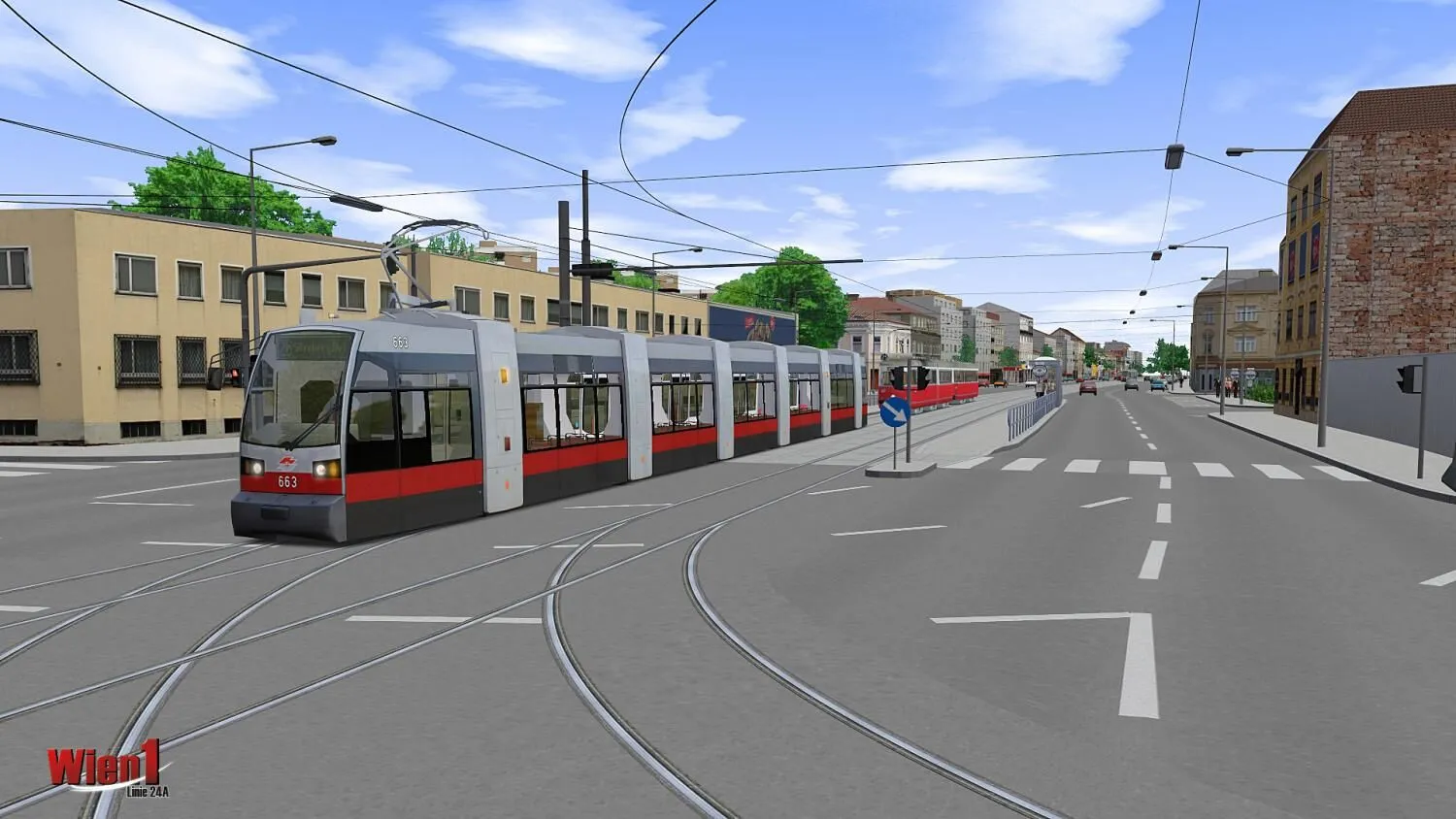
The buses are completely animated and include lots of functions of the everyday bus rides such as original announcements! AI-controlled passenger cars, buses, trains, trams and subways can be encountered on the route thereby putting the finishing touches on the scenery.
Perfect interplay
An ideal complement to this add-on is “Wien 2 – Line 23A”: The rigid buses that operate on Line 23A start out from the same point of departure as those on Line 24A. Together, both add-ons ensure great variety and driving fun for many, many hours!
Game Features:
- Articulated bus NL 205 M12 (first low-floor generation)
- Articulated bus LU 200 M11 (last high-floor generation)
- Route Vienna – Line 24A until the year 2005 up to Kagran
- New routing Vienna – Line 24A since 2006 up to “Kagraner Platz“
- Lots of new objects and street models
- Real streets and buildings – maximum of authenticity
- Many different routings with original timetables
- Original „Wiener Linien“ bus stop announcements
- AI tram Type E1-c3 and Type ULF
- AI subway Type U
- All vehicles are original replicas of the “Wiener Linien”
- New AI cars and AI motorbikes, perfectly animated – for the first time in OMSI’s traffic
- Interesting and challenging routing
- Many details and authentic scenery objects
Area / Line: Vienna, 22nd District
Line 24A in different routings:
- until 2006: Kagran U – Invalidensiedlung
- since 2006: Kagraner Platz U – Invalidensiedlung
- Will I get an invoice?
Invoice will automatically generate upon placing an order.
- Where can I find my invoice?
Once the order is completed, the invoice will be available under 'My Account' (top right corner of the top bar) -> 'Order History.'
- Can I edit my invoice?
Currently, you cannot do this yourself. Please contact our support via email at [email protected], and we will be glad to assist you with the matter. For a faster process, please include the order number and any relevant information you want to be shown (such as your name, ID/tax number, etc.).
- Is this product for every platform?
No, this product is specific to the Steam platform.
- Can I redeem this product anywhere?
No, Please click the 'Check Your Region' button to see all the supported countries.
- Is this product a game, credit, subscription or DLC?
This product is the DLC of the game and will not include the base game.
- Can I transfer this game to new hardware or a new console?
Yes, This key is bind to your Steam account.
- Is there a specific way I need to install this product?
Please read the 'Activation' tab.
Please follow the steps below to redeem your Steam key:
1) Download and install the Steam client on your PC: https://store.steampowered.com/about/
2) Open the Steam client, log in or create an account if you don't have one, and locate the Games tab on the top menu. Click this and then select "Activate a Product on Steam…"

3) Enter your code into the product activation field

Your game is now viewable in the "Library" tab and is available to download/install when you're ready.
Happy Gaming!








































 PC Steam Key



