Instant Delivery: World of Subways 2 – Berlin Line 7 (PC Steam Key / Global) Game Key
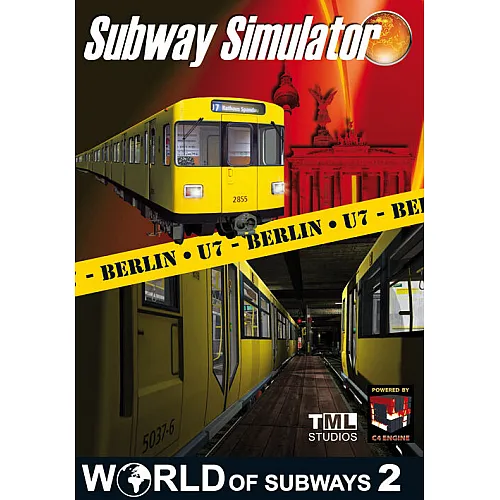
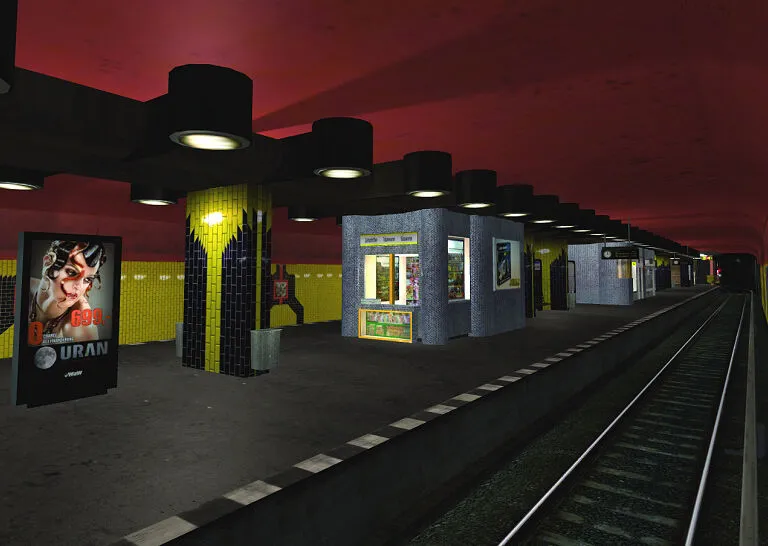
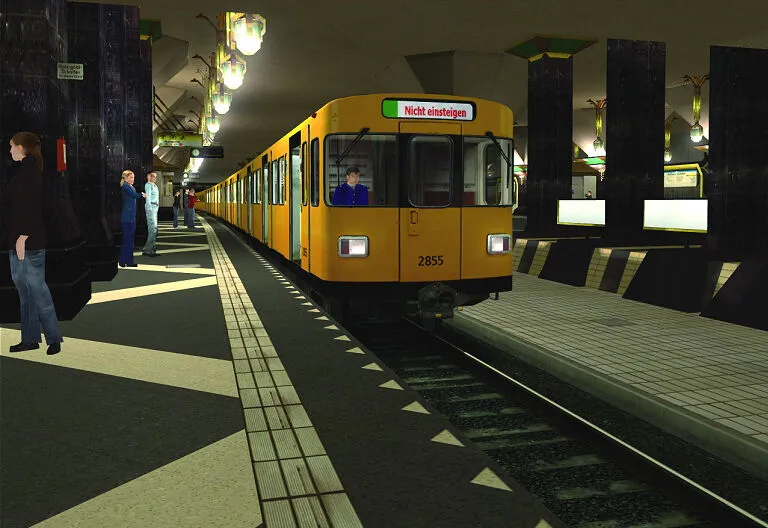
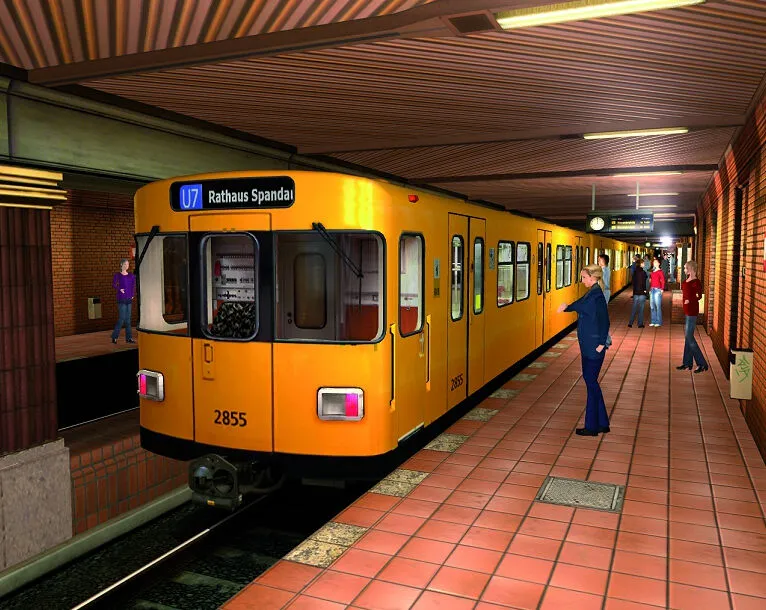
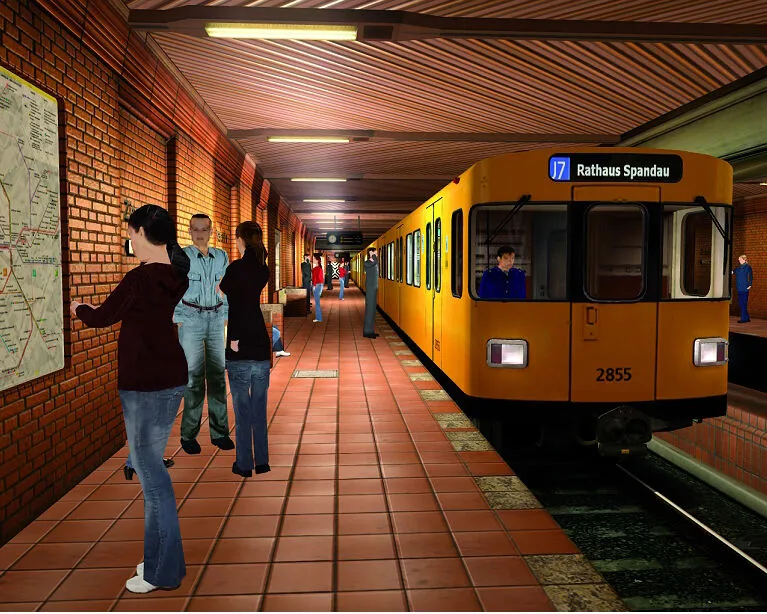
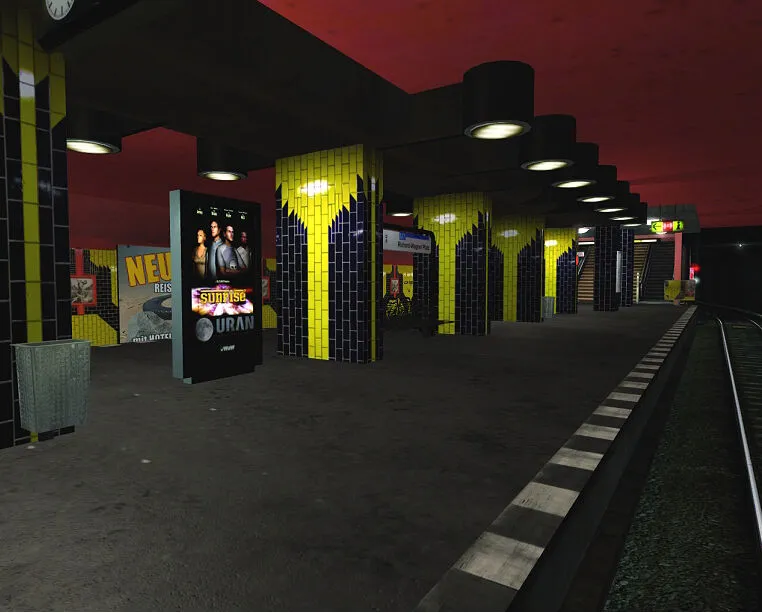
Volume 2: "U7 - Berlin" is the next release continuing the successful product series " World of Subways" introducing famous subway lines around the world to all subway enthusiasts. After Vol. 1, Vol. 2 contains the route U7 of Berlin`s subway. It takes you from Spandau to Rudow and is therefore the longest of all Berlin`s subway routes.
Route map
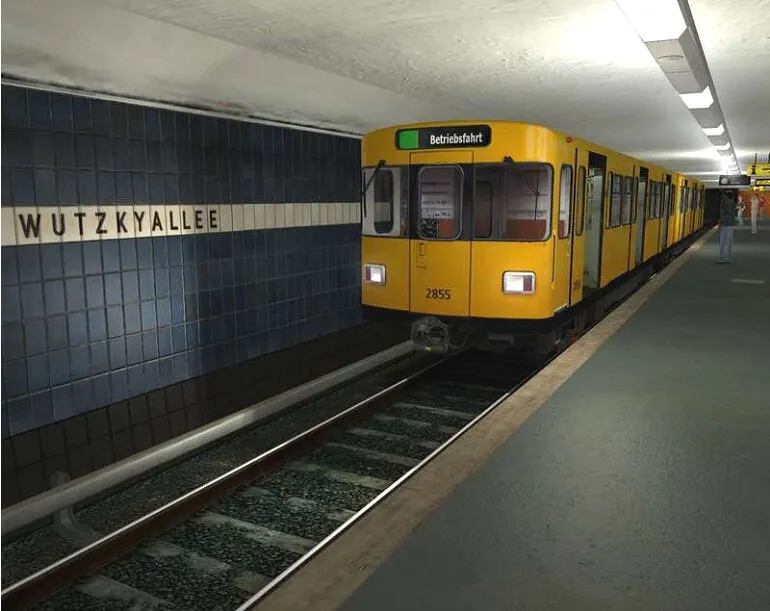
With a coverage of 31.8 km (19,8 miles) and 40 stations the U7 is not only the longest of all Berlin subway lines but also the line with the most stations and the longest journey time. Built from 1924 to 1984 this large profile line runs completely underground, through a total of 5 districts of the German capital and even goes underneath the rivers Spree and Havel as well as the Teltow and the Westhafen canal. More of its history can be found here
Features
Here´s what you can expect from "World of Subways Vol. 2: U7 - Berlin " A feature list to be exited about.
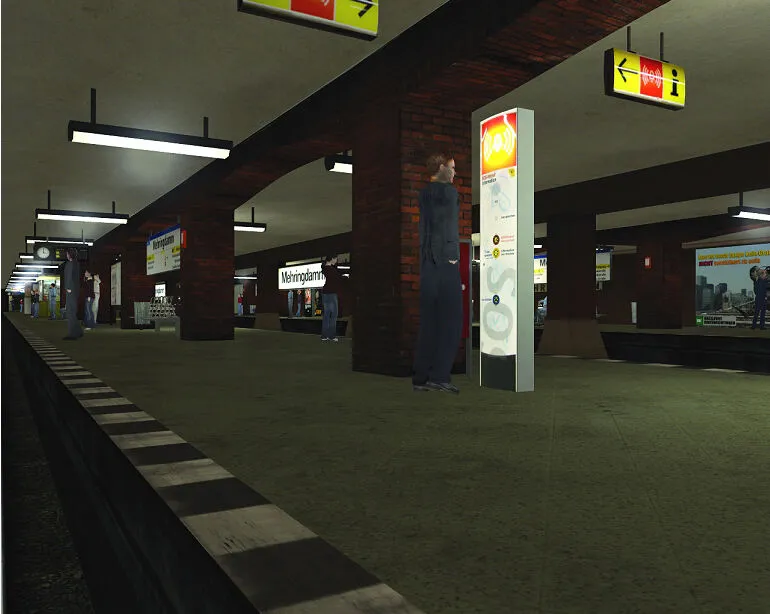
Animated display monitors at stations.
- Realistic shift service to schedule.
- Intelligent and custom announcements
- Passenger volume dependend on time if day.
- Simulation of wear and tear caused by style of operation (can be selected via options)
- Extensive scoring system, adding to the excitement and fun.
- Custom setting of destination display during operations.
- Customizable light settings on train (position lights, cab lighting, etc)
- Opening doors to be seen from either inside or outside, controlled by the player
- Doors can be openend seperately. Options are the doors on the right and left side of the train. Of course you can also open both sides at the same time.
- Train vibration – as soon as the train starts moving, vibrations will take effect on the train.
- Train swings – The train will start swinging the higher the speed. You will especially get this kind of feel in the cab. Hard braking will also produce this effect and the train will still be in a swinging motion when it has come to a full stop.
- Intelligent AI traffic operating to real schedules. Display on destination signs and announcements are controlled automatically.
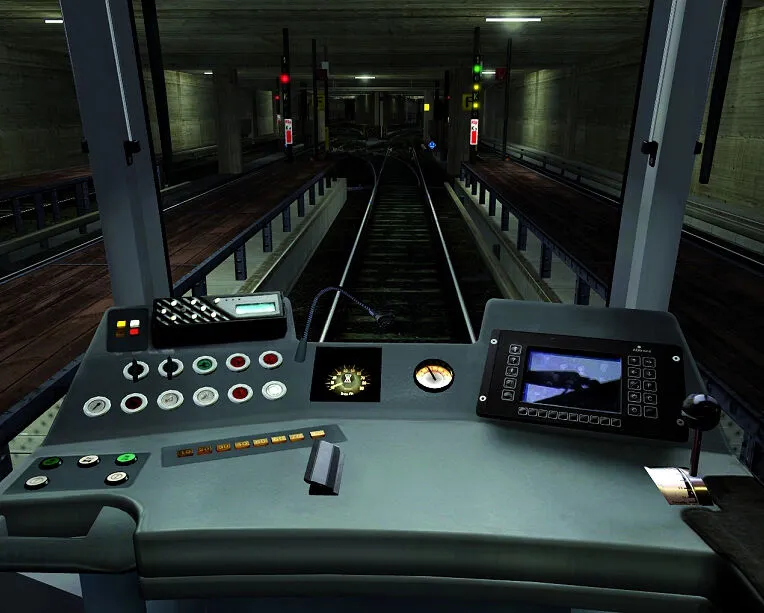
- Configurable key commands – The player can freely configure keys to his liking. He can for instance configure the key for the brake lever wherever he wants.
- 3D – Cockpit with rotatable camera – allowing the player to look around. By using a key stroke the view angle will be centered again.
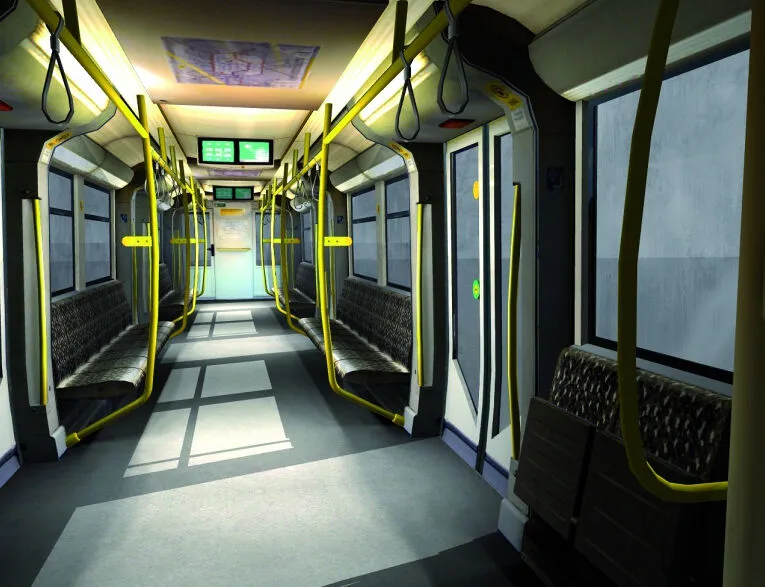
- Free movement inside the train – While the train is stationary at a station you will have the option to switch to an ego perspective inside the passenger car. You can move by using keyboard commands, view angles can be controlled with the mouse.
- Free movement on the station – you can get off the train at any station and move around (ego perspective). There will also be some missions starting on the platform of a station. The player will have to walk into to the train, into the cab which is seperated from the passenger area by a door.
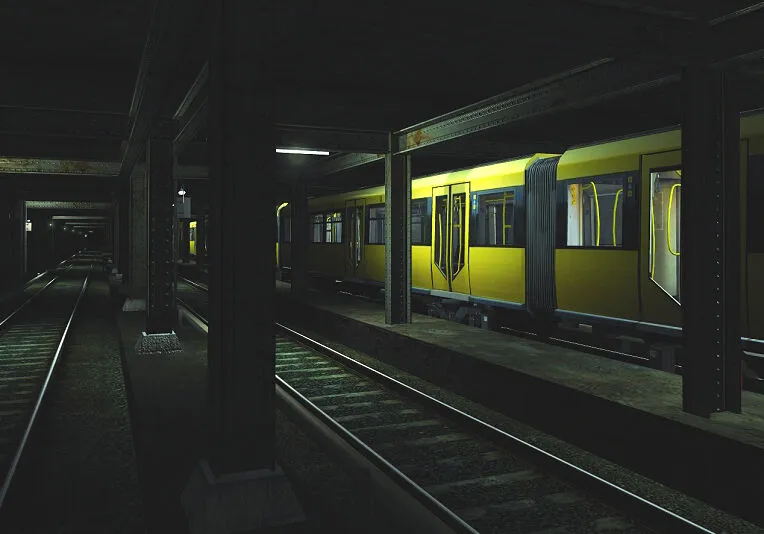
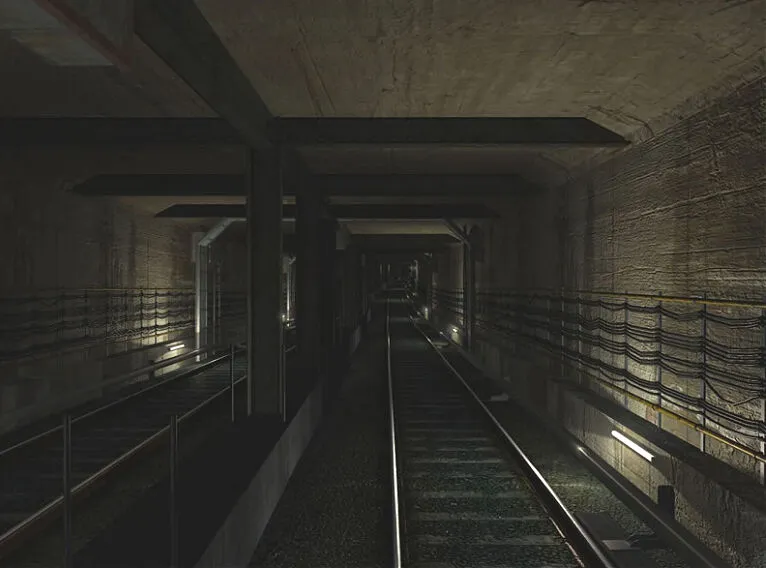
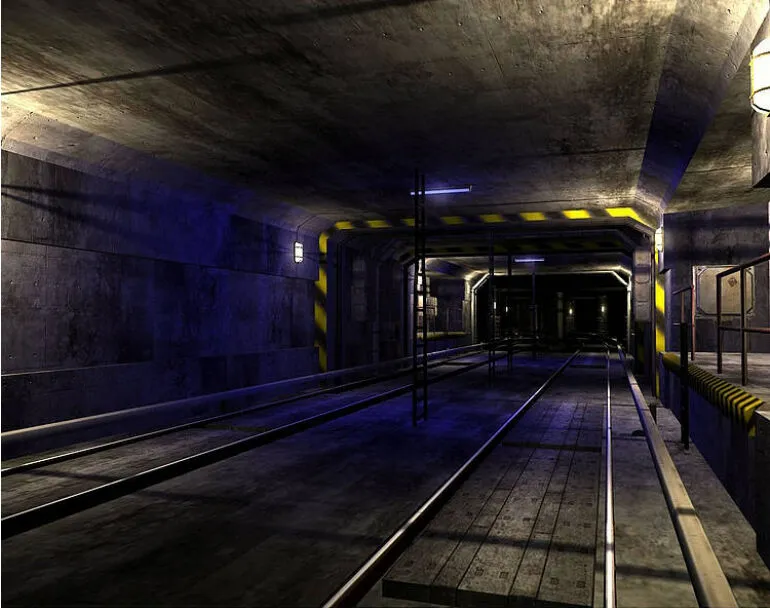
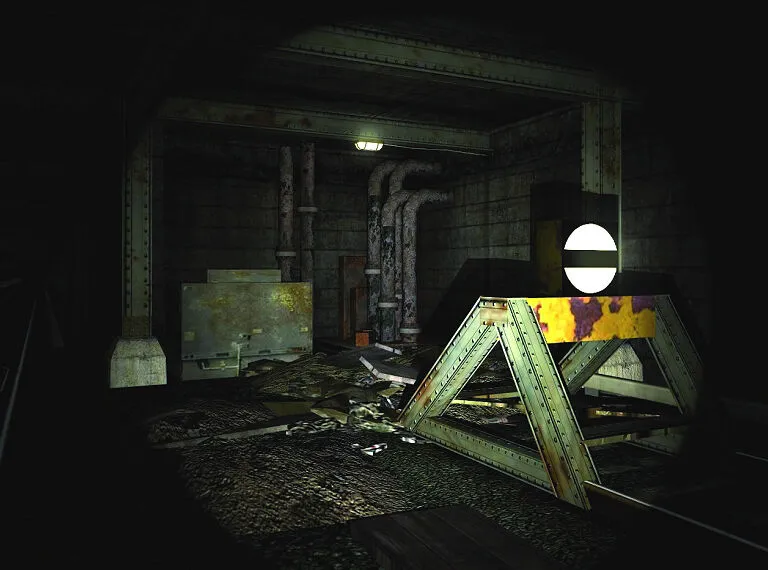
- Free movement in the tunnels and on the track
- Changing of cabs – sometimes you will have to change the cabs during a mission. The train driver has to leave the cab, the train and then walk along the platform to the other end. He then gets into the train and cab again to prepare for departure.
- A brandnew mission module with new mission
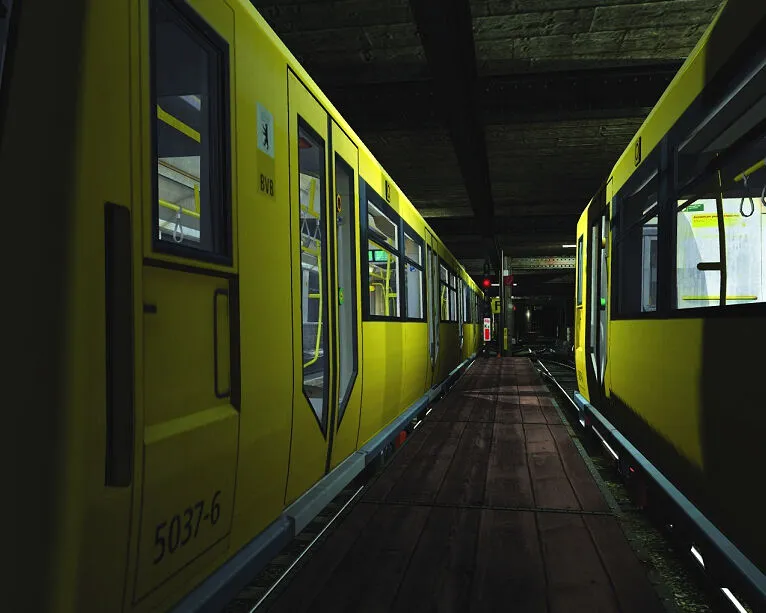
- Flashlight for virtual walk in the tunnel
- Compatible with Raildriver Cab Controller
- Will I get an invoice?
Invoice will automatically generate upon placing an order.
- Where can I find my invoice?
Once the order is completed, the invoice will be available under 'My Account' (top right corner of the top bar) -> 'Order History.'
- Can I edit my invoice?
Currently, you cannot do this yourself. Please contact our support via email at [email protected], and we will be glad to assist you with the matter. For a faster process, please include the order number and any relevant information you want to be shown (such as your name, ID/tax number, etc.).
- Is this product for every platform?
No, this product is specific to the Steam platform.
- Can I redeem this product anywhere?
No, Please click the 'Check Your Region' button to see all the supported countries.
- Is this product a game, credit, subscription or DLC?
This product is the base game.
- Can I transfer this game to new hardware or a new console?
Yes, This key is bind to your Steam account.
- Is there a specific way I need to install this product?
Please read the 'Activation' tab.
Please follow the steps below to redeem your Steam key:
1) Download and install the Steam client on your PC: https://store.steampowered.com/about/
2) Open the Steam client, log in or create an account if you don't have one, and locate the Games tab on the top menu. Click this and then select "Activate a Product on Steam…"

3) Enter your code into the product activation field

Your game is now viewable in the "Library" tab and is available to download/install when you're ready.
Happy Gaming!








































 PC Steam Key



