即時配信: Football Manager 2016 - An Alternative Reality The Football Mana (PC Steam Key / ヨーロッパ) Game Key
Football Manager 2016は、架空の世界を舞台にしたサッカーマネジメントシミュレーションゲームです。プレイヤーは、アマチュアチームから国際的な成功の頂点へとチームを導くことができます。本作は、リアルで没入感のあるスポーツシミュレーションゲームの開発で定評のある、イギリスのSports Interactive社によって開発されました。
『Football Manager Documentary』DLCは、『Football Manager』シリーズに新たに加わった作品です。サッカーマネジメントの世界を深く掘り下げ、没入感のある体験を提供します。ゲームでは、実在のサッカー選手、監督、ディレクターと直接対話し、彼らから成功するサッカーマネージャーになるための秘訣を学ぶことができます。また、練習場、スタジアム、ロッカールームを訪れ、サッカーマネージャーが直面する現実世界の課題を体験することもできます。
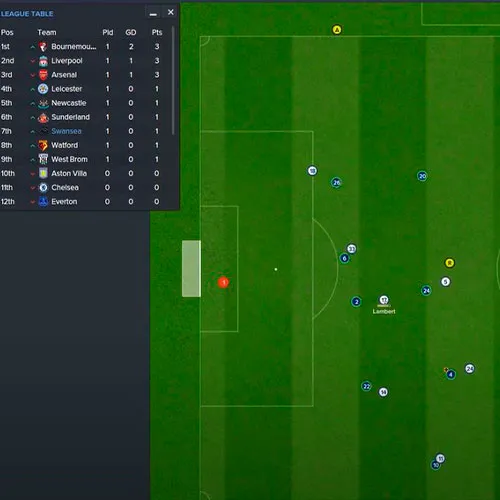
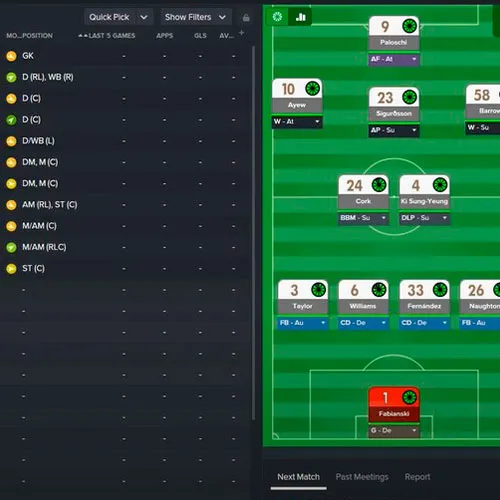
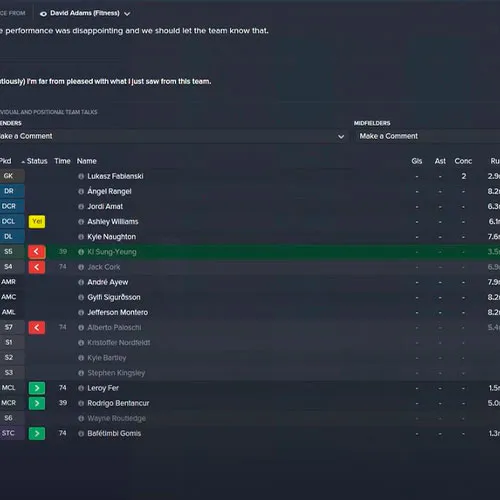
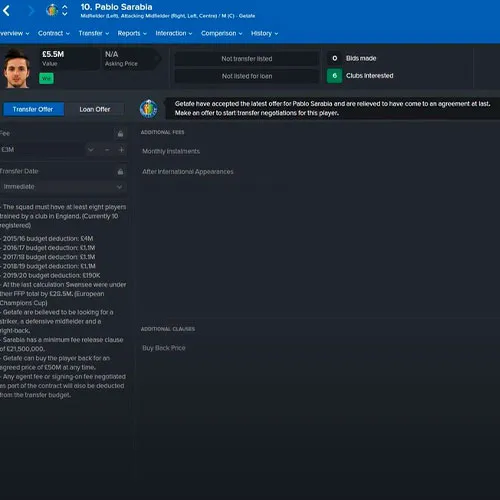
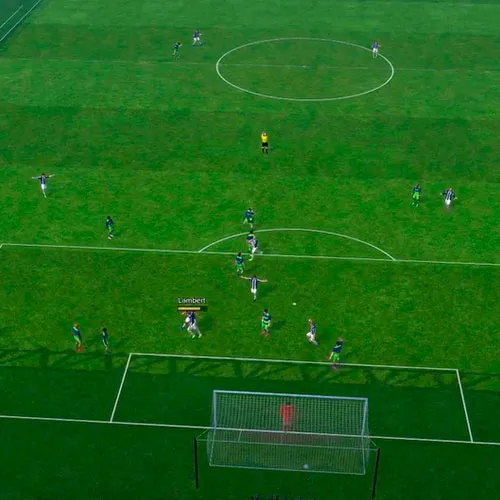
『Football Manager 2016』のゲームプレイは、新たなマネジメント機能とグラフィックの向上により、アップデートされ、より洗練されました。チームミーティング、記者会見、そして実在のサッカー関係者とのインタビュー「In The Chair」など、多彩な機能が搭載されています。さらに、独自のプレイブックや戦術を作成したり、「フレキシブルフォーメーション」システムを使って独自のプレイスタイルを確立することも可能です。これらの機能により、『Football Manager 2016』はプロサッカーマネジメントの世界をリアルに再現します。
- 請求書は届きますか?
ご注文いただくと、請求書が自動的に作成されます。
- 請求書はどこで確認できますか?
注文が完了すると、請求書は「マイアカウント」(上部バーの右上隅)→「注文履歴」から確認できます。
- 請求書を編集できますか?
現在、お客様ご自身でこの操作を行うことはできません。[email protected]までメールにてサポートにお問い合わせください。喜んでお手伝いさせていただきます。より迅速な対応のため、ご注文番号と表示をご希望される関連情報(氏名、身分証明書番号/納税者番号など)をメールにご記入ください。
- この製品はすべてのプラットフォームに対応していますか?
いいえ、この製品はSteamプラットフォーム専用です。
- この商品はどこでも引き換えできますか?
いいえ、この製品はヨーロッパからのみアクティベート可能です。
対応している国の一覧を見るには、「お住まいの地域を確認してください」ボタンをクリックしてください。
- この商品はゲーム、クレジット、サブスクリプション、それともDLCですか?
本製品はゲームのダウンロードコンテンツ(DLC)であり、基本ゲームは含まれていません。
- このゲームを新しいハードウェアや新しいコンソールに移行できますか?
はい、このキーはあなたのSteamアカウントに紐付けられています。
- この製品をインストールするにあたって、何か特別な手順が必要ですか?
「アクティベーション」タブをお読みください。
Please follow the steps below to redeem your Steam key:
1) Download and install the Steam client on your PC: https://store.steampowered.com/about/
2) Open the Steam client, log in or create an account if you don't have one, and locate the Games tab on the top menu. Click this and then select "Activate a Product on Steam…"

3) Enter your code into the product activation field

Your game is now viewable in the "Library" tab and is available to download/install when you're ready.
Happy Gaming!




































 PC Steam Key



