Planet Zoo (PC Steam Anahtar / Global)

Planet Zoo (PC Steam Anahtar / Global)

Puanınız

İncelemeler
Fiyat
  • $8.15
cards klarna GPay Apple Pay affirm afterpay

Resmi Lisans: Küresel | 7/24 ABD Destek | Gamers Outlet - CD Anahtarı

Platformu
Steam PC Steam Key
Kazanılan Puanlar
7
Uygunluk
Stokta Yok
Destek
24/7 Destek
Teslimat
Ücretsiz dijital teslimat
Bölgeniz
Desteklenmiyor


$8.15

Anında Teslimat: Planet Zoo (PC Steam Anahtarı / Küresel) Oyun Anahtarı

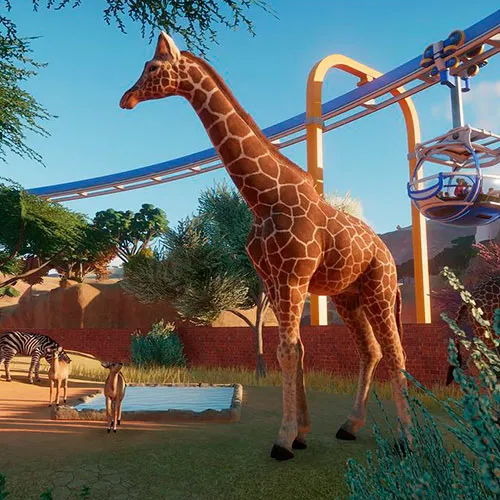
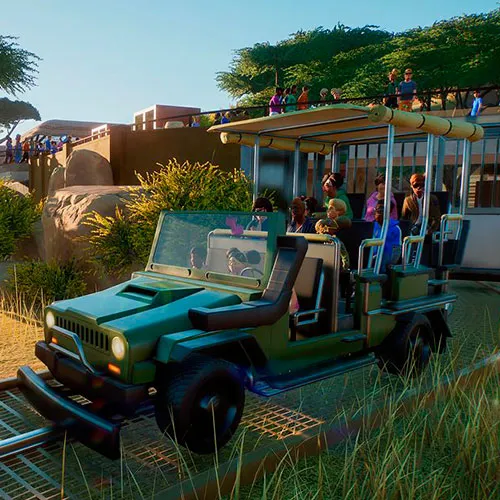
- Planet Zoo'de yaban hayatı için bir yuva yaratın!

- Zoo Tycoon ve Planet Coaster'ın geliştiricileri, size en üst düzey bir hayvanat bahçesi simülatörü sunuyor.

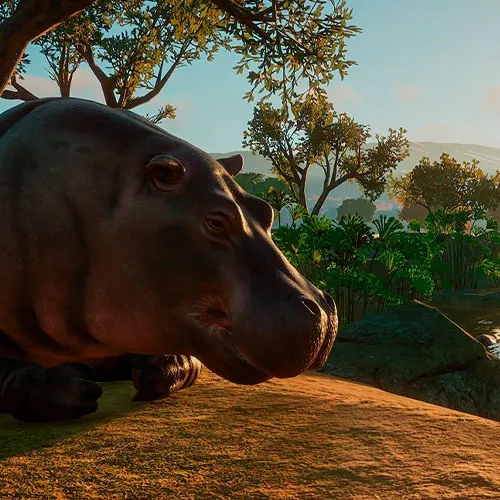
- Etraflarında yarattığınız dünyayı hisseden, düşünen ve onunla etkileşime giren gerçekçi hayvanlar için ayrıntılı yaşam alanları inşa edin!


  • Fatura alacak mıyım?
    Sipariş verildiğinde fatura otomatik olarak oluşturulacaktır.

  • Faturamı nerede bulabilirim?
    Sipariş tamamlandıktan sonra, fatura 'Hesabım' (üst çubuğun sağ üst köşesi) -> 'Sipariş Geçmişi' bölümünde görüntülenecektir.

  • Faturamı düzenleyebilir miyim?
    Şu anda bunu kendiniz yapamazsınız. Lütfen [email protected] adresinden destek ekibimizle iletişime geçin, size yardımcı olmaktan memnuniyet duyarız. İşlemin daha hızlı gerçekleşmesi için lütfen sipariş numarasını ve gösterilmesini istediğiniz ilgili bilgileri (adınız, kimlik/vergi numaranız vb.) ekleyin.

  • Bu ürün her platform için uygun mu?
    Hayır, bu ürün Steam platformuna özeldir.

  • Bu ürünü herhangi bir yerde kullanabilir miyim?
    Evet, bu ürün küresel bir versiyondur.

  • Bu ürün bir oyun mu, kredi mi, abonelik mi yoksa indirilebilir içerik mi?
    Bu ürün temel oyundur.

  • Bu oyunu yeni bir donanıma veya yeni bir konsola aktarabilir miyim?
    Evet, bu tuş Steam hesabınıza bağlıdır.

  • Bu ürünü yüklemek için belirli bir yöntem izlemem gerekiyor mu?
    Lütfen 'Etkinleştirme' sekmesini okuyun.

Please follow the steps below to redeem your Steam key:

1) Download and install the Steam client on your PC: https://store.steampowered.com/about/
2) Open the Steam client, log in or create an account if you don't have one, and locate the Games tab on the top menu. Click this and then select "Activate a Product on Steam…"


3) Enter your code into the product activation field


Your game is now viewable in the "Library" tab and is available to download/install when you're ready.
Happy Gaming!

serafin ginard reynes 18/10/2021

I appreciate the wide variety of products available on this website. The user-friendly interface makes shopping enjoyable, and the customer service team is always available to help with any questions or concerns.

Andreas 17/10/2021

I appreciate the wide variety of products available on this website. The user-friendly interface makes shopping enjoyable, and the customer service team is always available to help with any questions or concerns.

Yorum yap

Not: HTML kullanmayın!
Captcha
Review Score: 5 / 5
serafin ginard reynes 18/10/2021

I appreciate the wide variety of products available on this website. The user-friendly interface makes shopping enjoyable, and the customer service team is always available to help with any questions or concerns.

Andreas 17/10/2021

I appreciate the wide variety of products available on this website. The user-friendly interface makes shopping enjoyable, and the customer service team is always available to help with any questions or concerns.

Support