Directe activering: Microsoft Office 2021 Pro Plus (activering via telefoon) (levenslange licentie / Wereldwijd) CD-sleutel
Wat zit er in Microsoft Office 2021 Professional Plus (ISO)?
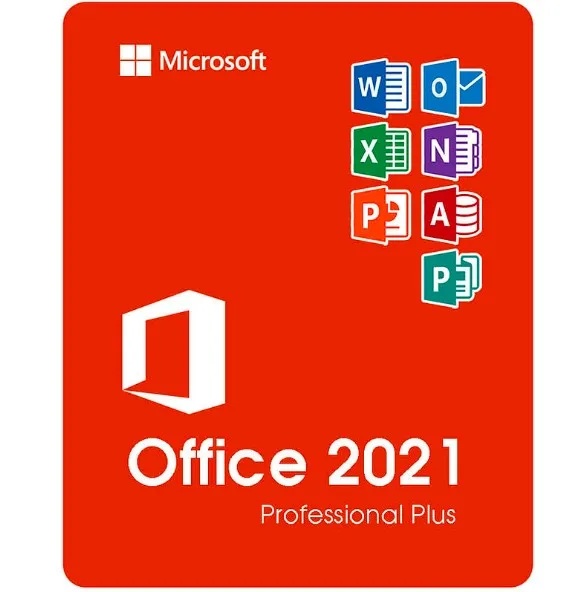
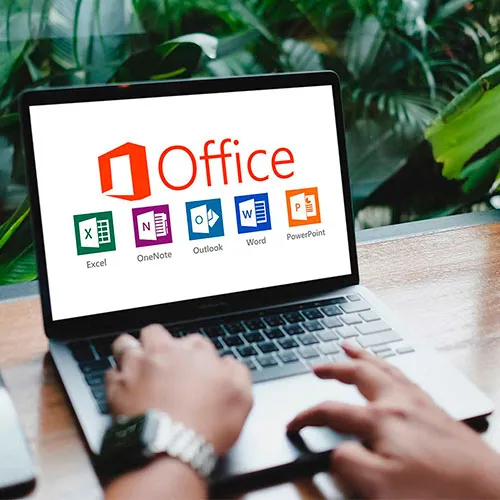
Microsoft Office 2021 Professional Plus is de meest complete versie van Office die in één keer kan worden aangeschaft voor Windows-gebruikers. Deze editie bevat alle essentiële Microsoft-productiviteitsapplicaties die worden gebruikt in het bedrijfsleven, het onderwijs en professionele omgevingen:
Word 2021 – Geavanceerd maken en bewerken van documenten
Excel 2021 – Krachtige spreadsheets, gegevensanalyse en formules
PowerPoint 2021 – Professionele presentaties en ontwerptools
Outlook 2021 – E-mail, agenda en contactenbeheer
Publisher 2021 – Marketingmateriaal, brochures en lay-outs
Access 2021 – Databases maken en beheren (alleen Windows)
U ontvangt de volledige desktopversies van deze programma's — geen abonnement vereist.
Wat 'Professional Plus' betekent (in vergelijking met de Home & Business-versies)
Office 2021 is verkrijgbaar in verschillende edities, maar Professional Plus is de hoogste beschikbare versie.
Versie | Meegeleverde apps | Meest geschikt voor |
|---|
Home & Student | Word, Excel, PowerPoint | Studenten en thuisgebruik |
Thuis en zakelijk | Word, Excel, PowerPoint, Outlook | Gebruikers in kleine bedrijven |
Professional Plus | Word, Excel, PowerPoint, Outlook, Publisher, Access | Professionals, bedrijven, gevorderde gebruikers |
Professional Plus voegt Access en Publisher toe, waardoor het ideaal is voor:
Bedrijven die gegevens beheren
Marketing- en ontwerpmateriaal
Office-omgevingen die volledige functionaliteit vereisen
Ondersteunde systemen en talen
Dit product werkt op:
✔ Windows
10✔ Windows 11❌
Niet compatibel met macOS, Chromebooks, iOS of Android.
Taalondersteuning:
De ISO maakt installatie mogelijk in meerdere door Microsoft ondersteunde talen, waaronder Engels, Spaans, Duits, Frans, Italiaans en vele andere.
Hoe de levering werkt
Na uw aankoop:
Ontvangt u uw activeringscode direct via e-mail.
U ontvangt een link om het Office 2021 ISO-bestand te downloaden.
Volg de eenvoudige stappen voor het installeren.
Activeer Office met uw productsleutel.
Er wordt geen fysieke schijf verzonden — alles is digitaal en direct beschikbaar.
Wat is het Office 2021 ISO-bestand?
Een ISO-bestand is een complete installatie-image van Microsoft Office. Hiermee kunt u:
Office installeren zonder dat je een Microsoft-accountabonnement nodig hebt
Een kopie bewaren voor toekomstige herinstallaties
Zelfs zonder permanente internetverbinding installeren
Hoe gebruik je het ISO-bestand?
Downloaden van het ISO-bestand.
Klik met de rechtermuisknop op het bestand → kies 'Koppelen'.
Voer Setup.exe uit om Office te installeren.
Voer uw productsleutel in wanneer daarom wordt gevraagd.
De ISO bevat het officiële Office-installatiepakket dat wordt gebruikt voor systeemimplementaties.
Waarom kiezen voor de ISO-versie?
✔ Volledig Office-installatiepakket
✔ Handig voor gevorderde gebruikers en IT-omgevingen
✔ Handig voor
herinstallaties ✔ Geen abonnementskosten — eenmalig betalen, permanent gebruiken
- Krijg ik een factuur?
De factuur wordt automatisch gegenereerd zodra u een bestelling plaatst.
- Waar kan ik mijn factuur vinden?
Zodra de bestelling is afgerond, is de factuur beschikbaar onder 'Mijn account' (rechtsboven in de menubalk) -> 'Bestelgeschiedenis'.
- Kan ik mijn factuur wijzigen?
Momenteel kunt u dit niet zelf doen. Neem contact op met onze klantenservice via e-mail op [email protected], dan helpen we u graag verder. Vermeld voor een snellere afhandeling het ordernummer en alle relevante informatie die u wilt laten zien (zoals uw naam, ID-/btw-nummer, enz.).
- Kan ik dit op macOS installeren?
Nee, dit product is niet compatibel met macOS, alleen met Windows 10 en 11.
- Kan ik dit product ergens inwisselen?
Ja, dit product is een wereldwijde versie.
- Kan ik dit product overzetten naar nieuwe hardware?
Nee, de code is geldig voor 1 pc of 1 installatie. Als u de software verwijdert of opnieuw installeert, moet u mogelijk een nieuwe code kopen.
- Is er een specifieke manier waarop ik dit product moet installeren?
Lees het tabblad 'Activering'.
- Wat als ik een COA-sticker nodig heb voor dat product?
De afdruk van het COA-label kan op verzoek worden gescand en naar u worden verzonden, tegen een extra vergoeding.
ACTIVATION INSTRUCTIONS:
Download the official ISO/image to activate: https://officecdn.microsoft.com/pr/492350f6-3a01-4f97-b9c0-c7c6ddf67d60/media/en-us/ProPlus2021Retail.img (Other languages can be found below)
1-After installation, open Word (or any Office app)
When the Office Activation Wizard appears, select “Activate by phone.”
The wizard will display your Installation ID (IID) - you will need this shortly.
The IID is shown as 9 groups of 7 digits.
2-Go to the activation website
Open your browser and go to: https://aka.ms/aoh
3-Sign in
Choose Microsoft Account as the login method and sign in with your Microsoft account.
4-Select “Activate a Microsoft Product”
On the first page, click Activate a Microsoft Product.
5-Choose the product type
Select the category that matches what you are activating:
- Windows → for Windows activation
- Microsoft Office → for Office, Project, or Visio
- Windows Server, etc., if applicable
Note: For Project and Visio, choose Microsoft Office.
6-Select your operating system
7-Choose the product version
Select the version you are activating, for example:
- Office / Project / Visio 2024
- Office / Project / Visio 2021
- Office / Project / Visio 2019, etc.
8-Enter your Installation ID (IID)
You will see nine empty boxes.
Enter each group of digits from your IID into the matching box (9 groups of 7 digits).
When finished, submit the form to continue.
9-Answer the usage question
When asked, “How many computers have you installed this copy on?”
Type 0, then continue.
10-Receive your Confirmation ID
The website will display your Confirmation ID.
11-Enter the Confirmation ID into your PC
Return to the Office activation wizard and enter the Confirmation ID to finish activation.
More languages:
https://www.gamers-outlet.net/download-office-2021-professional-plus-download-links-languages
Video Guide:











































 Lifetime License


