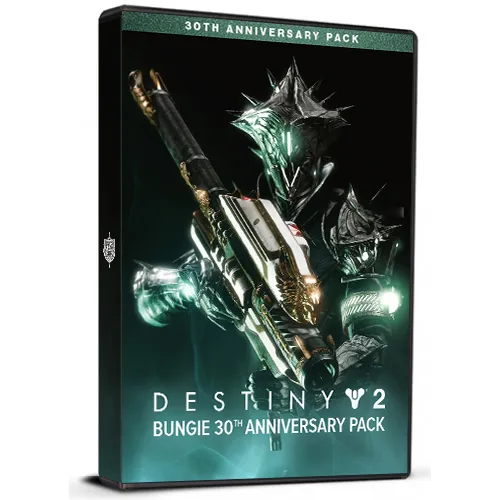
Destiny 2: Bungie 30th Anniversary Pack DLC

Destiny 2: Bungie 30th Anniversary Pack DLC

Bewertung

Bewertungen
Preis
  • $2.67
cards klarna GPay Apple Pay affirm afterpay
Plattform
Steam Steam
Bonuspunkte
3
Erzielte Punkte
Auf Lager
Support
24/7 Support
Lieferung
Kostenlose digitale Lieferung
Ihre Region
Unterstützt
$2.67

Verfügbare Sprachen: MEHRSPRACHIG

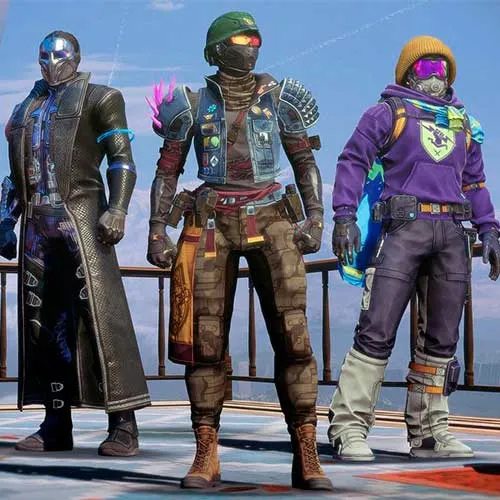
Destiny 2: 30th Anniversary Pack PC – DLC (Basisspiel erforderlich) beinhaltet:
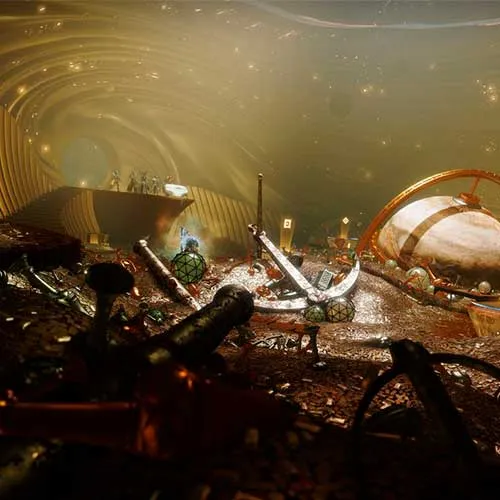
- Neuer Dungeon
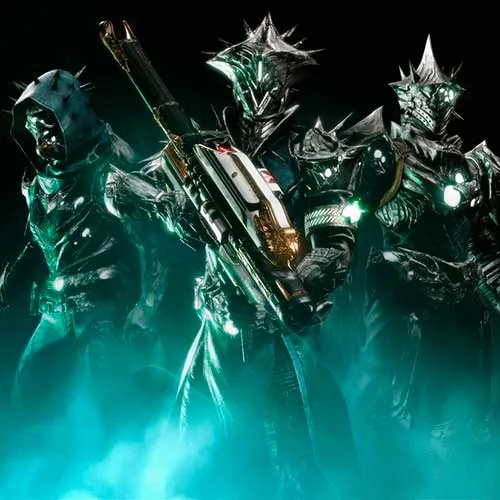
- Gjallarhorn – Exotischer Raketenwerfer, Katalysator und Ornament
- Neue Waffen, inspiriert von vergangenen Bungie-Welten
- Dornen-Rüstungsset
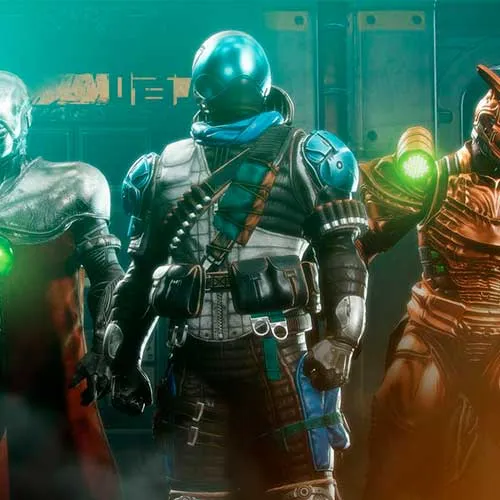
- Bungie Streetwear-Ornament-Set
- Ornament-Set mit Marathon-Motiv
- Einzigartiges Helmornament
- Exotische Spatzen
- Exotisches Schiff
- Embleme, Shader, Emotes und mehr


  • Bekomme ich eine Rechnung?
    Die Rechnung wird bei der Bestellung automatisch erstellt.

  • Wo finde ich meine Rechnung?
    Sobald die Bestellung abgeschlossen ist, ist die Rechnung unter „Mein Konto“ (oben rechts in der oberen Leiste) -> „Bestellverlauf“ verfügbar.

  • Kann ich meine Rechnung bearbeiten?
    Derzeit können Sie dies nicht selbst tun. Bitte kontaktieren Sie unseren Support per E-Mail unter [email protected] und wir helfen Ihnen gerne weiter. Für einen schnelleren Vorgang geben Sie bitte die Bestellnummer und alle relevanten Informationen an, die angezeigt werden sollen (wie Ihren Namen, Ihre ID-/Steuernummer usw.).

  • Ist dieses Produkt für jede Plattform geeignet?
    Nein, dieses Produkt ist spezifisch für die Steam-Plattform.

  • Kann ich dieses Produkt überall einlösen?
    Ja, dieses Produkt ist eine globale Version.

  • Handelt es sich bei diesem Produkt um ein Spiel, Guthaben, Abonnement oder DLC?
    Dieses Produkt ist der DLC des Spiels und beinhaltet nicht das Basisspiel.

  • Kann ich dieses Spiel auf neue Hardware oder eine neue Konsole übertragen?
    Ja, dieser Schlüssel ist an Ihr Steam-Konto gebunden.

  • Gibt es eine bestimmte Vorgehensweise zur Installation dieses Produkts?
    Bitte lesen Sie die Registerkarte „Aktivierung“.

Please follow the steps below to redeem your Steam key:

1) Download and install the Steam client on your PC: https://store.steampowered.com/about/
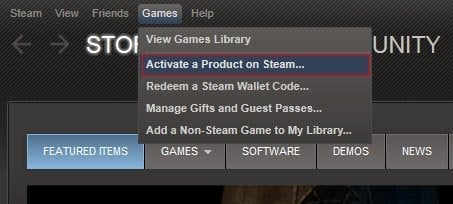
2) Open the Steam client, log in or create an account if you don't have one, and locate the Games tab on the top menu. Click this and then select "Activate a Product on Steam…"


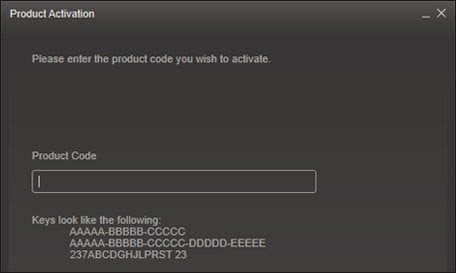
3) Enter your code into the product activation field


Your game is now viewable in the "Library" tab and is available to download/install when you're ready.
Happy Gaming!

Nico 24.11.2022

I love shopping on this website! The variety of products available is amazing, and the customer support team is always there to help if I have any questions or concerns.

+ Bewertung

Hinweis: HTML ist nicht verfügbar!
Captcha
Review Score: 5 / 5
Nico 24.11.2022

I love shopping on this website! The variety of products available is amazing, and the customer support team is always there to help if I have any questions or concerns.