Age of Empires II: Definitive Edition - Dawn of the Dukes (PC Steam Key / Global)

Age of Empires II: Definitive Edition - Dawn of the Dukes (PC Steam Key / Global)
Rating

レビュー
価格
  • $5.40
cards klarna GPay Apple Pay affirm afterpay

公式ライセンス: グローバル | 24時間年中無休の米国サポート | Gamers Outlet - CD Keys

プラットフォーム
Steam PC Steam Key
獲得ポイント
4
在庫状況
在庫切れ
サポート
24/7 サポート
配送
無料のデジタル配送
あなたの地域
対応済み

$5.40

即時配信: Age of Empires II: Definitive Edition - Dawn of the Dukes (PC Steam Key / グローバル) Game Key

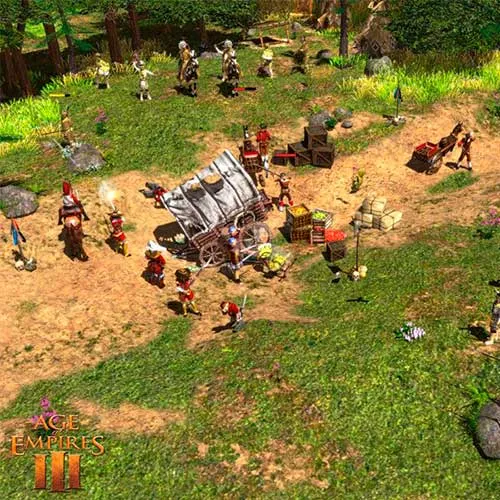
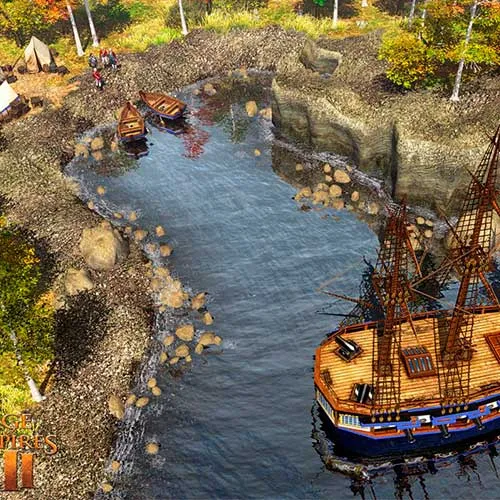
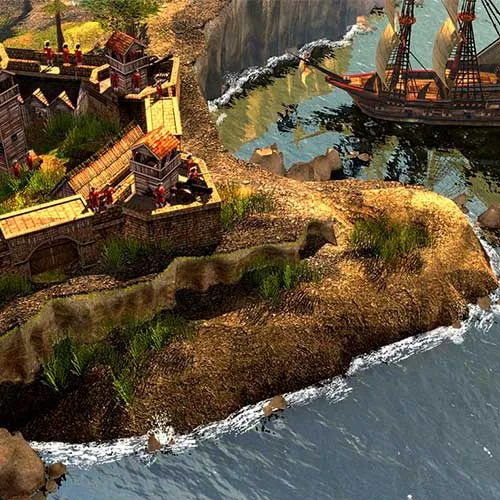
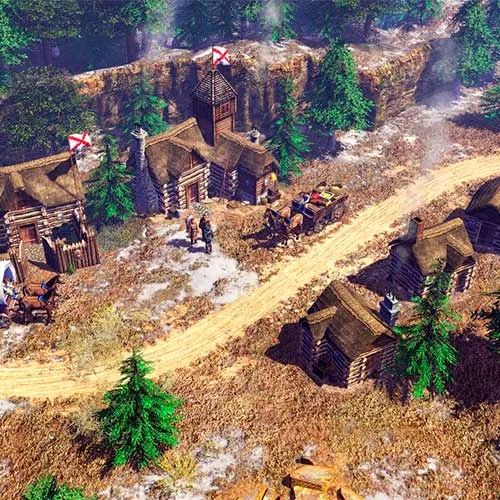
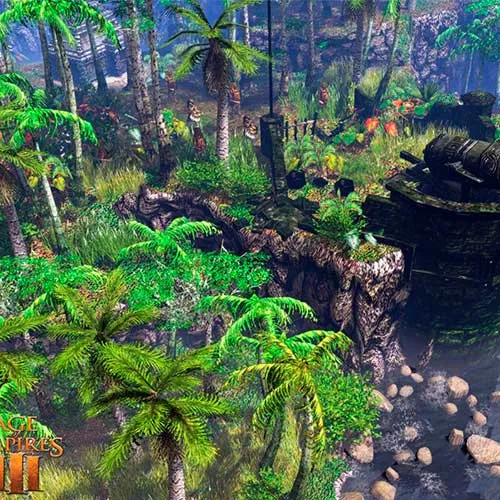
『エイジ オブ エンパイア II: ディフィニティブ・エディション - ドーン・オブ・ザ・デュークス』は、オリジナル版『エイジ オブ エンパイア』シリーズのリアルタイムストラテジーゲームです。マイクロソフトスタジオが開発し、2020年にWindows向けにリリースされました。ゲームの舞台は中世の800年代。プレイヤーは強力な王国を築き、敵から王国を守ることを目指します。

本作には、オリジナル版『エイジ オブ エンパイア II』から16の文明に加え、新たに4つの文明が登場します。それぞれの文明は独自のユニット、技術ツリー、経済システムを備えています。ゲームには世界各地を舞台にした3つのキャンペーンが用意されています。プレイヤーはAIとの小規模戦闘や、オンラインで他のプレイヤーと対戦することも可能です。

『エイジ オブ エンパイア II:ドーン・オブ・ザ・デュークス』の決定版では、新たなグラフィック効果とリマスターされたサウンドトラックが追加されています。さらに、『ラスト・カーンズ』と『アフリカン・キングダムズ』という2つの拡張パックも収録。これらは、新たな文明やキャンペーン、そして新たな技術やユニットに焦点を当てています。本作はMODに対応しており、プレイヤーはゲーム体験を自由にカスタマイズできます。『エイジ オブ エンパイア II:ドーン・オブ・ザ・デュークス』は、オリジナル版のファンはもちろん、新規プレイヤーにも、スリリングで没入感のあるゲーム体験を提供することでしょう。


  • 請求書は届きますか?
    ご注文いただくと、請求書が自動的に作成されます。

  • 請求書はどこで確認できますか?
    注文が完了すると、請求書は「マイアカウント」(上部バーの右上隅)→「注文履歴」から確認できます。

  • 請求書を編集できますか?
    現在、お客様ご自身でこの操作を行うことはできません。[email protected]までメールにてサポートにお問い合わせください。喜んでお手伝いさせていただきます。より迅速な対応のため、ご注文番号と表示をご希望される関連情報(氏名、身分証明書番号/納税者番号など)をメールにご記入ください。

  • この製品はすべてのプラットフォームに対応していますか?
    いいえ、この製品はSteamプラットフォーム専用です。

  • この商品はどこでも引き換えできますか?
    はい、この製品はグローバル版です。

  • この商品はゲーム、クレジット、サブスクリプション、それともDLCですか?
    本製品はゲームのダウンロードコンテンツ(DLC)であり、基本ゲームは含まれていません。

  • このゲームを新しいハードウェアや新しいコンソールに移行できますか?
    はい、このキーはあなたのSteamアカウントに紐付けられています。

  • この製品をインストールするにあたって、何か特別な手順が必要ですか?
    「アクティベーション」タブをお読みください。

Please follow the steps below to redeem your Steam key:

1) Download and install the Steam client on your PC: https://store.steampowered.com/about/
2) Open the Steam client, log in or create an account if you don't have one, and locate the Games tab on the top menu. Click this and then select "Activate a Product on Steam…"


3) Enter your code into the product activation field


Your game is now viewable in the "Library" tab and is available to download/install when you're ready.
Happy Gaming!

Juan Espinoza Silva 02/04/2023

This website consistently delivers a top-notch online shopping experience. The product variety is impressive, and the customer service team is always responsive and helpful.

レビューを書く

注: HTML は翻訳されません!
Captcha
Review Score: 5 / 5
Juan Espinoza Silva 02/04/2023

This website consistently delivers a top-notch online shopping experience. The product variety is impressive, and the customer service team is always responsive and helpful.

Support