BattleTech Deluxe Content DLC (PC Steam Key / Global)
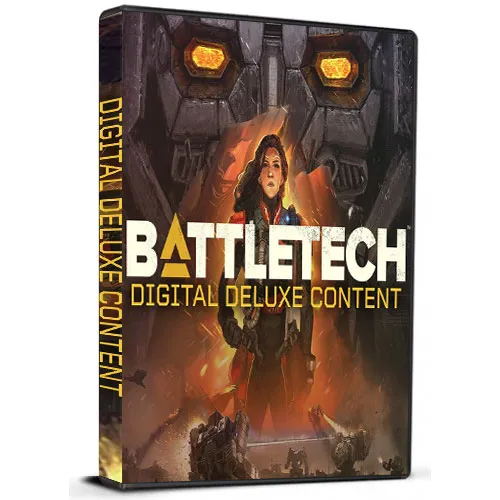
BattleTech Deluxe Content DLC (PC Steam Key / Global)
Rating

レビュー
価格
  • $1.67
cards klarna GPay Apple Pay affirm afterpay

公式ライセンス: グローバル | 24時間年中無休の米国サポート | Gamers Outlet - CD Keys

プラットフォーム
Steam PC Steam Key
獲得ポイント
1
在庫状況
在庫切れ
サポート
24/7 サポート
配送
無料のデジタル配送
あなたの地域
対応済み

$1.67

即時配信: BattleTech Deluxe Content DLC (PC Steam Key / グローバル) Game Key

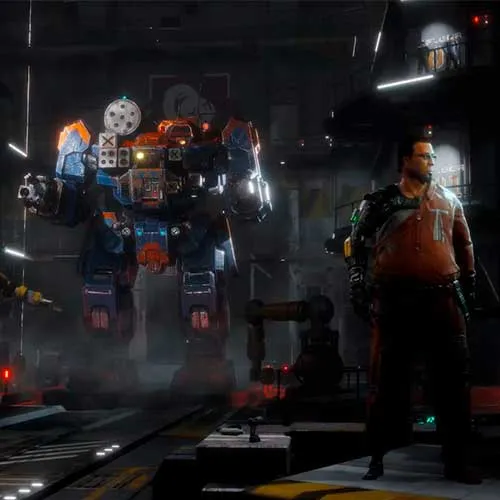
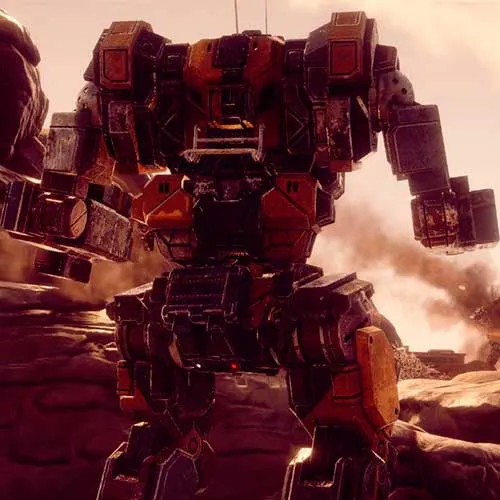
BattleTech Digital Deluxe Contentは、定番ターン制ストラテジーゲーム「BattleTech」のダウンロードコンテンツ(DLC)拡張パックです。このDLCには、Flashpoint Campaigns拡張パック、新武器、新建造物、新メカなど、数多くの新コンテンツが追加されます。このDLCにより、プレイヤーは独自の傭兵部隊をカスタマイズし、Flashpoint Campaigns拡張パックで提供される新たな戦術的挑戦に挑むことができます。

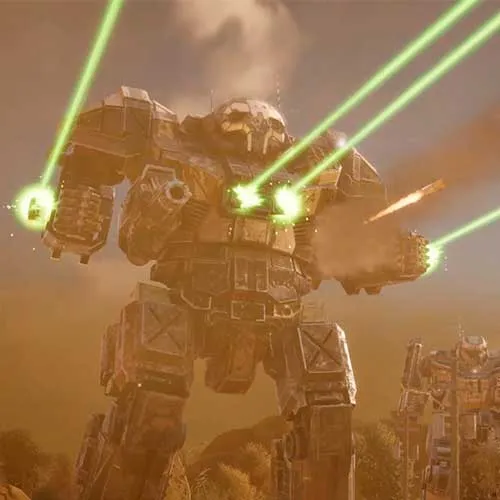
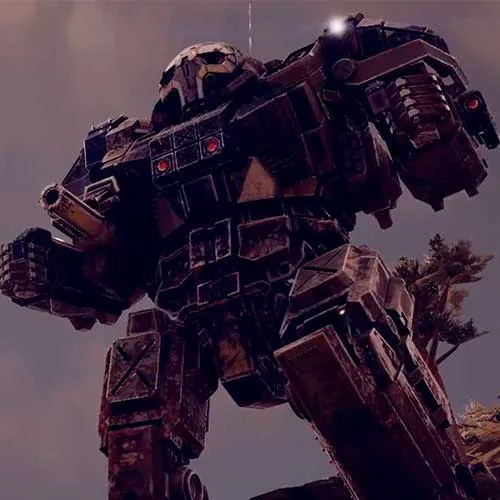
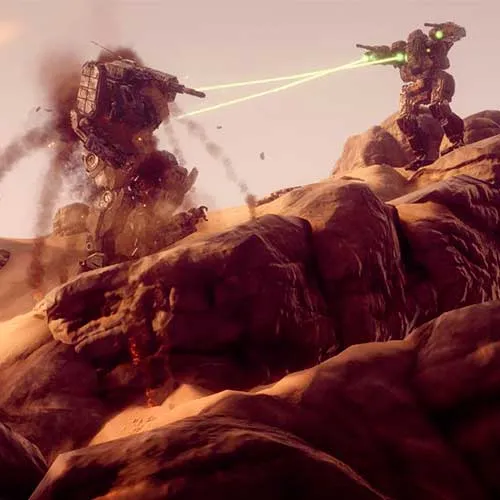
BattleTech Digital Deluxe Contentには、新たな武器、建物、メカが多数追加されています。これらの追加要素により、プレイヤーは軍隊をさらにカスタマイズし、状況に応じて戦術を調整することができます。新しいメカと武器を使えば、追加されたメカを使って強力な遠距離戦車を作るなど、新たな可能性を探ることができます。さらに、新しい建物は、基地とユニットを戦略的に活用するための選択肢をプレイヤーに提供します。

BattleTechデジタルデラックスコンテンツDLCでは、新たなミッション、シナリオ、チャレンジがプレイヤーに提供されます。Flashpointキャンペーン拡張では、さまざまな目標と条件を備えた豊富な新しい戦術的チャレンジが用意されています。プレイヤーは、独自のチャレンジと目標を提供する新しいBattleTechシナリオにも参加できます。さらに、新しいミッションでは、協力プレイと対戦プレイの両方のオプションが提供されます。これらの豊富なコンテンツにより、プレイヤーは何時間にもわたるスリリングな戦術戦闘を楽しむことができます。


  • 請求書は届きますか?
    ご注文いただくと、請求書が自動的に作成されます。

  • 請求書はどこで確認できますか?
    注文が完了すると、請求書は「マイアカウント」(上部バーの右上隅)→「注文履歴」から確認できます。

  • 請求書を編集できますか?
    現在、お客様ご自身でこの操作を行うことはできません。[email protected]までメールにてサポートにお問い合わせください。喜んでお手伝いさせていただきます。より迅速な対応のため、ご注文番号と表示をご希望される関連情報(氏名、身分証明書番号/納税者番号など)をメールにご記入ください。

  • この製品はすべてのプラットフォームに対応していますか?
    いいえ、この製品はSteamプラットフォーム専用です。

  • この商品はどこでも引き換えできますか?
    はい、この製品はグローバル版です。

  • この商品はゲーム、クレジット、サブスクリプション、それともDLCですか?
    本製品はゲームのダウンロードコンテンツ(DLC)であり、基本ゲームは含まれていません。

  • このゲームを新しいハードウェアや新しいコンソールに移行できますか?
    はい、このキーはあなたのSteamアカウントに紐付けられています。

  • この製品をインストールするにあたって、何か特別な手順が必要ですか?
    「アクティベーション」タブをお読みください。

Please follow the steps below to redeem your Steam key:

1) Download and install the Steam client on your PC: https://store.steampowered.com/about/
2) Open the Steam client, log in or create an account if you don't have one, and locate the Games tab on the top menu. Click this and then select "Activate a Product on Steam…"


3) Enter your code into the product activation field


Your game is now viewable in the "Library" tab and is available to download/install when you're ready.
Happy Gaming!

Botze 08/02/2023

The range of products on this website is impressive, and the customer service is always attentive and willing to help. I've had nothing but positive experiences shopping here.

レビューを書く

注: HTML は翻訳されません!
Captcha
Review Score: 5 / 5
Botze 08/02/2023

The range of products on this website is impressive, and the customer service is always attentive and willing to help. I've had nothing but positive experiences shopping here.

Support