Company of Heroes 2 + Ardennes Assault DLC Europe (PC Steam Key / Europe)

Company of Heroes 2 + Ardennes Assault DLC Europe (PC Steam Key / Europe)
Rating

レビュー
価格
  • $4.96
cards klarna GPay Apple Pay affirm afterpay

公式ライセンス: ヨーロッパ | 24時間年中無休の米国サポート | Gamers Outlet - CD Keys

プラットフォーム
Steam PC Steam Key
獲得ポイント
4
在庫状況
在庫切れ
サポート
24/7 サポート
配送
無料のデジタル配送
あなたの地域
非対応

$4.96

即時配信: Company of Heroes 2 + Ardennes Assault DLC ヨーロッパ (PC Steam Key / ヨーロッパ) Game Key

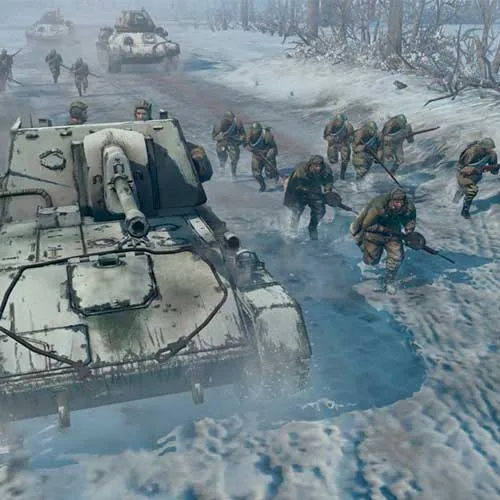
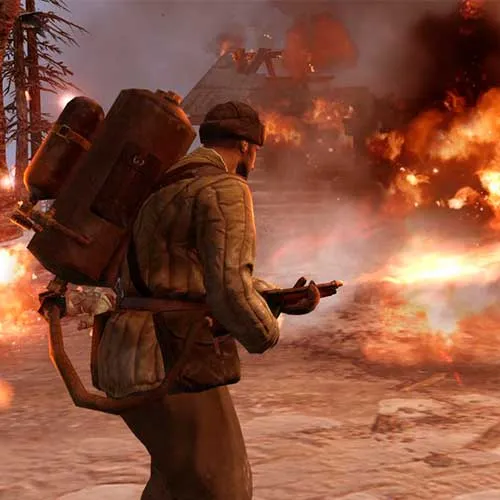
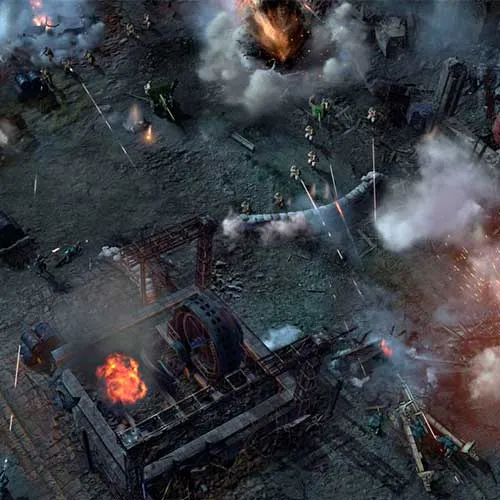
『Company of Heroes 2 + Ardennes Assault DLC』は、Relic Entertainmentが開発し、セガが発売したリアルタイムストラテジーゲームです。2006年に発売され高い評価を得た『Company of Heroes』の続編にあたります。本作は2014年6月25日にWindowsおよびMac OS X向けに発売されました。

アルデンヌ攻防戦DLCは、第二次世界大戦のバルジの戦いを舞台にした、ゲームに新たな独自のキャンペーンを追加します。このキャンペーンには20以上のミッションがあり、連合軍とドイツ軍双方の視点から戦況を追体験できます。また、M4シャーマン戦車やIV号戦車といった新ユニットも追加されます。

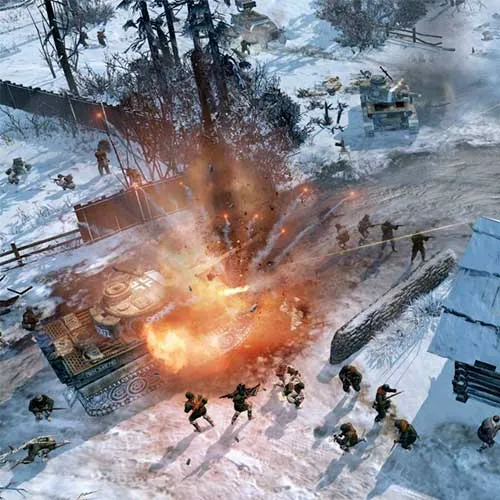
本作は第二次世界大戦の東部戦線を舞台とし、シングルプレイヤーモードとマルチプレイヤーモードの両方を搭載しています。シングルプレイヤーモードでは、プレイヤーは連合軍を指揮し、クルスクの戦いとベルリンの戦いで枢軸軍に勝利を収めることができます。マルチプレイヤーモードでは、最大8人のプレイヤーが協力プレイまたは対戦プレイで競い合うことができます。また、本作には様々なマップや、スカーミッシュ、ビクトリーポイントコントロール、アナイアレーションといったゲームモードが用意されています。さらに、戦車やハーフトラックなどの車両、歩兵、砲兵といった様々なユニットも登場します。

総じて、『Company of Heroes 2 + Ardennes Assault DLC』は優れたリアルタイムストラテジーゲームです。独自のキャンペーンモードと多彩なマルチプレイヤーモードを備え、あらゆるスキルレベルのプレイヤーにユニークでやりがいのある体験を提供します。


  • 請求書は届きますか?
    ご注文いただくと、請求書が自動的に作成されます。

  • 請求書はどこで確認できますか?
    注文が完了すると、請求書は「マイアカウント」(上部バーの右上隅)→「注文履歴」から確認できます。

  • 請求書を編集できますか?
    現在、お客様ご自身でこの操作を行うことはできません。[email protected]までメールにてサポートにお問い合わせください。喜んでお手伝いさせていただきます。より迅速な対応のため、ご注文番号と表示をご希望される関連情報(氏名、ID番号/納税者番号など)をメールにご記入ください。

  • この製品はすべてのプラットフォームに対応していますか?
    いいえ、この製品はSteamプラットフォーム専用です。

  • この商品はどこでも引き換えできますか?
    いいえ、この製品はヨーロッパからのみアクティベート可能です。
    対応している国の一覧を見るには、「お住まいの地域を確認してください」ボタンをクリックしてください。


  • このゲームを新しいハードウェアや新しいコンソールに移行できますか?
    はい、このキーはあなたのSteamアカウントに紐付けられています。

  • この製品をインストールするにあたって、何か特別な手順が必要ですか?
    「アクティベーション」タブをお読みください。

Please follow the steps below to redeem your Steam key:

1) Download and install the Steam client on your PC: https://store.steampowered.com/about/
2) Open the Steam client, log in or create an account if you don't have one, and locate the Games tab on the top menu. Click this and then select "Activate a Product on Steam…"


3) Enter your code into the product activation field


Your game is now viewable in the "Library" tab and is available to download/install when you're ready.
Happy Gaming!

Paolo  27/12/2022

I've had consistently positive experiences with this website. The products are of high quality, the prices are reasonable, and the customer service is always responsive and helpful.

レビューを書く

注: HTML は翻訳されません!
Captcha
Review Score: 5 / 5
Paolo  27/12/2022

I've had consistently positive experiences with this website. The products are of high quality, the prices are reasonable, and the customer service is always responsive and helpful.

Support