即時有効化: Microsoft Office 2021 Pro Plus (Phone Activation) (Lifetime License / グローバル) CD Key
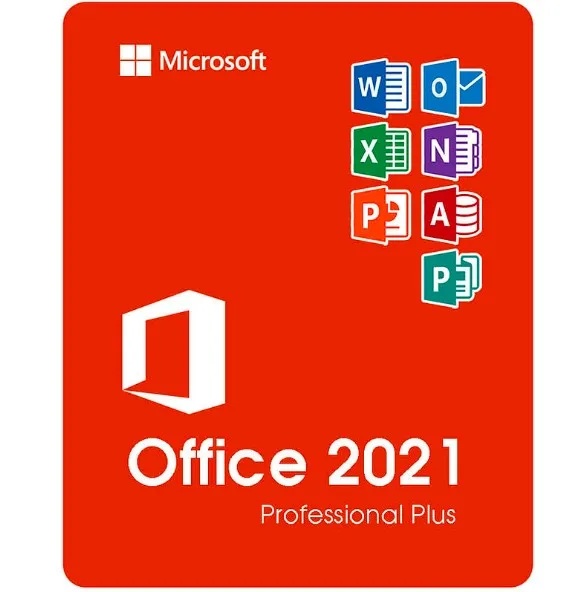
Microsoft Office 2021 Professional Plus (ISO) に含まれるもの
Microsoft Office 2021 Professional Plusは、 Windowsユーザー向けのOfficeの中で最も充実した買い切り版です。このエディションには、ビジネス、教育、およびプロフェッショナルな環境で使用されるすべての主要なMicrosoft生産性向上アプリケーションが含まれています。
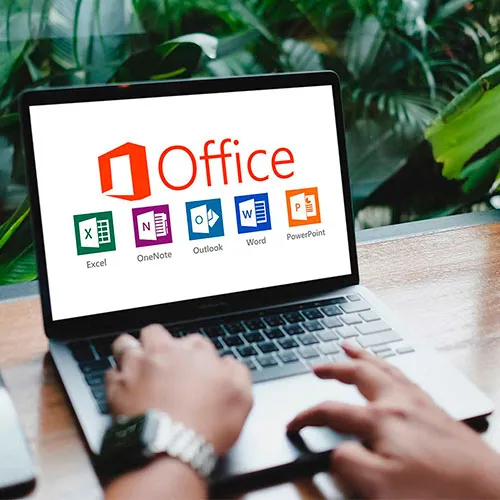
Word 2021 – 高度な文書作成と編集
Excel 2021 – 強力な表計算機能、データ分析、そして数式
PowerPoint 2021 – プロフェッショナルなプレゼンテーションとデザインツール
Outlook 2021 – メール、カレンダー、連絡先の管理
出版社 2021 – マーケティング資料、パンフレット、レイアウト
Access 2021 – データベースの作成と管理(Windowsのみ)
これらのプログラムのデスクトップ版をフルバージョンで入手できます。サブスクリプションは不要です。
「プロフェッショナルプラス」の意味(ホームバージョンおよびビジネスバージョンとの比較)
Office 2021には複数のエディションがありますが、 Professional Plusが最上位バージョンです。
バージョン | 含まれるアプリ | 最適な用途 |
|---|
ホーム&学生向け | Word、Excel、PowerPoint | 学生および家庭での使用 |
ホーム&ビジネス | Word、Excel、PowerPoint、Outlook | 中小企業ユーザー |
プロフェッショナルプラス | Word、Excel、PowerPoint、Outlook、Publisher、Access | 専門家、企業、上級ユーザー |
Professional PlusにはAccessとPublisherが追加され、以下のような用途に最適です。
データ管理を行う企業
マーケティングおよびデザイン資料
完全な機能性を必要とするオフィス環境
対応システムと対応言語
この製品は以下に対応しています:
✔ Windows 10
✔ Windows 11
❌ macOS、Chromebook、iOS、Androidには対応していません。
言語サポート:
ISOファイルを使用すると、英語、スペイン語、ドイツ語、フランス語、イタリア語など、 マイクロソフトがサポートする複数の言語でインストールできます。
配送の仕組み
ご購入後:
アクティベーションキーはメールで即座に送信されます。
Office 2021 ISOファイルのダウンロードリンクが届きます。
簡単なインストール手順に従ってください。
製品キーを使用してOfficeをアクティベートしてください。
物理的なディスクは発送されません。すべてデジタル形式で即時配信されます。
Office 2021のISOファイルとは何ですか?
ISOファイルは、Microsoft Officeの完全なインストールイメージです。これを使用すると、次のことが可能になります。
ISOの使い方
ISOファイルをダウンロードしてください。
ファイルを右クリックして「マウント」を選択します。
Officeをインストールするには、 Setup.exe を実行してください。
指示が表示されたら、プロダクトキーを入力してください。
ISOファイルには、システム展開に使用される公式のOfficeインストールパッケージ形式が含まれています。
ISO版を選ぶ理由とは?
✔ オフィス完全インストールパッケージ
✔ 上級ユーザーおよびIT環境に役立ちます
✔ 再インストールに便利
✔ 月額料金不要 ― 一度支払えば永久に利用可能
- 請求書は届きますか?
ご注文いただくと、請求書が自動的に作成されます。
- 請求書はどこで確認できますか?
注文が完了すると、請求書は「マイアカウント」(上部バーの右上隅)→「注文履歴」から確認できます。
- 請求書を編集できますか?
現在、お客様ご自身でこの操作を行うことはできません。[email protected]までメールにてサポートにお問い合わせください。喜んでお手伝いさせていただきます。より迅速な対応のため、ご注文番号と表示をご希望される関連情報(氏名、ID番号/納税者番号など)をメールにご記入ください。
- これをmacOSにインストールできますか?
いいえ、この製品はmacOSには対応しておらず、Windows 10および11のみに対応しています。
- この商品はどこでも引き換えできますか?
はい、この製品はグローバル版です。
- この製品を新しいハードウェアに移行できますか?
いいえ、このコードは1台のPCまたは1回のインストールにのみ有効です。アンインストールまたは再インストールする場合は、新しいコードを購入する必要がある場合があります。
- この製品をインストールするにあたって、何か特別な手順が必要ですか?
「アクティベーション」タブをお読みください。
- その製品にCOAステッカーが必要な場合はどうすればいいですか?
ご要望に応じて、追加料金でCOAラベルの印刷物をスキャンして送信いたします。
ACTIVATION INSTRUCTIONS:
Download the official ISO/image to activate: https://officecdn.microsoft.com/pr/492350f6-3a01-4f97-b9c0-c7c6ddf67d60/media/en-us/ProPlus2021Retail.img (Other languages can be found below)
1-After installation, open Word (or any Office app)
When the Office Activation Wizard appears, select “Activate by phone.”
The wizard will display your Installation ID (IID) - you will need this shortly.
The IID is shown as 9 groups of 7 digits.
2-Go to the activation website
Open your browser and go to: https://aka.ms/aoh
3-Sign in
Choose Microsoft Account as the login method and sign in with your Microsoft account.
4-Select “Activate a Microsoft Product”
On the first page, click Activate a Microsoft Product.
5-Choose the product type
Select the category that matches what you are activating:
- Windows → for Windows activation
- Microsoft Office → for Office, Project, or Visio
- Windows Server, etc., if applicable
Note: For Project and Visio, choose Microsoft Office.
6-Select your operating system
7-Choose the product version
Select the version you are activating, for example:
- Office / Project / Visio 2024
- Office / Project / Visio 2021
- Office / Project / Visio 2019, etc.
8-Enter your Installation ID (IID)
You will see nine empty boxes.
Enter each group of digits from your IID into the matching box (9 groups of 7 digits).
When finished, submit the form to continue.
9-Answer the usage question
When asked, “How many computers have you installed this copy on?”
Type 0, then continue.
10-Receive your Confirmation ID
The website will display your Confirmation ID.
11-Enter the Confirmation ID into your PC
Return to the Office activation wizard and enter the Confirmation ID to finish activation.
More languages:
https://www.gamers-outlet.net/download-office-2021-professional-plus-download-links-languages
Video Guide:











































 Lifetime License


