
Pathfinder Kingmaker - Royal Ascension DLC (PC Steam Key / Global)

Pathfinder Kingmaker - Royal Ascension DLC (PC Steam Key / Global)
Rating

レビュー
価格
  • $1.96
cards klarna GPay Apple Pay affirm afterpay

公式ライセンス: グローバル | 24時間年中無休の米国サポート | Gamers Outlet - CD Keys

プラットフォーム
Steam PC Steam Key
獲得ポイント
1
在庫状況
在庫切れ
サポート
24/7 サポート
配送
無料のデジタル配送
あなたの地域
対応済み

$1.96

即時配信: Pathfinder Kingmaker - Royal Ascension DLC (PC Steam Key / グローバル) Game Key

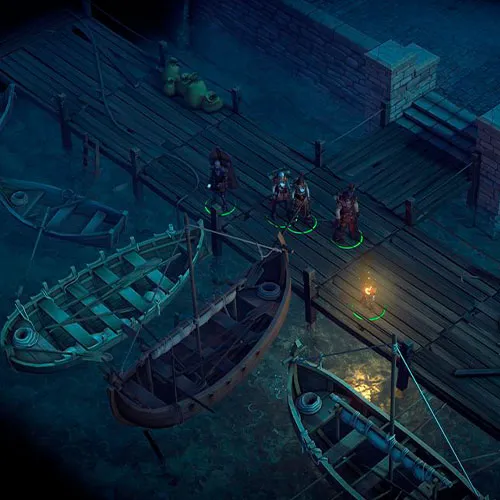
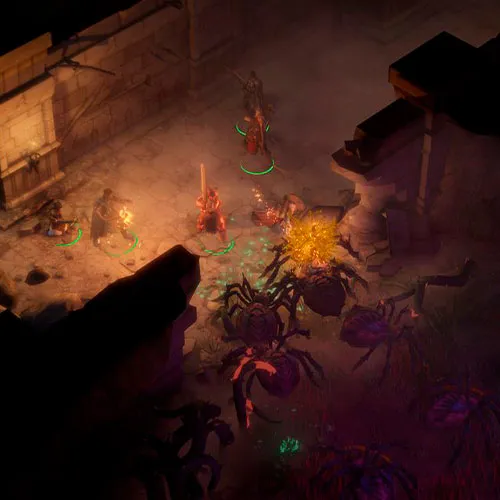
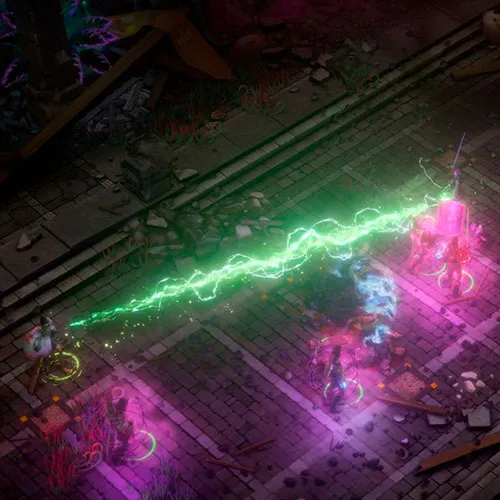
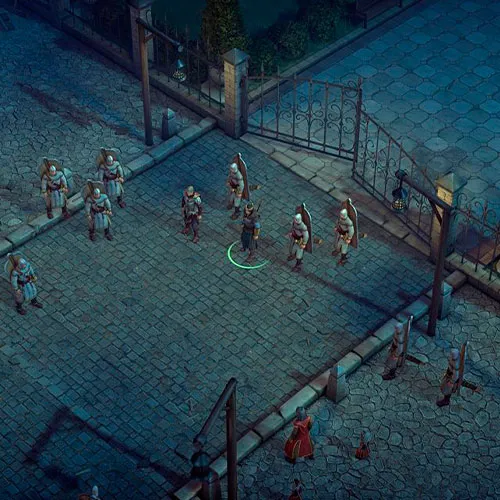
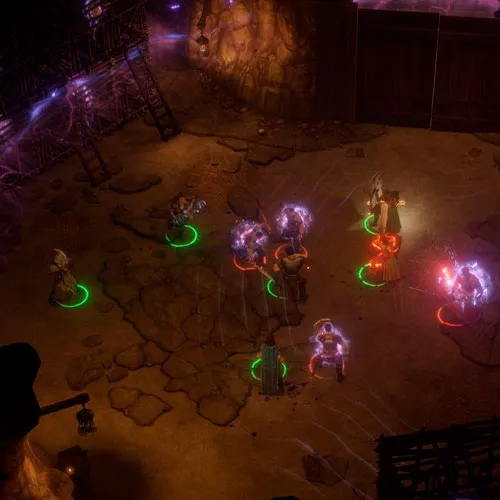
Pathfinder Kingmaker - Royal Ascension DLCは、オリジナル版Pathfinder Kingmakerの拡張パックです。このDLCは、プレイヤーが自身の王国をより深く統治する機会を提供することに重点を置いています。Royal Ascension DLCでは、王国の経営、政治、外交を中心とした新しいメカニズム、クエスト、イベントが導入されます。

Pathfinder Kingmaker - Royal Ascension DLCの際立った特徴の一つは、王国経営のメカニズムの奥深さです。プレイヤーは、自らの王国を築き維持し、資源を管理し、王国の成長に影響を与える意思決定を行い、発生する様々な課題に対処する任務を負います。この新しいメカニズムにより、プレイヤーはファンタジー世界で自らの王国を統治する、より没入感のある魅力的な体験を得ることができます。

Pathfinder Kingmaker - Royal Ascension DLCのもう一つの利点は、新しいクエストとイベントが追加されることです。これらのクエストとイベントは、王国の運営、外交、政治を中心に展開され、プレイヤーに新たな挑戦の機会を提供します。新しいクエストとイベントは王国運営のメカニズムと密接に連携しており、プレイヤーに一貫性のある魅力的な体験をもたらします。

結論として、『Pathfinder Kingmaker - Royal Ascension』DLCは、オリジナルゲームの優れた拡張パックであり、プレイヤーにファンタジー世界で自らの王国を統治する没入感あふれる魅力的な体験を提供します。新たなゲームシステム、クエスト、イベントが追加されたこのDLCは、プレイヤーに高いレベルの奥深さとリプレイ性をもたらします。RPGファンであろうと、単に新しい挑戦的なゲーム体験を求めているだけであろうと、『Royal Ascension』DLCは、王国経営と外交に興味のあるすべての人にとって必見のコンテンツです。

  • 請求書は届きますか?
    ご注文いただくと、請求書が自動的に作成されます。

  • 請求書はどこで確認できますか?
    注文が完了すると、請求書は「マイアカウント」(上部バーの右上隅)→「注文履歴」から確認できます。

  • 請求書を編集できますか?
    現在、お客様ご自身でこの操作を行うことはできません。[email protected]までメールにてサポートにお問い合わせください。喜んでお手伝いさせていただきます。より迅速な対応のため、ご注文番号と表示をご希望される関連情報(氏名、身分証明書番号/納税者番号など)をメールにご記入ください。

  • この製品はすべてのプラットフォームに対応していますか?
    いいえ、この製品はSteamプラットフォーム専用です。

  • この商品はどこでも引き換えできますか?
    はい、この製品はグローバル版です。

  • この商品はゲーム、クレジット、サブスクリプション、それともDLCですか?
    本製品はゲームのダウンロードコンテンツ(DLC)であり、基本ゲームは含まれていません。

  • このゲームを新しいハードウェアや新しいコンソールに移行できますか?
    はい、このキーはあなたのSteamアカウントに紐付けられています。

  • この製品をインストールするにあたって、何か特別な手順が必要ですか?
    「アクティベーション」タブをお読みください。

Please follow the steps below to redeem your Steam key:

1) Download and install the Steam client on your PC: https://store.steampowered.com/about/
2) Open the Steam client, log in or create an account if you don't have one, and locate the Games tab on the top menu. Click this and then select "Activate a Product on Steam…"


3) Enter your code into the product activation field


Your game is now viewable in the "Library" tab and is available to download/install when you're ready.
Happy Gaming!

Dan 14/11/2021

This website has a great selection of products, and I've always been satisfied with my purchases. The customer service team is responsive and helpful, making the overall experience a positive one.

レビューを書く

注: HTML は翻訳されません!
Captcha
Review Score: 5 / 5
Dan 14/11/2021

This website has a great selection of products, and I've always been satisfied with my purchases. The customer service team is responsive and helpful, making the overall experience a positive one.

Support