
Pillars of Eternity II: Deadfire - The Forgotten Sanctum DLC (PC Steam Key / Global)
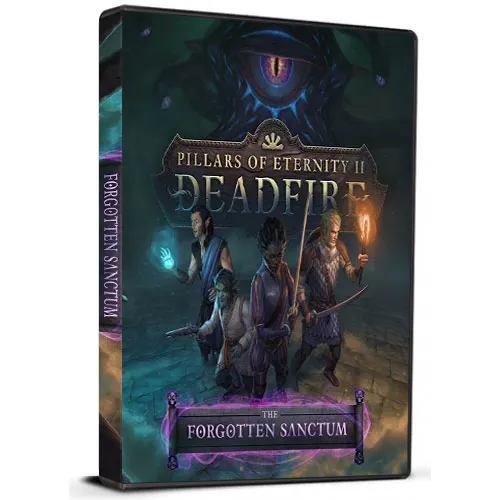
Pillars of Eternity II: Deadfire - The Forgotten Sanctum DLC (PC Steam Key / Global)
Rating

レビュー
価格
  • $2.23
cards klarna GPay Apple Pay affirm afterpay

公式ライセンス: グローバル | 24時間年中無休の米国サポート | Gamers Outlet - CD Keys

プラットフォーム
Steam PC Steam Key
獲得ポイント
2
在庫状況
在庫切れ
サポート
24/7 サポート
配送
無料のデジタル配送
あなたの地域
対応済み

$2.23

即時配信: Pillars of Eternity II: Deadfire - The Forgotten Sanctum DLC (PC Steam Key / グローバル) Game Key

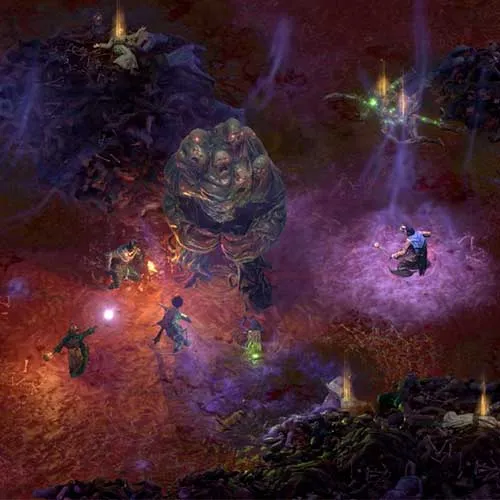
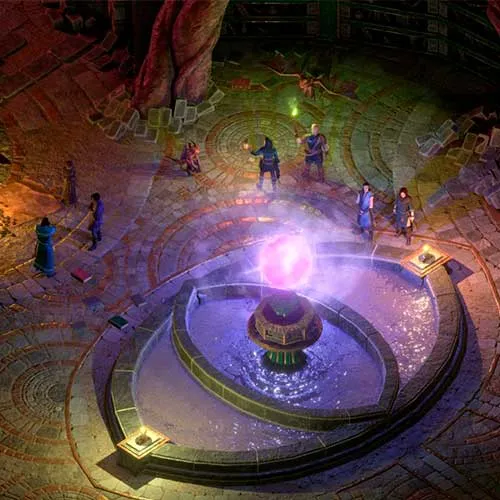
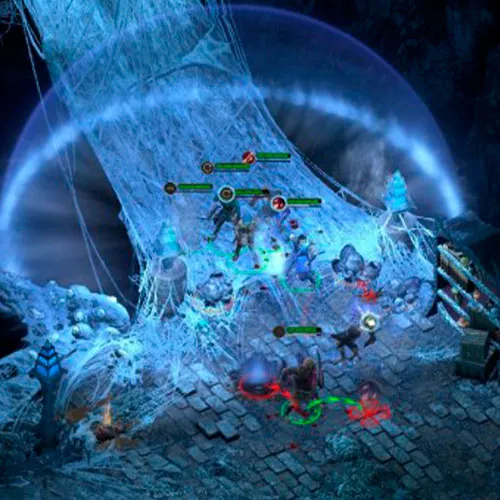
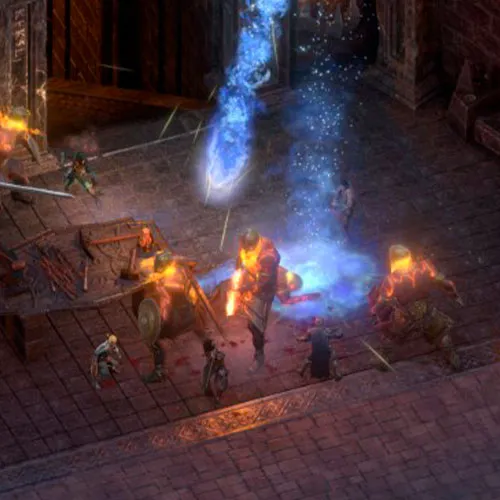
『Pillars of Eternity II: Deadfire』は、魅力的なキャラクターとやりがいのあるクエストが満載の広大でダイナミックな世界を舞台にした人気RPGです。本作の最新DLC「The Forgotten Sanctum」は、既に充実したゲームコンテンツにさらに新たな要素を追加します。このDLCでは、プレイヤーは新たな場所を探索し、新たなクエストに挑戦し、独特で神秘的な世界観の中で新たな敵と対峙することができます。

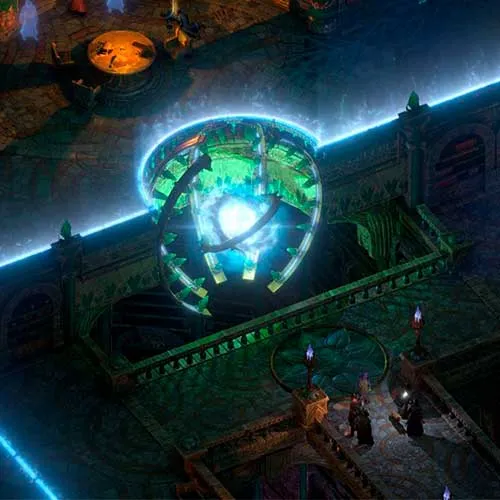
『忘れられた聖域』DLCでは、プレイヤーはデッドファイア諸島の地下に隠された古代の神秘的な要塞へと旅立ちます。この要塞は、強力な魔法のアーティファクトを何世紀にもわたって守り続けてきた、大魔導師のサークルと呼ばれる強力な魔法使い集団の本拠地です。プレイヤーは要塞の危険な通路を進み、その秘密を解き明かしてアーティファクトを手に入れ、その真の力を解き放たなければなりません。

『The Forgotten Sanctum』DLCの大きな特徴の一つは、プレイヤーがアンロックできる新しい呪文とアビリティです。これらの呪文とアビリティはDLC限定で、プレイヤーキャラクターに新たなレベルのパワーと汎用性をもたらします。さらに、このDLCでは新しいアイテム、装備、敵が登場し、プレイヤーはより多くの挑戦と興奮を味わうことができます。没入感のあるストーリー、魅力的なキャラクター、そしてやりがいのあるゲームプレイを備えた『Pillars of Eternity II: Deadfire - The Forgotten Sanctum』は、RPGファンなら誰もがプレイすべき作品です。


  • 請求書は届きますか?
    ご注文いただくと、請求書が自動的に作成されます。

  • 請求書はどこで確認できますか?
    注文が完了すると、請求書は「マイアカウント」(上部バーの右上隅)→「注文履歴」から確認できます。

  • 請求書を編集できますか?
    現在、お客様ご自身でこの操作を行うことはできません。[email protected]までメールにてサポートにお問い合わせください。喜んでお手伝いさせていただきます。より迅速な対応のため、ご注文番号と表示をご希望される関連情報(氏名、身分証明書番号/納税者番号など)をメールにご記入ください。

  • この製品はすべてのプラットフォームに対応していますか?
    いいえ、この製品はSteamプラットフォーム専用です。

  • この商品はどこでも引き換えできますか?
    はい、この製品はグローバル版です。

  • この商品はゲーム、クレジット、サブスクリプション、それともDLCですか?
    本製品はゲームのダウンロードコンテンツ(DLC)であり、基本ゲームは含まれていません。

  • このゲームを新しいハードウェアや新しいコンソールに移行できますか?
    はい、このキーはあなたのSteamアカウントに紐付けられています。

  • この製品をインストールするにあたって、何か特別な手順が必要ですか?
    「アクティベーション」タブをお読みください。

Please follow the steps below to redeem your Steam key:

1) Download and install the Steam client on your PC: https://store.steampowered.com/about/
2) Open the Steam client, log in or create an account if you don't have one, and locate the Games tab on the top menu. Click this and then select "Activate a Product on Steam…"


3) Enter your code into the product activation field


Your game is now viewable in the "Library" tab and is available to download/install when you're ready.
Happy Gaming!

Phill 29/10/2021

I appreciate the wide variety of products available on this website. The user-friendly interface makes shopping enjoyable, and the customer service team is always available to help with any questions or concerns.

レビューを書く

注: HTML は翻訳されません!
Captcha
Review Score: 5 / 5
Phill 29/10/2021

I appreciate the wide variety of products available on this website. The user-friendly interface makes shopping enjoyable, and the customer service team is always available to help with any questions or concerns.

Support