Stronghold 2: Edition (PC Steam Key / Global)
Stronghold 2: Edition (PC Steam Key / Global)
Rating

レビュー
価格
  • $3.05
cards klarna GPay Apple Pay affirm afterpay

公式ライセンス: グローバル | 24時間年中無休の米国サポート | Gamers Outlet - CD Keys

プラットフォーム
Steam PC Steam Key
獲得ポイント
2
在庫状況
在庫あり
サポート
24/7 サポート
配送
無料のデジタル配送
あなたの地域
対応済み

$3.05

即時配信: Stronghold 2: Edition (PC Steam Key / グローバル) Game Key

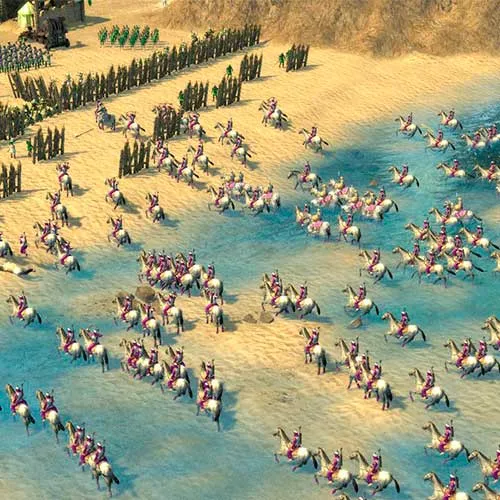
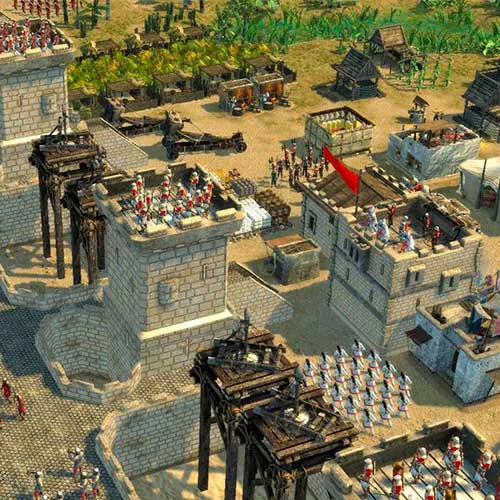
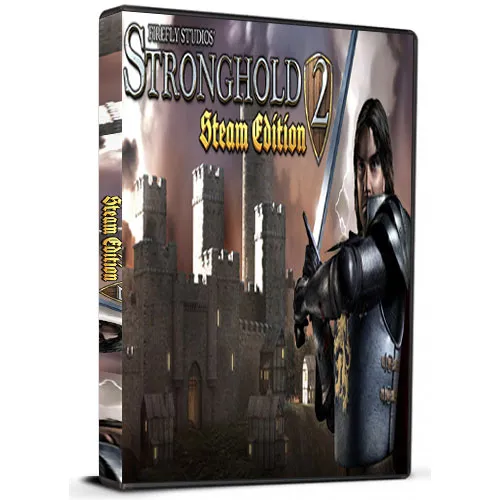
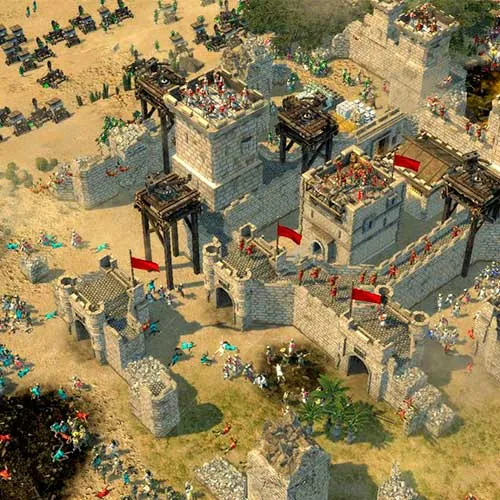
Stronghold 2: Steam Editionは、Firefly Studiosが開発したリアルタイムストラテジーゲームです。オリジナル版Strongholdの続編で、2005年に初リリースされました。Steam Editionには、マップ、実績、マルチプレイヤーモードなどの新コンテンツが含まれています。ゲームの舞台は中世ヨーロッパで、プレイヤーは城を建設・防衛しながら、経済と軍隊を管理する必要があります。このゲームは攻城戦に重点を置いており、プレイヤーは敵の城壁や要塞を破壊して城への侵入を目指します。

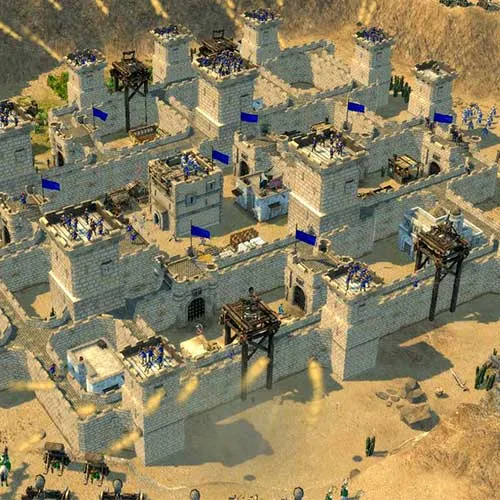
Stronghold 2: Steam Editionの重要な特徴の一つは、城の建設システムです。プレイヤーは様々な建築資材や構造物を使って城を設計・建設できます。これにより、プレイヤーは自分のプレイスタイルに合った、個性的でカスタマイズされた城を作り上げることができます。また、城を守るために使用できる壁、塔、門などの防御施設も豊富に用意されています。プレイヤーは、城の建設と維持に必要な資材を十分に確保できるよう、資源を慎重に管理する必要があります。

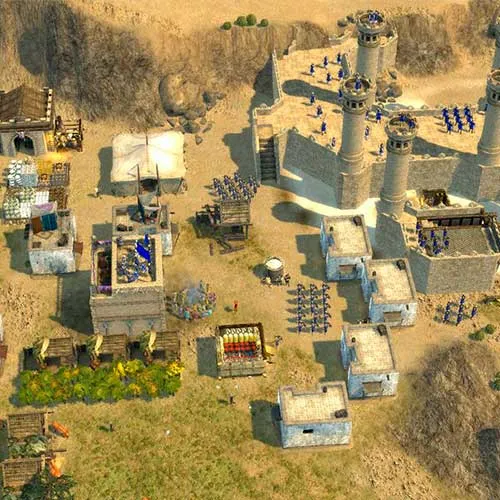
Stronghold 2: Steam Editionは、堅牢な経済システムも特徴としています。プレイヤーは、木材、石材、食料などの資源を管理し、城と軍隊の建設・維持に努めなければなりません。また、他のプレイヤーやAIと交易することで、必要な資源を入手することも可能です。さらに、兵士、弓兵、攻城兵器など、様々なユニットが登場し、城の防衛や敵への攻撃に活用できます。Stronghold 2: Steam Editionは、他に類を見ない城塞建設体験を提供する、没入感とやりがいのあるリアルタイムストラテジーゲームです。


  • 請求書は届きますか?
    ご注文いただくと、請求書が自動的に作成されます。

  • 請求書はどこで確認できますか?
    注文が完了すると、請求書は「マイアカウント」(上部バーの右上隅)→「注文履歴」から確認できます。

  • 請求書を編集できますか?
    現在、お客様ご自身でこの操作を行うことはできません。[email protected]までメールにてサポートにお問い合わせください。喜んでお手伝いさせていただきます。より迅速な対応のため、ご注文番号と表示をご希望される関連情報(氏名、ID番号/納税者番号など)をメールにご記入ください。

  • この製品はすべてのプラットフォームに対応していますか?
    いいえ、この製品はSteamプラットフォーム専用です。

  • この商品はどこでも引き換えできますか?
    はい、この製品はグローバル版です。

  • この商品はゲーム、クレジット、サブスクリプション、それともDLCですか?
    この製品は基本ゲームです。

  • このゲームを新しいハードウェアや新しいコンソールに移行できますか?
    はい、このキーはあなたのSteamアカウントに紐付けられています。

  • この製品をインストールするにあたって、何か特別な手順が必要ですか?
    「アクティベーション」タブをお読みください。

Please follow the steps below to redeem your Steam key:

1) Download and install the Steam client on your PC: https://store.steampowered.com/about/
2) Open the Steam client, log in or create an account if you don't have one, and locate the Games tab on the top menu. Click this and then select "Activate a Product on Steam…"


3) Enter your code into the product activation field


Your game is now viewable in the "Library" tab and is available to download/install when you're ready.
Happy Gaming!

Quite Impressed 17/01/2021

I've made multiple purchases from this website, and each time the process has been smooth and hassle-free. The products are always as described, and the shipping is fast.

レビューを書く

注: HTML は翻訳されません!
Captcha
Review Score: 5 / 5
Quite Impressed 17/01/2021

I've made multiple purchases from this website, and each time the process has been smooth and hassle-free. The products are always as described, and the shipping is fast.

Support