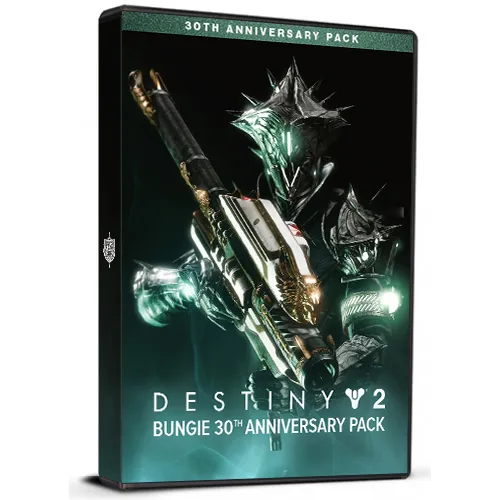
Destiny 2: Bungie 30th Anniversary Pack DLC

Destiny 2: Bungie 30th Anniversary Pack DLC

Waardering:

Beoordelingen
Prijs
  • $2.67
cards klarna GPay Apple Pay affirm afterpay
Platform
Steam Steam
Verdiende punten
3
Beschikbaarheid
Op voorraad
Ondersteuning
24/7 Ondersteuning
Levering
Gratis digitale levering
Uw regio
Ondersteund
$2.67

Beschikbare talen: MEERTALIG

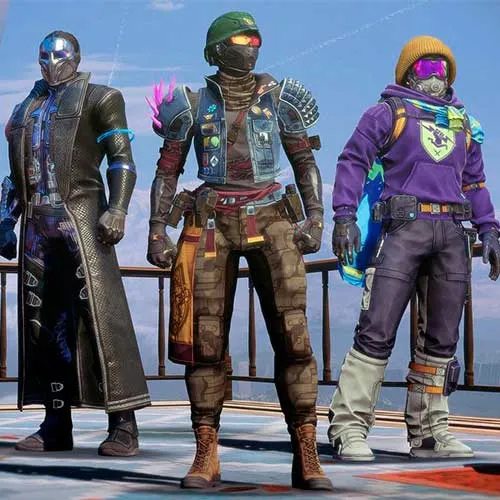
Destiny 2: 30th Anniversary Pack PC - DLC (basisspel vereist) bevat:
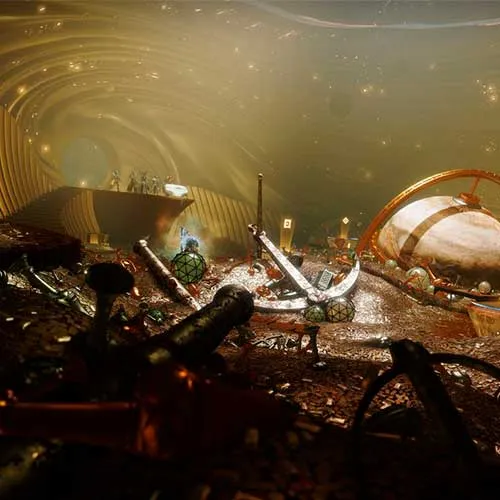
- Nieuwe kerker
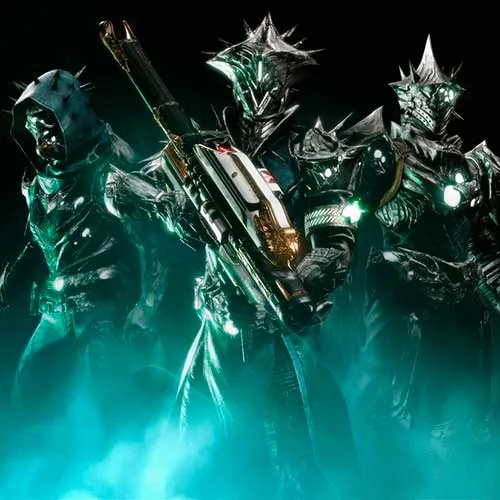
- Gjallarhorn exotische raketwerper, katalysator en ornament
- Nieuwe wapens geïnspireerd door eerdere Bungie-werelden
- Doornenpantserset
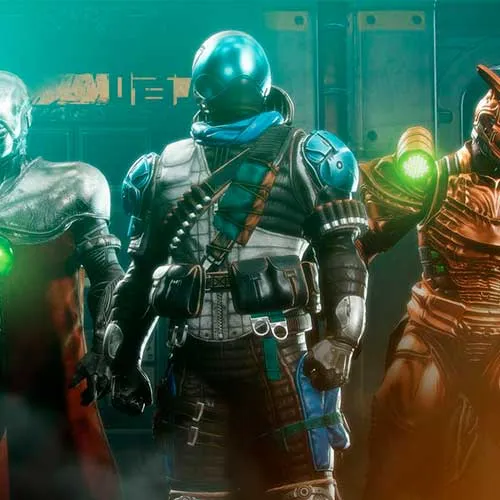
- Bungie Streetwear Ornamentenset
- Ornamentenset met marathonthema
- Uniek helmornament
- Exotische mussen
- Exotisch schip
- Emblemen, shaders, emotes en meer


  • Krijg ik een factuur?
    De factuur wordt automatisch gegenereerd wanneer u een bestelling plaatst.

  • Waar kan ik mijn factuur vinden?
    Zodra de bestelling is voltooid, is de factuur beschikbaar onder 'Mijn account' (rechtsboven in de bovenste balk) -> 'Bestelgeschiedenis'.

  • Kan ik mijn factuur bewerken?
    Momenteel kunt u dit niet zelf doen. Neem contact op met onze support via e-mail op [email protected], en we helpen u graag verder. Voor een sneller proces, vermeldt u het ordernummer en alle relevante informatie die u wilt laten zien (zoals uw naam, ID/belastingnummer, etc.).

  • Is dit product voor elk platform?
    Nee, dit product is specifiek voor het Steam-platform.

  • Kan ik dit product overal inwisselen?
    Ja, dit product is een wereldwijde versie.

  • Is dit product een game, tegoed, abonnement of DLC?
    Dit product is de DLC van het spel en bevat niet het basisspel.

  • Kan ik dit spel overzetten naar nieuwe hardware of een nieuwe console?
    Ja, deze sleutel is gekoppeld aan uw Steam-account.

  • Is er een specifieke manier om dit product te installeren?
    Lees het tabblad 'Activering'.

Please follow the steps below to redeem your Steam key:

1) Download and install the Steam client on your PC: https://store.steampowered.com/about/
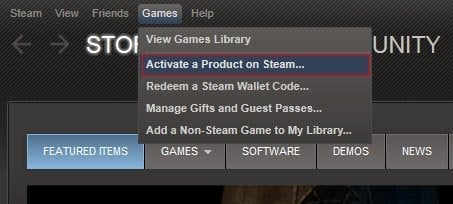
2) Open the Steam client, log in or create an account if you don't have one, and locate the Games tab on the top menu. Click this and then select "Activate a Product on Steam…"


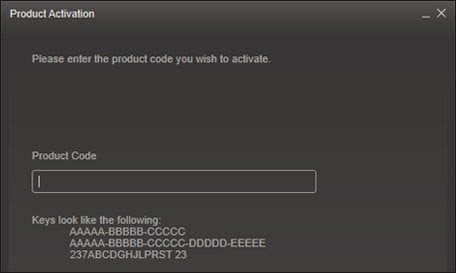
3) Enter your code into the product activation field


Your game is now viewable in the "Library" tab and is available to download/install when you're ready.
Happy Gaming!

Nico 24-11-2022

I love shopping on this website! The variety of products available is amazing, and the customer support team is always there to help if I have any questions or concerns.

Geef beoordeling

Note: HTML-code wordt niet vertaald!
Captcha
Review Score: 5 / 5
Nico 24-11-2022

I love shopping on this website! The variety of products available is amazing, and the customer support team is always there to help if I have any questions or concerns.