

























如果您想大量购买,请联系 [email protected]
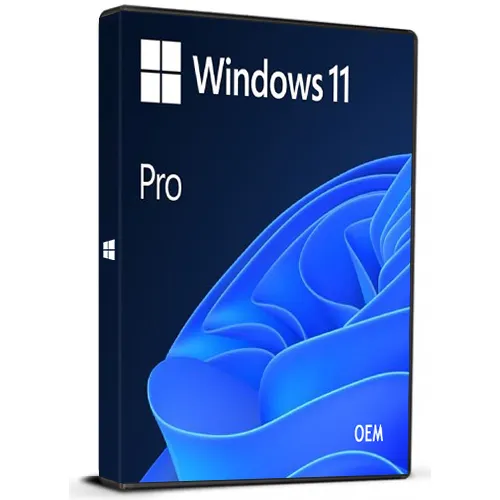
OEM 版本
该密钥可用于已激活但运行正常的Win10专业版系统,也可用于全新安装的Windows 10专业版系统。
不能用于升级Win10家庭版 - 我们可以提供升级说明。
如果重新安装/格式化操作系统,只有将此密钥与您的 Microsoft 帐户关联后才能再次使用此密钥(我们可以发送说明)。
COA标签打印件可根据您的要求扫描并发送给您(需额外收费)。
请及时使用这些代码。
Windows 10 Pro(终身许可证——全球版)

Windows 10 Pro(终身许可证——全球版)
評級

評論
價格
  • $5.30
cards klarna GPay Apple Pay affirm afterpay

官方授权: Global | 7x24小时美国支持 | Gamers Outlet - CD Keys

平台
Microsoft Lifetime License
獲得的積分:
4
可用性
有貨
支援
24/7 支援
交付
免费数字交付
您的地区
支持
可用选项 Windows 10 options

$5.30

即时发货: Microsoft Windows 10 Pro (Lifetime License / Global) Game Key

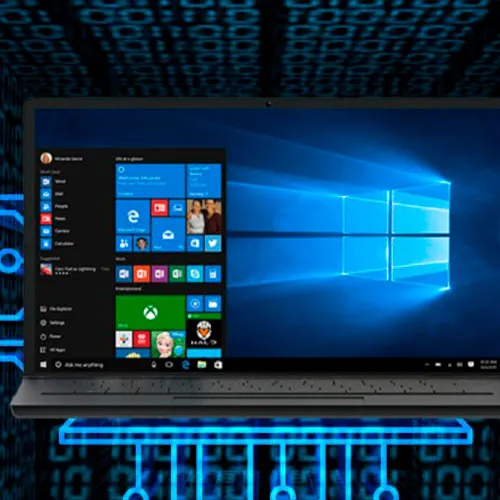
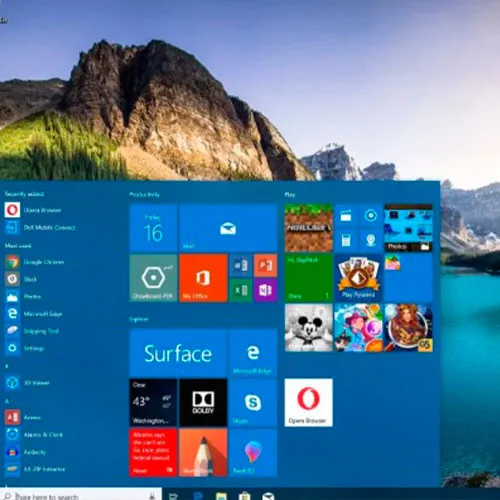
Windows 10 Pro 将是您出色的商业伙伴。它不仅具备 Windows 10 Home 的所有功能,还增加了 加密、远程登录、创建 虚拟机等重要的商业功能。 体验快速启动、既熟悉又功能更强大的“开始” 菜单,以及高效完成任务的全新方式,此外还有创新功能,例如专为在线操作打造的全新浏览器,以及更贴心的数字助手——Cortana。

本产品是 Microsoft Windows 10 Pro 的 OEM 版本 

下载链接:https://www.microsoft.com/en-us/software-download/windows10

若要在您的PC上安装该软件,请按照此处的说明操作。

若在激活您的 Windows 密钥时遇到问题,请使用以下任一方法:

方法一:

下载链接:https://www.microsoft.com/en-us/software-download/windows10
在可启动设备(如DVD或U盘)上下载安装套件介质创建工具。
完成 Windows 安装后:

1. 进入“设置”

2. 选择“更新和安全”

3. 找到“激活”

4. 选择“激活”或“更改产品密钥”

5. 输入已购买的产品密钥

6. Windows 10 Pro 已可正常使用

方法 2:

1. 点击“开始”图标,然后打开“设置”,选择“更新与安全”,接着选择“激活”。

2. 选择“通过电话激活”选项。

3. 点击下拉菜单,选择您的国家/地区,然后点击“下一步”。

4. 拨打免费电话号码,并按照提示生成确认 ID 以激活您的 Windows。

方法 3:

1. 长按“Windows”键,然后按下键盘上的“R”键。

2. 在弹出的窗口中输入“SLUI 4”,然后按回车键。

3. 点击下拉菜单,选择您的国家/地区,然后点击“下一步”。

4. 拨打免费电话号码,并按照提示生成确认ID以激活您的Windows。

有关手机激活的更多信息,请点击此处。

  • 我会收到发票吗?
    订单提交后,系统将自动生成发票。

  • 我的发票在哪里可以找到?
    订单完成后,发票将在“我的账户”(顶部栏右上角)->“订单历史记录”中提供。

  • 我可以修改我的发票吗?
    目前您无法自行操作。请发送电子邮件至 [email protected] 联系我们的客服,我们将竭诚为您提供帮助。为了加快处理速度,请在邮件中提供订单号以及您希望显示的任何相关信息(例如您的姓名、身份证/税号等)。

  • 我可以在macOS上安装这个吗?
    不,本产品不支持MacOS。

  • 我可以在哪里兑换这个产品?
    是的,本产品为全球版本。

  • 我可以将此产品转移到新的硬件上吗?
    不,该代码仅适用于一台电脑或一次安装——如果您卸载或重新安装,可能需要购买新的代码。

  • 安装这款产品有什么特定方法吗?
    该密钥可在未激活的 Windows 10 专业版系统或全新安装的 Windows 10 专业版系统上使用。
    更多信息,请阅读“激活”选项卡。

  • 我可以使用此密钥直接从 Windows 10 家庭版升级吗?
    该密钥不能用于从 Windows 10 家庭版升级。
    如需了解如何从 Windows 10 家庭版升级到专业版,请联系我们的支持团队 [email protected]。

  • 如果我需要该产品的COA标签怎么办?
    如有需要,我们可以扫描 COA 标签打印件并发送给您,但需额外收费。

Download link: https://www.microsoft.com/en-us/software-download/windows10

In order to install the software on your PC, please follow the instructions here.

In case of an issue with activating your Windows key, please use one of the methods:


Method 1:

After Windows installation

1. Go to "Settings''

2. Select "Update & Security"

3. Find "Activation"

4. Select "Activate" or "Change Product Key"

5. Enter your windows product key


Method 2:

1. Click on ”Start” icon , then open ”Settings”, choose ”Update & security”, and then select ”Activation”.

2. Choose the ”Activate by phone” option.

3. Click the drop-down menu, select your country, and then click ”Next”.

4. Call the Toll free number and follow instructions to generate confirmation ID to activate your Windows.


Method 3:

1. Press and hold "Windows" key and press "R" on your keyboard.

2. Type "SLUI 4" in the window that pops up and press enter.

3. Click the drop-down menu, select your country and then click Next.

4. Call the Toll free number and follow instructions to generate confirmation ID to activate your Windows.

More information regarding phone activation can be found here.

Zdruzenie ESE 27/08/2026

Great and Quick Service

Timothy Kim 21/08/2026

Code works perfectly and was received quickly. Absolutely recommend.

Kacey 03/08/2026

Simple and works, finally got rid of that stupid message.

J. D. 18/07/2026

Code worked with prompt support.

Edward Nash 17/07/2026

Copied and pasted code and instant success. Would highly recommend and a fraction of the price of others. Excellent

寫評論
注意: HTML 未翻譯!
Captcha
Review Score: 5 / 5
Zdruzenie ESE 27/08/2026

Great and Quick Service

Timothy Kim 21/08/2026

Code works perfectly and was received quickly. Absolutely recommend.

Kacey 03/08/2026

Simple and works, finally got rid of that stupid message.

J. D. 18/07/2026

Code worked with prompt support.

Edward Nash 17/07/2026

Copied and pasted code and instant success. Would highly recommend and a fraction of the price of others. Excellent

Support