Please follow below mentioned steps:
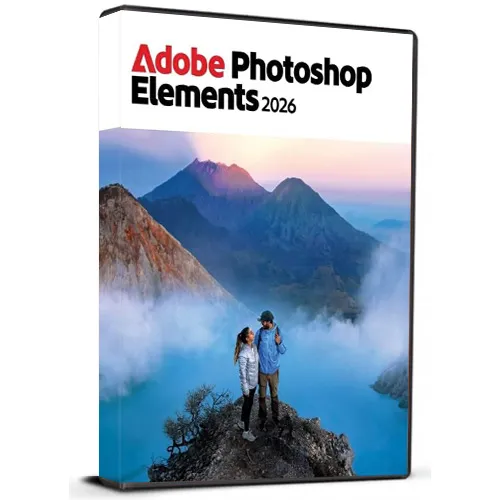
1. Download the Software Download link: Download Adobe Photoshop 2026 ZIP
Please note: You need to download the ZIP folder first. After the download is complete, you must extract (unzip) the ZIP folder using WinRAR, 7-Zip, or the Windows default extractor.
2. Extract the ZIP Folder
Step 1: Locate the downloaded ZIP file on your windows computer.
Step 2: Right-click the ZIP file.
Step 3: Choose Extract All... (Windows) or use WinRAR / 7-Zip and select an extraction option.
Step 4: Wait until the extraction is finished.
Step 5: Open the newly created extracted folder.
Important: Do not start the installation directly from inside the ZIP file. The software must be installed from the fully extracted folder. Starting the installer from the ZIP folder may cause the installation to fail or not work correctly.
3. Start the Installation
Step 1: Open the extracted folder.
Step 2: Locate the installation/setup file provided in the folder.
Step 3: Double-click the setup/installer and follow the on-screen installation instructions.
Step 4: Allow the installer to complete before launching the application.
4. You may refer to Video Installation Guide Link
If you prefer a visual walkthrough, use the video guide above and follow the same extraction and installation steps shown in this PDF.
✓ Download the ZIP folder
✓ Wait for the download to finish
✓ Extract the ZIP using Windows Extract All, WinRAR, or 7-Zip
✓ Open the extracted folder
✓ Start installation from the extracted folder
✗ Do NOT install directly from inside the ZIP folder










































 Lifetime License