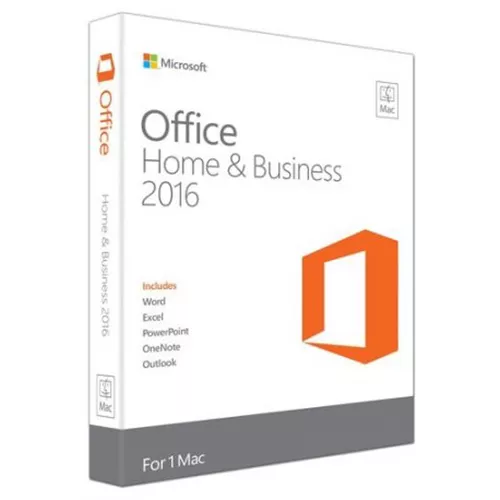
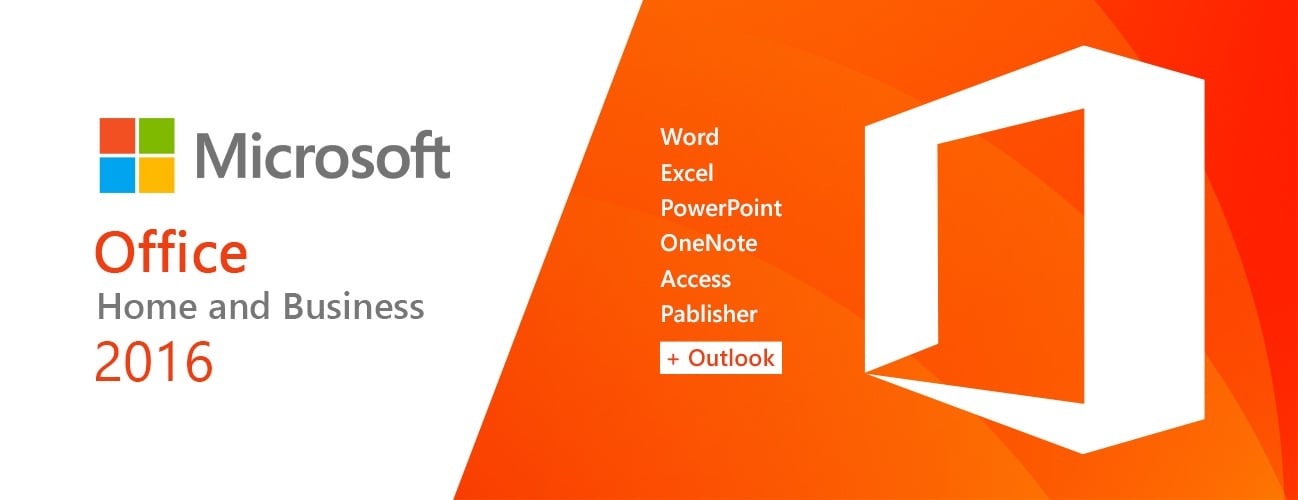
微软 Office 2016 家庭和商业版 (Mac / 账户绑定许可证) (终身许可证 / 全球版)
- $13.79
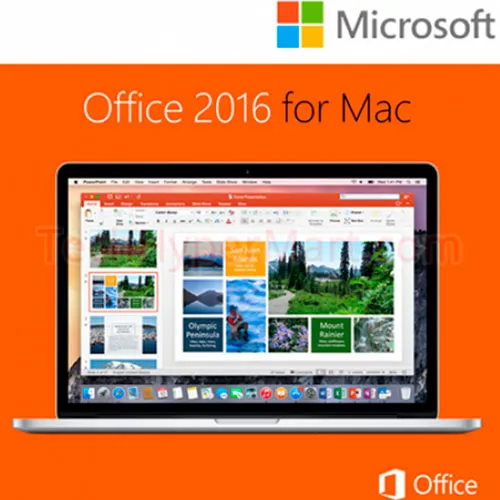
适用于 Mac 的 MS Office 家庭和商业版 2016 专为希望拥有 Office 功能并能像 Outlook 一样处理电子邮件、日历和联系人的用户和小型企业而设计。它保留了您熟悉和信赖的 Office 的经典元素,并进行了更新,充分利用了 Mac 的最新功能,包括 Retina 显示屏和全屏视图。
由于 Microsoft Office for MacOS 最近进行了更新,我们建议您在继续操作之前查看激活选项卡。
兼容系统:Mac OS X,您必须运行 Mac OS X 10.15 (Catalina) 或更高版本。
激活说明:
与其他网站不同,我们的代码可以在官方激活网站上使用: https://setup.office.com/
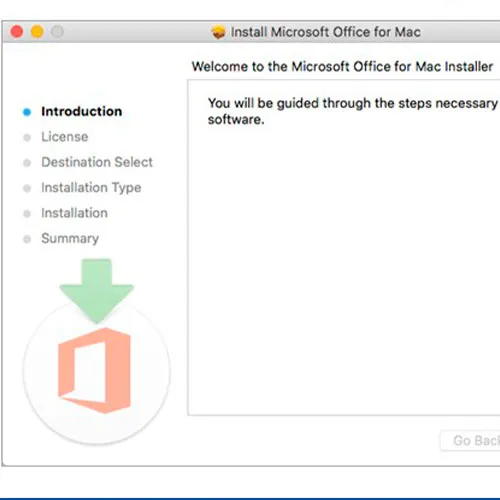
Please redeem your code here: setup.office.com
It will let you download the installer for your Mac.
Notice:
At the end of the installation a window may appear stating that an Office upgrade is required.
Please note that selecting this option will upgrade your installation to Office 365/2024, which will prevent you from fully activating Office 2016/2019.
If you attempt to log in after this upgrade, Office will not be able to locate a valid license for your current installation.
This is due to recent updates, which require an Office 2021/2024 license or an active Office 365 subscription (version 16.90 and later).
To avoid this, skip any Office updates offered during the installation process.
Also, uncheck the option to "Automatically keep Microsoft apps up to date.
" After that, simply click the red "X" at the top left of the window, log in with your Microsoft account, and complete the activation process.

Windows 10 专业版是您理想的商务伙伴。它不仅拥有 Windows 10 家庭版的所有功能,还新增了加密、远程登录、创建虚拟机等重要的商务功能。它启动速度快,拥有熟悉而又功能更强大的“开始”菜单,以及更多高效完成任务的新方式,此外还包含诸多创新功能,例如专为在线操作而打造的全新浏览器和更加个性化的数字助理 Cortana。 下载链接: https://www.microsoft.com/en-us/software-download/windows10如果您在激活 Windows 密钥时遇到问题,请使用以下方法之一:方法一:下载链接: https://www.microsoft.com/en-us/software-download/windows10将安装工具包媒体创建工具下载到可启动设备(例如 DVD 或 U 盘)上。 Windows安装完成后: 1. 进入“设置” 2. 选择“更新和安全” 3. 找到“激活” 4. 选择“激活”或“更改产品密钥” 5. 插入购买的钥匙6. Windows 10 专业版运行正常方法二: 1. 点击“开始”图标,然后打开“设置”,选择“更新和安全”,然后选择“激活”。 2. 选择“ 通过电话激活”选项。 3. 点击下拉菜单, 选择你的国家,然后点击“下一步”。 4. 拨打免费电话,按照说明生成确认 ID 以激活您的 Windows。方法三: 1. 按住“Windows”键,然后按键盘上的“R”键。 2. 在弹出的窗口中输入“SLUI 4” ,然后按回车键。 3. 点击下拉菜单, 选择您的国家/地区,然后点击下一步。 4. 拨打免费电话..
$9.19
全球已有超过10亿台活跃设备安装了Windows 11。它是最新、最安全、功能最齐全的Windows版本,而我们的Windows 11家庭版CD密钥OEM版,让您今天就能以极低的价格安装它。 Windows 11 家庭版是什么意思?我们的 Windows 11 家庭版 CD 密钥 OEM 将为您提供最流行、最常用的 Windows 版本。它专为家庭用户设计,具备您日常使用 Windows 所需的所有功能,确保一切运行顺畅。专业版增加了一些额外功能,例如: · 云域 · 组策略编辑器 · BitLocker驱动器加密这些功能对于家庭用户来说并非必需。所以,使用我们的 Windows 11 家庭版 CD 密钥,您可以体验到所有最佳功能和最新更新,无需选择专业版。您可以获取全球通用的 Windows 11 激活密钥,并在世界任何地方享受使用此版本。 OEM是什么意思? OEM 代表原始设备制造商。OEM 密钥通常价格较低,因为它们最初是作为成套设备的一部分与其他设备一起销售的。家庭用户或企业用户都可以毫无问题地使用这种数字许可证密钥。关于我们提供的 Windows 11 家庭版 CD 密钥 OEM,需要注意以下几点: · OEM密钥与设备绑定,因此无法在其他电脑上激活。 · 每个主板只能激活一次OEM密钥。即使您升级了电脑,更换了主板,也需要另一个密钥。 · OEM许可证不能用于升级/降级操作系统。您必须全新安装Windows系统。 Windows 11 家..
$4.59
Windows 11 专业版零售版 CD 密钥是您体验微软最新最强大操作系统的通行证。这款软件彻底改变了用户、企业和开发者的工作方式。本文将探讨您需要了解的关于 Windows 11 专业版的所有信息,并将其与其他热门软件(例如 Microsoft Office 365 家庭版一年 CD 密钥、Office 2021 专业增强版 CD 密钥和 Windows 11 家庭版 OEM CD 密钥)进行比较,以及如何激活您的 Windows 11 专业版零售版 CD 密钥。 Windows 11 专业版:下一代 Windows Windows 11 专业版相比其前身 Windows 10,带来了一系列全新的功能和改进。凭借其简洁的设计、重新设计的开始菜单和强大的性能提升,Windows 11 专业版是专业人士和高级用户的理想操作系统。其中一项亮点功能是“窗口分屏”布局,它能让您轻松整理打开的窗口,像专业人士一样进行多任务处理。您还会爱上“虚拟桌面”功能,它允许您为不同的任务创建独立的工作区,让保持井然有序变得前所未有的轻松。 Windows 11 专业版与其他微软产品相比如何?现在,让我们一步步来看看 Windows 11 专业版与其他热门微软产品相比如何: Microsoft Office 365 家庭版 1 年 CD 密钥Microsoft Office 365 家庭版是一项订阅服务,提供最新版本的 Word、Excel、PowerPoint、Outlook 等办公软件。它非常适合家庭使用,最多可供六位用户共享全套 Microsoft Office 应用程序。虽然 Office ..
$10.34
| IAN PAGET | 08/08/2025 |
uploaded and works!!! once i Uninstall newer versions and stop all updates. perfect |
|
| Victorm | 27/06/2025 |
Funcionó perfecto en una mac viejita con sistema operativo 12.7.6 Monterrey |
|
| Joel Huveneers EI | 07/05/2025 |
Très efficace! Pour 12euros, j'ai récupéré word et excel, sur mon macbook pro Catalina, merci! |
|
| Jose Andres | 06/04/2025 |
Todo bien con el pago y la entrega de la key hay que tener un poco de paciencia mientras esperas el correo de la confirmación, lo que si falta es información al momento de la activación ni hablar de encontrar el link de descarga en la página de Microsoft, recomendado |
|
| Kevin Pereira | 18/03/2025 |
Hey im from Panama and I just give it a try and guess what, it worked and very fast so I will give 100% of credibility for this website, thank you! |
|