即时激活: Microsoft Office 365 Business Standard (1 Year License) (Subscription / Europe) CD Key
隆重推出 Microsoft 365 商业标准版——专为提升团队效率而设计的终极协作工具集。借助全新 Word、Excel 和 PowerPoint 等一系列增强型应用程序,以前所未有的方式实现团队协作、沟通和创作。在撰写报告、设计引人入胜的演示文稿和整理财务数据时,体验更快、更高效的工作流程。Microsoft 365 商业标准版助力您充分释放团队潜力,让工作不仅更高效,更充满乐趣。
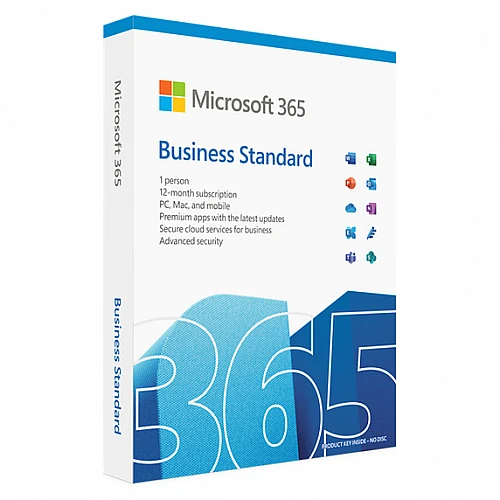
此 Microsoft 365 商业标准版套餐包含 1 年订阅。
为您的团队配备在当今快节奏的商业环境中蓬勃发展所需的工具。借助 Microsoft 365 商业标准版,协作、创新并共同成长。
您可以在最多五台 PC 或 Mac、五台平板电脑和五台移动设备上安装 Microsoft 365 应用。
总共,这意味着您最多可以拥有 15 台设备,包括移动设备和平板电脑。
此许可证仅限单个用户使用。
适用于 Windows | Mac | Android | iOS
- 我会收到发票吗?
订单提交后,系统将自动生成发票。
- 我的发票在哪里可以找到?
订单完成后,发票将在“我的账户”(顶部栏右上角)->“订单历史记录”中提供。
- 我可以修改我的发票吗?
目前您无法自行操作。请发送电子邮件至 [email protected] 联系我们的客服,我们将竭诚为您提供帮助。为了加快处理速度,请在邮件中提供订单号以及您希望显示的任何相关信息(例如您的姓名、身份证/税号等)。
- 我可以在macOS上安装这个吗?
是的,本产品支持 macOS、Windows、iOS 和 Android 系统。
- 我可以在哪里兑换这个产品?
不,该产品只能在欧洲激活。
如果您居住在欧洲以外的地区,可以使用 VPN 激活产品。(如需了解具体操作方法,请联系 [email protected]。)
- 我可以将此产品转移到新的硬件上吗?
是的,这个密钥可以绑定到您的微软账户。
- 安装这款产品有什么特定方法吗?
请阅读“激活”选项卡。
- 如果我需要该产品的COA标签怎么办?
如有需要,我们可以扫描 COA 标签打印件并发送给您,但需额外收费。
A Microsoft account is required to activate the license. It can be
created for free via the link below. (It is necessary to create an account
through the given link, the license cannot be activated on a personal Microsoft
account created on the website https://microsoft.com)
1. On your PC or Mac, go to Here
2. Enter the 25-digit code that you will find in the email you
received when you purchased the electronic license, or on the back of the
product card if you purchased the boxed version.
3. Create a new account or log in using a company account (e.g.
mailto:[email protected]). Write down your account information so you can
use Microsoft 365 on all your devices and manage your account at any time.
4. Follow the on-screen instructions to start using Microsoft 365.
See https://aka.ms/smbsetup for help with these steps
Take advantage of more benefits:
1. Go to https://admin.microsoft.com and:
Install the software on another device.
Manage your subscription.
Add, edit or remove user accounts.
Reset passwords.
2. For more help and information, visit https://aka.ms/exploresmb












































 Subscription


