如果您想大量购买,请联系 [email protected]
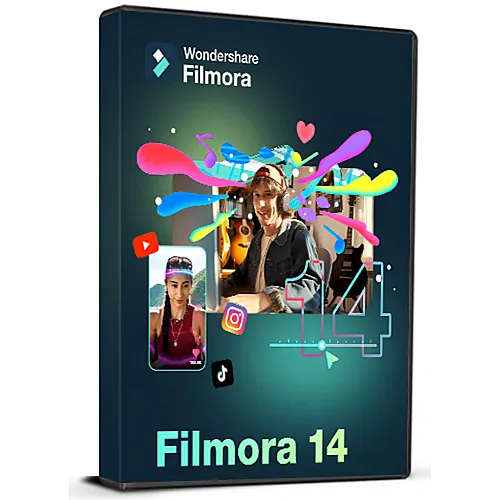
Wondershare Filmora 14 Video Editor (1 PC / Windows) (Lifetime License / Global)

Wondershare Filmora 14 Video Editor (1 PC / Windows) (Lifetime License / Global)

評級

評論
價格
  • $47.19
cards klarna GPay Apple Pay affirm afterpay

官方授权: Global | 7x24小时美国支持 | Gamers Outlet - CD Keys

平台
Wondershare Lifetime License
獲得的積分:
30
可用性
有貨
支援
24/7 支援
交付
免费数字交付
您的地区
支持

$47.19

即时激活: Wondershare Filmora 14 Video Editor (1 PC / Windows) (Lifetime License / Global) CD Key

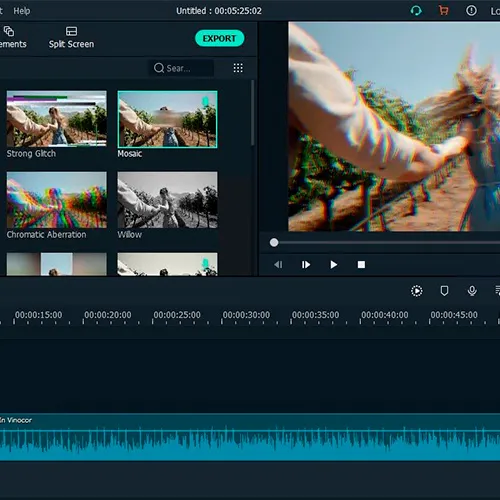
Wondershare Filmora 14是一款功能强大且易于使用的视频编辑软件,专为追求专业级编辑功能和直观界面的 Windows 用户而设计。此终身授权适用于一台 PC,让您永久使用 Filmora 14 的所有功能,无需支付任何续订费用。


主要特点:

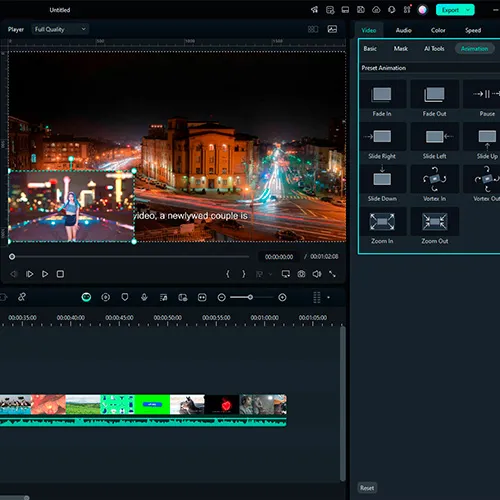
  • AI 驱动的视频编辑工具,包括 AI 图像生成、AI 音乐生成器、AI 贴纸生成器、AI 自动剪切、AI 视频/照片对象移除和 AI 智能遮罩。
  • 流畅的性能针对高清、4K 甚至 8K 视频编辑进行了优化。
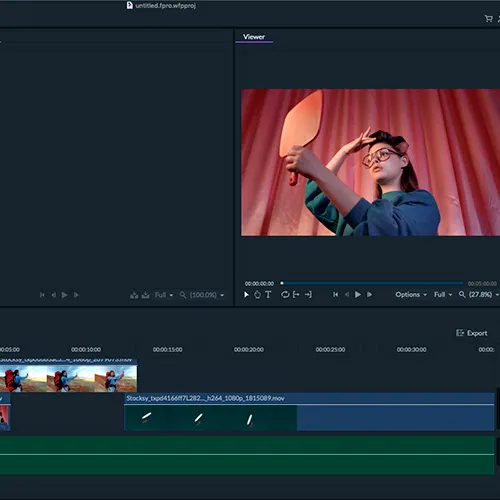
  • 全面的编辑工具包:裁剪、平移、缩放、合成、速度控制、倒放、标记、分组编辑、定格帧和可自定义背景。
  • 支持多机位剪辑、运动跟踪、视频防抖和色度键(绿幕)抠像。
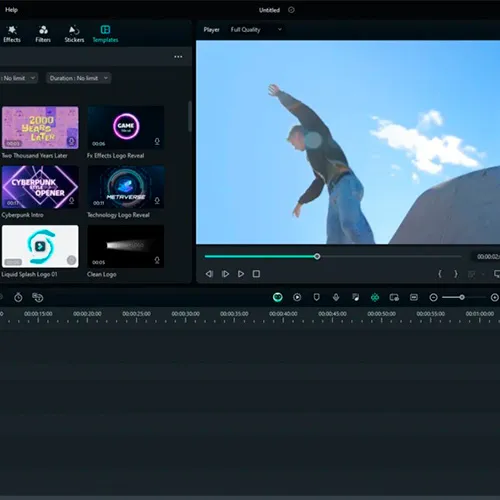
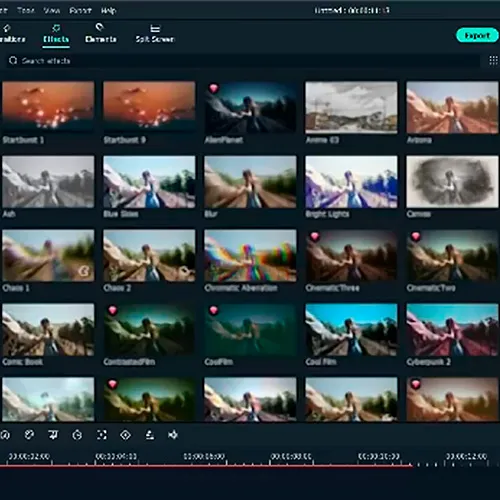
  • 庞大的特效、转场、免版税音乐、音效和创意资源库。
  • 支持多种媒体输入/输出格式,包括 MP4、MOV、MKV、AVI、TS、GIF 等,并兼容 4K 和 8K 视频。
  • 系统兼容性:Windows 7、8.1、10 和 11(64 位),最低配置要求:英特尔第六代或 AMD Ryzen 3 处理器、8 GB 内存(建议 16 GB)以及 2 GB 显存的 GPU(高清/4K 建议 4 GB)。
  • 支持人工智能生成的创意内容,以提升故事讲述和视频制作质量。


许可:

  • 一次性终身许可,可在单台 Windows PC 上安装和使用。
  • 购买的主要版本可享受免费更新。
  • 无需每月或每年订阅即可完全访问 Filmora 14 的所有功能。
  • 这使得 Wondershare Filmora 14 成为视频创作者的绝佳选择,他们希望获得具有 AI 增强功能、丰富的媒体效果且无需支付任何额外费用的专业编辑功能。
  • 我会收到发票吗?
    订单提交后,系统将自动生成发票。

  • 我的发票在哪里可以找到?
    订单完成后,发票将在“我的账户”(顶部栏右上角)->“订单历史记录”中提供。

  • 我可以修改我的发票吗?
    目前您无法自行操作。请发送电子邮件至 [email protected] 联系我们的客服,我们将竭诚为您提供帮助。为了加快处理速度,请在邮件中提供订单号以及您希望显示的任何相关信息(例如您的姓名、身份证/税号等)。

  • 我可以在macOS上安装这个吗?
    不,本产品不支持MacOS。

  • 我可以在任何地方兑换此产品吗?
    是的,本产品为全球版本。

  • 我可以将此产品转移到新的硬件上吗?
    不,该代码仅适用于一台电脑或一次安装——如果您卸载或重新安装的次数超过一次,则可能需要购买新的代码。

  • 安装这款产品有什么特定方法吗?
    请阅读“激活”选项卡。

Wondershare Filmora 14 – Lifetime Activation Guide (1 PC)


Step 1 – Redeem Your License

  • Go to: https://www.wondershare.com/
  • Sign in with your Wondershare account (or create a new one).
  • Once logged in, go to Account Center → Redeem Membership.
  • Enter your license key and confirm.

Step 2 – Download & Install Filmora 14

Step 3 – Sign In & Activate

  • Open Filmora 14.
  • Click the Account/Profile icon (top-right corner).
  • Select Sign In and log in with the same account you used for redemption.
  • The license will be automatically applied
Jhon Carlos Sierra Ayala 20/06/2026

Compre este producto, seguí los pasos de instalación y todo funciono.

Jhon Carlos Sierra Ayala 20/06/2026

Compre la licencia de filmora 14 realice los pasos y el programa quedo activado de inmediato.

寫評論

注意: HTML 未翻譯!
Captcha
Review Score: 5 / 5
Jhon Carlos Sierra Ayala 20/06/2026

Compre este producto, seguí los pasos de instalación y todo funciono.

Jhon Carlos Sierra Ayala 20/06/2026

Compre la licencia de filmora 14 realice los pasos y el programa quedo activado de inmediato.

Support